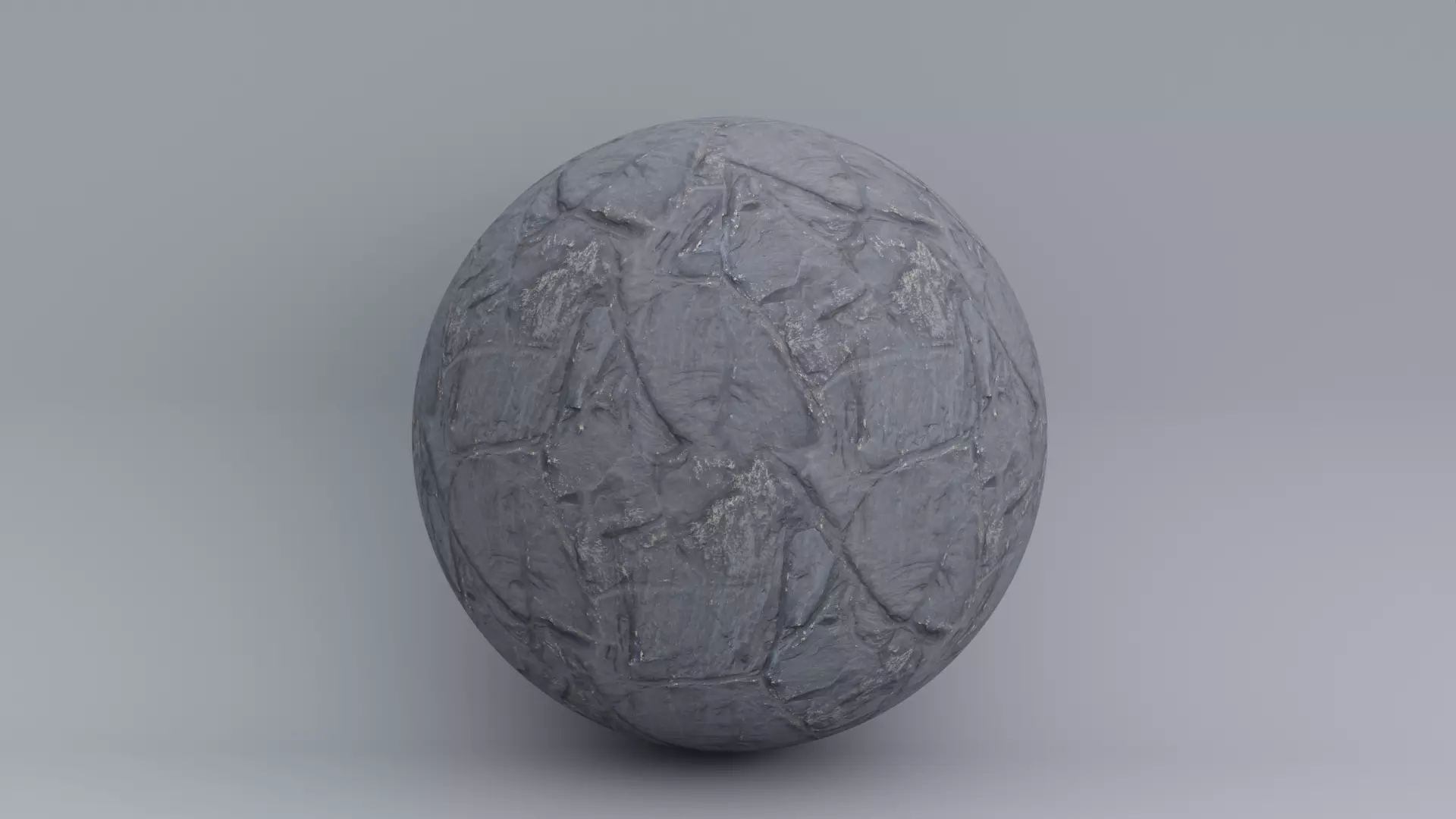
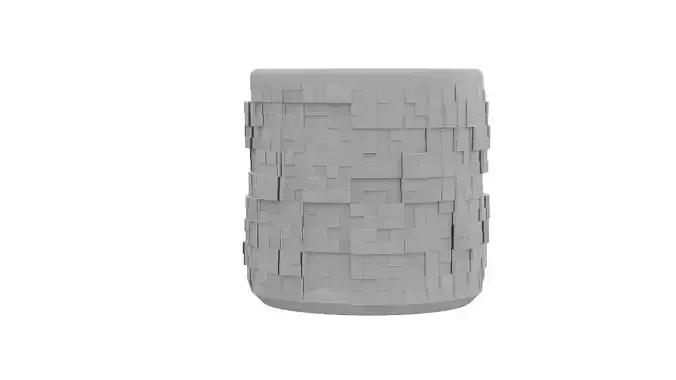
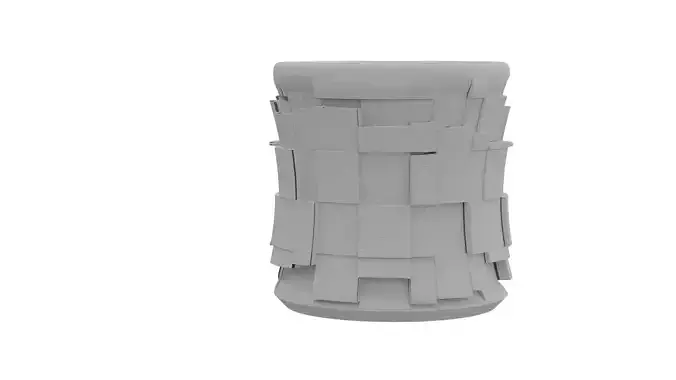
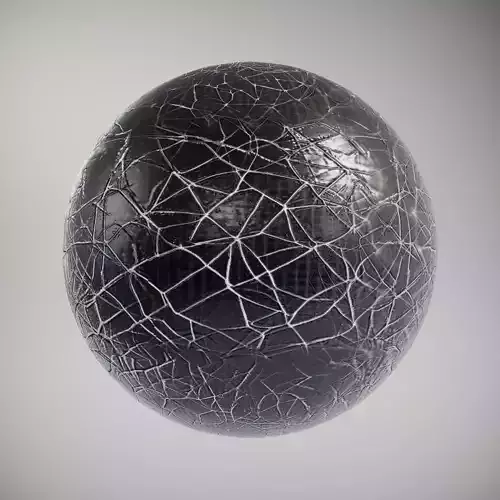
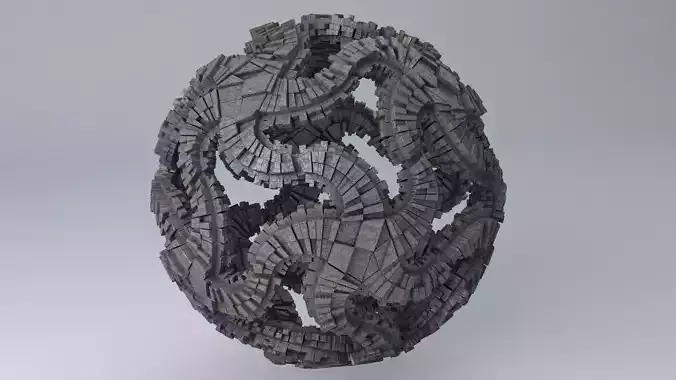
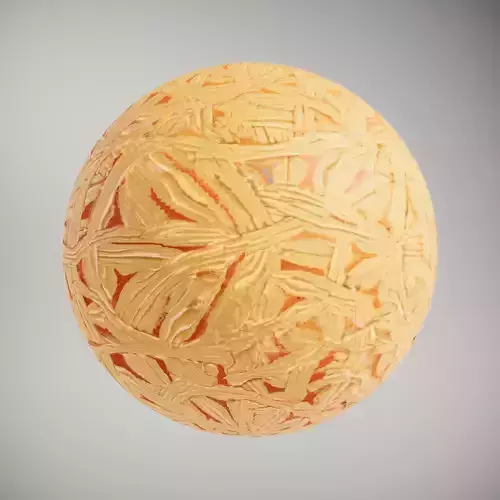
This is a material created from real world images.
The zip file of this material contains the texture maps required to assemble this shader. These are the files included in the zip file:
[
- photogammetryStone#1_diffuse
- photogammetryStone#1_ao,
- photogammetryStone#1_bumpMap
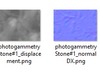
- photogammetryStone#1_displacement
- photogammetryStone#1_normalDX
- photogammetryStone#1_normalGL
- photogammetryStone#1_PropertyMapl
- photogammetryStone#1_roughness]
You can see a screenshot preview of all these image maps attached below.
All image texture maps are seamless, 3927 x 2838 pixels size.
How to use this material:
- Connect map #1 (diffuse) to the base color of your material.
- Connect map #2 (AO) to the AO input.
- Connect map #3 (bumpMap) to the bump map input.
- Connect map #4 (displacement) to the displacement/height map input.5, 6. Connect either [normalDX or normalGL] to the normal map input of your material. You may use either of them depending on what 3D software you use.
- PropertyMap: this map is optional. It contains baked in AO, roughness and Height data in Red, Green and Blue channels respectively.
- Connect the roughness map to the roughness input of your material. For spec/smoothness workflows instead of metal/rough you may simple invert this map.
Photogammetry Stone #1 CC 2024 by zforged is licensed under CC BY-SA 4.0
For any enquiries, or custom requests feel free to contact me at zforged@gmail.com