DESCRIPTION

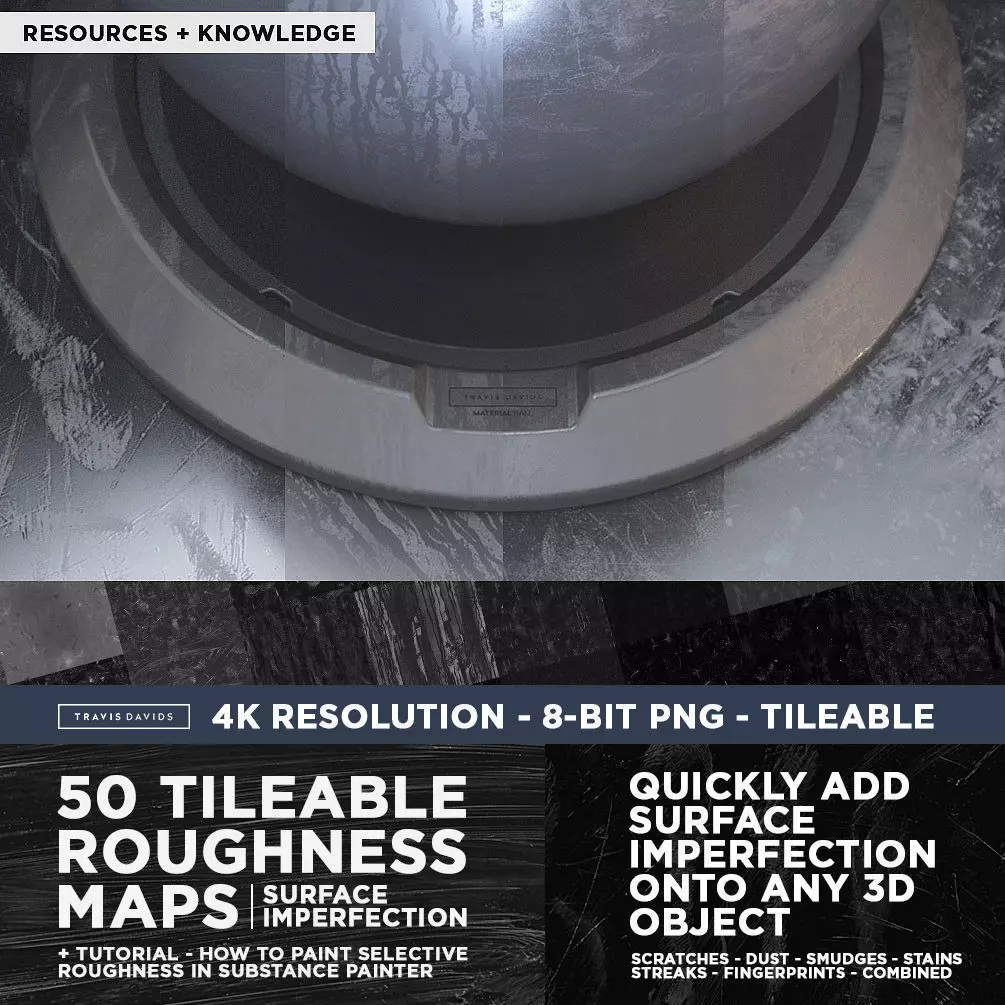
QUICKLY ADD SURFACE IMPERFECTION ONTO ANY 3D MODEL

WHAT'S INCLUDED?

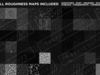
  • 50 Tileable Roughness Maps – 8-Bit PNG – 4096 x 4096
  • Tutorial – How to Paint Selective Roughness in Substance Painter
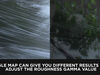
  • Tutorial - Setting Up and Using My Roughness Maps in Cinema 4D and Octane Render
7 Categories of Roughness Maps

  • Combined (Dust, Dirt, Scratches, Smudges, Stains, Fingerprints)
  • Scratches
  • Streaks
  • Smudges
  • Dust
  • Stains
  • Fingerprints

In reality perfectly clean surfaces do not exist. Even the cleanest surfaces contain imperfections. Whether its subtle scratches from wiping a surface or fingerprints left on a surface from dirty hands.

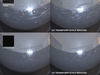
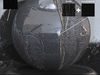
To push more towards realism within the 3D realm, roughness maps help us to add surface imperfection onto 3D surfaces. Since these are regular roughness maps they can be used in any 3D program.

I’ve designed 50 roughness maps for creating surface imperfection that you can start using in your scenes to save you some time and get that surface imperfection that can help push your 3D models closer towards realism.

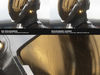
The roughness maps can also be used in Substance Painter where you can paint roughness directly onto your 3D model. This allows you to mix and match roughness maps together to get varied and interesting results. A full tutorial is included showing you how I use my roughness maps in Substance Painter.

PLEASE NOTE!!!!!

Even at 4K resolution these maps are not ultra crisp and sometimes look like upscaled 2K maps. This is due to camera limitations, i couldn't extract the highest quality from the photos. This is why i have recommended tiling the roughness map to make it smaller to obtain better quality. I wouldn't recommend these maps for extreme closeups.

The roughness maps quality looks best when the UV size is decreased, increasing the size of the roughness UV map will make the imperfections look blurry because they weren't captured with the highest photographed quality but look perfect when decreased in size on your UV map. All roughness maps were created by hand in reality and captured with a DSLR camera. I used artificial intelligence in Substance Alchemist to get every map to tile perfectly but I also manually tiled some maps to get rid of very noticeable tiling.

RESOURCES + KNOWLEDGE :)Enjoy!

RECOMMENDED SOFTWARE FOR TUTORIALS

  • Substance Painter
  • Cinema 4D
  • Octane Render
REVIEWS & COMMENTS

See what other buyers think about this model - real feedback on quality,
accuracy, and usability.
View all
2
0
9
LUDEXUS
LUDEXUSBuyer of this model
This user has purchased this specific model
Very great and detailed Textures, for more details in the textures. This is perfect! 100% Recommended
dn
dnsBuyer of this model
This user has purchased this specific model
The buyer left positive feedback on this model
mrdavids
mrdavidsSeller of this model
This user is the seller of this model
The password to unzip this product is TD_edu-r3sourceS50 Just copy and paste it. Enjoy!
mmela-com
mmela-comBuyer of this model
This user has purchased this specific model
I don't have a password! Also, no .txt file in your ZIP files
my
myname3000Buyer of this model
This user has purchased this specific model
no password with product !!!!!!!!!!!!!!!!
dn
dnsBuyer of this model
This user has purchased this specific model
no password in this.
BEST PRICE GUARANTEED
Found this model cheaper on another marketplace? Let our support team know - we’ll match it.

50 Tileable Roughness Maps - Surface Imperfection Texture

Custom License
Hire
Like this model to show appreciation to the designer.
See how many times this model was viewed.
Share this model to support the designer and boost their visibility.
File formats
TEXTURES
Textures | 2 files<br />File Size: 844 MB
PDF
PDF<br />File Size: 631 MB
Provided by designer
Information and details shared directly by the model's designer.
3D Features
The model includes animations (movement or actions) that can be played in supported software or engines.
The model has a skeleton or bone structure, making it ready for posing or animation.
PBR
Uses Physically Based Rendering materials, which give the model realistic lighting and surface properties.
Textures
The model includes image files (textures) that add color, patterns, or detail to its surfaces.
Materials
The model has material settings that define how surfaces look (color, shine, transparency, etc.).
UV Mapping
The model's surfaces are mapped to a 2D image, allowing textures to display correctly.
Plugins Used
Some external plugins were used to create the model. These may be required for full functionality.
3D printing
Indicates whether the designer marked this model as suitable for 3D printing.
Model is not 3D printable
The designer indicates this model is intended for digital use only (rendering, animation, or AR/VR) and not for 3D printing.
Unwrapped UVs
Publish date
Model ID
Chat