


DESCRIPTION

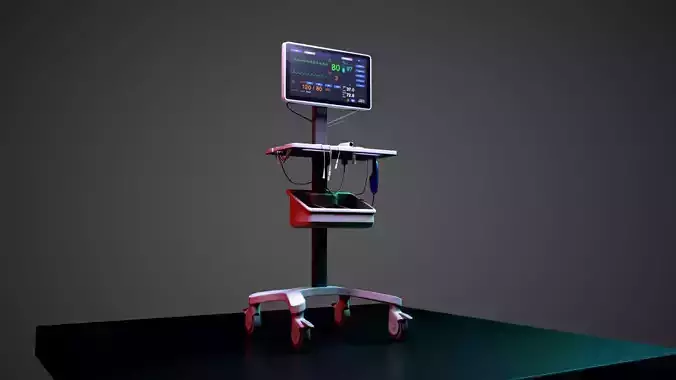
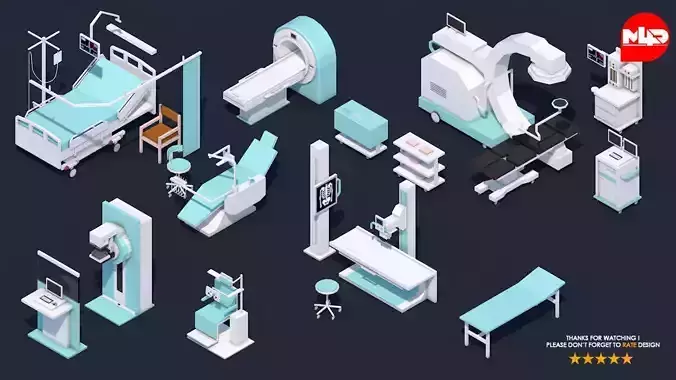
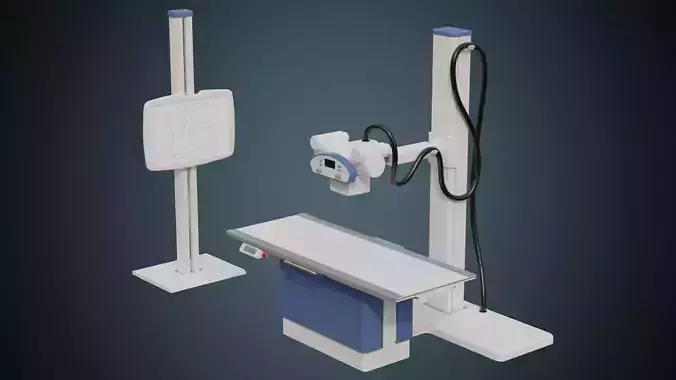
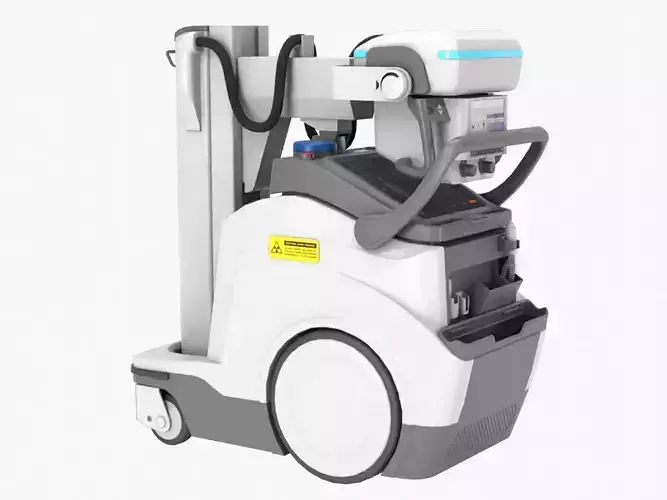
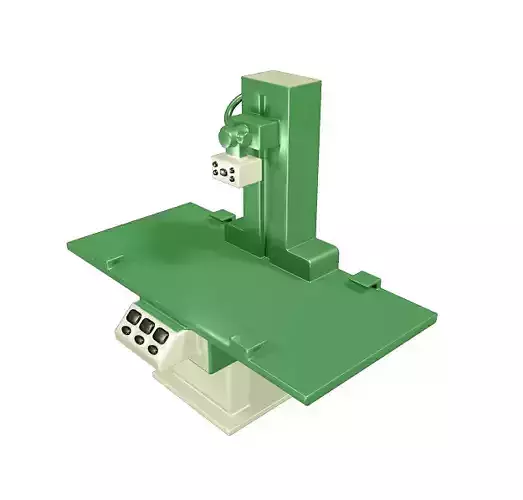
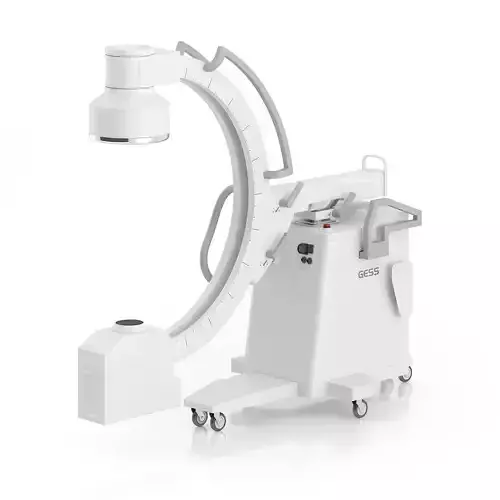
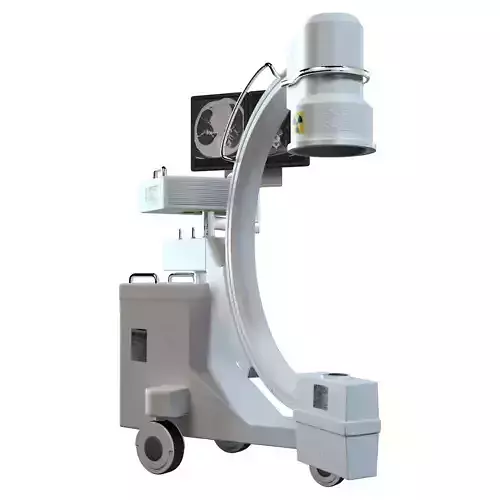
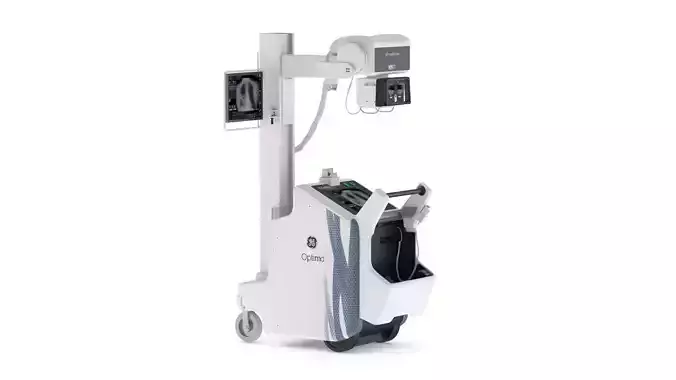
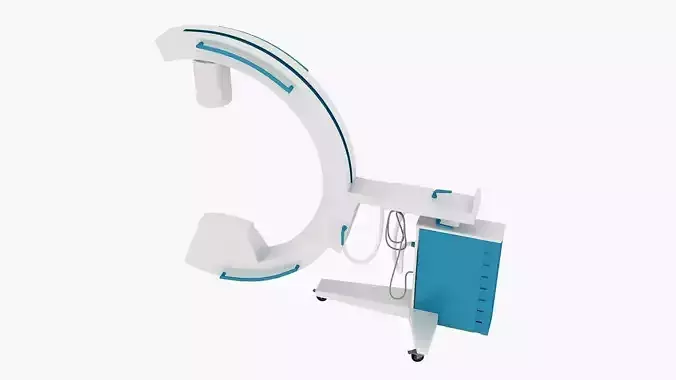
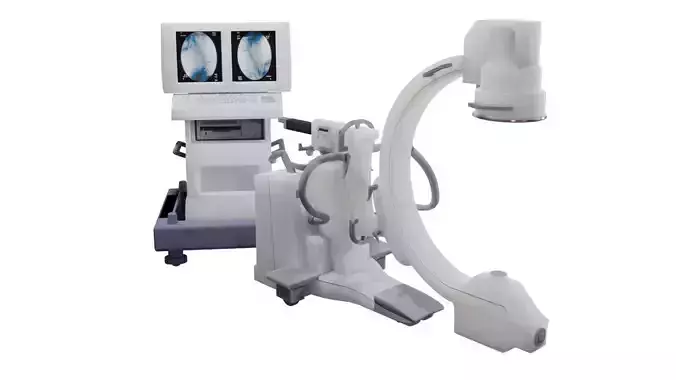
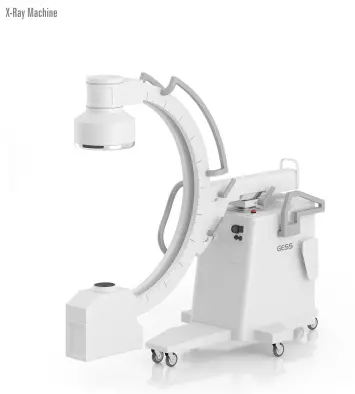
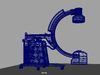
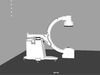
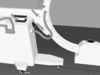
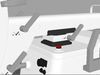
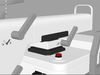
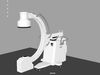
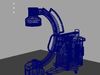
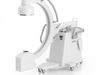
The X-ray Machine is a sophisticated medical imaging device that utilizes X-ray radiation to produce detailed images of the internal structures of the body. It is an essential tool in diagnostic medicine, allowing healthcare professionals to visualize bones, organs, and tissues to detect and diagnose various medical conditions.

The X-ray machine consists of several components, including a control panel, X-ray tube, and a detector. The control panel allows the operator to adjust settings such as exposure time and radiation intensity. The X-ray tube emits a controlled dose of X-ray radiation, which passes through the body and interacts differently with various tissues. The detector captures the X-ray beams that pass through the body and converts them into digital images for interpretation.

During an X-ray procedure, the patient is positioned between the X-ray machine and the detector. The machine emits a focused beam of X-rays that penetrates the body and creates an image on the detector. The resulting X-ray image shows the internal structures, such as bones, organs, and soft tissues, allowing healthcare professionals to identify fractures, tumors, infections, and other abnormalities.

X-ray imaging is widely used in various medical specialties, including orthopedics, dentistry, cardiology, and pulmonary medicine. It is a valuable tool for diagnosing fractures, dislocations, lung diseases, dental problems, and evaluating the condition of organs such as the heart, lungs, and abdomen.

One of the significant advantages of X-ray imaging is its speed and non-invasiveness. X-rays can be obtained quickly, making it an efficient diagnostic tool in emergency situations. Additionally, X-ray imaging is generally safe, and the benefits of obtaining vital diagnostic information usually outweigh the minimal risks associated with the low levels of radiation exposure.

The interpretation of X-ray images is performed by radiologists, who are specialized physicians trained in diagnosing medical conditions through medical imaging. The radiologist analyzes the X-ray images and provides a detailed report to the referring healthcare provider, who will use the information to guide treatment decisions.

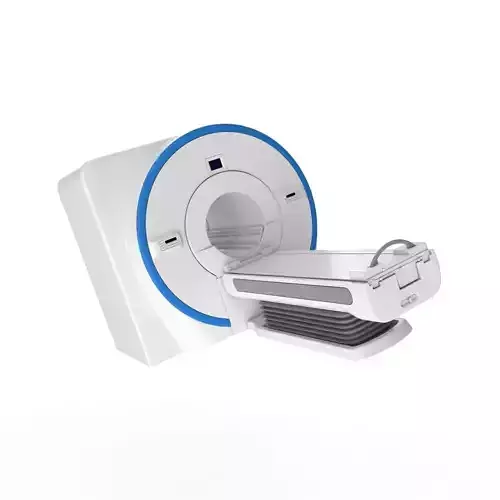
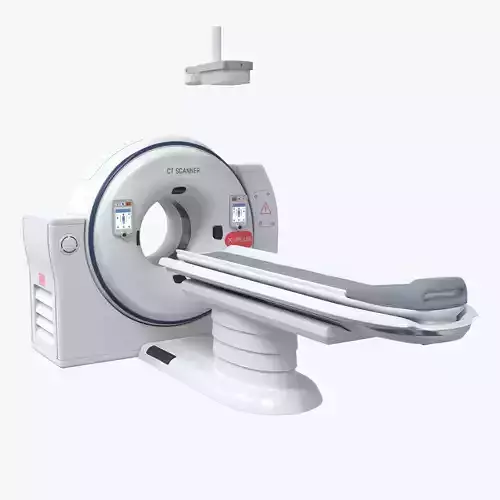
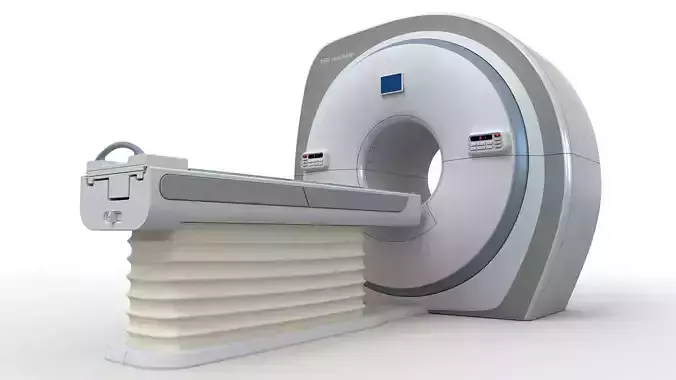
It is important to note that X-ray imaging has its limitations. It primarily visualizes dense structures, such as bones, but may have limited contrast in visualizing soft tissues. In certain cases, additional imaging techniques, such as computed tomography (CT) or magnetic resonance imaging (MRI), may be required for a more comprehensive evaluation.

The X-ray machine plays a crucial role in modern healthcare by providing valuable diagnostic information quickly and efficiently. Its use in medical facilities, clinics, and hospitals helps healthcare professionals make accurate diagnoses, plan treatments, and monitor patient progress.

REVIEWS & COMMENTS

See what other buyers think about this model - real feedback on quality,
accuracy, and usability.
There are no reviews or comments yet. Please be the first one to write it.

X ray Machine 3D model

Royalty Free License
Hire
Like this model to show appreciation to the designer.
See how many times this model was viewed.
Share this model to support the designer and boost their visibility.
File formats
OBJ
OBJ | 2 files<br />File Size: 48.4 MB
FBX
Autodesk FBX<br />File Size: 41.1 MB
MA
Autodesk Maya<br />File Size: 23.2 MB
Verified by CGTrader
Verified models are of higher quality as they have
passed CGT Standard technical and visual checks,
making them more professional-grade 3D assets.
Learn more.
FBX
This FBX file has successfully passed the CGT Standard technical and visual checks. The verification results are detailed in the section below.
File & scene
Binary FBX
Binary FBX file is more compact and faster to load and process.
Learn more
No unsupported objects
Unsupported objects:
- Lights
- Cameras
Learn more
Geometry
No N-gons
N-gons are polygons with five or more sides which might cause issues in certain processes like rendering or animation. Learn more
No faceted geometry
Faceted geometry uses flat surfaces without smoothing, which can look unrealistic on curves.
Learn more
Manifold geometry
Manifold geometry ensures all surfaces are properly connected, avoiding issues like edges shared by more than two faces.
Learn more
Textures & material
PBR textures
PBR textures simulate how light interacts with materials, making the model look realistic under different lighting.
Required PBR textures:
- Base Color
- Roughness
- Metalness
- Normal
Learn more
No embed textures
Embedded textures are stored inside the model file, increasing its size and sometimes causing compatibility issues.
Learn more
Square textures
Texture aspect ratio is the width-to-height ratio of a texture. Expected texture aspect ratio: 1:1
Learn more
Power of 2 texture sizes
Textures with dimensions in power of two (e.g. 512x512px, 1024x1024px) are used to optimize performance and memory usage.
Learn more
Assigned materials
Materials are applied to the 3D model to allow visualize a model's surface properties and appearance.
Learn more
UVs & naming
No UV overlaps
UVs overlap when multiple points on the 3D model's surface are mapped to the same point on the UV island causing texture stretching.
Learn more
UV unwrapped model
A UV unwrapped model means its 3D surface is flattened into 2D space, allowing textures to be applied accurately.
Learn more
Allowed characters
Allowed ASCII characters: a-zA-Z0-9-_
Learn more
Provided by designer
Information and details shared directly by the model's designer.
3D Features
Textures
The model includes image files (textures) that add color, patterns, or detail to its surfaces.
Materials
The model has material settings that define how surfaces look (color, shine, transparency, etc.).
UV Mapping
The model's surfaces are mapped to a 2D image, allowing textures to display correctly.
3D printing
Indicates whether the designer marked this model as suitable for 3D printing.
Model is not 3D printable
The designer indicates this model is intended for digital use only (rendering, animation, or AR/VR) and not for 3D printing.
Geometry
Polygon mesh
A model built from polygons (triangles or quads) connected in a mesh.
275676 polygons
The total number of polygons (flat shapes) that make up the 3D model.
/ 139463 vertices
The number of points (corners) that define the shape of the model's polygons.
Unwrapped UVs
Publish date
Model ID
Chat