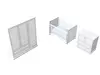
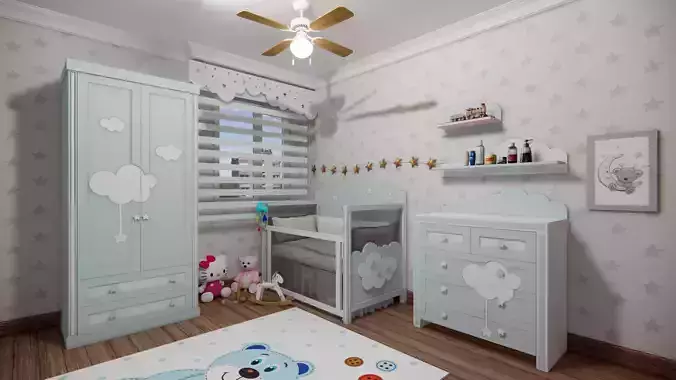
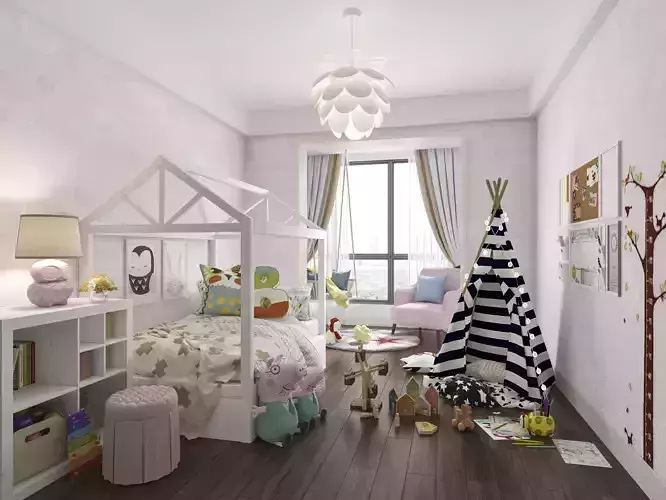
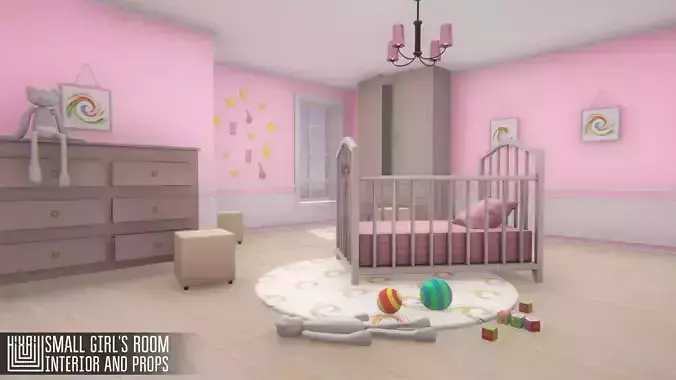
Designing a children's room involves creating a space that is not only functional but also stimulating and supportive of a child's development. Here are some general tips and ideas for designing a children's room:
Safety First:
Ensure that furniture is securely anchored to the wall to prevent tipping.Use child-safe materials and finishes.Cover electrical outlets and use cord organizers to eliminate potential hazards.Color and Theme:
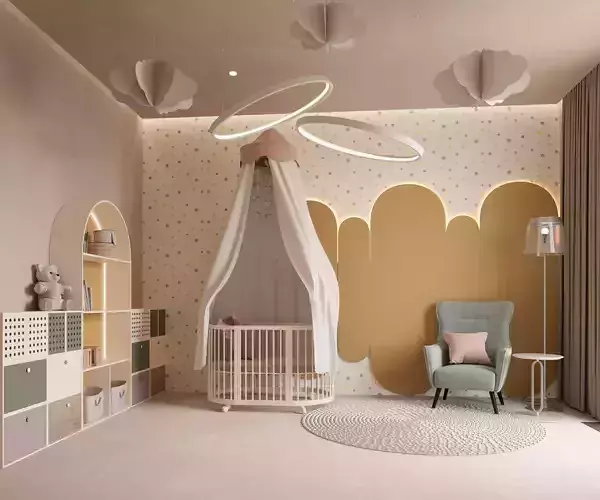
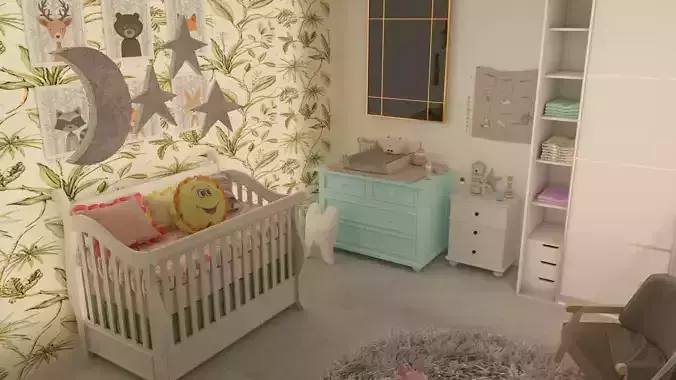
Choose a color scheme that is vibrant and cheerful. Consider using a mix of primary colors.Incorporate a theme based on your child's interests, such as animals, space, or a favorite cartoon character.Functional Furniture:
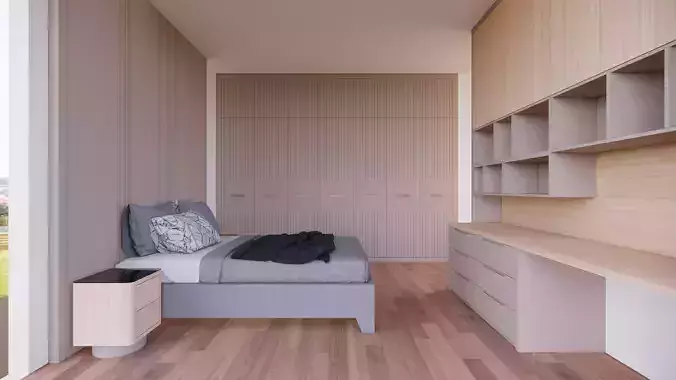
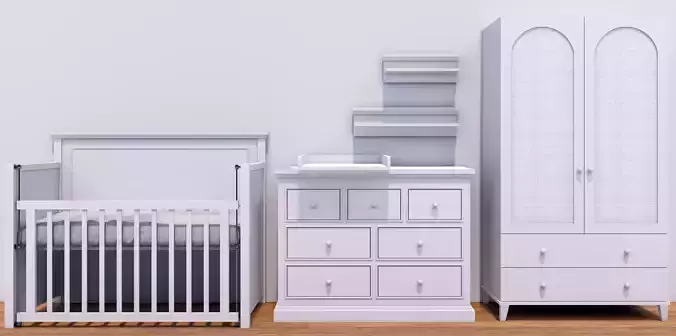
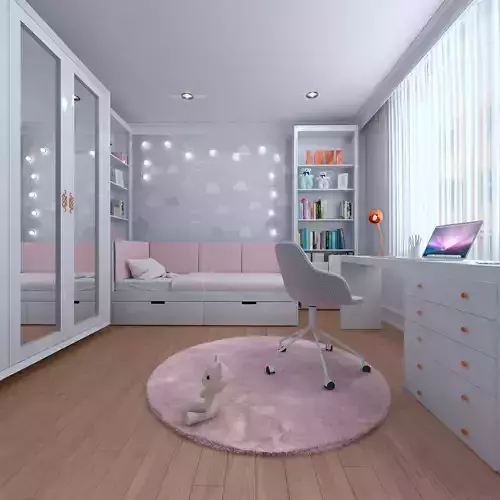
Opt for multi-functional furniture to make the most of the available space.Include a comfortable bed, storage solutions, and a study or play area.Storage Solutions:
Use open shelving, bins, and baskets to keep toys and belongings organized.Consider furniture with built-in storage, such as beds with drawers underneath.Creative Spaces:
Create an art corner with a chalkboard or whiteboard for drawing.Include a reading nook with a cozy chair or floor cushions and a selection of age-appropriate books.Interactive Elements:
Incorporate interactive elements like a growth chart or a corkboard for displaying artwork.Use wall decals or removable stickers that can be easily changed as your child grows.Personalization:
Allow your child to contribute to the room's decor with their artwork or DIY projects.Display personal items like photos, crafts, or favorite toys.Flexible Lighting:
Ensure the room has sufficient lighting for various activities.Consider using adjustable or dimmable lighting to create different moods.Adaptability:
Design the room with flexibility in mind to accommodate changes as your child grows.Invest in furniture that can be easily updated or repurposed.Safety and Durability:
Choose durable, easy-to-clean materials for furniture and flooring.Ensure that the room is well-ventilated and free from potential allergens.Involvement:
Involve your child in the design process to make the room feel like their own space.Consider their preferences and needs when selecting colors, furniture, and decorations.Remember that every child is unique, so tailor the design to your child's individual personality, interests, and age.