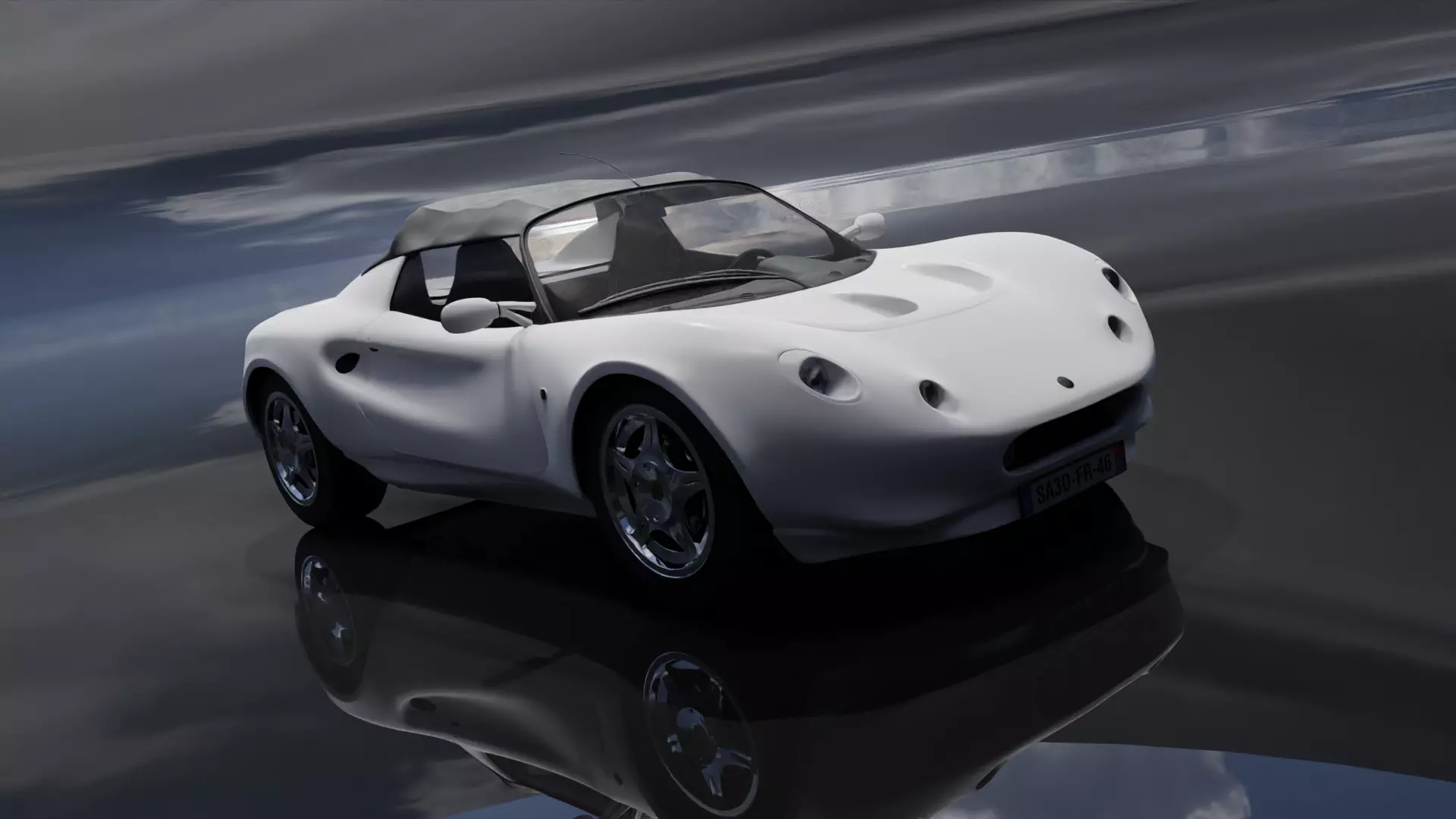
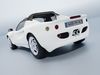
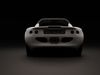
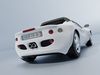
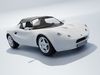
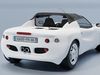
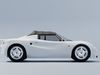
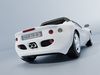
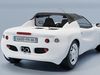
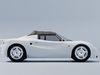
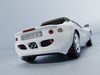
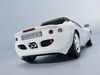
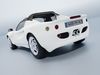
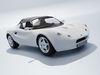
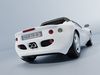
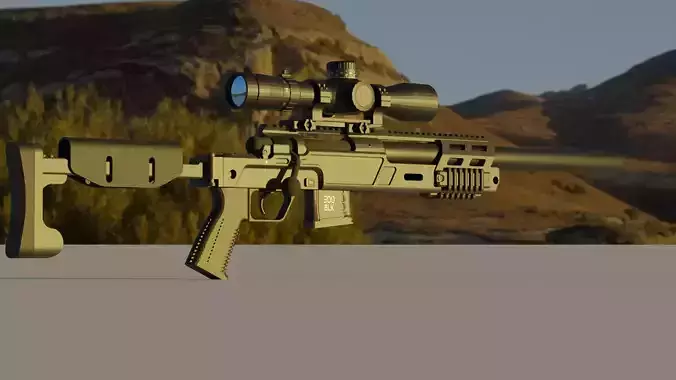
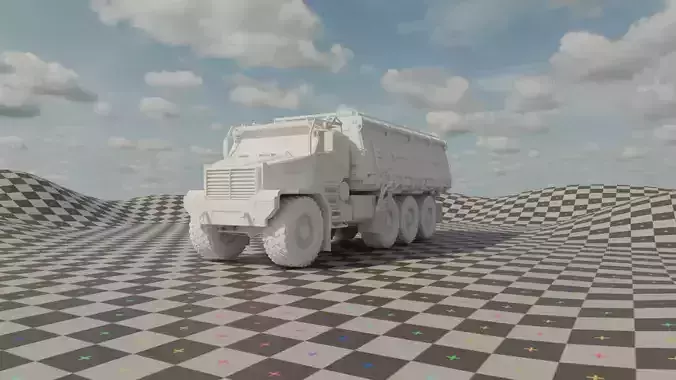
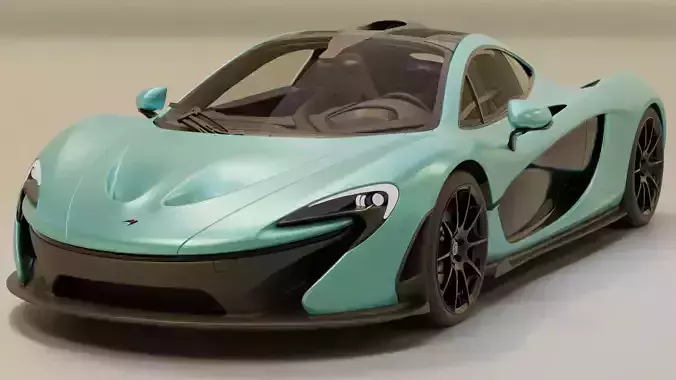
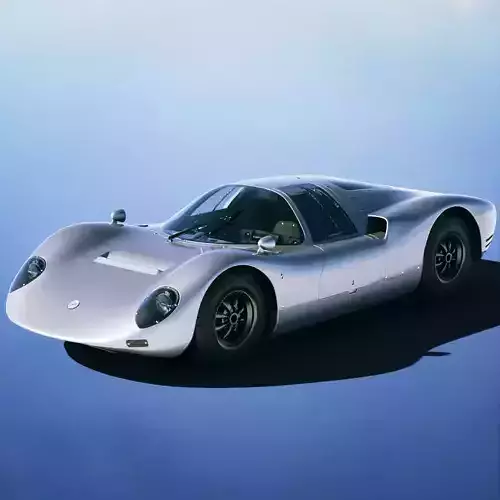
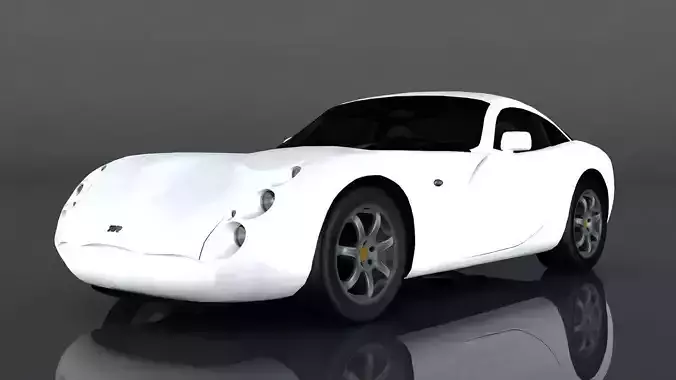
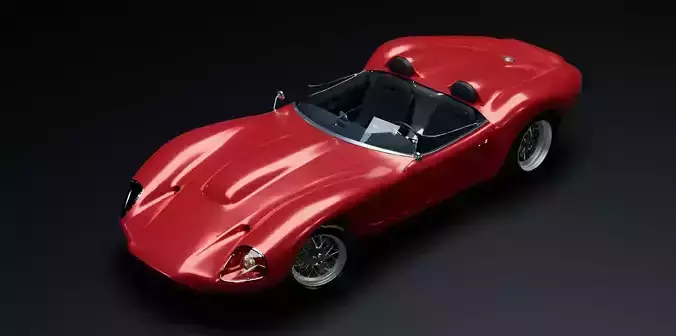
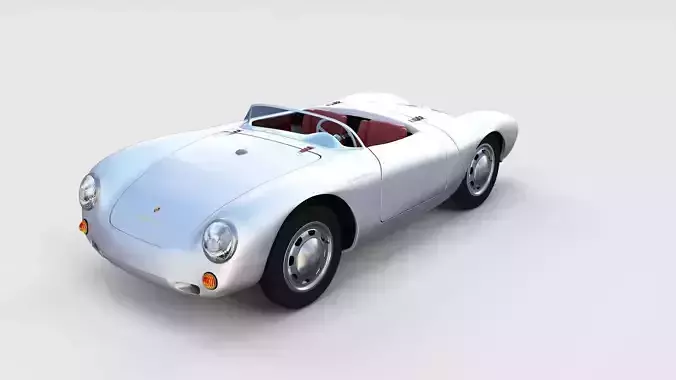
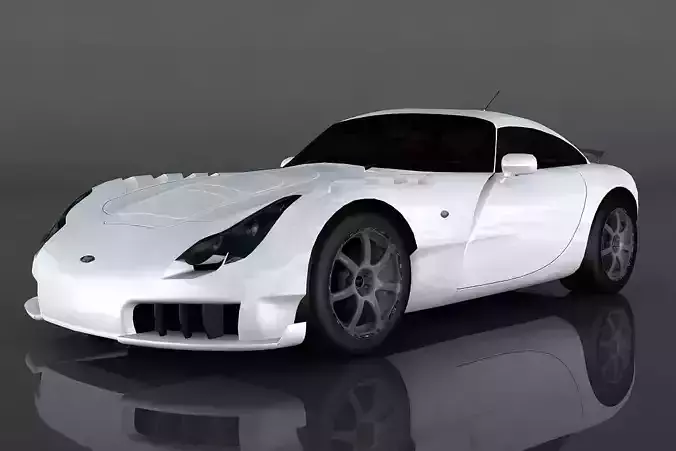
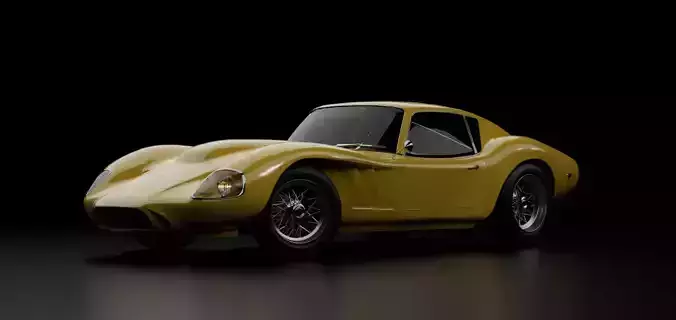
movie car model
car model
movie car
3d car model
hero
luxury car model
luxury car
blender
super car model
super car
Reference Gathering:
Collect reference images, blueprints, and specifications of the car model you want to recreate. This will serve as a guide for proportions, details, and overall design.Software and Tools:
Choose a 3D modeling software such as Blender, Autodesk Maya, 3ds Max, or others.Familiarize yourself with the modeling tools, as well as tools for UV mapping, texturing, and rendering.Blocking Out the Form:
Start by creating a basic blockout of the car using primitive shapes (cubes, cylinders) to establish the overall proportions and silhouette.Ensure that the major components like the body, chassis, and wheels are positioned correctly.Modeling the Body:
Refine the blockout by adding more details to the body, such as curves, edges, and panels.Use techniques like extrusion, beveling, and subdivision to create a smoother surface.Pay attention to the car's aerodynamics and overall shape.Wheel and Tire Modeling:
Model the wheels and tires separately, ensuring accurate proportions and detailing.Consider adding treads, spokes, and other tire details.Interior and Exterior Details:
Model the interior components like seats, dashboard, steering wheel, and other details.Add exterior details such as headlights, taillights, mirrors, and handles.UV Mapping:
Unwrap the 3D model to create a UV map, allowing for the application of textures.Ensure efficient use of UV space and minimize distortion in the UV map.Texturing:
Apply textures to the car model, including materials for the body, windows, lights, and other surfaces.Use high-quality texture maps for realistic reflections, bump maps for surface details, and other texture techniques.Rigging (optional):
If the car model is intended for animation, set up a basic rig for moving parts like doors, hood, or suspension components.Lighting and Rendering:
Set up lighting in the scene to highlight the car's features and create realistic reflections.Adjust rendering settings for high-quality output.Quality Check:
Inspect the 3D car model for any issues, such as geometry errors, texture artifacts, or proportion discrepancies.Make necessary adjustments to ensure accuracy and visual appeal.Export and Integration:
Export the final 3D car model in a suitable file format (e.g., .obj, .fbx) for integration into other software, game engines, or virtual environments.