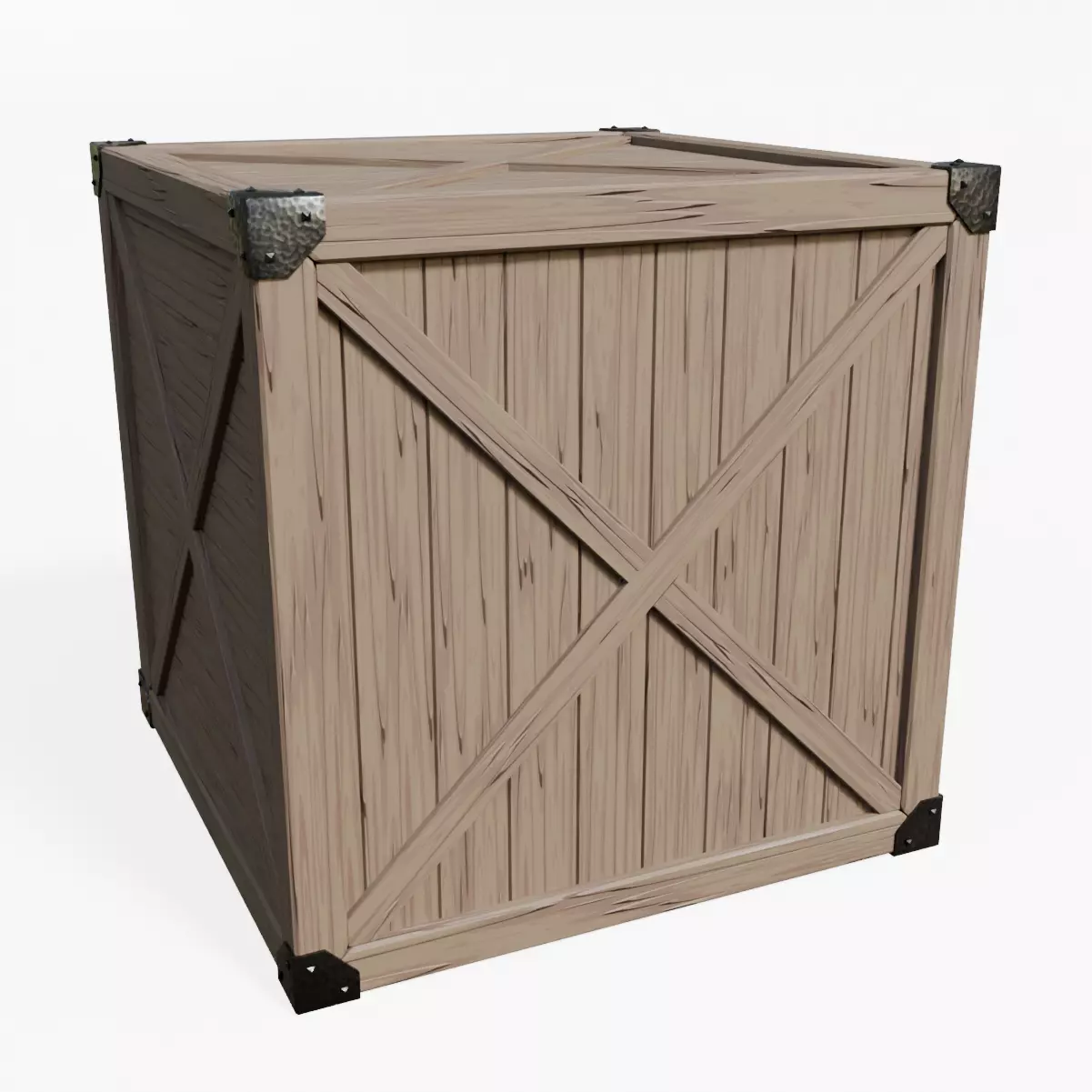
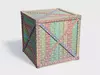
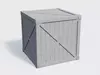
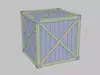
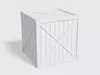
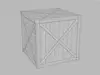
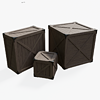
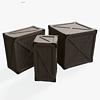
Medieval Fantasy Wooden Crate – Modular AssetDimensions
| Variation | Height | Depth | Length || --------- | ------ | ----- | ------ || Large | 1m | 1m | 1m |
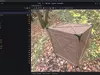
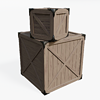
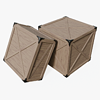
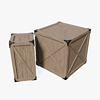
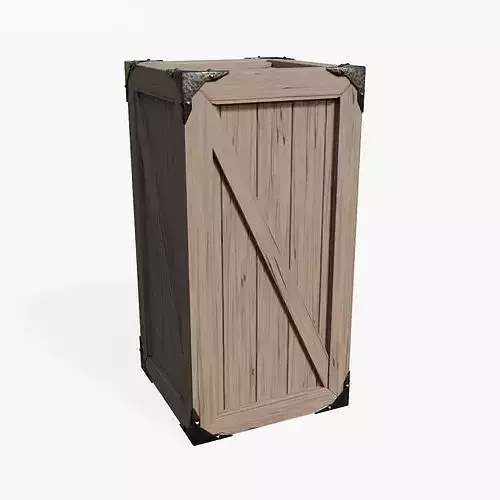
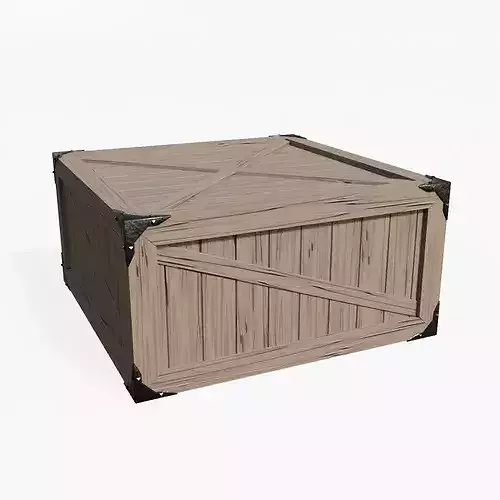
A highly customizable medieval fantasy wooden crate designed for real-time applications and game development.
This asset includes interchangeable components that allow artists and developers to customize its appearance while maintaining a consistent medieval fantasy aesthetic. Designed with flexibility, customization, and performance in mind, this crate is suitable for villages, marketplaces, warehouses, docks, taverns, camps, RPG environments, and fantasy adventure scenes.
The modular construction system enables visual customization while preserving a cohesive style throughout a project.
Features1 crate variation included:
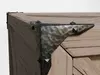
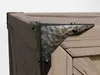
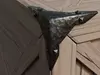
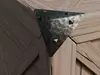
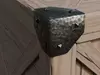
3 corner protection styles:
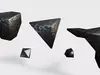
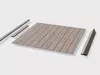
2 nail variants:
Included Content
- Blender source file (.blend)
- Procedural material setup
- Baked texture set (4K)
- One crate variation
- Modular mesh components
- Organized scene hierarchy
Technical Details
- Variations Included: Large
- Texture Resolution: 4096 x 4096 (4K)
- Material Workflow: Procedural + Baked
- Modular: Yes
- Game Ready: Yes
- Godot Ready: Yes
Godot Ready*
Godot Ready refers to workflow compatibility and project organization. Users may still customize materials, shaders, import settings, and project structure according to their specific production requirements.
The Blender hierarchy structure, including meshes and empties, has been specifically organized to facilitate node-based workflows and efficient scene organization. Modular components can be easily organized, replaced, removed, or customized while maintaining a clean and scalable project structure.
The included Blender source file provides additional flexibility through its procedural material setup, allowing artists to rebake textures, adjust materials, and create alternative visual variations to match the requirements of different projects and rendering pipelines.
Godot Ready indicates that the asset's hierarchy and organization have been designed to integrate efficiently with Godot Engine workflows, while remaining fully compatible with other engines and production environments.
Blender - Godot Texture Workflow1. Import Assets
- Import the .blend file into your Godot project.
- Import the texture files into the project resources.
2. Configure Blender Material Import
- Select the imported .blend file in Godot.
- Open the Import tab.
-
Navigate to:
-
Disable:
Click Reimport.
3. Open the Blender File
- Open the .blend file directly from the Godot project folder using Blender.
4. Assign Textures
- Open the Shader Editor in Blender.
- Ensure all texture maps are connected to their corresponding inputs in the Principled BSDF shader.
- Save the Blender file.
5. Automatic Updates in Godot
- After saving, Godot will automatically update the imported model.
- Any material adjustments, texture assignments, shader modifications, or visual changes made in Blender will be reflected in Godot after reimporting.
Some Use Cases
- Medieval villages
- Fantasy towns
- Marketplaces
- Warehouses
- Harbors and docks
- Taverns and inns
- RPG environments
- Adventure games
- Dungeon scenes
- Survival games
- Environment dressing
- Loot and storage props
Important Notice
While this asset pack was developed with Godot Engine workflows in mind, the included Blender source file is fully compatible with modern 3D content creation pipelines. Models can be exported from the .blend file to a variety of industry-standard formats for integration into different workflows. The asset is also compatible with virtually any modern game engine when exported to a format supported by the target engine, including Unreal Engine, Unity, Godot, and custom engines.