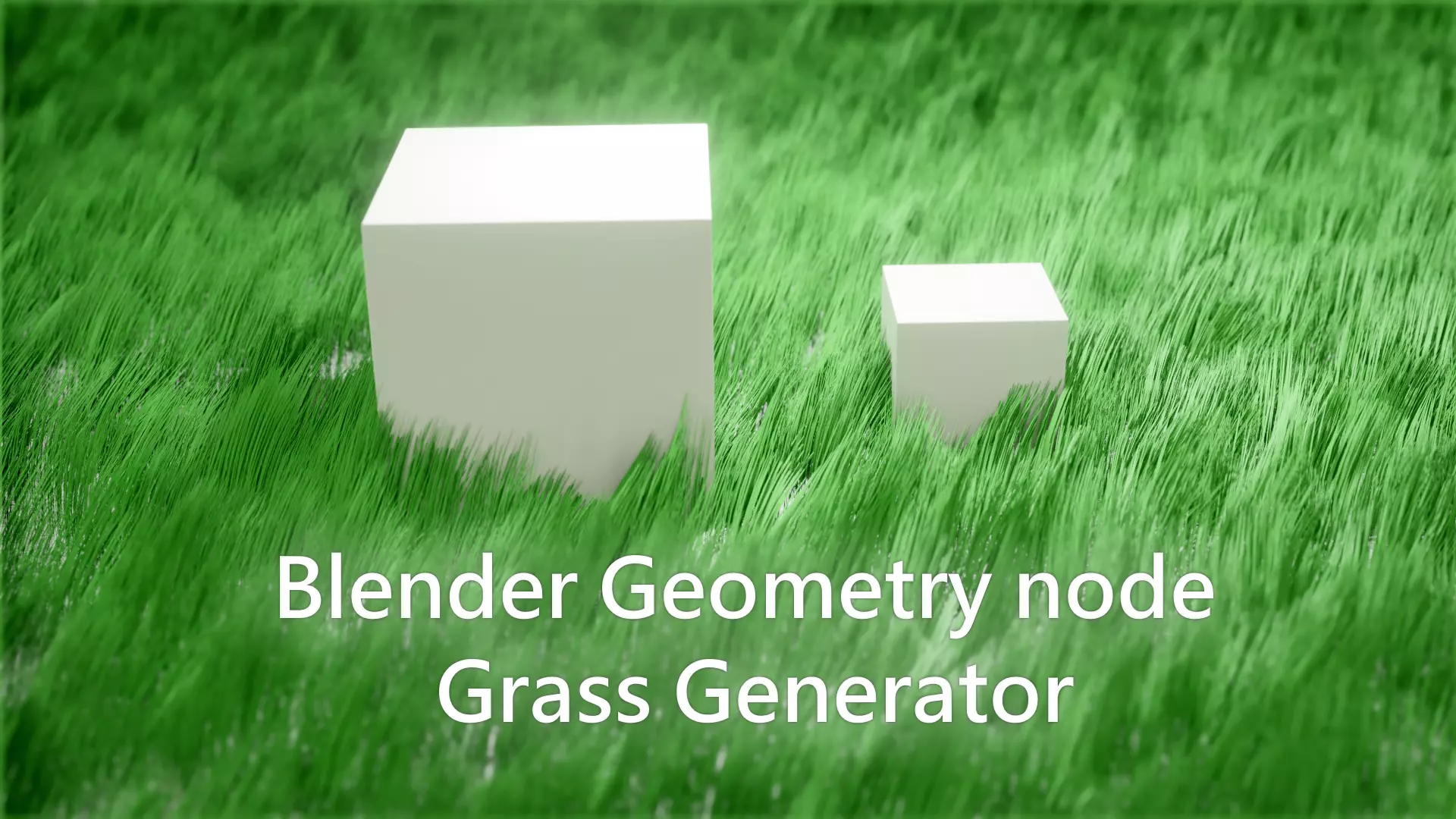
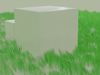
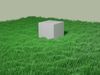
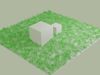
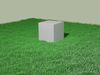
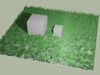
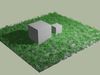
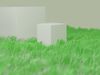
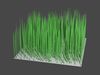
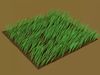
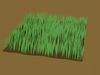
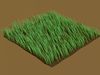
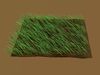
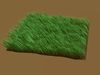
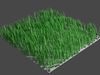
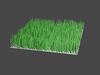
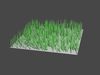
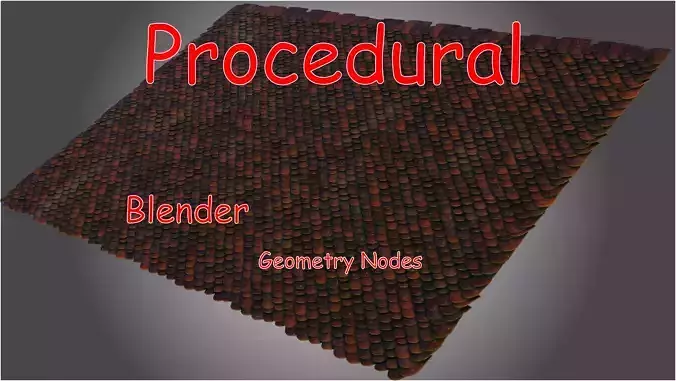
blender geometry node to generate procedural grass
after download:you will get blender project file,put the file(blender project file) in the assets library path (if you don't know how to add assets read the section below)the project contain a object marked as assets object name(grass).
-the data inside the object is:mesh data:contain the leaf mesh.modifier:contain the geoemtry node.material(one material):the basic material for the leaf.geometry node:contain all node.
-as tree:object(Grass): -mesh data(leaf): -material(DefaultGrassMaterial) modifiers: -geometry node
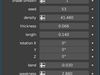
fields explain:
1-default mesh:1 mean the grass will created on plane(this plane is just temporary while you looking for object)0 to use the object mesh field to create grass on it.
2-object mesh:the object to create grass on it when the value of default mesh is 0.
3-subdivide level:to subdivide the leaf mesh (It will be useful when using high values in bend field).
4-shade Smooth: 1 mean the object is set to smooth shading 0 mean flat shade.
5-seed: to regenerate new randon positions.
6-density: determine the number of leaves to generate.
7-thickness: change the thickness of the leaf.
8-length: change the length of the leaf.
9-rotation: change the rotation of every leaf around itself.
10-bend: bend the leaf (around x axis only) you can rotate x axis by change z value in rotation field.
11-weakness: determine how hard the wind will effect the leaves.
12-wind: animate the wind (the direction depend on z value in the rotation field).
13-wind scale : determine how random is the wind.
14-wind effect factor : detrmine how much the wind will effect the leaves the diffrent between the wind effect factor and weakness is the weakness will effect by wind scale.
add assets:
1-open preferences by click on edit at the top left
2-open tab file paths
3-in the panel Assets Libraries click on+" icon to add new path
4-choose any folder you want to store assets in it
5-click on add assets library
6-put the file(blender project file) in the folder which you chose in step 4