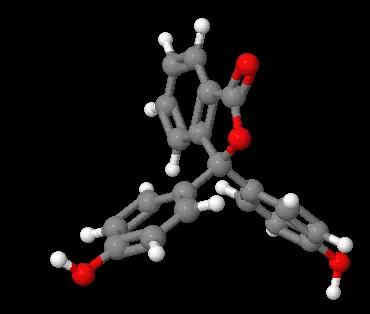
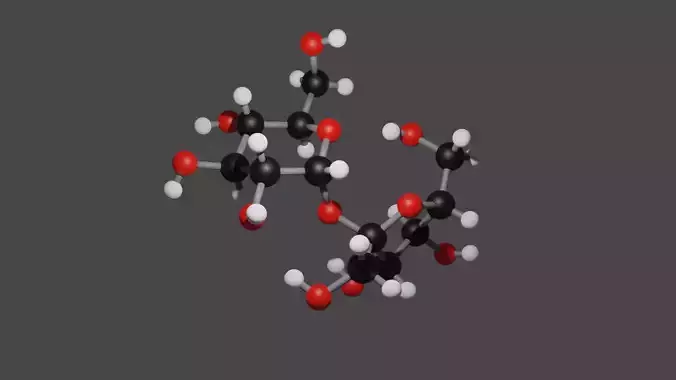
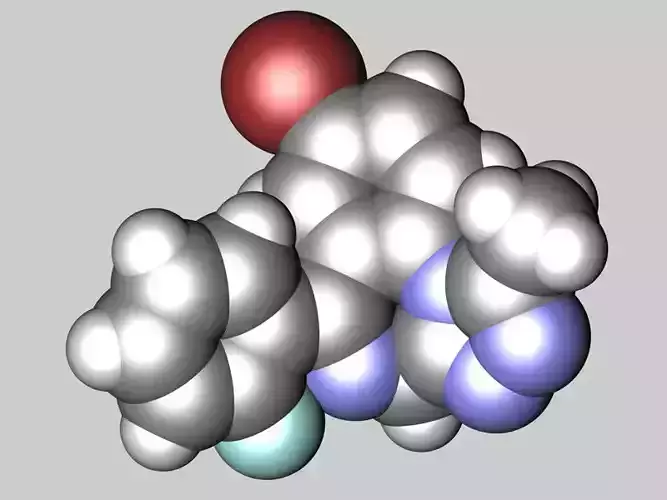
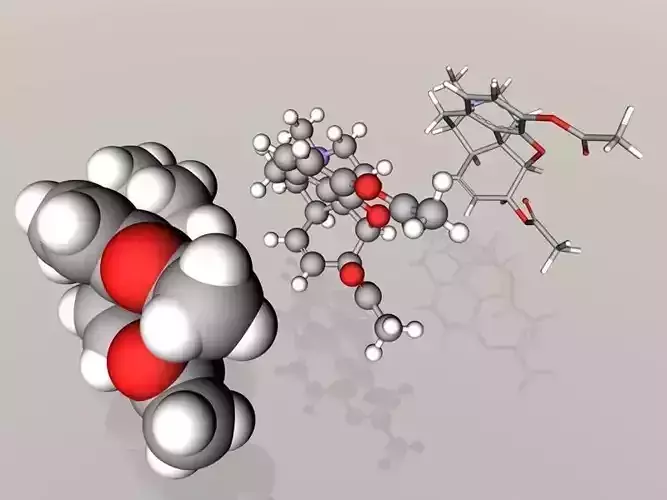
Two models of phenolphthalein, one in its 0-8.4 pH form and its 8.4-10.0 pH form.
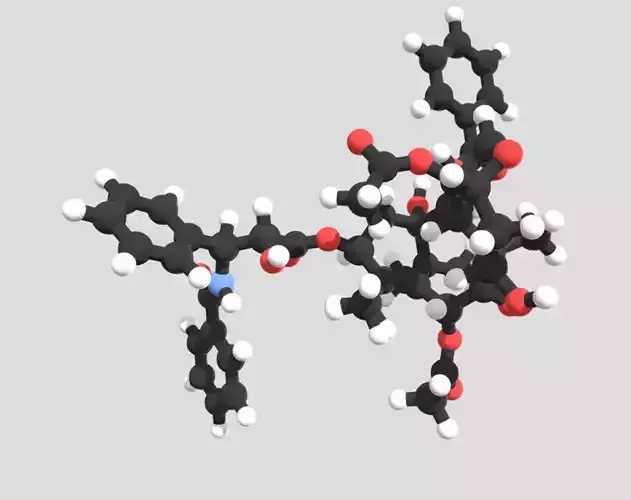
MolView (http://molview.org/) and Jmol (http://www.jmol.org/), both open source pieces of software, were used to create this model.
How to generate any molecule:
- Go to MolView and draw (or type) your molecule.
- Click tools->(export)->MOL file
- Install Jmol if you don't already have it and open the .mol file from inside it
- Open the console (from within Jmol) and type write [NAME].obj (other formats can be exported following instructions here (http://wiki.jmol.org/index.php/File_formats/3D_Objects))
Note: for cases where you need a structure that is common (eg. caffeine) you can skip the first two steps and open it in Jmol by clicking file->get MOL and typing the name.
Now there will be two files, [NAME].obj and [NAME].mtl in your home directory which you can use for whatever you want.