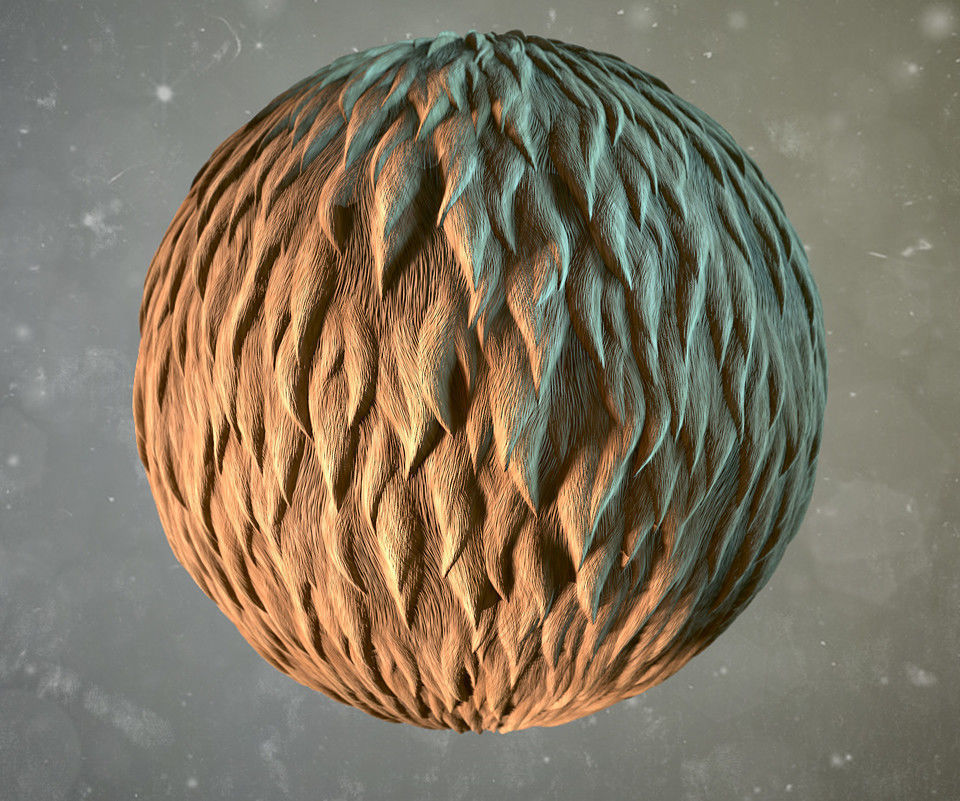
DESCRIPTION

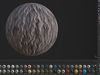
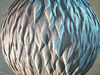
100% procedural material in following formats:

  • .sbs
  • .sbsar
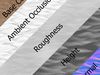
  • Output Textures (PNG, 2048x2048 px, 16 bits, PBR - metal/rough)

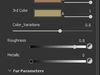
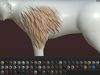
Fur Lenght/Shorteners, Curliness, Colors can be adjusted in Substance Painter.

Here is a [short video](https://youtu.be/cxbaxaKH2SM) on YouTube about texturing with this material in Substance Painter.

I found that the best way to create the fur in Substance Painter with this material is:

  1. Drag Fur_material.sbsar to Substance Painter shelf, define it as a base material, choose whether you want to import it to the current session, your project or shelf, and click Import.

  2. Add a layer to your project

  3. Select the projection tool (shortcut 3) and drag the Fur_material to the Material mode button to switch to the material mode.

  4. In Channels mapping menu choose height as a mask instead of no alpha

  5. Begin to paint the fur on your model of an animal or whatever model else with the Projection tool. Use S+Left mouse button to rotate the stencil, S+Right to zoom, and S+Middle to pan.

I used the Basic soft brush with No pressure size control.

You can also just create a fill layer with Tri-planar or UV-projection.

REVIEWS & COMMENTS

See what other buyers think about this model - real feedback on quality,
accuracy, and usability.
There are no reviews or comments yet. Please be the first one to write it.

Fur - Substance Material Texture

Royalty Free License
Hire
Like this model to show appreciation to the designer.
See how many times this model was viewed.
Share this model to support the designer and boost their visibility.
File formats
SBS
Substance Designer<br />Version: 6<br />File Size: 98 KB
SPP
Substance Painter<br />Renderer: 2018<br />File Size: 16.9 KB
TEXTURES
Textures<br />File Size: 65.7 MB
Provided by designer
Information and details shared directly by the model's designer.
3D Features
The model includes animations (movement or actions) that can be played in supported software or engines.
The model has a skeleton or bone structure, making it ready for posing or animation.
PBR
Uses Physically Based Rendering materials, which give the model realistic lighting and surface properties.
Textures
The model includes image files (textures) that add color, patterns, or detail to its surfaces.
Materials
The model has material settings that define how surfaces look (color, shine, transparency, etc.).
UV Mapping
The model's surfaces are mapped to a 2D image, allowing textures to display correctly.
Plugins Used
Some external plugins were used to create the model. These may be required for full functionality.
3D printing
Indicates whether the designer marked this model as suitable for 3D printing.
Model is not 3D printable
The designer indicates this model is intended for digital use only (rendering, animation, or AR/VR) and not for 3D printing.
Unwrapped UVs
Publish date
Model ID
Chat