Realistic Silver Birch Tree Pack
Free preview here: https://www.cgtrader.com/free-3d-models/plant/leaf/realistic-silver-birch-tree-pack-free-preview
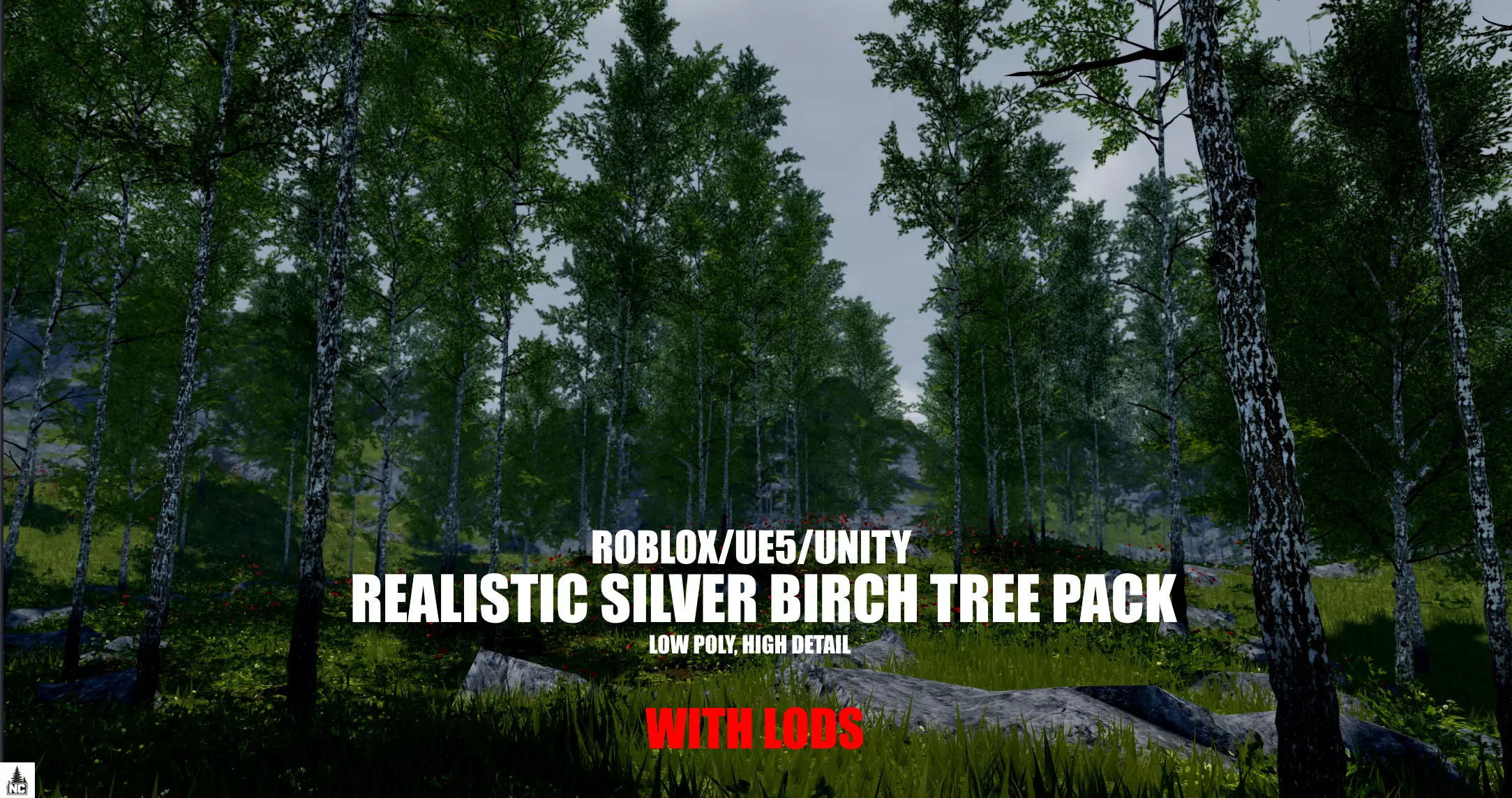
The silver birch (betula pendula) is a fast growing deciduous tree, known for its distinctive peeling white bark with its dark base and pendulous branches. The species is native to Europe and Northern Asia, and grows in most soils.
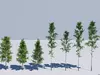
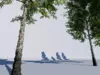
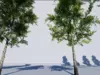
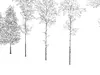
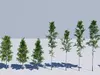
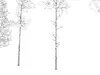
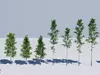
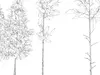
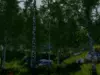
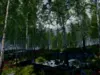
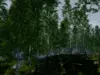
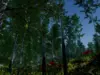
This tree pack consists of 7 silver birch trees with 3 LOD sets. The trees are lowpoly and game-ready with PBR textures. Trunks are high in detail, adding to the gnarly bark texture that real birches have. These trees are low in polygons, especially the taller variants. This pack gives you the oppurtunity to make large performance-friendly forests with deep realism, or designing other nature environments. With 5 different seasonal texture variants to choose from, you can shape whatever you want these trees to look like. In addition, 3 sets of detail to choose from (see pics).
Blender statistics:
(Sum of all 7 models per set)
LOD_0:
115,989 tris100,062 vertices
LOD_01:
57,985 tris61,654 vertices
LOD_02:
28,981 tris41,264 vertices
Textures:
- Included texture maps are: diffuse, alpha-diffuse, normal and roughness.
- All texturemaps are 2048x2048 (except branch material).
- Two sets included: summer, late-summer, autumn, late-autumn and winter.
Features:
Files included
- .fbx
- .obj +.mtl
- .glb
- .stl
- .blend
- .blend1
- .rbxm + .rbxmx
- Textures
Information:
- For roblox, the .rbxm file containing the model, have hitboxes set correctly.
- Leaves and branchmeshparts are set to default: CanCollide = false.
- For optimal placing, use BrushTool plugin (free scattering plugin)
- If you have performance issues, enable StreamingMesh under model properties and enable StreamingEnabled under workspace.
Disclaimer:
- Scene not included.
- Ground foliage; ferns, bushes, sticks, boulders not included.
- If the textures do not load in when you insert .rbxm or .rbxmx file into studio, then you have to upload the textures manually. Unzip Textures.zip and UV_Texture_Maps and upload every texture in all folders into studio, then insert them into the SurfaceAppearance.
- If you have any issues regarding downloading, uploading, parsing, etc., please contact me on discord (@registrert) or here on DMs.
Made with no AI.
Blend, .obj and .fbx files are packed.
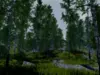
Photos rendered in ROBLOX studio and Blender.