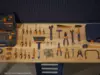
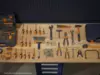
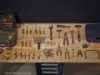
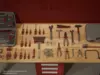
DESCRIPTION

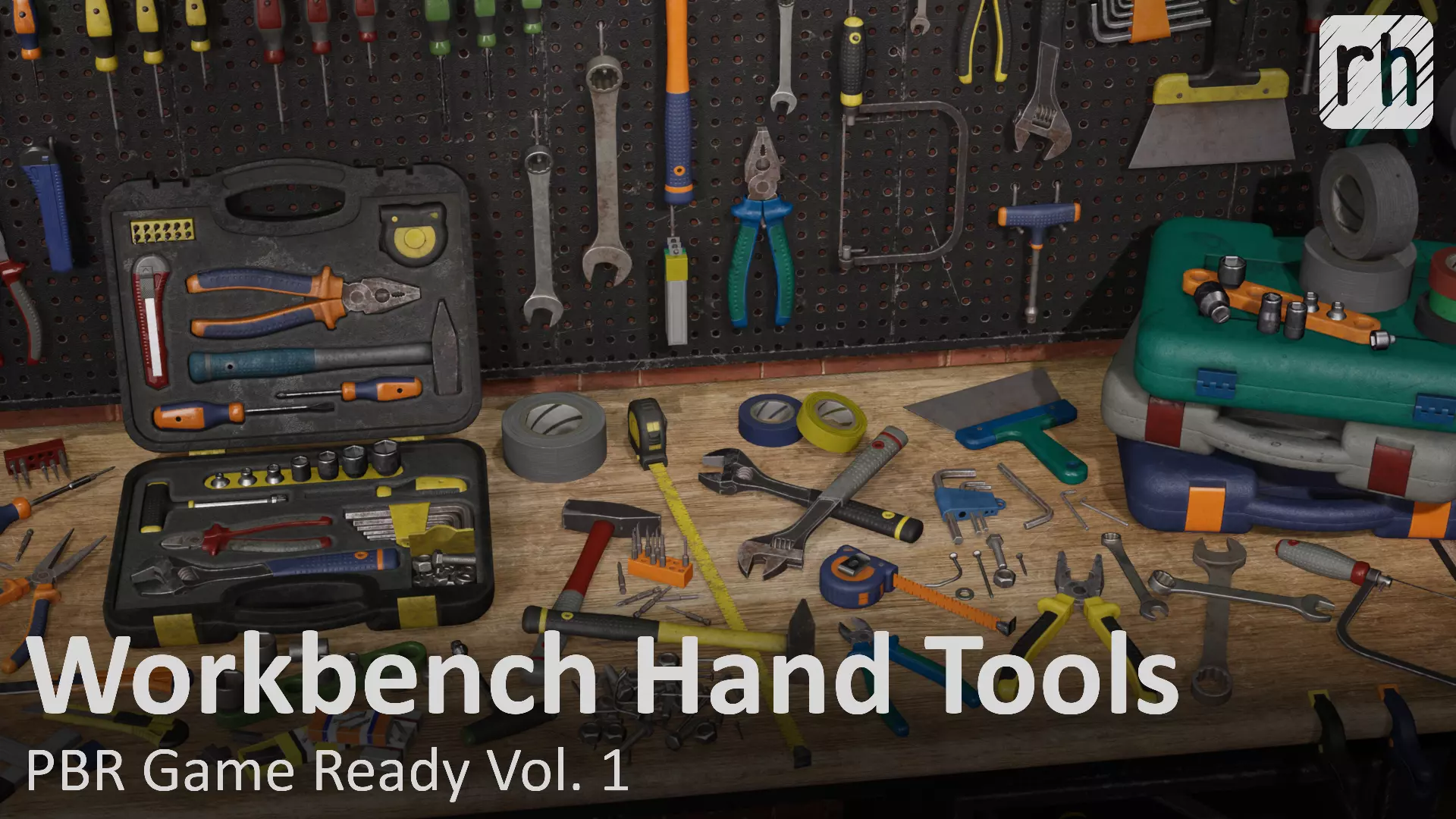
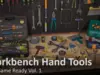
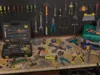
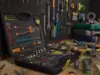
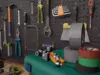
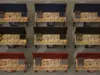
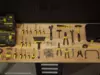
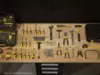
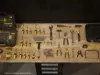
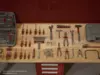
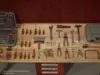
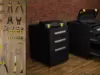
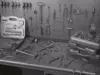
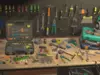
Hi! Thank you for choosing this Workbench Hand Tools kit. All 3D models in this pack are game-ready, with clean and optimized geometry, textured with PBR pipeline for realistic AAA games and other visual projects. This project contains all the assets shown in the images (tools, fasteners, workbench, etc.) with all materials created in UE and Unity, textured maps, baked textures, and other necessary files (UE project, Unity Project, Maya scene, .FBX models). For more information, please read the description below:

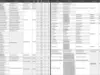
  • This pack contains 73 pieces (see picture 23);
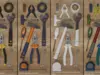
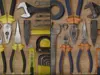
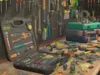
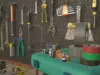
  • You receive all pictured stuff, but please notice that in pictures 01-03, 19-21 I depicted some similar tools but with different materials, positions, and states, just to show how you can use and adjust different included materials and how you can move and rotate separate parts of different tools on your own;
  • Most tools have different material variants of wear and color: 3 variants of wear (new condition, used, old) and 3 variants of color (yellow-black color, orange-blue color, white tintable color that can be adjusted); so in total you have 9 different variations of materials and textures for each tool (see pictures 01-15, 19-22):
    • _YellowBlack_New;
    • _YellowBlack_Used;
    • _YellowBlack_Old;
    • _OrangeBlue_New;
    • _OrangeBlue_Used;
    • _OrangeBlue_Old;
    • _WhiteTint_New;
    • _WhiteTint_Used;
    • _WhiteTint_Old;
  • You can apply any colors to white tintable materials in UE and Unity, appropriate materials with tint masks are already created in these engines (see pictures 14);
  • Some assets (workbench, pegboard, drawer) are modeled and textured using trims pipeline, it means you can remodel them or even create your own models (eg locker, commode, etc) using trim textures and disassembled workbench models;
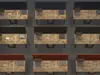
  • Each asset has clean topology, good shading, with no n-gons (see pictures 17-18);
  • All models are low poly game-ready, with optimized geometry, but with enough divisions and polygons to keep good and smooth shapes (see the particular poly count on picture 23);
  • All models have their pivots in model center (or in logical places) and placed in zero coordinates;
  • All models that are supposed to be opened (with rotatable and movable parts) have their pivot points in appropriate places and with all parts gathered in correct hierarchy, so you can easily move and rotate these parts, or animate them (see picture 16);
  • All assets are fully generic (they are not copies of tools of real brands), with no signs and logos;
  • No AI tools were used in the creation of these assets;
  • Scene units are centimeters;
  • This pack includes all necessary files and projects:
    • Unreal Engine 5.0.3 project;
    • Unity 2021.3.45f2 project (UPR);
    • Maya 2022 .ma and .mb scenes;
    • .FBX models;
    • Separate and combined textured maps for all purposes (see below which exactly);
    • Baked maps from Marmoset Toolbag (see below which exactly);
  • Textured maps:
    • Ambient Occlusion (_AO);
    • AO + Roughness + Metallic (_AmbRoughMetal);
    • Metallic (_Metallic);
    • Glossiness (_Glossiness);
    • Metallic + Glossiness (_MetalGloss);
    • Normal DirectX (_NormalDirectX);
    • Normal OpenGL (_NormalOpenGL);
    • Roughness (_Roughness);
    • Base Color (_BaseColor);
    • Diffuse (_Diffuse);
    • Specular (_Specular);
    • Base Color + Opacity (_BaseColorOpacity);
    • Opacity (_Opacity);
    • Tint Mask (_TintMask);
  • Baked maps:
    • Ambient Occlusion (_ao);
    • Curvature (_curve);
    • ID (_id);
    • Normal OpenGL (_normal);
    • World Space Normal (_normalobj);
    • Opacity (_opacity);
    • Position (_position);
    • Thickness (_thickness);
  • All baked maps have resolution 4096*4096 px;
  • Almost all textured maps have resolution 2048*2048 px and texel density about 80-120 tx/cm (see picture 23), such high texel allows you to scale assets in your scene for a greater variety of tools;
  • If you don’t need such high texel density you can easily downscale the textures in UE and Unity, or in any graphic editor;
  • All models have UVs (map1), some of them for better optimisation have overlaps that are moved from the main UV unit;
  • Most tools have bigger padding between shells than usual that allows you to gather them in atlases (if needed) without artifacts while downscaling (don’t worry about texel density, anyway it’s pretty high);
  • All assets were checked with PBR Metallic-Roughness checker in Substance Painter;
  • Unity project is checked with Unity Asset Store Validator;
  • In UE project all models were imported in two ways - combined and separate, you can use any of them on your own;
  • In Unity (pictures 19-22) I created all prefabs with all materials, so you can just drug-n-drop desired prefab in the scene (and adjust tint colors if needed);
  • In UE (pictures 01-18) I created all material instances so you can just drug-n-drop desired mesh in the scene and apply desired material to it (also there is a simple blueprint for Storage Case so you can place it into your scene and adjust its parts (by double clicking on them) and material (just add Array Element in Details>Material and drug-n-drop the desired material there);
  • For more details about each asset, its names, texel density, polycount, materials, etc please check the table in picture 23.

    If you face any issues and questions please don’t hesitate to contact me and I’ll try to figure out asap. Thanks!

rhinohopper

REVIEWS & COMMENTS

See what other buyers think about this model - real feedback on quality,
accuracy, and usability.
There are no reviews or comments yet. Please be the first one to write it.
BEST PRICE GUARANTEED
Found this model cheaper on another marketplace? Let our support team know - we’ll match it.
NEW
Recently added to CGTrader - explore one of the latest models on the marketplace.
QUALITY VERIFIED
This model passed automated CGTrader quality checks and meets professional, PBR-ready standards.

Workbench Hand Tools PBR Game-Ready Vol 1 Low-poly 3D model

Royalty Free License
Hire
Like this model to show appreciation to the designer.
See how many times this model was viewed.
Share this model to support the designer and boost their visibility.
Native file format
MA
Size: 3.94 MB
Exchange formats
OBJ
OBJ<br />File Size: 1.44 MB
FBX
Autodesk FBX | 3 files<br />File Size: 1.6 GB
UNITYPACKAGE
Unity 3D | 2 files<br />Version: 2021.3.45f2<br />File Size: 3.2 GB
PNG
PNG | 3 files<br />File Size: 7.38 GB
PDF
PDF<br />File Size: 1.6 GB
MAT
mat<br />File Size: 1.6 GB
UASSET
UnrealEngine<br />Version: 5.0.3<br />File Size: 1.71 GB
OTHER
Other<br />File Size: 73.7 MB
Verified by CGTrader
Verified models are of higher quality as they have
passed CGT Standard technical and visual checks,
making them more professional-grade 3D assets.
Learn more.
FBX
This FBX file has successfully passed the CGT Standard technical and visual checks. The verification results are detailed in the section below.
File & scene
Binary FBX
Binary FBX file is more compact and faster to load and process.
Learn more
No unsupported objects
Unsupported objects:
- Lights
- Cameras
Learn more
Geometry
No N-gons
N-gons are polygons with five or more sides which might cause issues in certain processes like rendering or animation. Learn more
No faceted geometry
Faceted geometry uses flat surfaces without smoothing, which can look unrealistic on curves.
Learn more
Manifold geometry
Manifold geometry ensures all surfaces are properly connected, avoiding issues like edges shared by more than two faces.
Learn more
Textures & material
PBR textures
PBR textures simulate how light interacts with materials, making the model look realistic under different lighting.
Required PBR textures:
- Base Color
- Roughness
- Metalness
- Normal
Learn more
No embed textures
Embedded textures are stored inside the model file, increasing its size and sometimes causing compatibility issues.
Learn more
Square textures
Texture aspect ratio is the width-to-height ratio of a texture. Expected texture aspect ratio: 1:1
Learn more
Power of 2 texture sizes
Textures with dimensions in power of two (e.g. 512x512px, 1024x1024px) are used to optimize performance and memory usage.
Learn more
Assigned materials
Materials are applied to the 3D model to allow visualize a model's surface properties and appearance.
Learn more
UVs & naming
No UV overlaps
UVs overlap when multiple points on the 3D model's surface are mapped to the same point on the UV island causing texture stretching.
Learn more
UV unwrapped model
A UV unwrapped model means its 3D surface is flattened into 2D space, allowing textures to be applied accurately.
Learn more
Allowed characters
Allowed ASCII characters: a-zA-Z0-9-_
Learn more
Provided by designer
Information and details shared directly by the model's designer.
3D Features
PBR
Uses Physically Based Rendering materials, which give the model realistic lighting and surface properties.
Textures
The model includes image files (textures) that add color, patterns, or detail to its surfaces.
Materials
The model has material settings that define how surfaces look (color, shine, transparency, etc.).
UV Mapping
The model's surfaces are mapped to a 2D image, allowing textures to display correctly.
3D printing
Indicates whether the designer marked this model as suitable for 3D printing.
Model is not 3D printable
The designer indicates this model is intended for digital use only (rendering, animation, or AR/VR) and not for 3D printing.
Geometry
Polygon mesh
A model built from polygons (triangles or quads) connected in a mesh.
67820 polygons
The total number of polygons (flat shapes) that make up the 3D model.
/ 35343 vertices
The number of points (corners) that define the shape of the model's polygons.
Unwrapped UVs
Publish date
Model ID
Chat