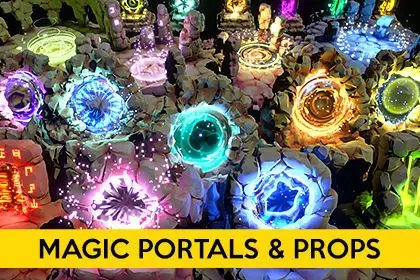
Asset pack of 30 unique stylised modelsand 21 vfx to choose from or easilycreate your own variations.
Key Features:
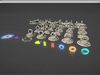
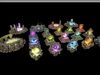
Demo scene with x21 portals vfx for instant useand to showcase some variations you can create.
30 portal 3d models, vertex painted (no textures)
17 rune 3d models (15 rune letters and 2 rune circles.
2x ShaderGraph shaders allow you to easily customizeportals vfx and models look, just change textures andplay with shader settings to get complete different looks.
Uiversal Render Pipeline support.
List of assets:
- x5 Stylised diamond portal mesh(9к tris)
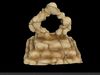
- x5 Stylised floating portal mesh (14k-15k tris)
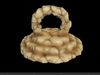
- x5 Stylised round portal mesh (9k tris)
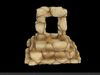
- x5 Stylised square portal mesh (8k tris)
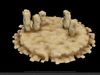
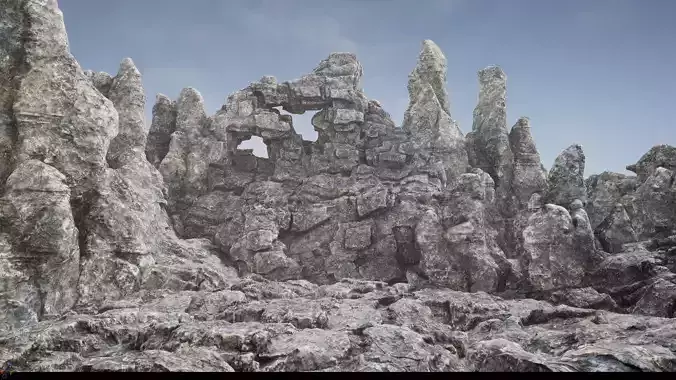
- x5 Stylised stonehedge portal mesh (16k-20k tris)
- x5 Stylised ruins portal mesh (19k-25k tris)
- x15 rune letters mesh (6-12 tris)
- x2 rune circles mesh (280 tris)
- x20 materials.
- x5 portal particle systems.
- x1 smoke particle system.
- x1 pentagram particle system.
- x2 support particle systems.
- x22 textures (x16 2048x2048), (x6 1024x1024)
Important: This asset is configured to be usedwith Universal Render Pipeline(URP), andLINEAR color space,don't forget toconfigure it using this simple instruction:
1. Import asset and install Universal Render Pipeline package from Window --> Package Manager2.Go to Edit-->Projects Setings-->Graphics Click dot right to the Scriptable Render Pipeline Settings fieldand select UniversalRenderPipelineAsset from the list.( or simply drag it from folder named URP Settings)4.Go to Edit-->Projects Setings-->Player-->Other settingsAnd set Color space from gamma to Linear. Done !