DESCRIPTION

PLEASE READ THE WHOLE INFORMATION CAREFULLY BEFORE PAYING FOR THIS MODEL.

When I buy something, I read the description carefully. If I bought it and want to put it in a program that is not mentioned in the description - I do it at my own risk. Which means - if I bought it and it doesn't work - no claims to the author. I just bought it and use it where it is intended. Or if it works - I'm satisfied with it.... and don't disturb an author.

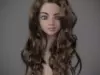
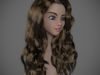
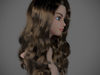
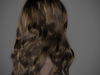
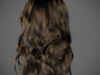
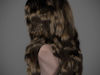
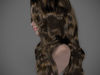
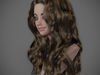
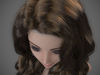
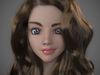
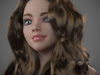
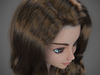
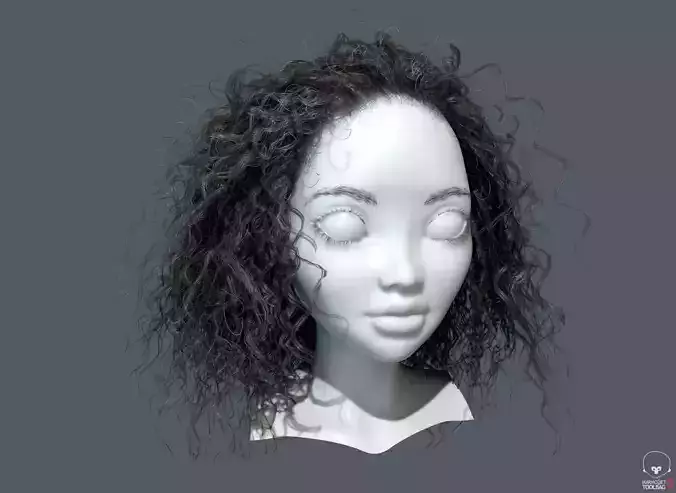
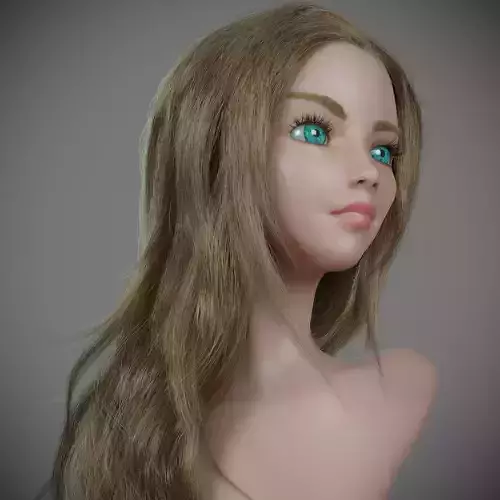
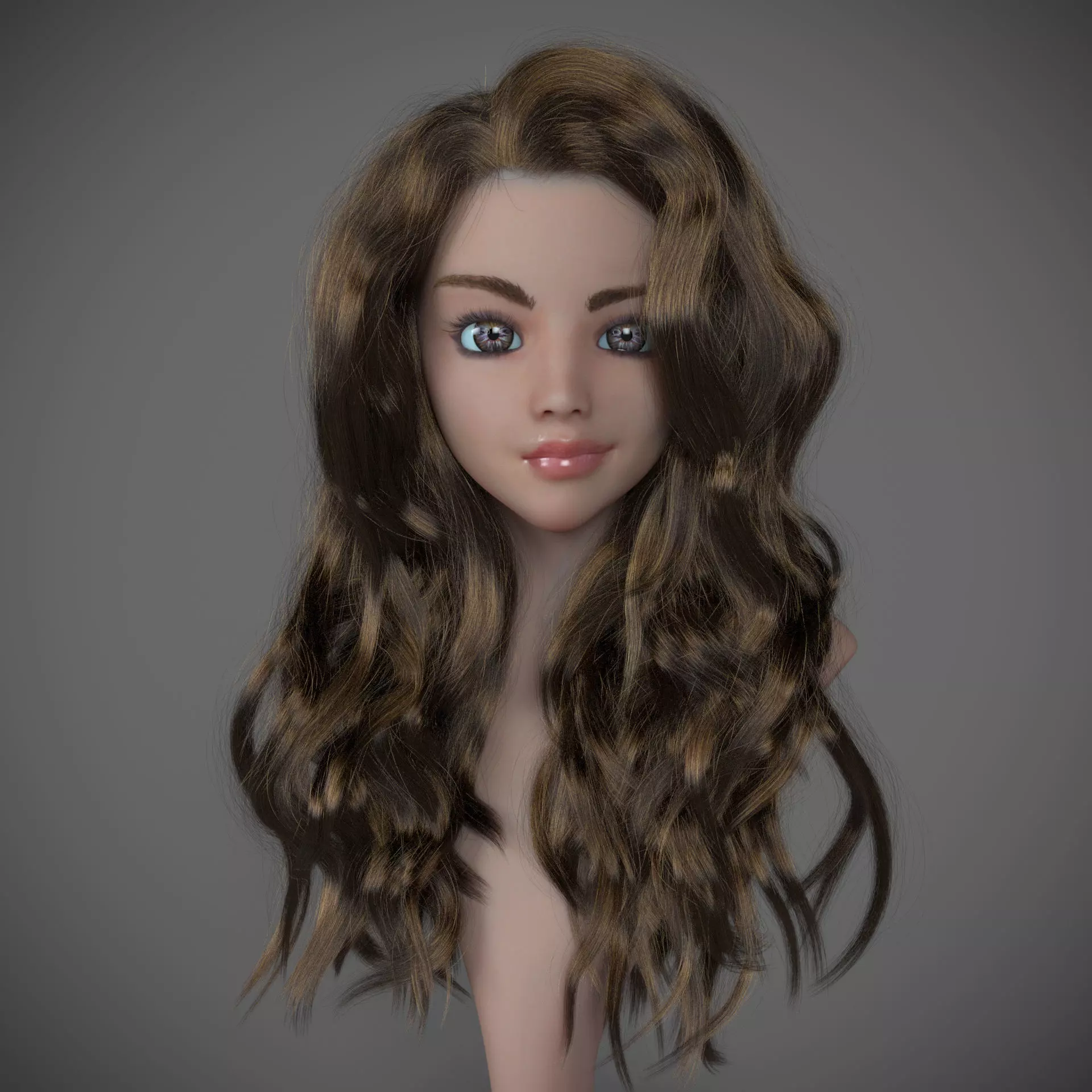
Girl curly hair in Corona renderer for 3dsmax.

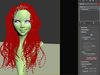
With this project, you can create any different hairstyles if you have installed the Ornatrix plugin. You can groom, cut, style this hair.

You can transfer this hair to your character. If you want - I can help with this.

Watch my tutorials to understand how to work with Ornatrix.

Note - before open the scene, please install the latest Ornatrix Version

I used - 6.0.21.18125 with this model.

In the scene you can find the all Corona renderer materials + bonus (all hair materials, which I've used in this scene -> https://www.artstation.com/artwork/8N4EQ )

When you will buy this project - you'll get

a) FBX&OBJ

This is hair mesh for your sculpts in zbrush or 3D-Coat only. Not for realtime or offline rendering.

  • model_with_hair_mesh.FBX
  • model_with_hair_mesh.obj

b) Zbrush+3D-Coat scene with hair mesh

  • model_with_hair_mesh.3b
  • model_with_hair_mesh.ZTL

c) SCENEs

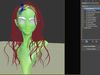
  • spline_scene_corona_renderer_2018.max - simple scene without Ornatrix plugin and only hair splines.
  • ornatrix_scene_corona_renderer_2018.max - Corona renderer scene with full studio like as in preview.

I saved the all modifiers and you can groom this hair and watch how I created it =)

If you want to edit a hair - please uncheck Remember roots. I click on this button because it is save hair cache and my settings.

Pressing by this button will make the modifier generate and cache the root positions of rendered hairs. This is sometimes necessary to ensure that the generated hair will remain consistent among shots rendered on different computers since random generation algorithms can vary across hardware. As such, it is often a good practice to press this button when rendering hair on a render farm. Un-pressing the button will clear the cache. The cache is stored with the scene and thus will increase your scene file size. The button must be un-pressed and then pressed again if you modify any of the distribution parameters to reflect the changes. The caching process might take a few seconds depending on your render hair count.

So happy rendering!
REVIEWS & COMMENTS

See what other buyers think about this model - real feedback on quality,
accuracy, and usability.
View all
3
0
17
rh
rhi-a6e6acBuyer of this model
This user has purchased this specific model
The buyer left positive feedback on this model
li
liamjamesmcpartland3Buyer of this model
This user has purchased this specific model
The buyer left positive feedback on this model
ol
oliverwen2891Buyer of this model
This user has purchased this specific model
The buyer left positive feedback on this model
mnostva
mnostvaCommunity member
This user is part of the CGTrader community
So cool!
Refaei
RefaeiCommunity member
This user is part of the CGTrader community
Great work!
po
potatosparta1Community member
This user is part of the CGTrader community
I was wondering, would it be possible to rig this separately for VR?
BEST PRICE GUARANTEED
Found this model cheaper on another marketplace? Let our support team know - we’ll match it.

Girl long curly hair for production render with all modifiers 3D model

Royalty Free License
Hire
Like this model to show appreciation to the designer.
See how many times this model was viewed.
Share this model to support the designer and boost their visibility.
Native file format
MAX2 files
Size: 24.7 MB
Exchange formats
OBJ
OBJ<br />File Size: 186 MB
FBX
Autodesk FBX<br />File Size: 186 MB
MAT
mat<br />File Size: 904 KB
3B
3D Coat<br />File Size: 205 MB
ZTL
Zbrush<br />File Size: 205 MB
Provided by designer
Information and details shared directly by the model's designer.
3D Features
The model includes animations (movement or actions) that can be played in supported software or engines.
The model has a skeleton or bone structure, making it ready for posing or animation.
PBR
Uses Physically Based Rendering materials, which give the model realistic lighting and surface properties.
Textures
The model includes image files (textures) that add color, patterns, or detail to its surfaces.
Materials
The model has material settings that define how surfaces look (color, shine, transparency, etc.).
UV Mapping
The model's surfaces are mapped to a 2D image, allowing textures to display correctly.
Plugins Used
Some external plugins were used to create the model. These may be required for full functionality.
3D printing
Indicates whether the designer marked this model as suitable for 3D printing.
Model is not 3D printable
The designer indicates this model is intended for digital use only (rendering, animation, or AR/VR) and not for 3D printing.
Geometry
Polygon mesh
A model built from polygons (triangles or quads) connected in a mesh.
Unwrapped UVs
Publish date
Model ID
Chat