

DESCRIPTION

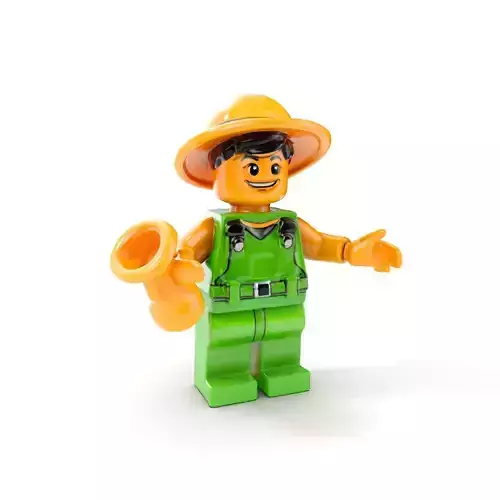
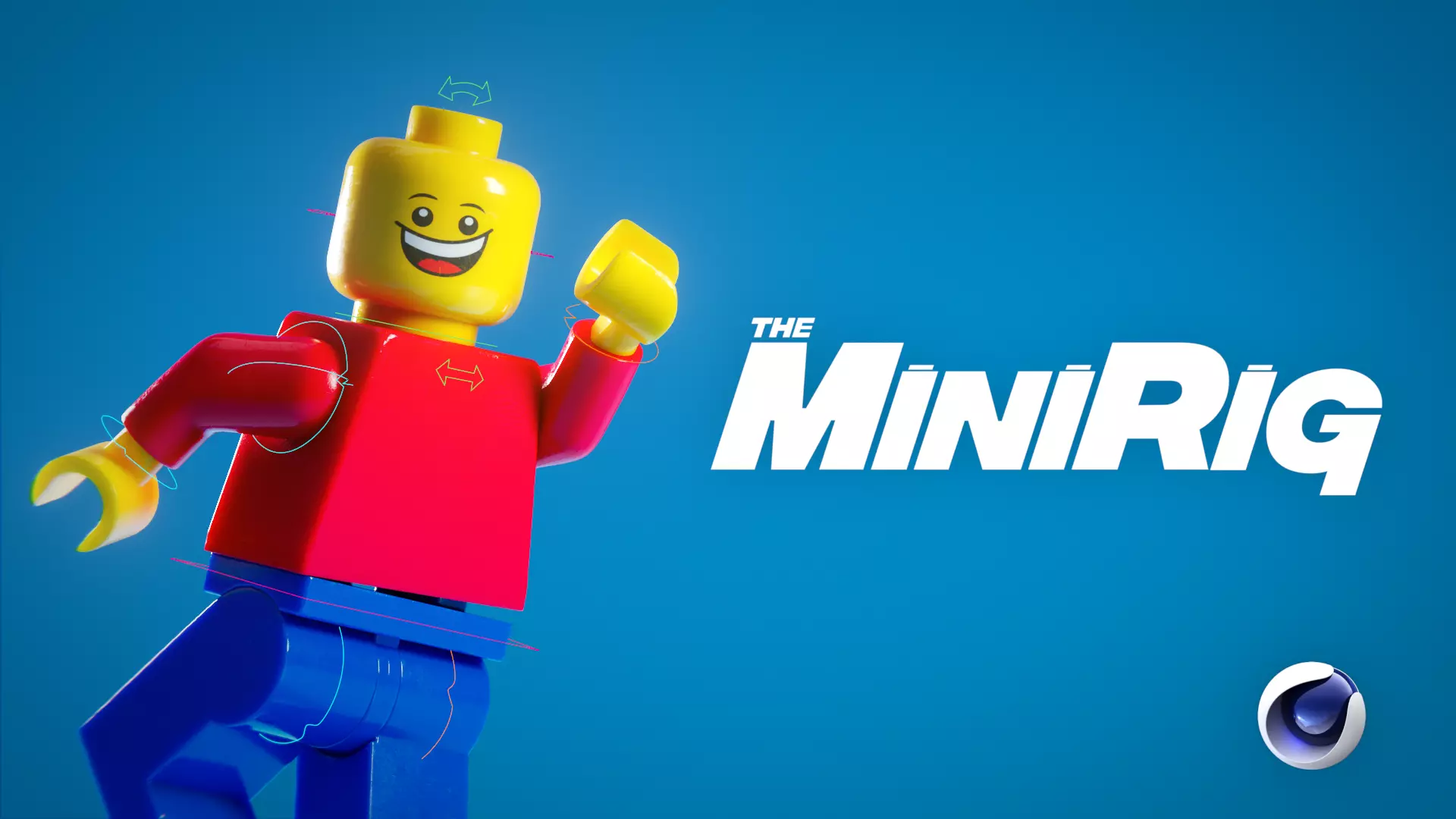
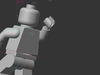
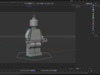
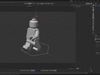
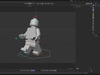
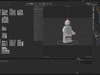
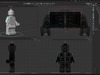
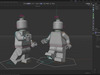
The MiniRig is the ultimate Lego Minifigure rig for Cinema 4D, offering unparalleled control and versatility. This comprehensive rig features a fully SUB-D ready and UV-unwrapped Lego Minifigure, making it the perfect choice for creating dynamic animation or photorealistic renders.

Key Features:

  • Highly Accurate High-Poly Model: Built with Subdivision topology for precision and smooth detail.
  • IK and FK Controls: Choose between inverse and forward kinematics for full animation flexibility.
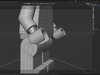
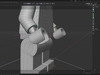
  • Independent Tilt Controls: Adjust the Minifig’s tilt, hip, and torso roll independently for nuanced movement.
  • Foot and Hip Pivots: Easily generate custom pivots with a single click.
  • Clutter-Free Workflow: Hide control splines for a clean, focused animation preview.

Whether you're recreating the cinematic magic of The Lego Movie or bringing your own Lego universe to life, the MiniRig is the ideal solution for professional-quality results.

Disclaimer:

Rig only compatible with Cinema 4D, the FBX and OBJ models are NOT RIGGED. This rig has been tested with Cinema 4D Version 2024.5.1 - we cannot guarantee compatibility with other versions. While every effort has been made to ensure this rig functions as intended, users are responsible for ensuring compatibility with their hardware and software setups. If you encounter any issues, please reach out—I’m here to help!

KNOWN ISSUES

  • Switching between IK and FK after moving or animating the controls will potentially break the rig and ruin your animation. These controls aren't designed to be switched, you should choose one or the other for the purposes of your shot. If you must switch between the two, it is recommended to merge in a fresh rig, re-create the pose using either IK or FK and switch the visibility of the two models instead.

  • When generating a second foot pivot, make sure it is placed UNDER (a child of) the first foot pivot in the heirachy to ensure the animation stacks correctly. With this method you can stack as many foot pivot animations as you wish!

  • The MiniRig is built to real world scale, meaning it may appear tiny if you merge it into a new project. You may also need to adjust scene scale settings to resolve issues with dynamics, simulations or size dependant rendering effects like Subsurface Scattering. You may also need to adjust your project view clipping when working at this scale.

  • As with all rigs, if you push things too far the rig will break. This is common accross the industry and is somewhat unavoidable. Always save regularly and have multiple backups.

REVIEWS & COMMENTS

See what other buyers think about this model - real feedback on quality,
accuracy, and usability.
There are no reviews or comments yet. Please be the first one to write it.
BEST PRICE GUARANTEED
Found this model cheaper on another marketplace? Let our support team know - we’ll match it.

Lego Minifigure Rig for Cinema 4D - The MiniRig - Minifig Model 3D model

Custom License (no AI)
Hire
Like this model to show appreciation to the designer.
See how many times this model was viewed.
Share this model to support the designer and boost their visibility.
File formats
OBJ
OBJ<br />File Size: 4.02 MB
C4D
Cinema 4D<br />Version: 2024.5.1 - Renderer: Default<br />File Size: 2.29 MB
FBX
Autodesk FBX<br />File Size: 1.41 MB
Verified by CGTrader
Verified models are of higher quality as they have
passed CGT Standard technical and visual checks,
making them more professional-grade 3D assets.
Learn more.
FBX
This FBX file has successfully passed the CGT Standard technical and visual checks. The verification results are detailed in the section below.
File & scene
Binary FBX
Binary FBX file is more compact and faster to load and process.
Learn more
No unsupported objects
Unsupported objects:
- Lights
- Cameras
Learn more
Geometry
No N-gons
N-gons are polygons with five or more sides which might cause issues in certain processes like rendering or animation. Learn more
No faceted geometry
Faceted geometry uses flat surfaces without smoothing, which can look unrealistic on curves.
Learn more
Manifold geometry
Manifold geometry ensures all surfaces are properly connected, avoiding issues like edges shared by more than two faces.
Learn more
Textures & material
PBR textures
PBR textures simulate how light interacts with materials, making the model look realistic under different lighting.
Required PBR textures:
- Base Color
- Roughness
- Metalness
- Normal
Learn more
No embed textures
Embedded textures are stored inside the model file, increasing its size and sometimes causing compatibility issues.
Learn more
Square textures
Texture aspect ratio is the width-to-height ratio of a texture. Expected texture aspect ratio: 1:1
Learn more
Power of 2 texture sizes
Textures with dimensions in power of two (e.g. 512x512px, 1024x1024px) are used to optimize performance and memory usage.
Learn more
Assigned materials
Materials are applied to the 3D model to allow visualize a model's surface properties and appearance.
Learn more
UVs & naming
No UV overlaps
UVs overlap when multiple points on the 3D model's surface are mapped to the same point on the UV island causing texture stretching.
Learn more
UV unwrapped model
A UV unwrapped model means its 3D surface is flattened into 2D space, allowing textures to be applied accurately.
Learn more
Allowed characters
Allowed ASCII characters: a-zA-Z0-9-_
Learn more
Provided by designer
Information and details shared directly by the model's designer.
3D Features
The model has a skeleton or bone structure, making it ready for posing or animation.
PBR
Uses Physically Based Rendering materials, which give the model realistic lighting and surface properties.
UV Mapping
The model's surfaces are mapped to a 2D image, allowing textures to display correctly.
3D printing
Indicates whether the designer marked this model as suitable for 3D printing.
Model is not 3D printable
The designer indicates this model is intended for digital use only (rendering, animation, or AR/VR) and not for 3D printing.
Geometry
Subdivision ready
A polygon model designed to smooth cleanly when subdivision is applied.
25596 polygons
The total number of polygons (flat shapes) that make up the 3D model.
Unwrapped UVs
Publish date
Model ID
Chat