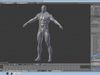
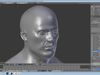
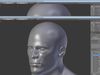
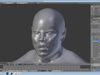
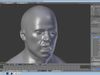
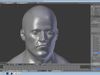
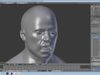
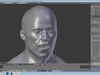
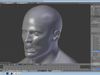
DESCRIPTION

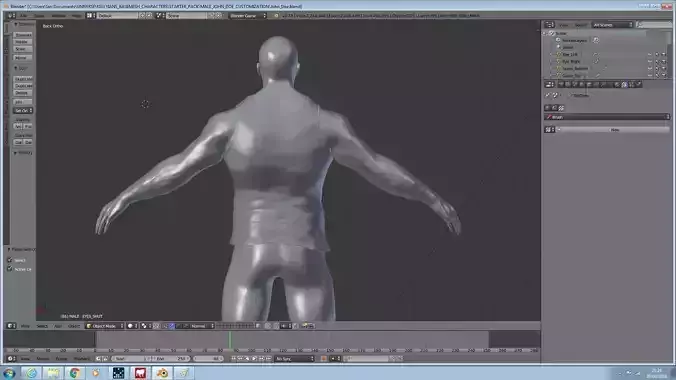
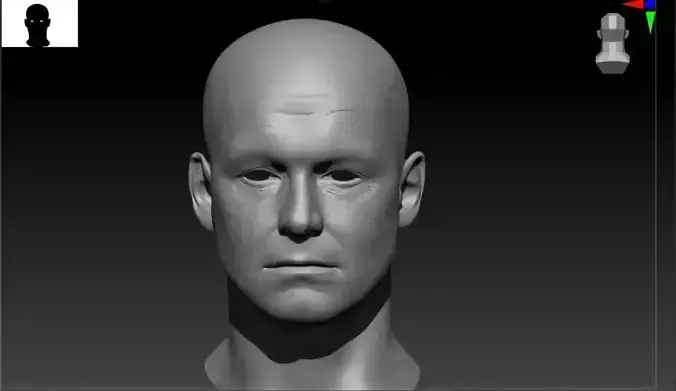
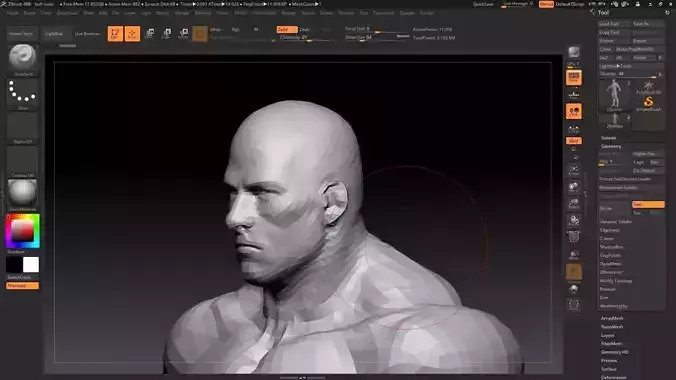
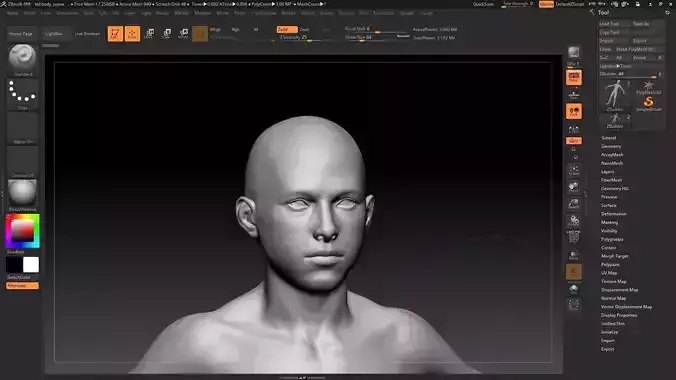
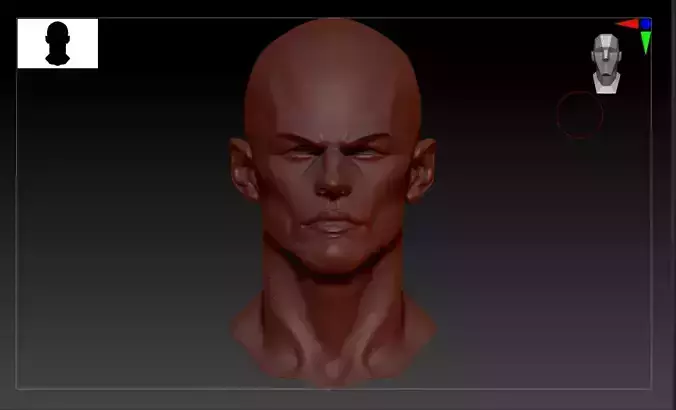
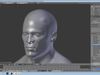
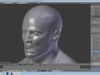
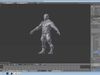
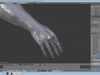
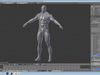
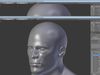
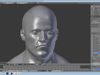
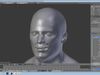
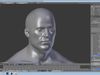
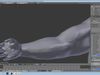
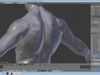
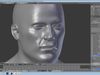
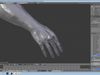
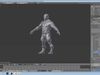
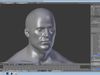
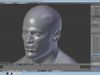
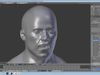
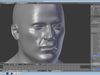
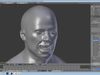
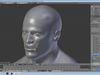
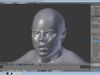
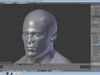
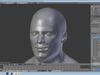
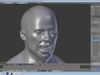
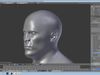
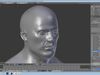
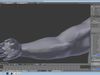
John Doe is a starter pack to help other Blender Artists to create new Characters with in minutes, his face and body can be customized in many shape and sizes, making him look different each time.

Once, you have created clothes or armour and have a complete character, he will be ready for Retopology. Bake, from the high poly model on to your low poly to produce your game model. Now, your ready to Rig and Texture.

Morph from an average man to little person/Dwarf or even, a giant.

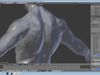
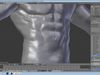
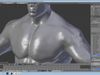
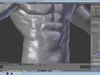
Alpha's (Sculpted Textures)

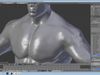
-Wrinkles-Veins-Skin

SHAPE KEYS:

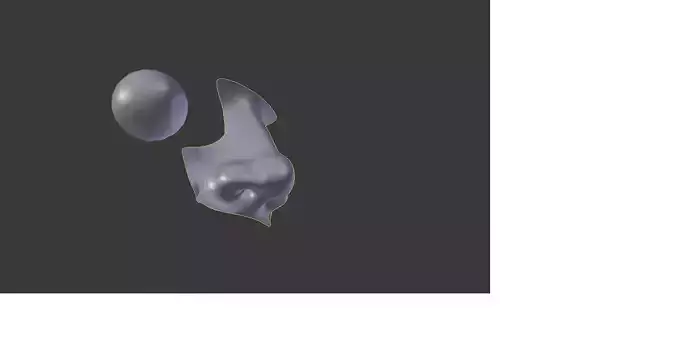
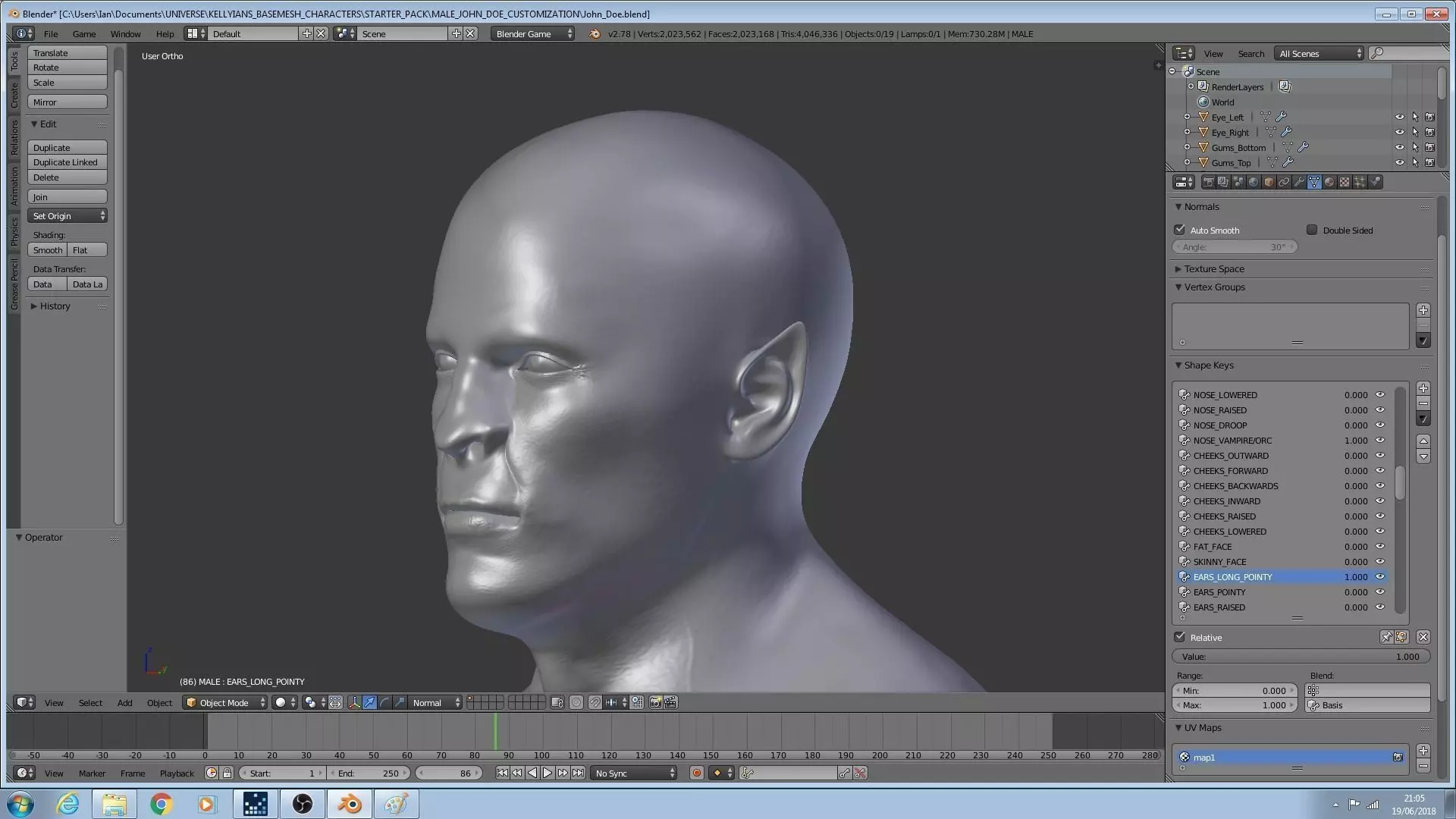
141(Combinations) and 18 Basis((Default)IMPORTANT NOTE:Make sure its on this, if you want to re-sculpt the surface and do NOT res-culpt at value 1and return it back Value 0 because it willbe deformed. Start a NEW Key Shape for a new Morph!

How to find it... On the right hand side, 3/4 quarters up the screen. You will come across triangle that is upside, down this is called Data Object Data from here scroll down to Shape keys.How to make it work... In the Value Bar it is 0 - 1, i.e. Eyes_SHut was at 0.5 that would make his eyes half closed.

Male:

1.-Basis(Default)2.-Mouth_Smile3.-Mouth_Closed4.-Mouth_Open5.-Mouth_Raised6.-Mouth_Lowered7.-Mouth_Small8.-Mouth_His_Right9.-Mouth_His_Left10.-Mouth_Inward11.-Mouth_Outward12.-Mouth_Angry13.-Mouth_Sad14.-Mouth_Shape15.-Eyes_Asian16.-Eyes_Inward17.-Eyes_Outward18.-Eyes_Lowered19.-Eyes_Raised20.-Eyes_Out21.-Eyes_Cartoon122.-Eyes_Cartoon223.-Eyes_In24.-Eyes_Bags25.-EyeBrows_Raised26.-EyeBrows_Angry27.-EyeBrows_Lowered28.-Nose_Slope29.-Nose_Hump30.-Nose_Skinny31.-Nose_Wide32.-Nose_Bobble33.-Nose_Flick34.-Nose_Lowered35.-Nose_Raised36.-Nose_Droop37.-Nose_Vampric/ORC38.-Cheeks_Outward39.-Cheeks_Forward40.-Cheeks_Backwards41.-Cheeks_Inward42.-Cheeks_Raised43.-Cheeks_Lowered44.-Fat_Face45.-Skinny_Face46.-Ears_Long_Pointy47.-Ears_Pointy48.-Ears_Raised49.-Ears_Lowered50.-Ears_Small51.-Jaw52.-Jaw_Outward53.-Jaw_Inward54.-Lips_Bottom_Smaller55.-Lips_Bottom_Bigger56.-Laugh_Lines57.-Chin58.-Chin_Lowered59.-Chin_Raised60.-Chin_Outward61.-Chin_Inward62.-Head_Narrow63.-Head_Wide64.-Neck65.-Chest_Skinny66.-Head_Raised67.-Head_Lowered68.-Shoulders_Smaller69.-Back_Smaller70.-Left_Bicep_Smaller71.-Left_Bicep_Skinny72.-Left_Bicep_Bigger73.-Right_Bicep_Smaller74.-Right_Bicep_Skinny75.-Right_Bicep_Bigger76.-Biceps_Longer77.-Biceps_Shorter78.-Body_Length79.-Body_Shorter80.-Thighs_Length81.-Thighs_Shorter82.-Thighs_Thin83.-Thighs_Thick84.-Calves_Length85.-Calves_Shorter86.-Calves_Thin87.-Calves_Thick88.-Stomach_Large89.-Stomach_Skinny90.-Stomach_Love_Handles91.-Feet_Small92.-Feet_Large93.-Eyes_Shut

Left Eye:

94.-Basis(Default)95.-Left_Eye_Raised97.-Left_Eye_Lowered

Right Eye:

98.-Basis(Default)99.-Right_Eye_Raised100.-Right_Eye_Lowered

Gums_Bottom:

101.-Basis(Default)102.-Lower_Gum_Lowered103.-Lower_Gum_Raised104.-Lower_Gum_Forward

Gums_Top:

105.-Basis(Default)106.-Upper_Gum_Lowered107.-Upper_Gum_Raised108.-Upper_Gum_Forward

Teeth_Lower_Canine:

109.-Basis110.-Raised111.-Lowered112.-Forward

Teeth_Lower_Central_Incisor:

113.-Basis114.-Raised115.-Lowered116.-Forward

Teeth_Lower_First_Molar:

117.-Basis118.-Raised119.-Lowered120.-Forward

Teeth_Lower_Lateral_Incisor:

121.-Basis122.-Raised123.-Lowered124.-Forward

Teeth_Lower_Second_Molar:

125.-Basis126.-Raised127.-Lowered128.-Forward

Teeth_Lower_Third_Molar:

129.-Basis130.-Raised131.-Lowered132.-Forward

Teeth_Upper_Canine:

133.-Basis134.-Raised135.-Lowered136.-Forward

Teeth_Upper_Central_Incisor:

137.-Basis138.-Raised139.-Lowered140.-Forward

Teeth_Upper_First_Molar:

141.-Basis142.-Raised143.-Lowered144.-Forward

Teeth_Upper_Lateral_Incisor:

145.-Basis146.-Raised147.-Lowered148.-Forward

Teeth_Upper_Second_Molar:

149.-Basis150.-Raised151.-Lowered152.-Forward

Teeth_Upper_Third_Molar:

153.-Basis154.-Raised155.-Lowered156.-Forward

Tongue:

157.-Basis158.-Lowered159.-Raised

What, John Doe does NOT have:

RIGTEXTURESCLOTHESHAIR

You will have great fun with this model of John Doe and even make your own morphs with shape keys!Please, join us on Facebook at ''Blender Character Artists'' (Group).I hope like my work and send us feedback.

Thanks!!!

Kind Regards

Kellyian / Ian Kelly

REVIEWS & COMMENTS

See what other buyers think about this model - real feedback on quality,
accuracy, and usability.
There are no reviews or comments yet. Please be the first one to write it.
BEST PRICE GUARANTEED
Found this model cheaper on another marketplace? Let our support team know - we’ll match it.

Male John Doe 3D model

Royalty Free License
Hire
Like this model to show appreciation to the designer.
See how many times this model was viewed.
Share this model to support the designer and boost their visibility.
File formats
BLEND
Blender | 2 files<br />Version: 2.78<br />File Size: 95.9 MB
FBX
Autodesk FBX | 2 files<br />Version: unreal engine 4<br />File Size: 204 MB
Verified by CGTrader
Verified models are of higher quality as they have
passed CGT Standard technical and visual checks,
making them more professional-grade 3D assets.
Learn more.
FBX
This FBX file has successfully passed the CGT Standard technical and visual checks. The verification results are detailed in the section below.
File & scene
Binary FBX
Binary FBX file is more compact and faster to load and process.
Learn more
No unsupported objects
Unsupported objects:
- Lights
- Cameras
Learn more
Geometry
No N-gons
N-gons are polygons with five or more sides which might cause issues in certain processes like rendering or animation. Learn more
No faceted geometry
Faceted geometry uses flat surfaces without smoothing, which can look unrealistic on curves.
Learn more
Manifold geometry
Manifold geometry ensures all surfaces are properly connected, avoiding issues like edges shared by more than two faces.
Learn more
Textures & material
PBR textures
PBR textures simulate how light interacts with materials, making the model look realistic under different lighting.
Required PBR textures:
- Base Color
- Roughness
- Metalness
- Normal
Learn more
No embed textures
Embedded textures are stored inside the model file, increasing its size and sometimes causing compatibility issues.
Learn more
Square textures
Texture aspect ratio is the width-to-height ratio of a texture. Expected texture aspect ratio: 1:1
Learn more
Power of 2 texture sizes
Textures with dimensions in power of two (e.g. 512x512px, 1024x1024px) are used to optimize performance and memory usage.
Learn more
Assigned materials
Materials are applied to the 3D model to allow visualize a model's surface properties and appearance.
Learn more
UVs & naming
No UV overlaps
UVs overlap when multiple points on the 3D model's surface are mapped to the same point on the UV island causing texture stretching.
Learn more
UV unwrapped model
A UV unwrapped model means its 3D surface is flattened into 2D space, allowing textures to be applied accurately.
Learn more
Allowed characters
Allowed ASCII characters: a-zA-Z0-9-_
Learn more
Provided by designer
Information and details shared directly by the model's designer.
3D printing
Indicates whether the designer marked this model as suitable for 3D printing.
Model is not 3D printable
The designer indicates this model is intended for digital use only (rendering, animation, or AR/VR) and not for 3D printing.
Unwrapped UVs
Publish date
Model ID
Chat