DESCRIPTION
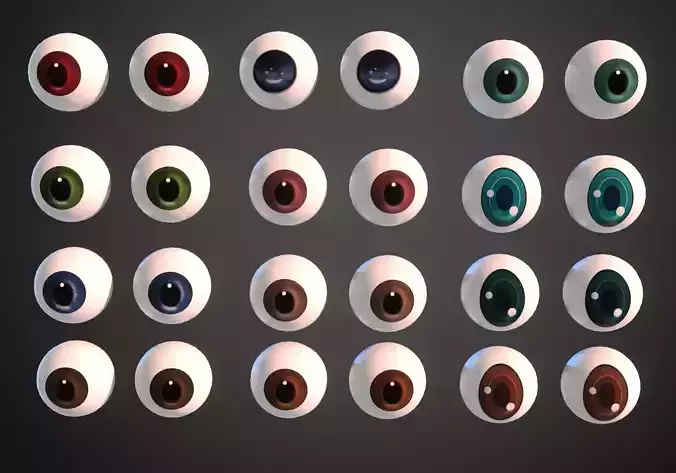
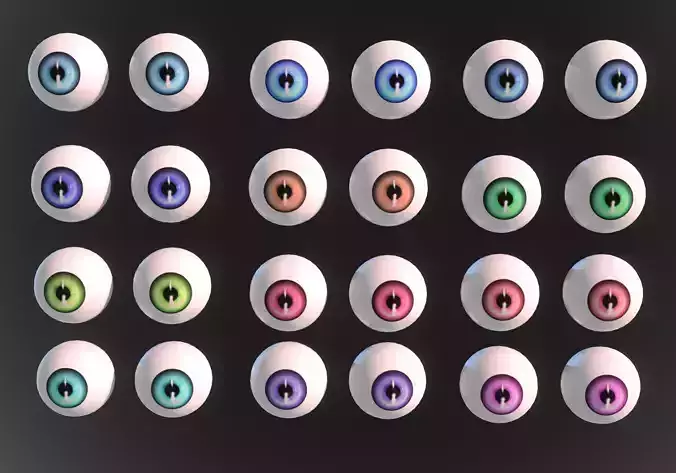
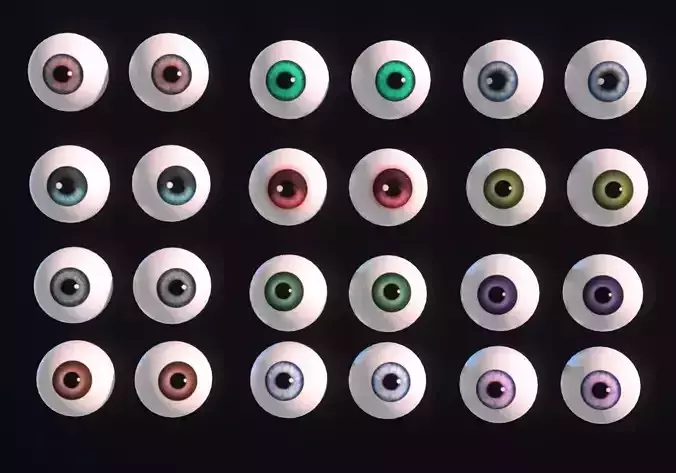
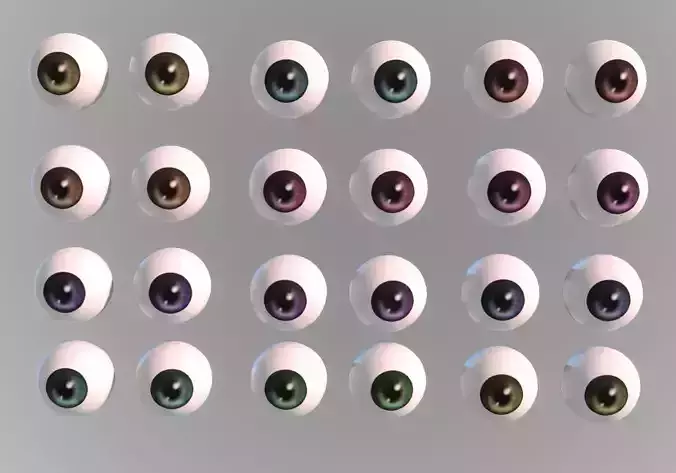
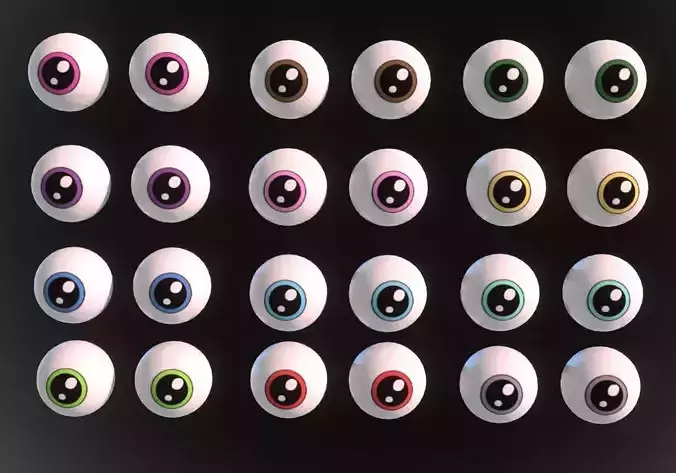
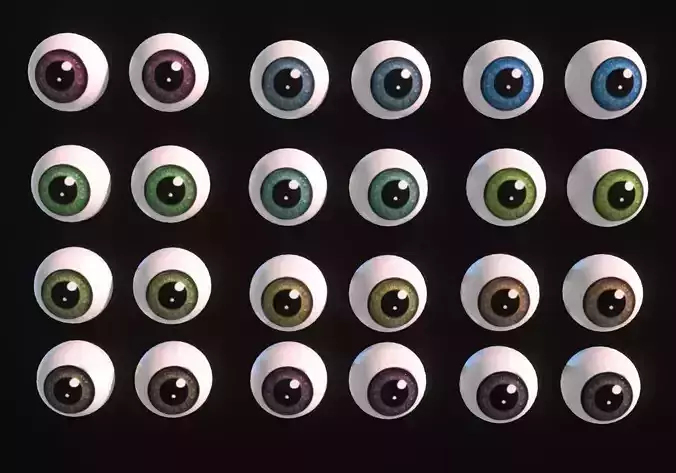
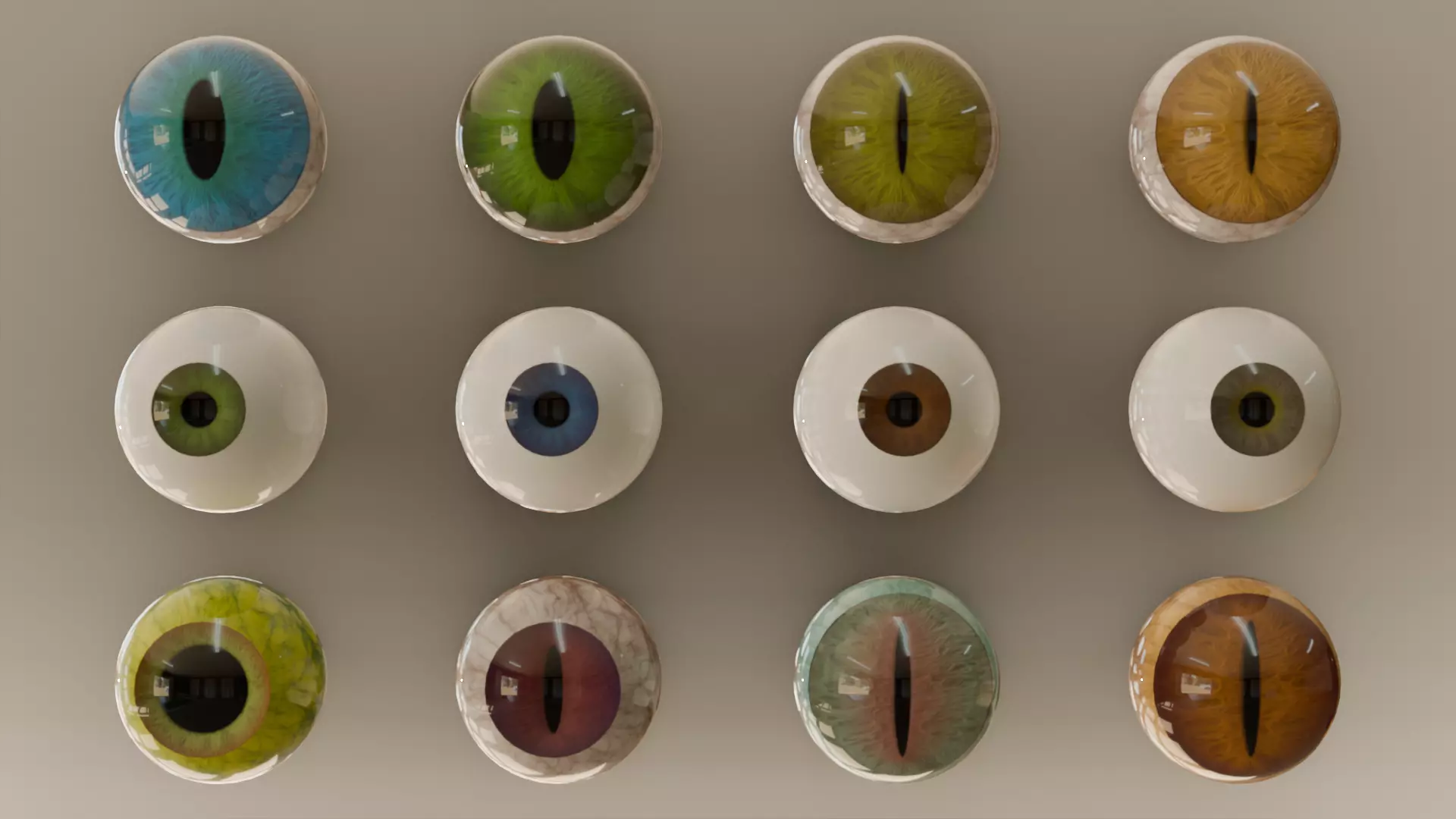
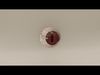
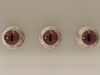
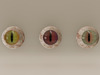
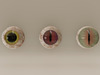
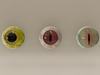
  • 12 different eyes meshes with materials and textures.
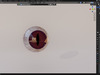
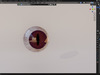
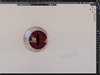
  • Procedural eye with customization settings, for shape and colors.
  • Included blender, fbx, unreal engine 5 files.

-Eyes collection information-

  • 48 materials (each eye has 4 different materials)
  • 36 textures (each eye has 3 different textures, 2 textures for eye color and one for eye ball color, all textures 1024x1024 size)
  • Each eye has 1200-1300 vertices in blender
  • Each eye have two UV: for materials and for lightmap bake

-Procedural eye information-

Eye created with geometry node systemGeometry nodes let you customize these settings of eye :

  • Pupil Size
  • Iris Size
  • Iris Depth
  • Iris Slit
  • Cornea Size
  • Cornea Push

Materials as EyeColor and EyeBallColor let you change easy these colors settings:

  • EyeColor
  • EyeCornerColor
  • StyleMode (choose 1-3)
  • StyleEdit (choose 1-10)
  • EyeBallVeinsColor
  • EyeBallColor

Customized procedural eye can have baked textures, here tutorial how to do it step by step: https://www.youtube.com/watch?v=yT1UNOlhYTI

-Important information for creating procedural eye-

!!! After bake of textures apply geometry node in modifier section !!!!!! After apply of geometry node, check face normals, to correct them, select eye, go to Edit mode, select all faces and press shift+n !!!!!! Also if you want eye look better, you can delete black face inside eye and fill eye middle hole by going to Edit mode, select edges around hole, press Face in upper section near Edit mode and select Grid Fill and apply EyePupilColor material. !!!!!! Recomended to manualy rework UVLightmap if model going be used for bake lightmap. !!!

REVIEWS & COMMENTS

See what other buyers think about this model - real feedback on quality,
accuracy, and usability.
There are no reviews or comments yet. Please be the first one to write it.

Eyes collection and Procedural eye customization Low-poly 3D model

$5.00
Royalty Free License (no AI)
Hire
Like this model to show appreciation to the designer.
See how many times this model was viewed.
Share this model to support the designer and boost their visibility.
File formats
FBX
Autodesk FBX<br />File Size: 39.9 MB
PNG
PNG | 3 files<br />File Size: 149 MB
BLEND
Blender | 2 files<br />Version: 4.4.3<br />File Size: 139 MB
EXR
EXR | 2 files<br />File Size: 139 MB
JPG
JPG<br />File Size: 69.3 MB
Verified by CGTrader
Verified models are of higher quality as they have
passed CGT Standard technical and visual checks,
making them more professional-grade 3D assets.
Learn more.
FBX
This FBX file has successfully passed the CGT Standard technical and visual checks. The verification results are detailed in the section below.
File & scene
Binary FBX
Binary FBX file is more compact and faster to load and process.
Learn more
No unsupported objects
Unsupported objects:
- Lights
- Cameras
Learn more
Geometry
No N-gons
N-gons are polygons with five or more sides which might cause issues in certain processes like rendering or animation. Learn more
No faceted geometry
Faceted geometry uses flat surfaces without smoothing, which can look unrealistic on curves.
Learn more
Manifold geometry
Manifold geometry ensures all surfaces are properly connected, avoiding issues like edges shared by more than two faces.
Learn more
Textures & material
PBR textures
PBR textures simulate how light interacts with materials, making the model look realistic under different lighting.
Required PBR textures:
- Base Color
- Roughness
- Metalness
- Normal
Learn more
No embed textures
Embedded textures are stored inside the model file, increasing its size and sometimes causing compatibility issues.
Learn more
Square textures
Texture aspect ratio is the width-to-height ratio of a texture. Expected texture aspect ratio: 1:1
Learn more
Power of 2 texture sizes
Textures with dimensions in power of two (e.g. 512x512px, 1024x1024px) are used to optimize performance and memory usage.
Learn more
Assigned materials
Materials are applied to the 3D model to allow visualize a model's surface properties and appearance.
Learn more
UVs & naming
No UV overlaps
UVs overlap when multiple points on the 3D model's surface are mapped to the same point on the UV island causing texture stretching.
Learn more
UV unwrapped model
A UV unwrapped model means its 3D surface is flattened into 2D space, allowing textures to be applied accurately.
Learn more
Allowed characters
Allowed ASCII characters: a-zA-Z0-9-_
Learn more
Provided by designer
Information and details shared directly by the model's designer.
3D Features
PBR
Uses Physically Based Rendering materials, which give the model realistic lighting and surface properties.
Textures
The model includes image files (textures) that add color, patterns, or detail to its surfaces.
Materials
The model has material settings that define how surfaces look (color, shine, transparency, etc.).
UV Mapping
The model's surfaces are mapped to a 2D image, allowing textures to display correctly.
3D printing
Indicates whether the designer marked this model as suitable for 3D printing.
Model is not 3D printable
The designer indicates this model is intended for digital use only (rendering, animation, or AR/VR) and not for 3D printing.
Geometry
Polygon mesh
A model built from polygons (triangles or quads) connected in a mesh.
15703 polygons
The total number of polygons (flat shapes) that make up the 3D model.
/
15703 vertices
The number of points (corners) that define the shape of the model's polygons.
Unwrapped UVs
Publish date
Model ID
Chat