Hello,
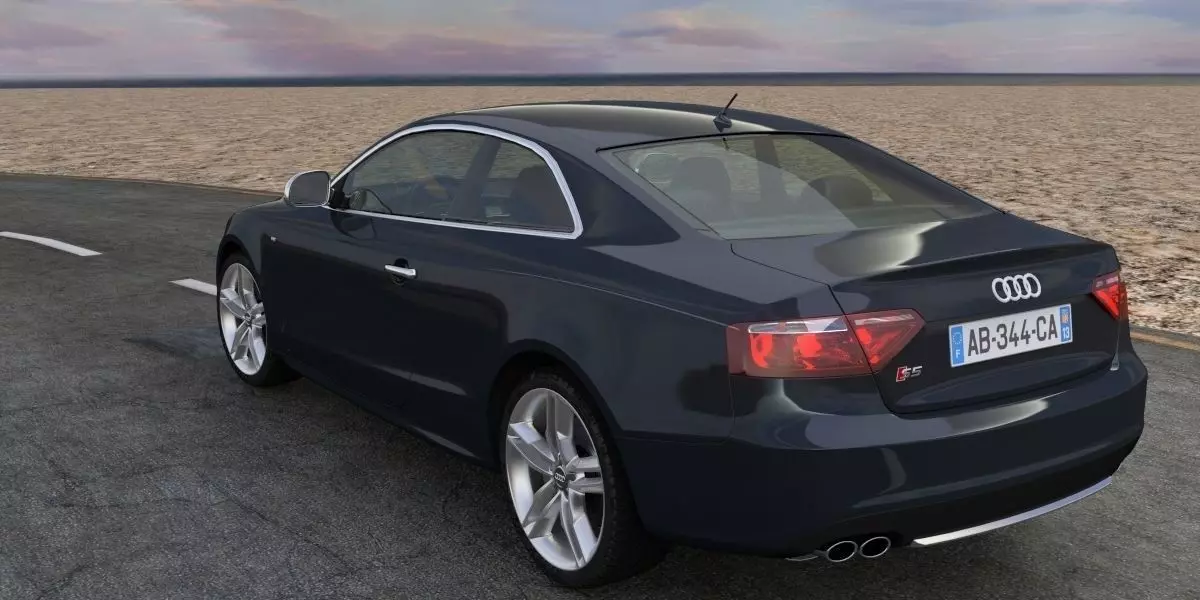
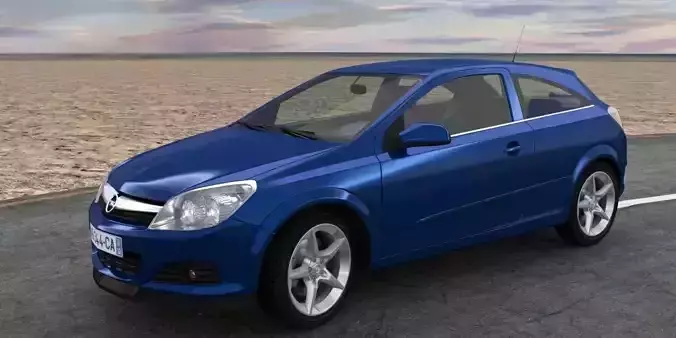
thanks for chosing this 3D model car. I am sure it will fulfill your needs as it has been designed to be simple, self adjusting, very powerfull and ready to go in any of your scene. This car model is 198k vertices without subsurf, render calculation is fast. With full rigging armature , auto color instance, auto-wheel rotation, ground and obstacle detection, auto steering and banking, drift control, acceleration and brake simulation. This 3D model is aimed to be integrated in architectural visualisations and films, so the artist can focus on the whole architecture scene.
All credits to www.abzhprod.com https://youtu.be/yV38_8BLcpU
-- Layers layout -- Layer 1: full model excluding wheels Layer 2: rigging armature Layer 4: disk and caliper brake Layer 5: tire, rim, logo Layer 6: cameras and lights Layer 7: road curve, ground detection, suspension, empty controls Layer 10: ground and road
-- Setup and adjustements -- - Make sure you are using Cycles Render. - Dimensions are in metric system and corresponding the real model, scale 1:1. - Install the object\_get\_path\_length.py script addon with File / User Preferences / addons tab / install from file / activate / save user settings - You can append or link the car using the group Group\_Car\_Full - You can automatically change the carshell color while using instances (Particules tab if you want to create it for several cars) Just select a part of the car body, Material tab, in the Node Editor, connect the ColorRamp node instead of the RGB node. - You need to bake the suspension\_sim\_OBJ object in the Physics tab, Cloth Cache, Bake. You could change the number of frames to bake. - Each time you change the offset of the ground detection object, you need to bake the suspension, otherwise the car seems to shake. - You can change the offset from the ground of the ground detection object in the Modifier tab, offset. - Same for the offset of the road. - The ground object has a displace modifier, to create height variations. - The road_curve object wrap the ground. - The road object wrap the ground. - The road object self adapt to the curves of the the road_curve object, you just need to adapt the lenght in the array modifier. - In order for the wheel to rotate at the correct speed, you need to calcule the lenght of the road with the previously installed addon. Select the road_curve object, toggle the properties panel (press N), last property Curve Length, press Calculate. You need to Copy/paste this value. Select the armature, object tab, custom properties, pathlen. Change the distance custom property for the steering tracking. - This wheel rotation calculation is set up in the Graph Editor, change F-curve to Drivers in the menu. In the 3D view, select the armature then change to Pose Mode instead of Object Mode. Select the wheel.fl bone, the little bone at each wheel. Sometimes easier to find in wireframe view (press Z) In the Graph Editor, toggle the properties panel (press N) to see the drivers calculation. On a different car, you need to adjust the tire wheel diameter in the Driver Scripted Expression, here 0.6 meters. You need to change it for each bone wheel. - Another driver is set up for the armature steer.track bone. - To animated the car along the road_curve object, you need to keyframe (press I) versus time the offset of the Main.Control Empty object. Select the Main.Control Empty object, Constraint tab, Follow Path offset. This offset must to set between 0.05 and 0.95 to avoid weird reactions. If the car explode totally, uncheck and check again Fixed position. - That's it, your car is driving alone, very powerfull isn't it ?
- For drifting, you need to keyframe (press I) the rotation on the Z axis of the Drift.Control Empty object.
Thanks to blazraidr