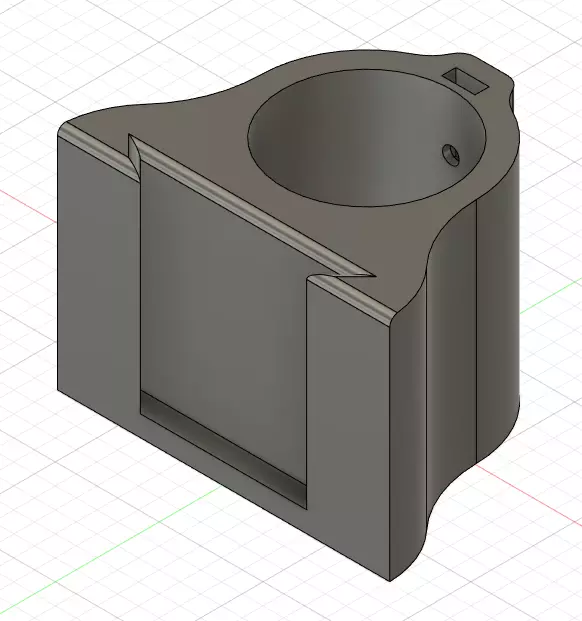
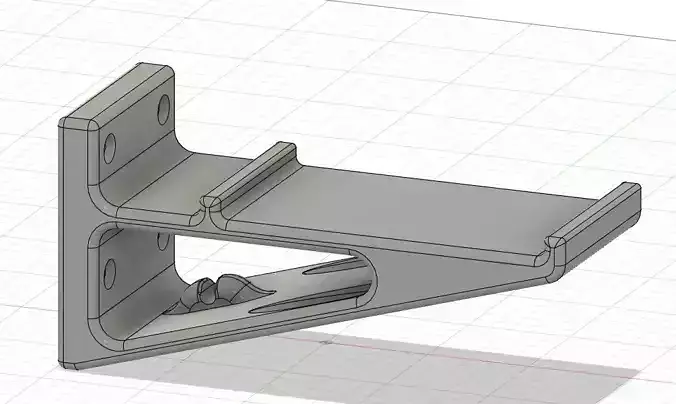
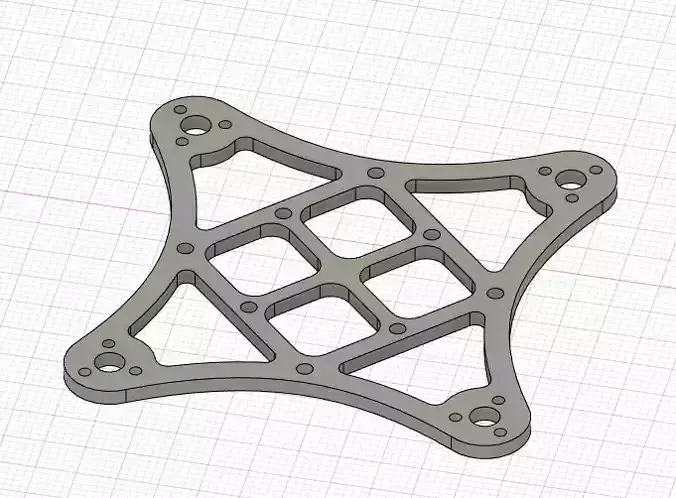
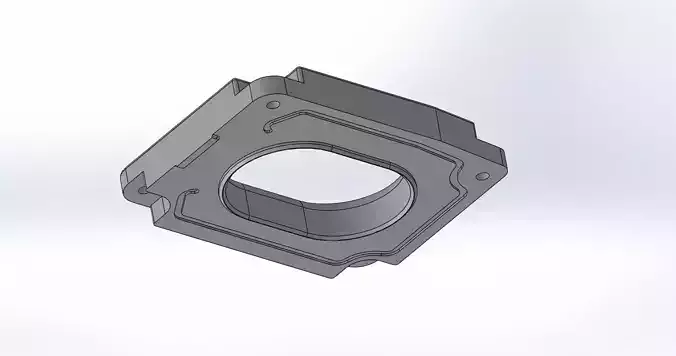
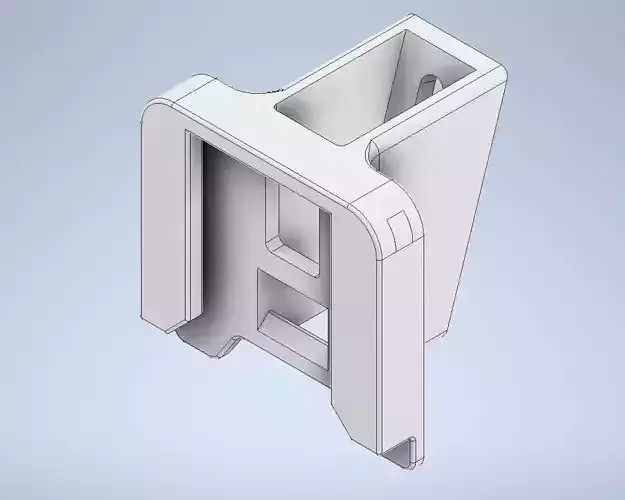
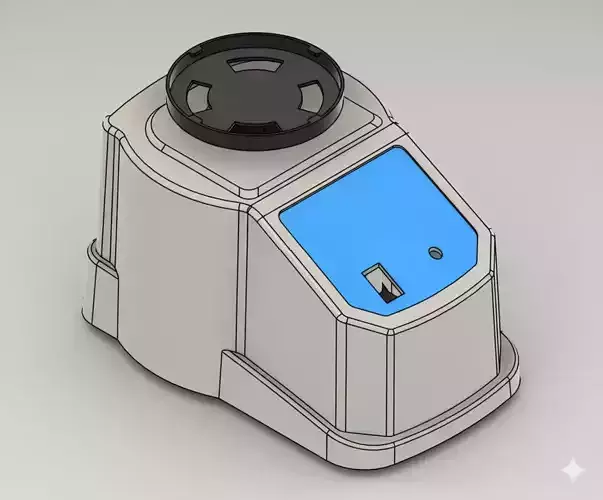
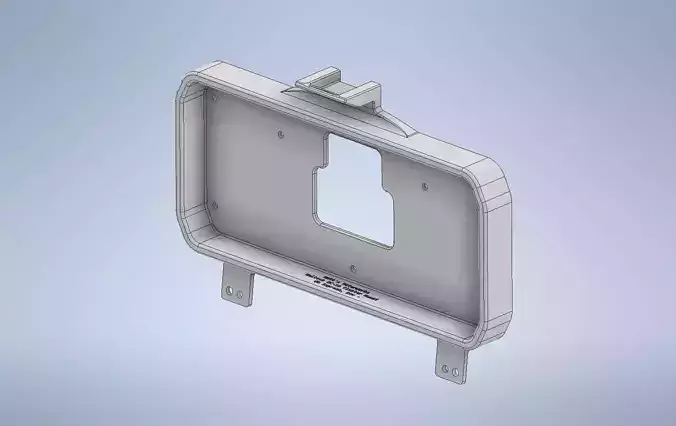
This is a Mount i first remixed off of other Mounts, than remade from scratch to fit my needs.
It can hold one or two Monitors. Depends on the Size of your monitor. I had 2x 23 Inch and it had some spare room. I think 2x 24or even 25 should be no problem. But you gotto test it!
You need an IKEA Table Foot with a diameter of 40 mm. Most cheap IKEA Table feet have this diameter. This fits really snugg!Which is good :)Examples could be ALEX, ADILS or OLOV.
I dont have a picture of it anymore, so here is how to it has to be built:
- You have to Mount the IKEA foot upside down on the table, where u want your Monitor(s) to be.
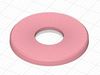
- Cover the Mount-Plate with the Leg_Base_Cover.
- Insert 2x M4 Scres and Nuts in the IKEA_Moni-Mnt.stl
- Slide on the IKEA_Moni-Mnt.stl and secure it with the M4 Screws.
- Print the VESA_Mount_100 or 75. What ever you need for your Montitors VESA Mount.
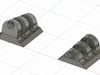
- Print the desired x_degree.stl. You gotto test which is best for you.
- Insert the x_degree.stl in your Vesa_Mount behind your Monitor. Fix it with a thick and long screw.
- Hang your monitor on the IKEA_Moni-Mnt.stl
Finished ;)
There is no 0_degree.stl cause it always has some degrees of sagg. Since its plastic and not steel ;)
If you want to hang another Monitor on top, just print everything (except the Leg_Base_Cover) twice.
3D PRINTING SETTINGSAll files can be printed flat.Print the x_degree.stl files standing and with support to make them more ridget on the needed axis.