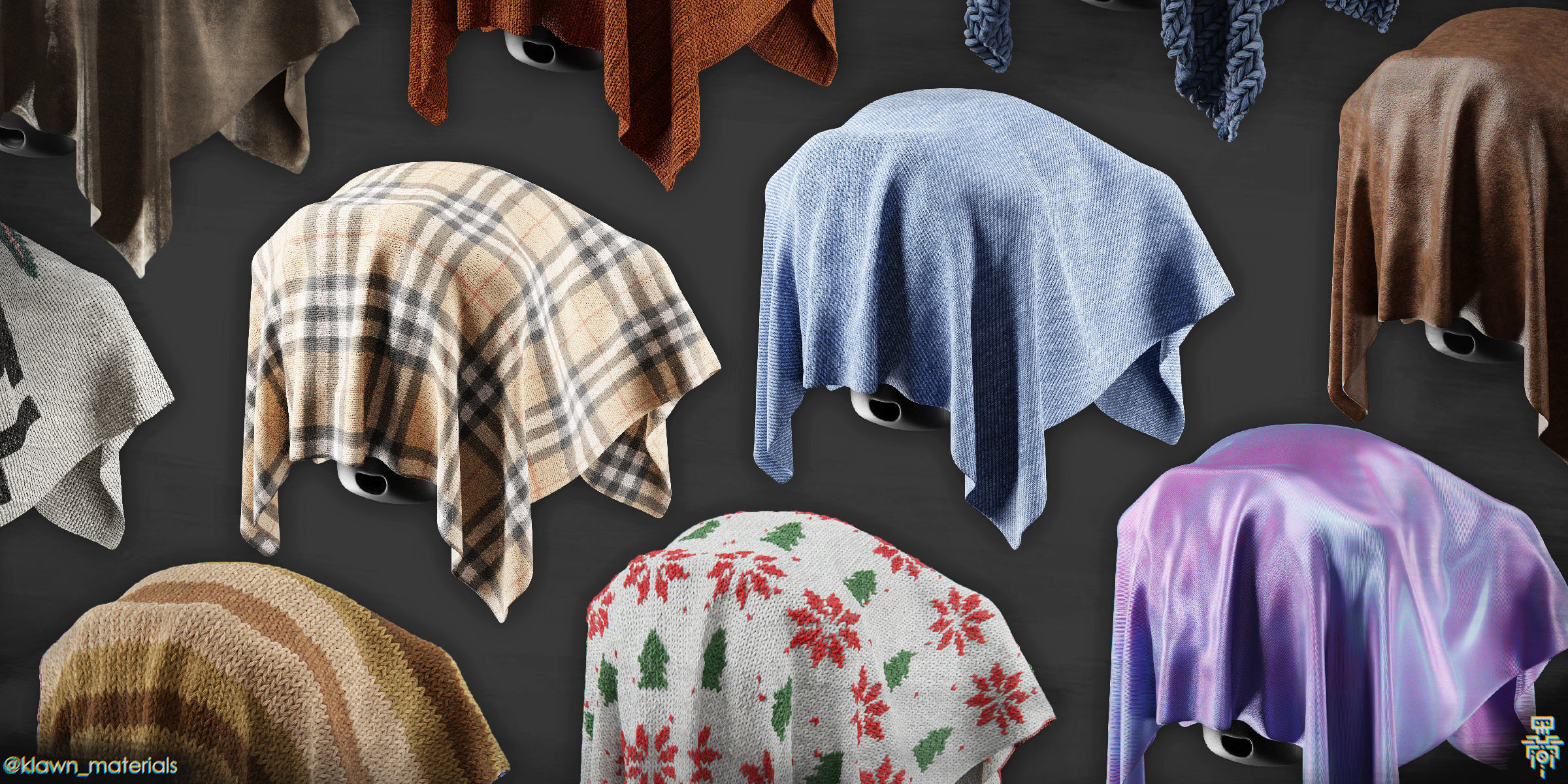
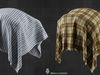
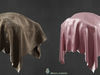
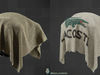
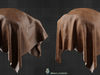
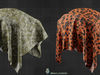
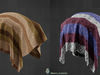
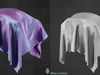
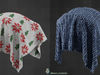
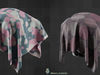
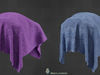
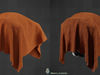
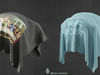
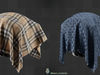
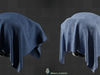
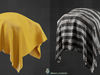
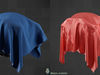
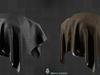
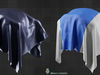
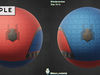
To create more realistic renders, I recommend you to make a particle system with small translucent hairs. To create more realistic renders, I recommend you to make a particle system with small translucent hairs. Knitted, leather, silk, velvet... - Literally every type of fabric textures.
40 Ready-to-use procedural materials. You need more? Then create your own texture with these unique Node Groups.
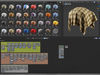
Supports new Blender 3.0 Asset Browser.Blend file has the K.M. - prefix and each material has the All.Fbr. - prefix. PNG Thumbnails included.
Includes Nodevember Spider-man Material!
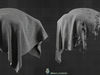
Only knitted and cross-stich materials were rendered with displacement. So you don’t need a ton of subdivisions to get a beautiful results!
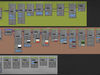
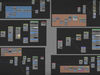
To create more realistic renders, I recommend you to make a particle system with small translucent hairs.Node Groups:
- Basic Dots
- Basic Farbric
- Custom Fabric
- Diagonal Fabric
- Fabric Cross Texture
- Fluffy Texture
- Knitted Fabric
- Leather Texture
- Lily Pattern
- Line Dots
- Lines Pattern
- N-gon Pattern
- Pill
- Polka Dot Pattern
- Straight Fabric
- Stretch Fix
- Stretched Fabric
- Tartan Pattern
- Vectornator
- Christmas Pattern
- Fabric Color
- Leopard Pattern
- Vector Distortion
Materials:
- All Fabric Node Groups
- All.Fbr. - Bootlace
- All.Fbr. - Burlap
- All.Fbr. - Cross-stitch
- All.Fbr. - Gift Ribbon
- All.Fbr. - Image Print
- All.Fbr. - Image Print Alpha
- All.Fbr. - Jeans Bright
- All.Fbr. - Jeans Dark
- All.Fbr. - Jeans Holo
- AII.Fbr. - Jeans Silver
- All.Fbr. - Knitted Basic
- All.Fbr. - Knitted Christmas
- All.Fbr. - Knitted Lines Pattern 1
- All.Fbr. - Knitted Lines Pattern 2
- All.Fbr. - Knitted Stripes
- All.Fbr. - Knitted Wave
- All.Fbr. - Knitted Wide
- All.Fbr. - Knitted Zigzag
- All.Fbr. - Leather Black Holes
- All.Fbr. - Leather Eco
- All.Fbr. - Leather Fresh
- Аll.Fbr. - Leather Old
- All.Fbr. - Pattern Dots 1
- All.Fbr. - Pattern Dots 2
- All.Fbr. - Pattern Polka Dot
- All.Fbr. - Pattern Tartan
- All.Fbr. - Prisoner
- All.Fbr. - Silk
- All.Fbr. - Spidey Blue
- All.Fbr. - Spidey Red
- All.Fbr. - Velvet
- All.Fbr. - Camo
- All.Fbr. - Down Jacket
- All.Fbr. - Flag
- All.Fbr. - Knitted Sport
- All.Fbr. - Leopard
- All.Fbr. - Shirt Stripes
- All.Fbr. - Shirt Tartan
- All.Fbr. - Torn
If you are new to shaders then watch this start lesson on YouTube - https://www.youtube.com/watch?v=84ihoMLGkxQ&t
Why procedural shader textures instead of regular PBR maps?
Infinite resolution. Textures that you normally use are always limited by their resolution and in close they are just mess of pixels. Procedural textures, on other hand, have infinite resolution and a huge number of elements that can be changed to suit your needs! With W data you can make a different texture with the same settings to a group of objects. For example imagine that you need to make a wooden fence. If you use a regular texture, then all your boards will be the same, you can of course change the scale and change the coordinates a little, but you still be limited to one image. Using procedural textures, you can customize the materials as you like using object data and W input. Apply it to all objects so they will be absolutely unique, but consisting of the same material. Mix with other procedural materials and textures using mask outputs. Combine colour, height and other maps with mixRGB node and mask outputs. And if you worry about render time then remember that you always can bake your customized textures. This is a very simple process. If you do not know how to bake then watch this video by Olav3D.
Images rendered in cycles.
The Discord server for 3D artists
The Quazar Community
The best blender shaders library and free node samples on my
Instagram @klawn_materials