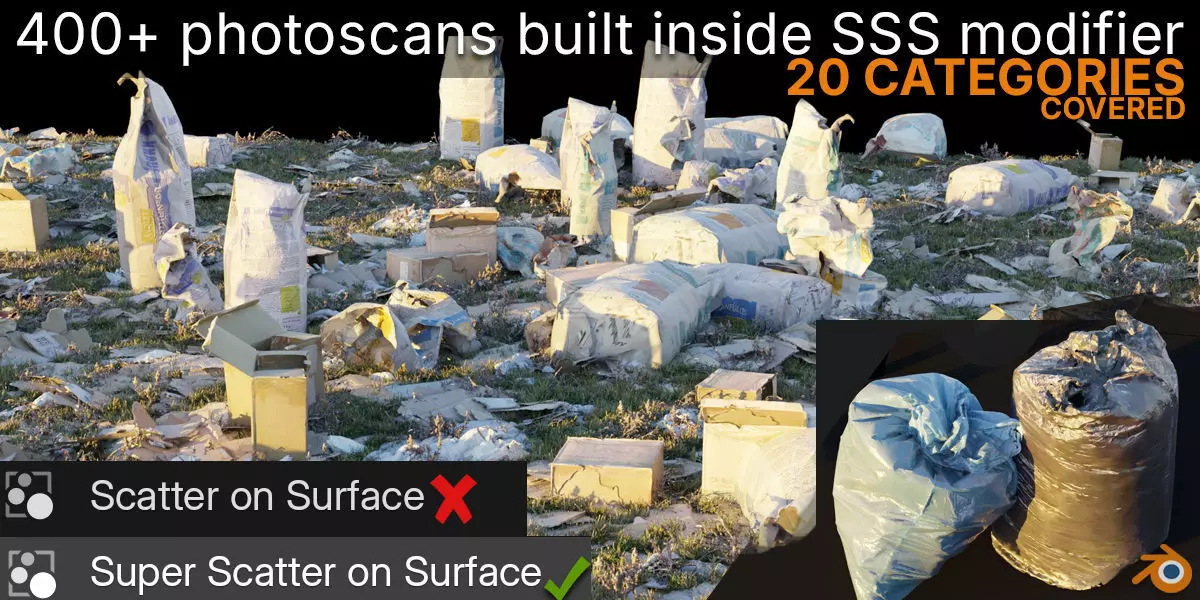
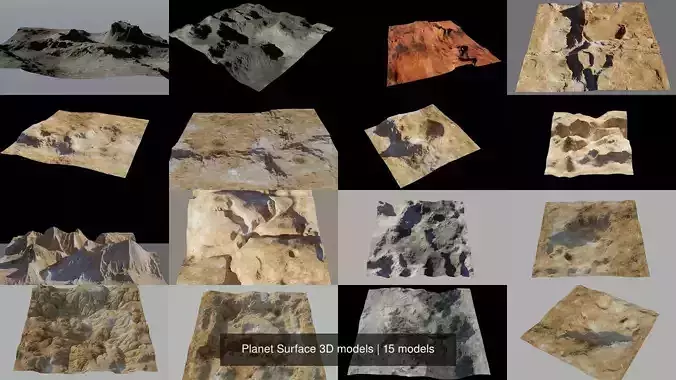
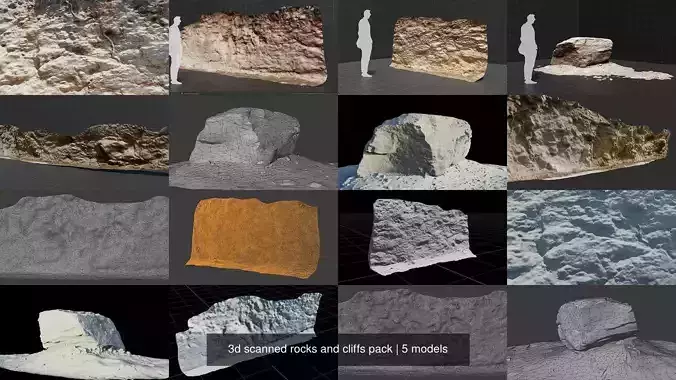
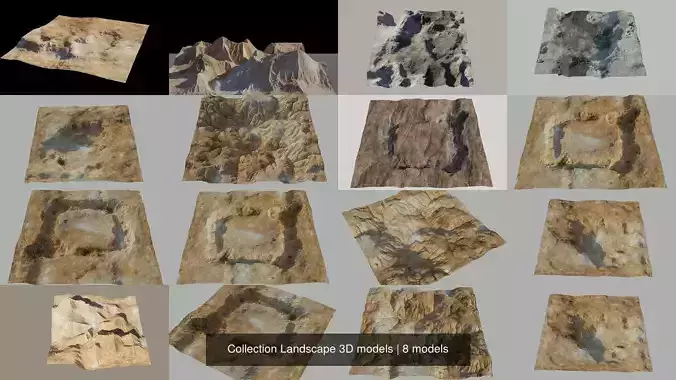
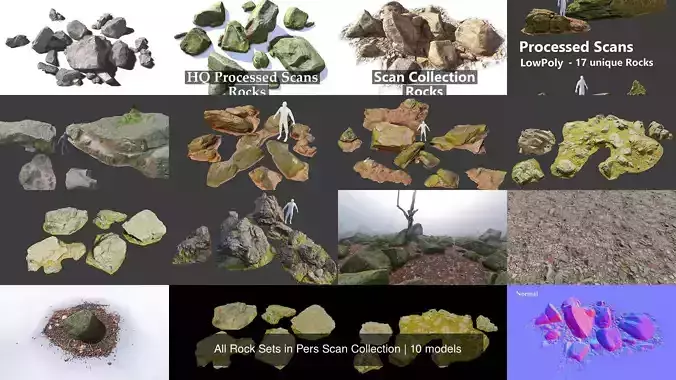
Super Scatter On Surface - Blender scatter with 400+ photoscans in 20 categoriesScatter on Surface is a new modifier that has become Blender’s primary scattering tool since Blender 5, replacing the old particle system and complex manual Geometry Nodes setups. However, it comes with one drawback — it’s empty by default.
But it doesn't have to be like that...
By simply adding the Super Scatter on Surface node group to your default Blender startup file (video instructions below), you get the same modifier but fully populated with high-quality photoscan assets covering over 20 categories..
See below what it looks like in practice.
1 – Installation process
https://www.youtube.com/watch?v=FB2Nu0VuV1o
1a - Save in the startup Blender file
https://www.youtube.com/watch?v=Jcx2GiQJuq0
3 – Scatter with curve
https://www.youtube.com/watch?v=EZL3Ue8lPZ0
4 – Trees and Asphalt testing, asphalt testing (from 0:00), trees testing (from 4:05)
https://www.youtube.com/watch?v=ZJt-QvNvMeg
What’s happening in the background?
Super Scatter on Surface includes all options as the standard Scatter on Surface modifier, with one key difference - the option to select an object or collection has been replaced by an index value ranging from 0 to 79.
Each index corresponds to a pre-prepared collection of high-quality Photoscan assets. These assets are stored locally on your computer after download and are linked into your working Blender file, so they don’t increase memory usage.
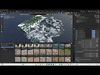
In the Asset Browser, you’ll find thumbnail previews labeled with index numbers from 0 to 79, making it easy to see what each collection contains before importing it.
For example, if you’re looking for grass, try values between 4 and 15 and choose what works best for your scene.
You can also stack multiple asset layers to achieve a more natural and realistic result
Low poly vs. Higher quality object
All assets are thoroughly optimized.
The number of faces and vertices has been minimized to keep the mesh as lightweight as possible without compromising quality — but that’s not all.
In addition to the standard low-poly version, an even lighter version with reduced mesh density is included for maximum optimization.
You can enable this version simply by unchecking the HQ checkbox.
Complex shader vs. faster shader
But it’s not just the mesh — the shader is also optimized in the low-poly version.
When you turn off the HQ option, it’s not just the mesh density that changes — the shader is optimized as well.
Organic materials switch to a simpler shader without SSS or Translucent effects, letting you choose between faster performance and more realistic light response.
Paint using a curve or a brush (Texture Paint)
If you want to place assets in specific locations (paint) instead of scattering them randomly, there are two options:
Paint with brush — draw directly with a brush using Texture Paint and Masking option.Paint with curve — a node group included with the product that works with a curve object.
Links
Super Scatter on Surface imports assets as linked objects.
This means they aren’t stored directly in your Blender file — Blender loads them from files on your computer.
This approach allows your Blender file to contain thousands of assets while keeping its size effectively 0 MB. The objects only occupy memory once and are never duplicated. (unless you set it differently).
All assets are models that exist in the real world.
Low poly trees, 40 assets
All assets from my Low Poly Trees pack are fully integrated into this product, so you get the entire pack completely free.
Find out more about the pack at the link
(Note: These are the trees for the background, if you want trees for the foreground, check out my Smart trees).
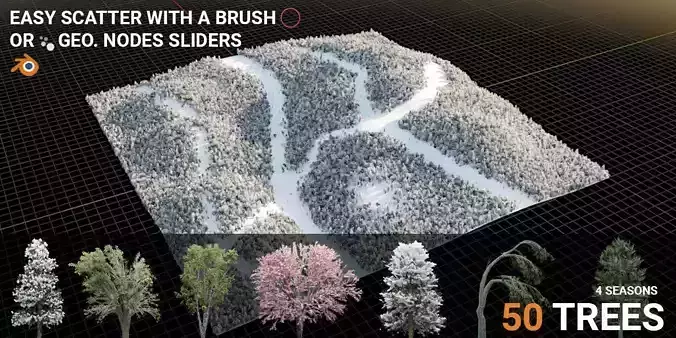
Even though the trees are super low-poly, they still look detailed thanks to an advanced shader. It uses a combination of color, normal, and alpha maps to make flat planes react to light like real 3D objects.The trees are divided into 4 categories (seasons), so you can easily create different landscapes (e.g. snowy, green, autumn, coniferous, deciduous...)
Thanks to their low mesh density, low-poly trees are extremely fast to process and easy to calculate, making them ideal even for users with less powerful computers.