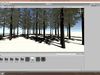
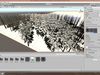
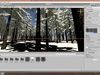
DESCRIPTION

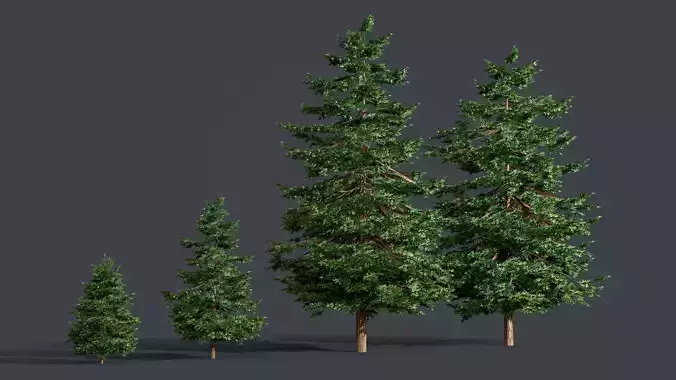
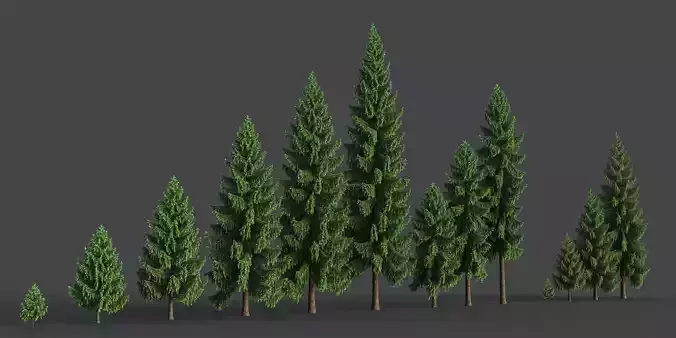
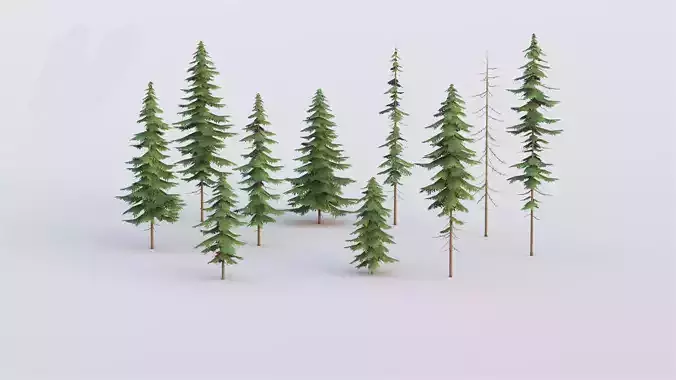
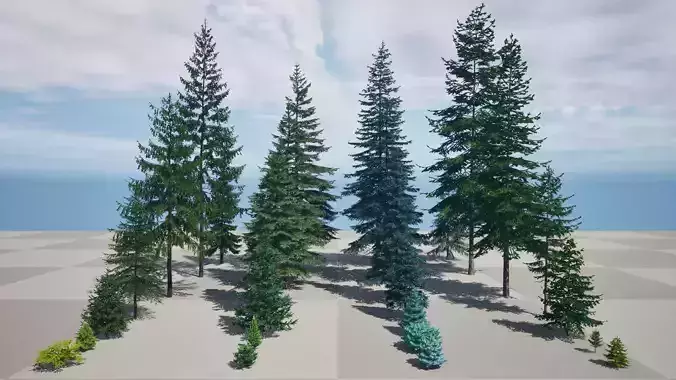
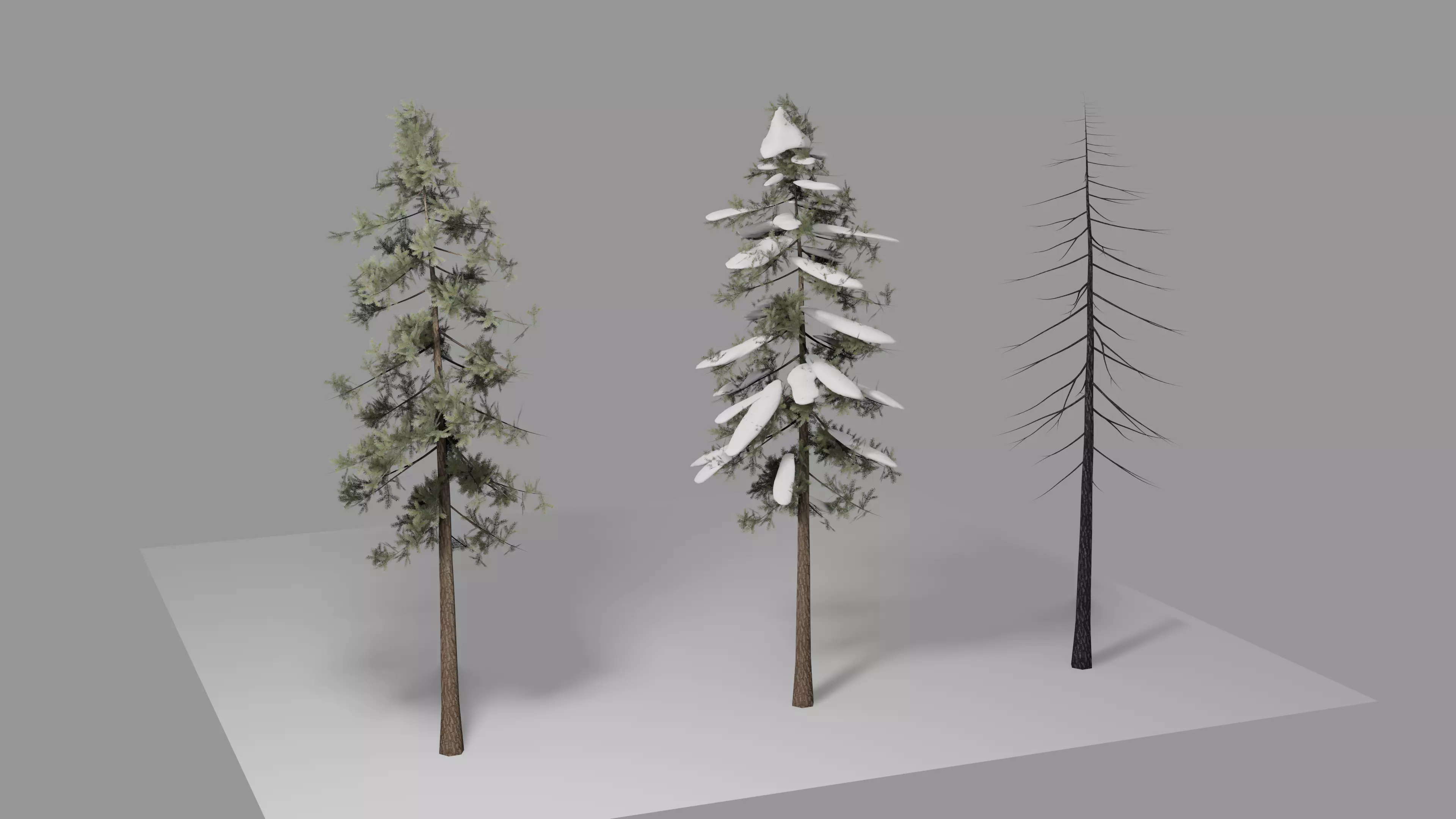
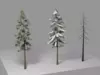
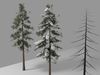
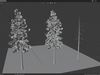
-Recommendations.Trees that can be used in Unity. The models are composed by only one mesh, that means, trunk and leaves are all in one mesh with 2 materials.I dont recommend to mess around the uv's. But if you are sure about what you doing, be my guest. The textures and shaders are good. Nothing to point.

-FilesBlender file is where the model can be edited as you please. In that file, there is a collection called Export FBX. In this collection, the tree models are rotated at 90º at X axis because of exporting it for unity.If this is not done, while painting the tree on terrain, unity will not assume the correct position of the tree, so be aware of this. Any change, dont forget to Apply rotation.

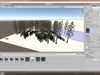
-In UnityWhile importing the models to unity, first of all you need to set up the materials.1.º In Materials, you need to change the Location. I used Use external materials (Legacy)2.º You need to change the shaders. By default unity will assume a standard shader. But to paint the tree in a terrain, you need to change it to Nature shaders. For the trunk material, i used Nature/Tree Creator Bark and for the leaves i selected Nature/Tree Soft Occlusion Leaves. For me it worked fine. One recommendations on this, adjust ambient occlusion on leaves. For me personally, i change the values to 0.2 on the amb.occlusion and Dir occlusion sliders. Now is up to you to decided what values is more appropriate for you.3.º In the terrain, on the tree menu, add the assets. You should always adjust the settings at your liking. Height, Density and such.

For help, you can always contact me via PM.Thank you.

REVIEWS & COMMENTS

See what other buyers think about this model - real feedback on quality,
accuracy, and usability.
There are no reviews or comments yet. Please be the first one to write it.
BEST PRICE GUARANTEED
Found this model cheaper on another marketplace? Let our support team know - we’ll match it.

Tree Bundle - FBX Files for Unity Low-poly 3D model

Royalty Free License
Created by
Hire
Like this model to show appreciation to the designer.
See how many times this model was viewed.
Share this model to support the designer and boost their visibility.
File formats
FBX
Autodesk FBX | 3 files<br />File Size: 47.3 MB
BLEND
Blender<br />Version: 2.8 - Renderer: Eevee 2.8<br />File Size: 54.7 MB
Verified by CGTrader
Verified models are of higher quality as they have
passed CGT Standard technical and visual checks,
making them more professional-grade 3D assets.
Learn more.
FBX
This FBX file has successfully passed the CGT Standard technical and visual checks. The verification results are detailed in the section below.
File & scene
Binary FBX
Binary FBX file is more compact and faster to load and process.
Learn more
No unsupported objects
Unsupported objects:
- Lights
- Cameras
Learn more
Geometry
No N-gons
N-gons are polygons with five or more sides which might cause issues in certain processes like rendering or animation. Learn more
No faceted geometry
Faceted geometry uses flat surfaces without smoothing, which can look unrealistic on curves.
Learn more
Manifold geometry
Manifold geometry ensures all surfaces are properly connected, avoiding issues like edges shared by more than two faces.
Learn more
Textures & material
PBR textures
PBR textures simulate how light interacts with materials, making the model look realistic under different lighting.
Required PBR textures:
- Base Color
- Roughness
- Metalness
- Normal
Learn more
No embed textures
Embedded textures are stored inside the model file, increasing its size and sometimes causing compatibility issues.
Learn more
Square textures
Texture aspect ratio is the width-to-height ratio of a texture. Expected texture aspect ratio: 1:1
Learn more
Power of 2 texture sizes
Textures with dimensions in power of two (e.g. 512x512px, 1024x1024px) are used to optimize performance and memory usage.
Learn more
Assigned materials
Materials are applied to the 3D model to allow visualize a model's surface properties and appearance.
Learn more
UVs & naming
No UV overlaps
UVs overlap when multiple points on the 3D model's surface are mapped to the same point on the UV island causing texture stretching.
Learn more
UV unwrapped model
A UV unwrapped model means its 3D surface is flattened into 2D space, allowing textures to be applied accurately.
Learn more
Allowed characters
Allowed ASCII characters: a-zA-Z0-9-_
Learn more
Provided by designer
Information and details shared directly by the model's designer.
3D Features
The model includes animations (movement or actions) that can be played in supported software or engines.
The model has a skeleton or bone structure, making it ready for posing or animation.
PBR
Uses Physically Based Rendering materials, which give the model realistic lighting and surface properties.
Textures
The model includes image files (textures) that add color, patterns, or detail to its surfaces.
Materials
The model has material settings that define how surfaces look (color, shine, transparency, etc.).
UV Mapping
The model's surfaces are mapped to a 2D image, allowing textures to display correctly.
Plugins Used
Some external plugins were used to create the model. These may be required for full functionality.
3D printing
Indicates whether the designer marked this model as suitable for 3D printing.
Model is not 3D printable
The designer indicates this model is intended for digital use only (rendering, animation, or AR/VR) and not for 3D printing.
Unwrapped UVs
Publish date
Model ID
Chat