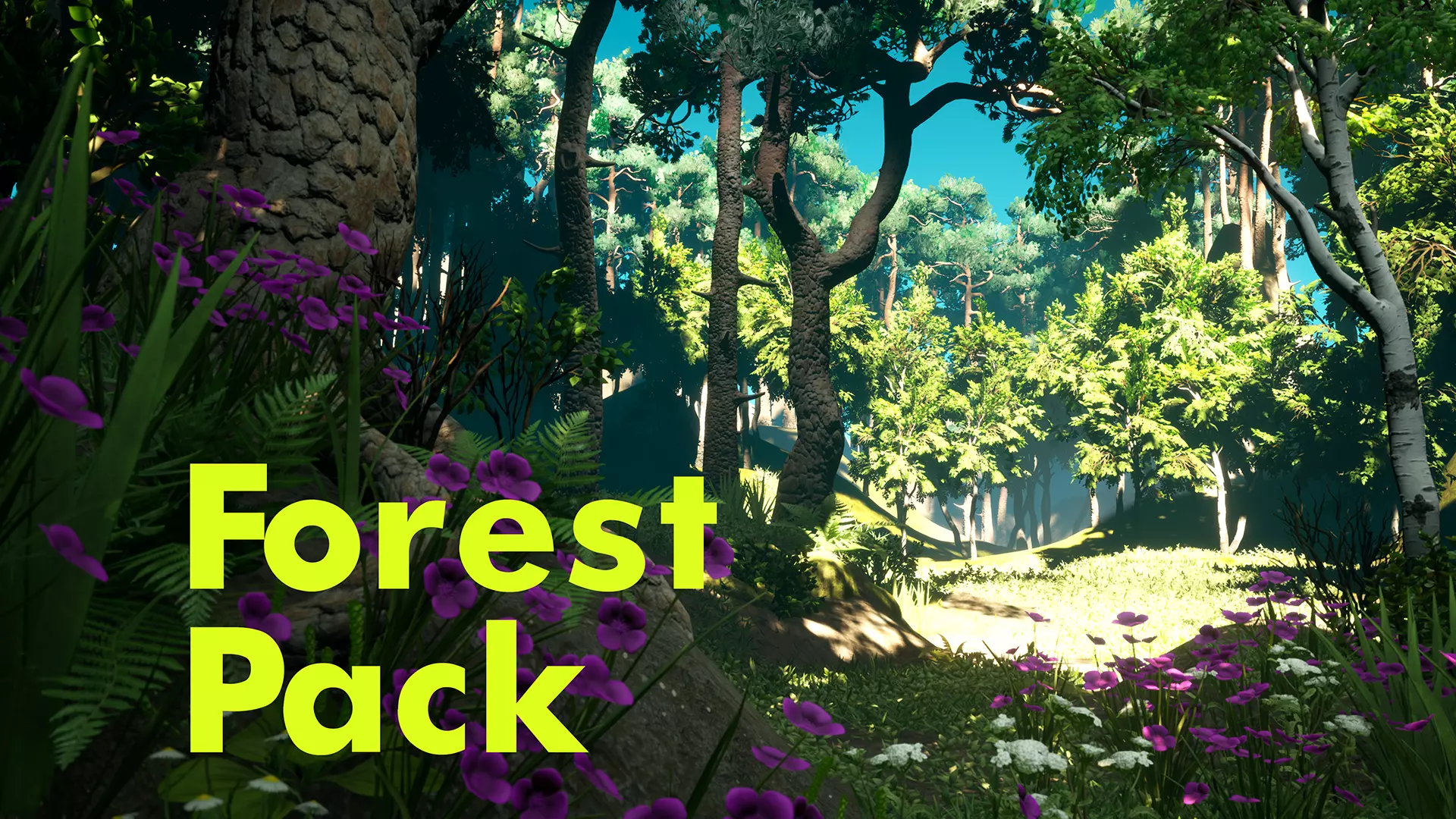
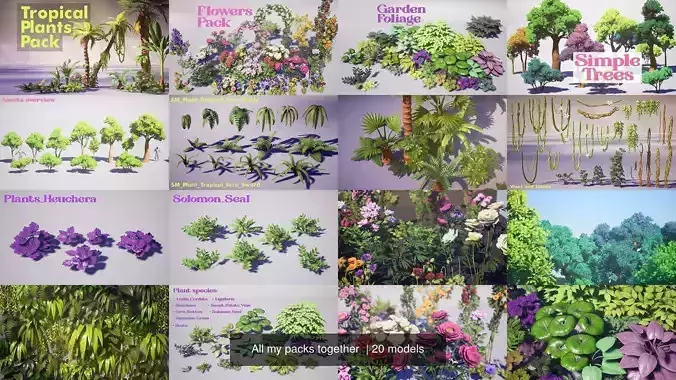
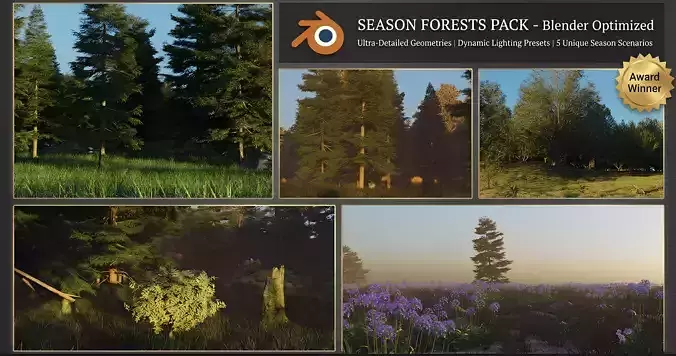
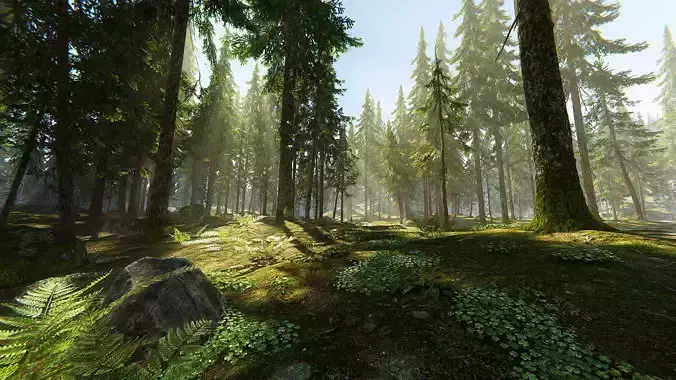
You will get :
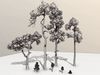
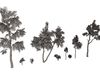
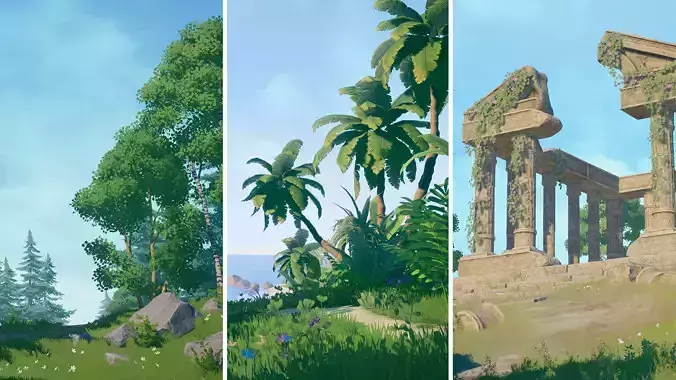
- Meshes (Trees, Bushes, Grass, Roots, Rocks, Moss)
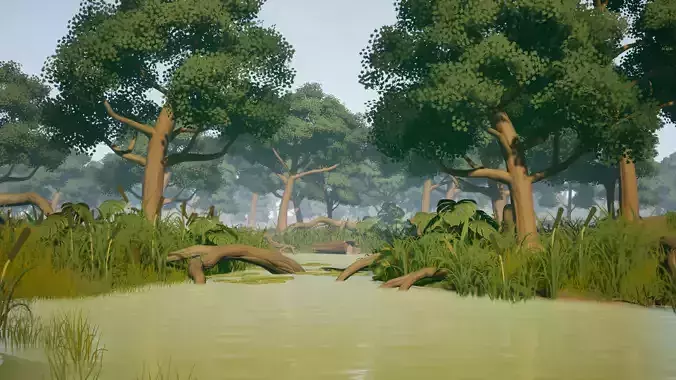
- Master Materials (Foliage, Rock, Bark_VertexPaint, Terrain, Water, Moss_Fuzzy, Light_Beam)
- Particles (Fog, Leaves)
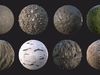
- Terrain tile textures (Ground, Mud, Rocks, Moss)
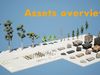
- Unreal Engine 4.25+ Scenes (Assets Overview and Demo Scene)
- Raw *fbx and *tga textures
Pack Includes:
- Stylized Trees Pack
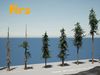
- Douglas Firs Pack
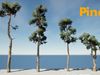
- Pine Pack
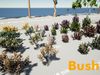
- Barberry Bush Pack
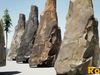
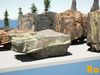
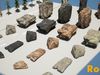
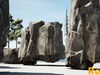
- Rocks Pack
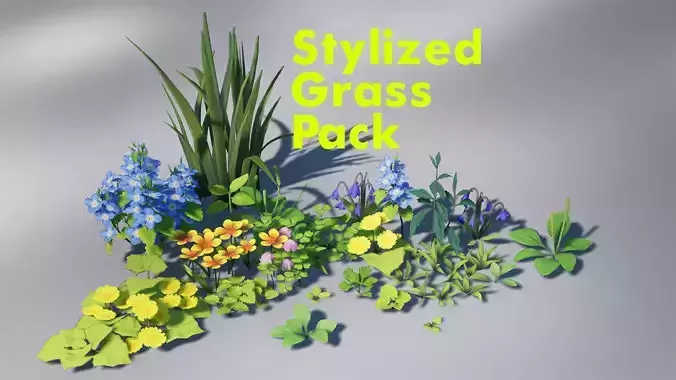
- Grass Field Pack [except Lavender and Reed plants]
Please watch - Video presentation - for more details.
Number of Unique Meshes: 98
Collision: (Yes, custom)
Vertex Count: max tree 38 335
LODs: (Yes, automatically generated in UE)
Number of Materials and Material Instances: 8 Masters and 47 Instances
Number of Textures: 96
Meshes -
Trees:
- 5 Pines
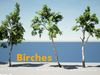
- 4 Birches
- 10 Firs
- 5 Roots
Bushes:
- 4 simple bushes
- 4 barberry bushes
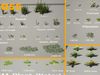
Grass:
- 4 Dandelion
- 5 Ezepnik
- 3 Fern
- 3 Daisy
- 4 Orange Flower
- 5 Knotweed
- 6 Plantain
- 5 Reed
- 2 Sagebush
- 3 Shortgrass
- 5 Yarrow
- 5 Waterlily leaves
- 1 Duckweed plane
Rocks:
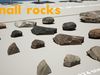
- 4 Small rocks
- 4 Cliff
- 2 Flat rocks
- 3 Moss piles
Texture Resolutions
Tileable:
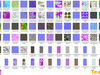
- T_Plant Grass Duckweed _BCO/N/RHA - 2048x2048 *tga
- T_Rock Surface Tile 01 _BC/N/RHA - 2048x2048 *tga
- T_Rock Surface Tile 02 _BC/N/RHA - 4096x4096 *tga
- T_Rock Surface Tile 03 _BC/N/RHA - 4096x4096 *tga
- T_Tile Ground Dry _BC/N/RHA - 2048x2048 *tga
- T_Tile Ground Flat _BC/N/RHA - 2048x2048 *tga
- T_Tile Ground Rough _BC/N/H/RHA - 2048x2048 *tga
- T_Tile Ground Small Rocks _BCO/N/H/RHA - 2048x2048 *tga
- T_Tile Moss _BC/N/H/RHA - 2048x2048 *tga
- T_Tree Bark Birch Black _BC/N/RHA - 2048x4096 *tga
- T_Tree Bark Birch White _BC/N/RHA - 2048x4096 *tga
- T_Tree Bark Fir Mature _BC/N/RHA - 2048x4096 *tga
- T_Tree Bark Fir Young _BC/N/RHA - 2048x4096 *tga
- T_Tree Bark Pine A _BC/N/RHA - 2048x4096 *tga
- T_Tree Bark Pine B _BC/N/RHA - 2048x4096 *tga
- T_Tree Bark Root _BC/N/RHA - 2048x2048 *tga
Unique:
- T_Plant Tree Pine Needles _BCO/N/RTA - 2048x2048 *tga
- T_Plant Tree Firs Needles _BCO/N/RTA - 2048x2048 *tga
- T_Plant Tree Birch Leaves _BCO/N/RTA - 2048x2048 *tga
- T_Bush Barberry _BCO/N/RTA - 2048x2048 *tga
- T_Plant Grass Fern _BCO/N/RTA - 2048x2048 *tga
- T_Plant Grass Field _BCO/N/RTA - 4096x4096 *tga
- T_Plant Grass Yarrow _BCO/N/RTA - 2048x2048 *tga
- T_Plant WaterLily _BCO/N/RTA - 2048x2048 *tga
- T_Rock 01 _BC/N/Mask - 4096x4096 *tga
- T_Rock 02 _BC/N/Mask - 4096x4096 *tga
- T_Rock 03 _BC/N/Mask - 4096x4096 *tga
- T_Tree Bark Patch _BCO/N/RHA - 1024x2048 *tga
Utility:
- T_Base _BC/N/RTA - 64x64 *png
- T_Base _BCO 256x256 *tga
- T_Cloud 02 - 512x512 *jpg
- T_LightBeam _Mask - 512x512 *tga
- T_Noise 01 - 256x256 *tga
- T_Rock Noise _Mask - 1024x1024 *tga
Texture's prefixes:
- _BCO - BaseColor and Opacity (Opacity placed in alpha channel)
- _N - Normal
- _RTA - Roughness (Red-channel)+ Translucency or SSS (Green-channel) +AmbientOcclusion (Blue-channel)
- _RHA - Roughness (Red-channel)+ Height or Displacement (Green-channel) +AmbientOcclusion (Blue-channel)
- _Mask - Mask for BaseColor tint variations (may use it in custom shader for blending different colors with basic BaseColor)
How to connect textures:
Tileable textures:
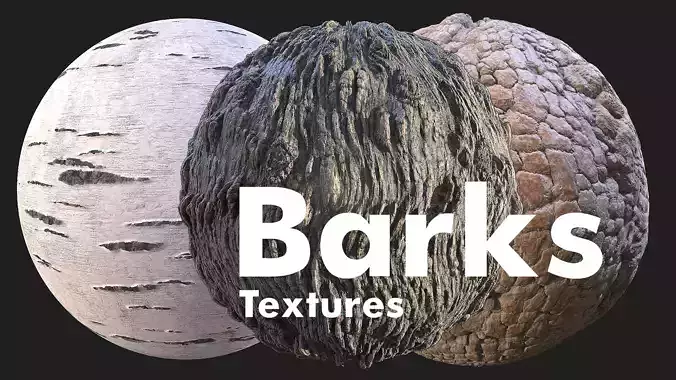
- T_ Tree_ Bark_ Root - Bark Tile for roots meshes
- T_ Tree_ Bark_ Pine_ A - Bark tile for Pines trunks type 1
- T_ Tree_ Bark_ Pine_ B - Bark tile for Pines trunks type 2
- T_ Tree_ Bark_ Patch - Bark for patches between trunk and branches (you can use it with bark tile and opacity of Patch textures)
- T_ Tree_ Bark_ Fir_ Young - Bark tile for firs type 1
- T_ Tree_ Bark_ Fir_ Mature - Bark tile for firs type 2
- T_ Tree_ Bark_ Birch_ White - Bark tile for birches type 1
- T_ Tree_ Bark_ Birch_ Black - Bark tile for birches type 2
- T_ Tile_ Moss - Moss tile for ground
- T_ Tile_ Ground_ Small_ Rocks_ A - Ground dirt tile type 1
- T_ Tile_ Ground_ Rough - Ground dirt tile type 2
- T_ Tile_ Ground_ Flat - Ground dirt tile type 3
- T_ Tile_ Ground_ Dry - Ground dirt tile type 4
Plants:
- T_ Plant_ Tree_ Pine_ Needles
- T_ Plant_ Tree_ Firs_ Needles
- T_ Plant_ Tree_ Birch_ Leaves
- T_ Plant_ WaterLily - atlas just for waterlily leaves
- T_ Plant_ Grass_ Yarrow - atlas just for Yarrow plants
- T_ Plant_ Grass_ Fern - atlas just for Fern plants
- T_ Plant_ Grass_ Duckweed - atlas just for Duckweed planes (I used it on planes with vertex painting and removed some texture on the borders)
- T_ Bush_ Barberry - atlas just for Barberry bushes plants
- T_ Plant_ Grass_ Field - assign it on Dandelion, Ezepnik, Daisy, Flower_Orange, Knotweed, Plantain, Reed, Sagebush, Grass_Short
How textures work for ROCKS: The idea is to blend baked textures ( T_ Rock_ 01 ) and tile texture ( T_ Rock_ Surface_ Tile_ )
Change tile as you need to get the result. Also you can mix several tile textures using a special tile Mask ( T_ Rock_ Noises_ M ) or to tint cavities, dirt, grunge - use this mask T_ Rock_ M - this is baked mask for each rock (you can plug here dirt or moss also)
Rocks:
- T_ Rock_ Surface_ Tile_ 01 - Rock surface tile type 1
- T_ Rock_ Surface_ Tile_ 02 - Rock surface tile type 2
- T_ Rock_ Surface_ Tile_ 03 - Rock surface tile type 3
- T_ Rock_ Noises_ M - 3 tile Masks in each RGBchannel for rock shader (you can mix several Rock surfaces with this mask on one rock)
Baked Rocks:
- T_ Rock_ 01 (assign on SM_ Rock_ Cliff_ 01, SM_ Rock_ Cliff_ 02, SM_ Rock_ Flat_ 01, SM_ Rock_ Flat_ 02, )
- T_ Rock_ 02 (assign on SM_ Rock_ Cliff_ 03)
- T_ Rock_ 03 (assign on SM_ Rock_ Cliff_ 04, SM_ Rock_ Small_ 01, SM_ Rock_ Small_ 02, SM_ Rock_ Small_ 03,SM_ Rock_ Small_ 04)