DESCRIPTION

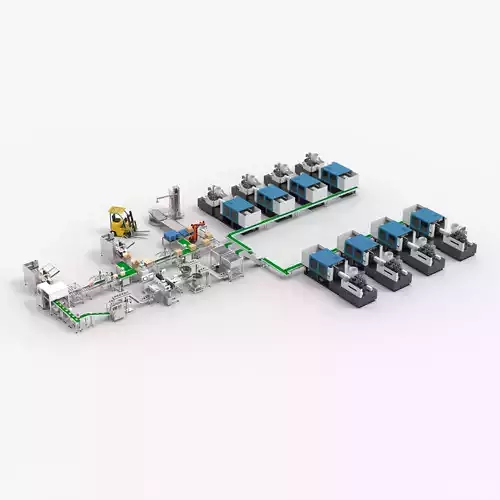
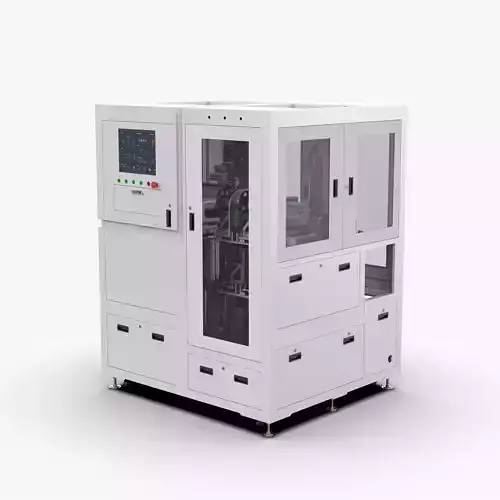
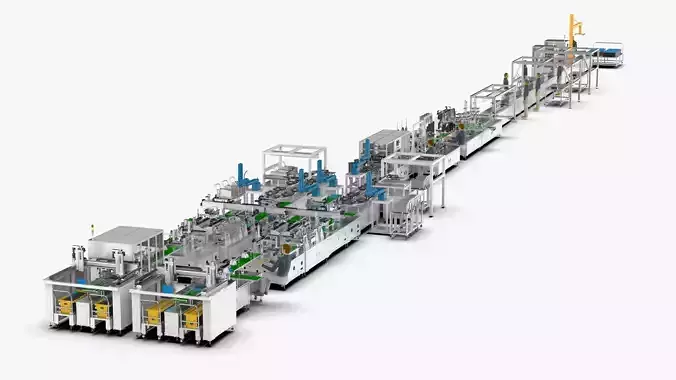
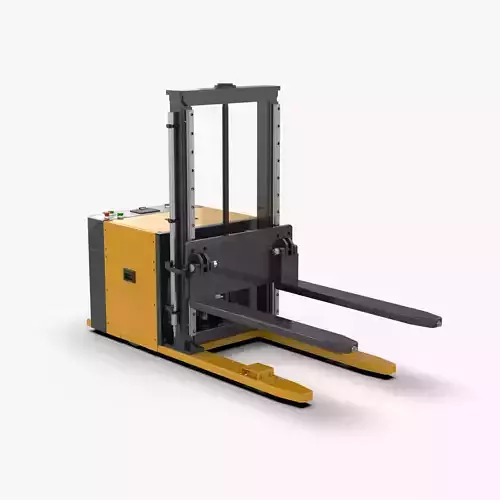
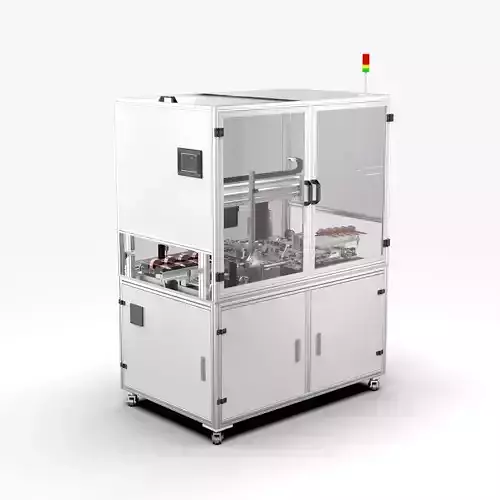
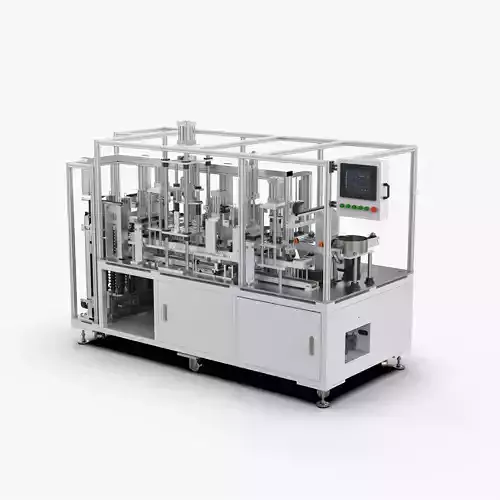
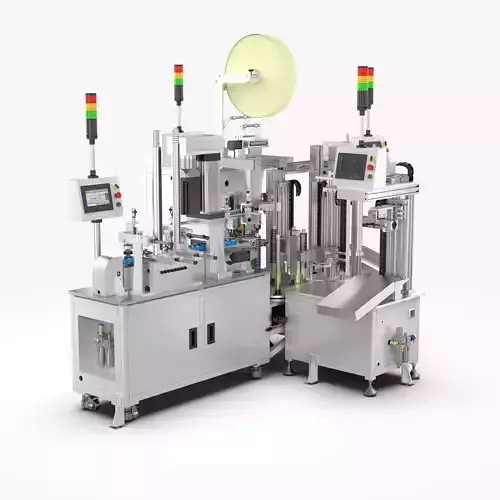
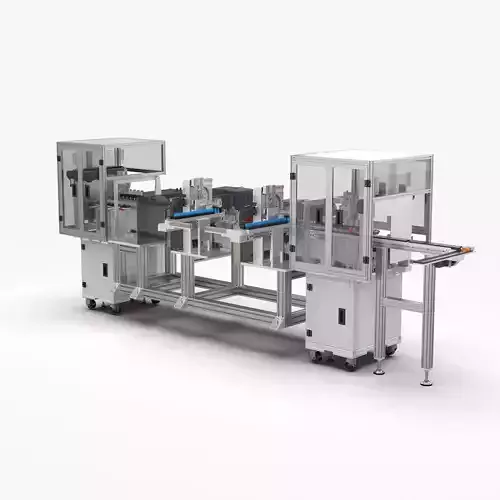
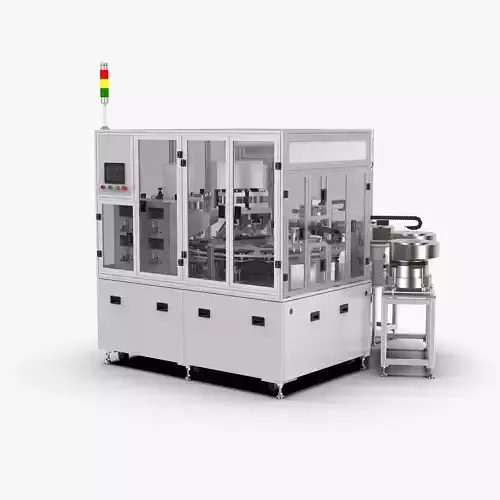
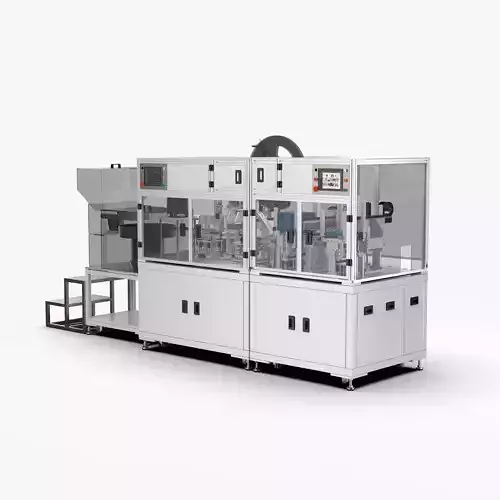
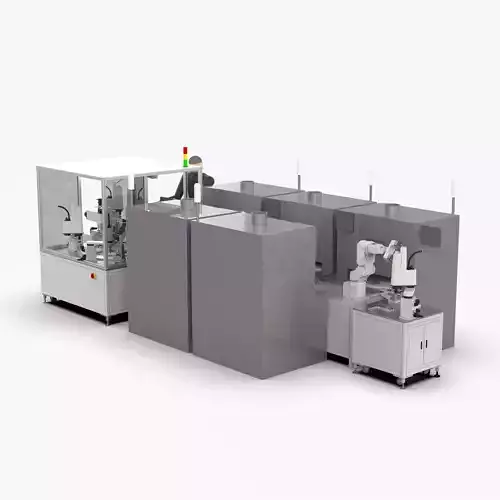
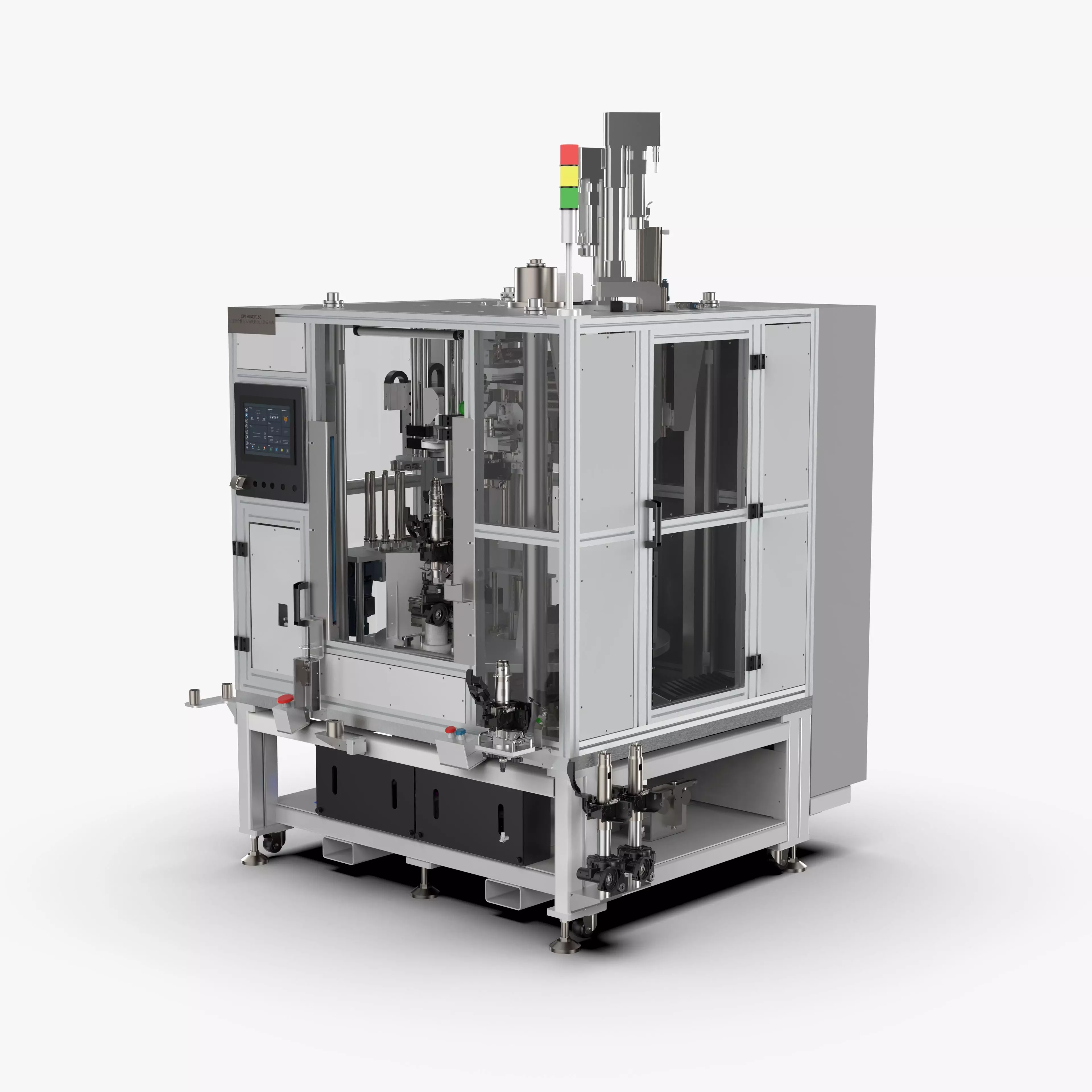
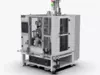
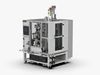
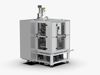
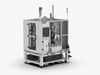
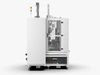
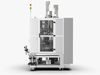
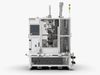
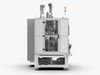
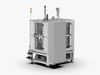
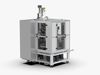
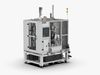
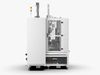
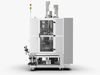
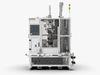
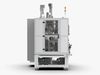
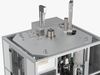
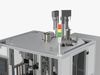
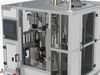
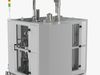
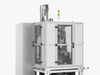
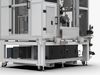
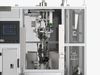
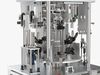
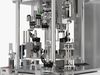
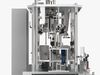
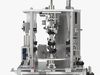
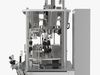
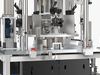
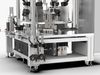
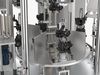
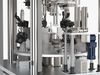
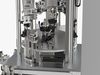
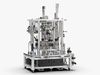
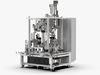
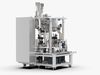
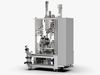
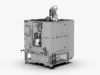
Automatic Press Fit Circlip Shaft Assembly Machine

Introduction

OP170 & OP180

  1. Purpose: Manually install the lower circlip, manually oil the upper column tube; automatically assemble the rubber cushion, automatically press the upper column tube, automatically pull the shaft, and press the upper circlip.
  2. Compatible products: A13TE, ZTM11E, FE-3DA
  3. Equipment operation process (50s)STA0 (28s)
  4. Take the upper column tube and place it in the oiling station for automatic oiling (manually 2s)
  5. Take the gearbox assembly Put it on the circlip installation jig and install the circlip manually (manually 14s)
  6. Scan the oiled upper column tube and install it in the automatic equipment (manually 6s)
  7. Scan the workpiece with the lower circlip installed In automatic equipment (manual 6s)STA1 (17s)
  8. Manual feeding (manual 3s)
  9. Take the pipe string assembly and put it into the lower clamp on the turntable (manual 3s)
  10. Take the oiled upper pipe string, loosen Open the handle and put it on the positioning fixture (manually 4s)
  11. The fixed-phase pressing cylinder presses the adjustment bracket (automatically 1s)
  12. The pipe string straightening cylinder pushes the inclined pipe straight (due to the spring force) (automatically 1s)
  13. Axial positioning air claw clamps the upper pipe string (automatic 1s)
  14. Remove an upper pipe string and put it into the oiled fixture (manual 3s)
  15. Tap the start button (manual 1s)
  16. Upper pipe The column transfer mechanism moves the upper column to the middle waiting position (2s)STA2 (8s)
  17. The pressing plate cylinder extends (1s)
  18. Confirm that the pressing cylinder is extended, and press the steering shaft to the bottom (2s)
  19. The pressing plate cylinder Retract (1s)
  20. Confirm that the press-fitting cylinder is retracted (2s)and visually check whether the lower circlip is installed in place (2s)STA3 (13s)
  21. The buffer pad grabbing mechanism puts the buffer pad on the steering shaft (6s)
  22. The cylinder presses down to press the buffer pad into place (5s)
  23. The camera detects whether the buffer pad is pressed in place (2s)STA4 (23s)
  24. The upper string transfer mechanism moves the upper string to the bottom of the servo press (automatically 2s)
  25. The lower support mechanism extends to support the lower clamp (1s)
  26. The servo press presses down to place the upper string Press into the string assembly (11s)
  27. The positioning support mechanism of the lower clamp is retracted (2s)
  28. The servo press is retracted to the initial position (3s)
  29. The upper string transfer mechanism moves the upper string to STA1 (4s)STA5 (24s)
  30. The servo electric cylinder is lowered (2s)
  31. Tighten the servo rotation, insert the guide sleeve into the input shaft (2s)
  32. The retaining ring feeding mechanism sends a retaining ring to the guide sleeve (7s)
  33. Push out the cylinder to release the push Claw (1s)
  34. Gripper cylinder clamps the jaw guide sleeve again (1s)
  35. Servo electric cylinder rises, pulls the guide sleeve to press the retaining ring into the groove (4s)
  36. Tighten the servo rotation, remove the guide sleeve (2s)
  37. The servo electric cylinder rises to lift the guide sleeve (2s)
  38. The jacking cylinder retracts (2s)

File Formats

  • Inventor 2018 | Keyshot 10
  • FBX (Filmbox)
  • STEP (Standard for the Exchange of Product Data)
  • IGES (Initial Graphics Exchange Specification)
  • STL (Standard Tessellation Language )
  • OBJ (Object Files)
  • x_t (Parasolic Model Part File)

Geometry

  • Polygons: 12,180,332
  • Vertice: 28,343,662

REVIEWS & COMMENTS

See what other buyers think about this model - real feedback on quality,
accuracy, and usability.
There are no reviews or comments yet. Please be the first one to write it.
BEST PRICE GUARANTEED
Found this model cheaper on another marketplace? Let our support team know - we’ll match it.

Automatic Press Fit Circlip Shaft Assembly Machine 3D model

Royalty Free License
Hire
Like this model to show appreciation to the designer.
See how many times this model was viewed.
Share this model to support the designer and boost their visibility.
Native file format
IAM2 files
Size: 474 MB
Octane 3.0 | 2018
Exchange formats
OBJ
OBJ<br />File Size: 1.12 GB
FBX
Autodesk FBX<br />File Size: 1.1 GB
IGE
IGES<br />File Size: 890 MB
X_T
Parasolid<br />File Size: 507 MB
STP
STEP<br />File Size: 292 MB
FBM
fbm<br />File Size: 474 MB
PNG
PNG<br />File Size: 474 MB
DWG
AutoCAD<br />File Size: 474 MB
IDW
Autodesk Inventor | 2 files<br />File Size: 474 MB
BIP
KeyShot<br />File Size: 1.03 GB
STL
Stereolithography<br />File Size: 1.15 GB
Provided by designer
Information and details shared directly by the model's designer.
3D Features
The model includes animations (movement or actions) that can be played in supported software or engines.
The model has a skeleton or bone structure, making it ready for posing or animation.
PBR
Uses Physically Based Rendering materials, which give the model realistic lighting and surface properties.
Textures
The model includes image files (textures) that add color, patterns, or detail to its surfaces.
Materials
The model has material settings that define how surfaces look (color, shine, transparency, etc.).
UV Mapping
The model's surfaces are mapped to a 2D image, allowing textures to display correctly.
Plugins Used
Some external plugins were used to create the model. These may be required for full functionality.
3D printing
Indicates whether the designer marked this model as suitable for 3D printing.
Model is not 3D printable
The designer indicates this model is intended for digital use only (rendering, animation, or AR/VR) and not for 3D printing.
Geometry
Polygon mesh
A model built from polygons (triangles or quads) connected in a mesh.
12180332 polygons
The total number of polygons (flat shapes) that make up the 3D model.
/ 28343662 vertices
The number of points (corners) that define the shape of the model's polygons.
Unwrapped UVs
Publish date
Model ID
Chat