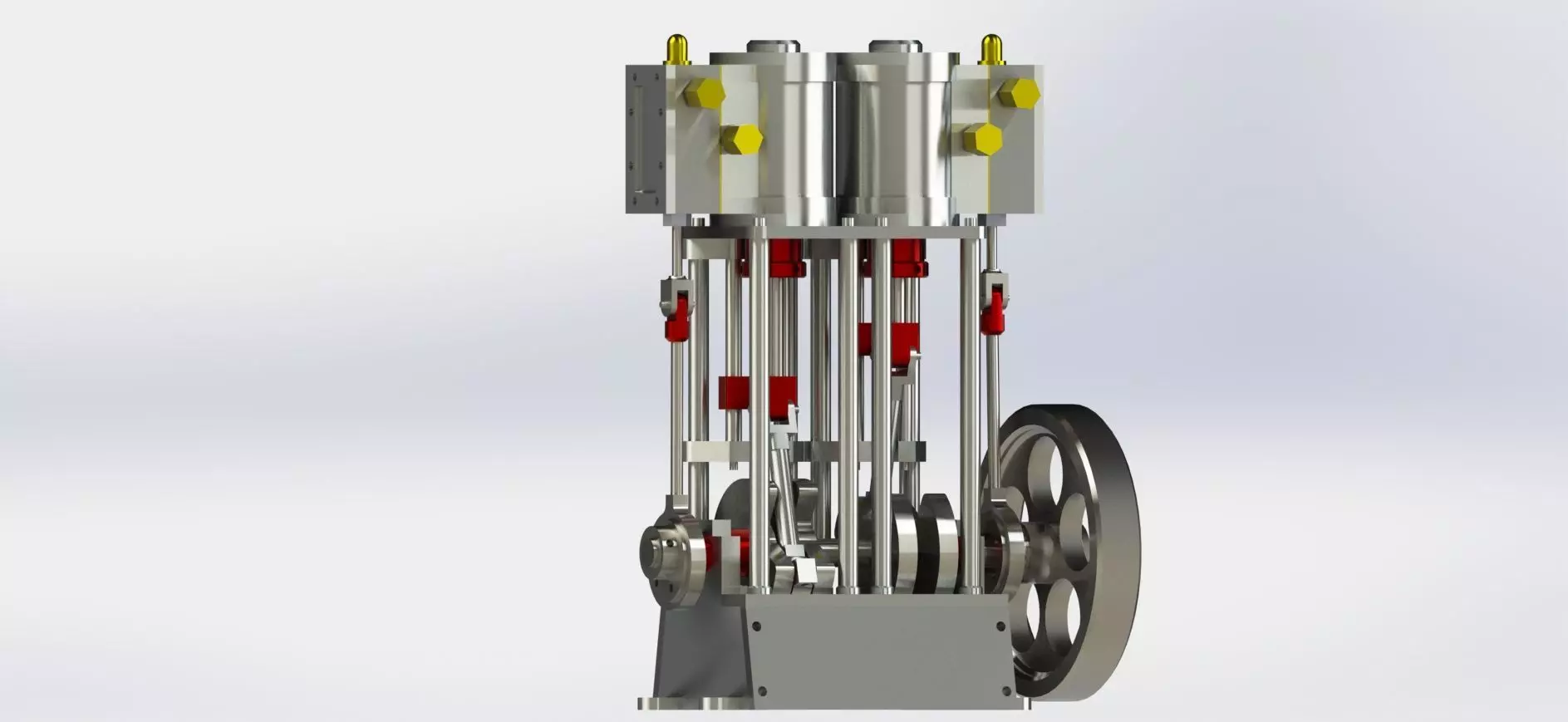
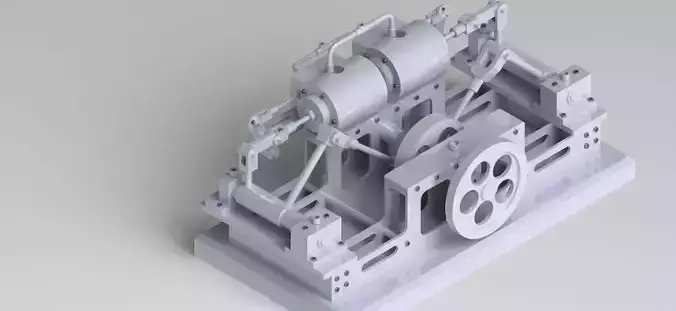
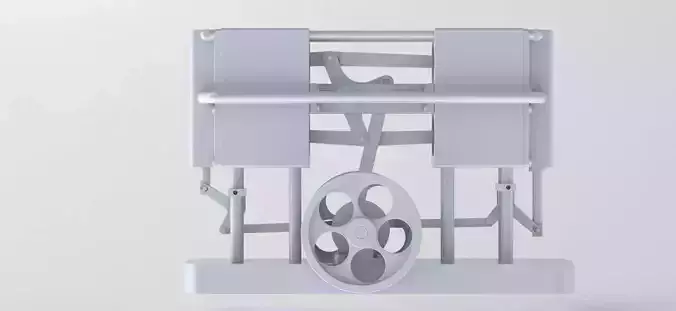
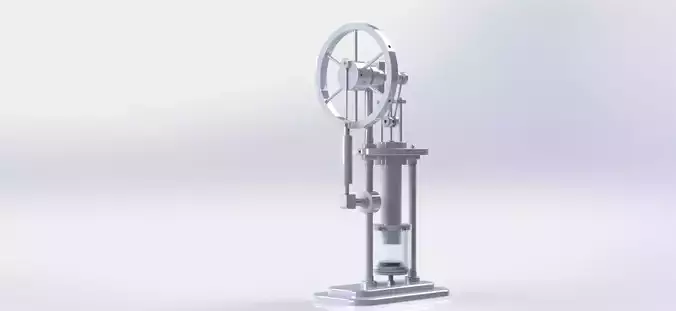
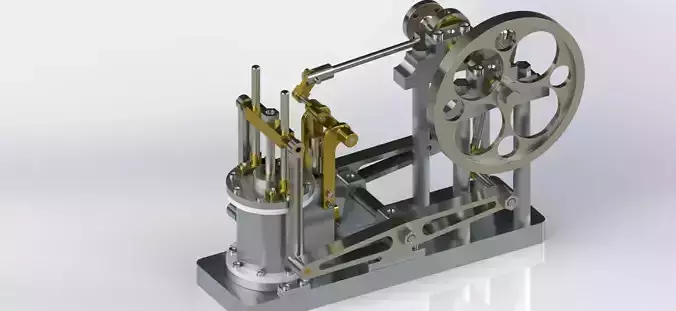
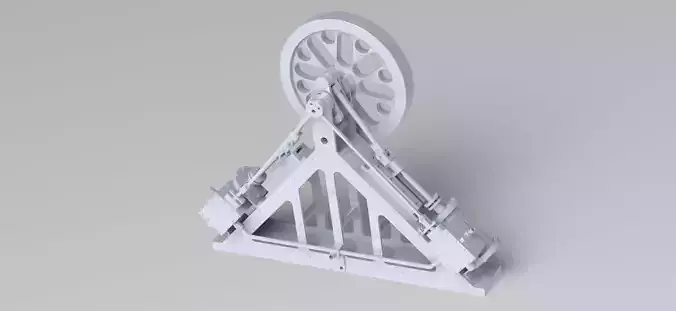
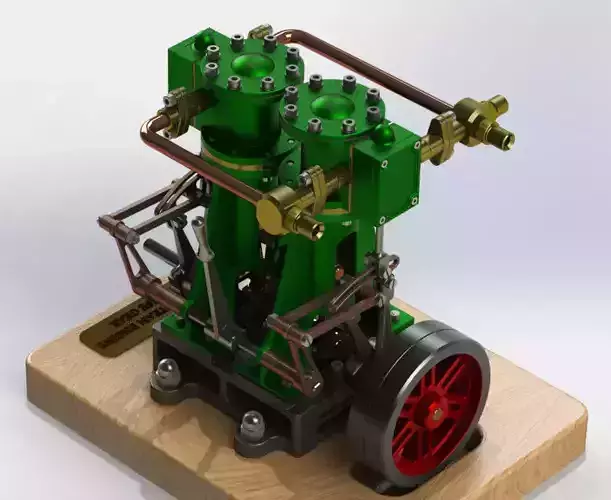
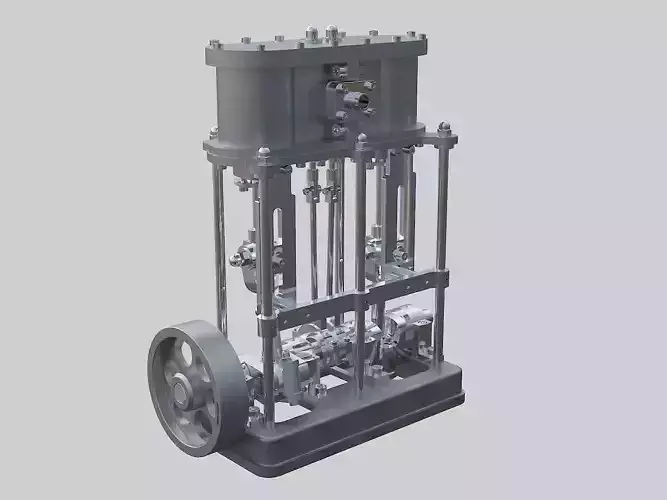
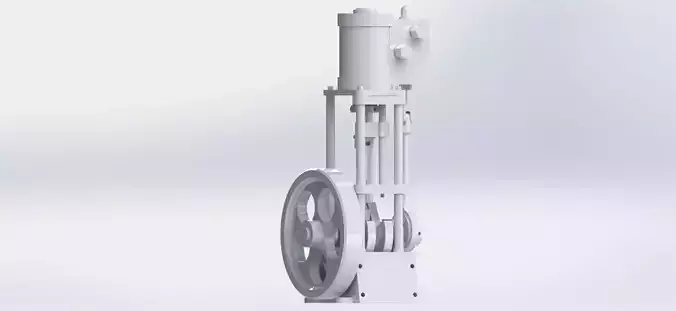
Creating a simple 2-cylinder vertical steam engine with a slide valve involves designing a vertical arrangement of two cylinders, pistons, a crankshaft, a connecting rod, a slide valve, and an eccentric mechanism to drive the slide valve. Here's a step-by-step guide to create a basic model:
Components:
Cylinders:
Design two vertical cylinders, side by side, to house the pistons and where steam will act.Pistons:
Model pistons that fit inside each cylinder and move up and down to convert steam pressure into mechanical motion.Crankshaft:
Create a rotating shaft connected to the pistons. The up and down motion of the pistons will be converted into rotary motion.Connecting Rods:
Model rods that connect the pistons to the crankshaft, transmitting the pistons' up and down motion to the rotary motion of the crankshaft.Flywheel:
Design a flywheel connected to the crankshaft, storing rotational energy and providing smooth operation.Slide Valve:
Design a slide valve mechanism to control the flow of steam into and out of each cylinder. The slide valve moves back and forth to direct steam appropriately for each cylinder.Eccentric Mechanism:
Model an eccentric cam on the crankshaft. This eccentric cam will drive the slide valve's back and forth movement for both cylinders.Working:
Steam Inlet:
Steam is admitted into each cylinder through the slide valve, which directs the steam to one side of each piston.Power Stroke:
Steam entering a cylinder pushes its piston upward, creating the power stroke for that cylinder. The connecting rod transmits this upward motion to the crankshaft.Slide Valve Movement:
As the piston moves, the eccentric cam on the crankshaft causes the slide valve to shift, redirecting steam to the other side of the piston in the other cylinder.Exhaust Stroke:
After the power stroke, the slide valve redirects steam to the other side of the piston, and the used steam from the previous stroke is expelled from the cylinder.Piston Return:
The momentum of the flywheel and the connecting rod's action return the piston to its original position, preparing for the next cycle.Steam Switch:
The slide valve mechanism and eccentric cam ensure that steam alternates between sides of the piston in each cylinder, driving continuous rotational motion of the crankshaft.Creating a 3D model of this engine involves using CAD (Computer-Aided Design) software like SolidWorks, Blender, or any other suitable tool to create the components and simulate their movement. Detailed dimensions, material properties, and accurate assembly of components are essential for a functional representation of the steam engine.
A SIMPLE 2 CYLINDER VERTICAL STEAM ENGINE WITH SLIDE VALVESOLIDWORK PART MODELLINGSOLIDWORK ASSEMBLY#SolidWorks#letsmakeitcadFor more other 3d design engine or machines you can visit given below linkinstagram channel linkhttps://www.instagram.com/letsmakeitcad/youtube channel linkhttps://www.youtube.com/channel/UCjqh...download link for 3d file formathttps://www.cgtrader.com/lets-make-it...#SolidWorks#letsmakeitcad#steamengines#mechanical#engineeringlifeglife