Guide for Genesis 9
Update 29/10/2025 fixed the issue with the Opacity Map for the Hair
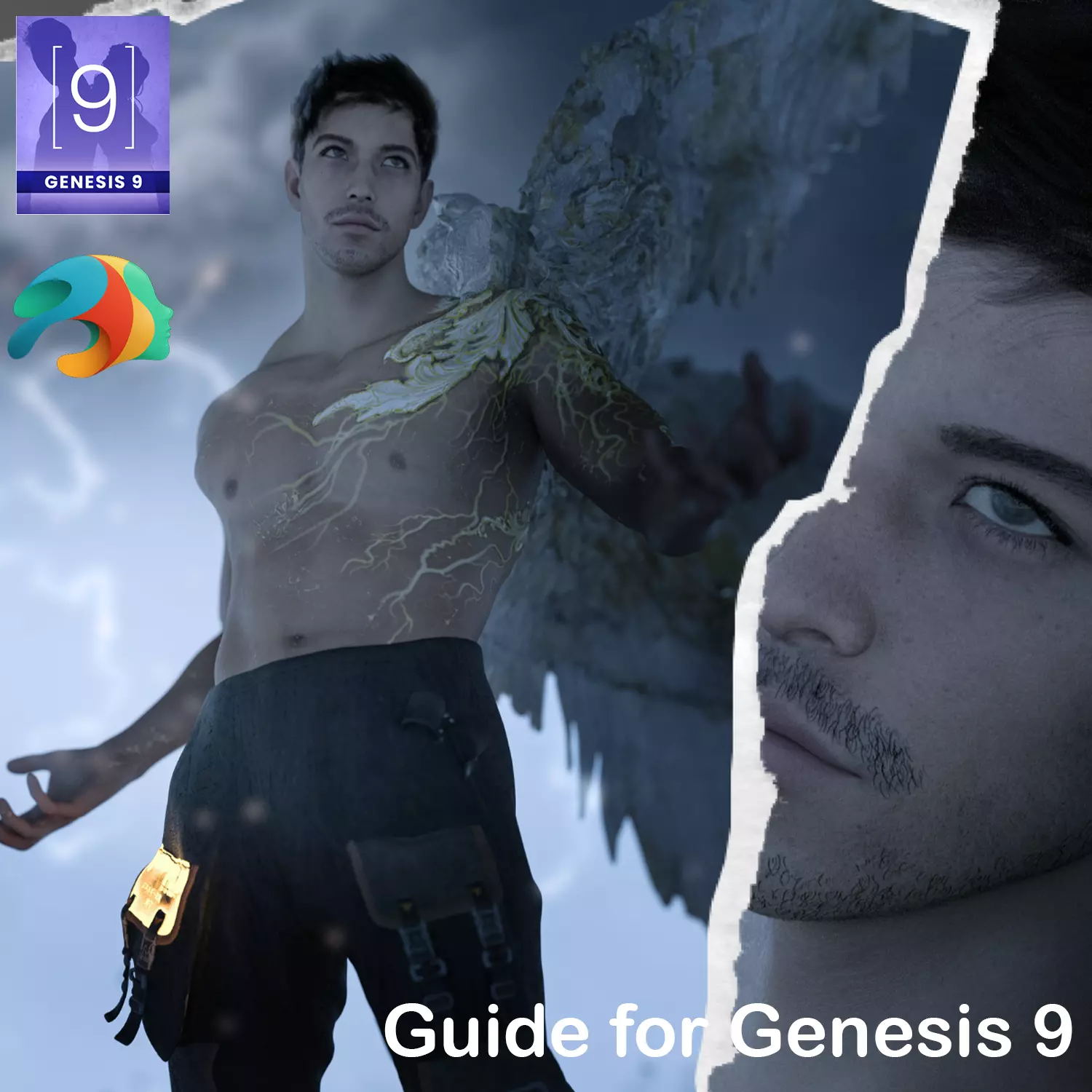
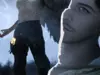
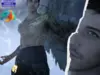
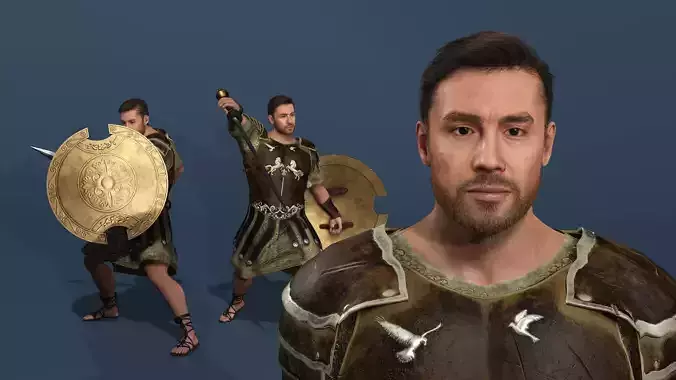
Guide for Genesis 9 is a custom character with a distinct style. This package features a full character morph, detailed rigging for dynamic elements, and high-quality textures. The character is ready for a wide range of render scenarios.
Product Features:
Genesis 9 Full Morph Only: A complete character morph for Genesis 9, with no separate head or body morphs.
No T-Pose: The model does not include a T-pose. Adjustments may be necessary for specific poses.
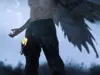
Fully Rigged Wings: The included wings are fully rigged and will move with the character's poses, a key feature for dynamic renders.
Substance Painter Textures: All textures for the character and clothing were created using Substance Painter for a high level of detail.
No dForce: This package does not use dForce for any of its components.
Content Listing by Data Path:
- Main Character Directory:
Data Path: …/People/Genesis 9/Characters/KuraiKya/Guide
Content:
Character Preset (Folder)
Clothing (Folder)
Hair (Folder)
Guide with Clothes (DSON User File)
Guide with Clothes.duf (PNG-Datei)
Guide without Clothes (DSON User File)
Guide without Clothes.duf (PNG-Datei)
KuraiKya_Store (Daz Script 2 (Application))
- Character Presets:
Data Path: …/Characters/KuraiKya/Guide/Character Preset
Content:
Character Preset (DSON User File)
Character Preset.duf (PNG-Datei)
Guide Eyes (DSON User File)
Guide Eyes.duf (PNG-Datei)
Material Preset (DSON User File)
Material Preset.duf (PNG-Datei)
Shaping Preset (DSON User File)
Shaping Preset.duf (PNG-Datei)
- Clothing Items:
Data Path: …/Characters/KuraiKya/Guide/Clothing
Content:
!!!Load All Guide Outfit!!! (DSON User File)
!!!Load All Guide Outfit!!!.duf (PNG-Datei)
Guide Boots (DSON User File)
Guide Boots.duf (PNG-Datei)
Guide Pants (DSON User File)
Guide Pants.duf (PNG-Datei)
Guide Wings (DSON User File)
Guide Wings.duf (PNG-Datei)
- Hair and Facial Details:
Data Path: …/Characters/KuraiKya/Guide/Hair
Content:
Guide Beard (DSON User File)
Guide Beard.duf (PNG-Datei)
Guide Eyebrows (DSON User File)
Guide Eyebrows.duf (PNG-Datei)
Guide Eyebrows.tip (Textdatei)
Guide Eyelashes (DSON User File)
Guide Eyelashes.duf (PNG-Datei)
Guide Hair (DSON User File)
Guide Hair.duf (PNG-Datei)
How to Install DAZ3D Content:
Unpack the downloaded ZIP file.
Copy the extracted content into your DAZ Studio content library.