Dwarf Warwick for Genesis 9
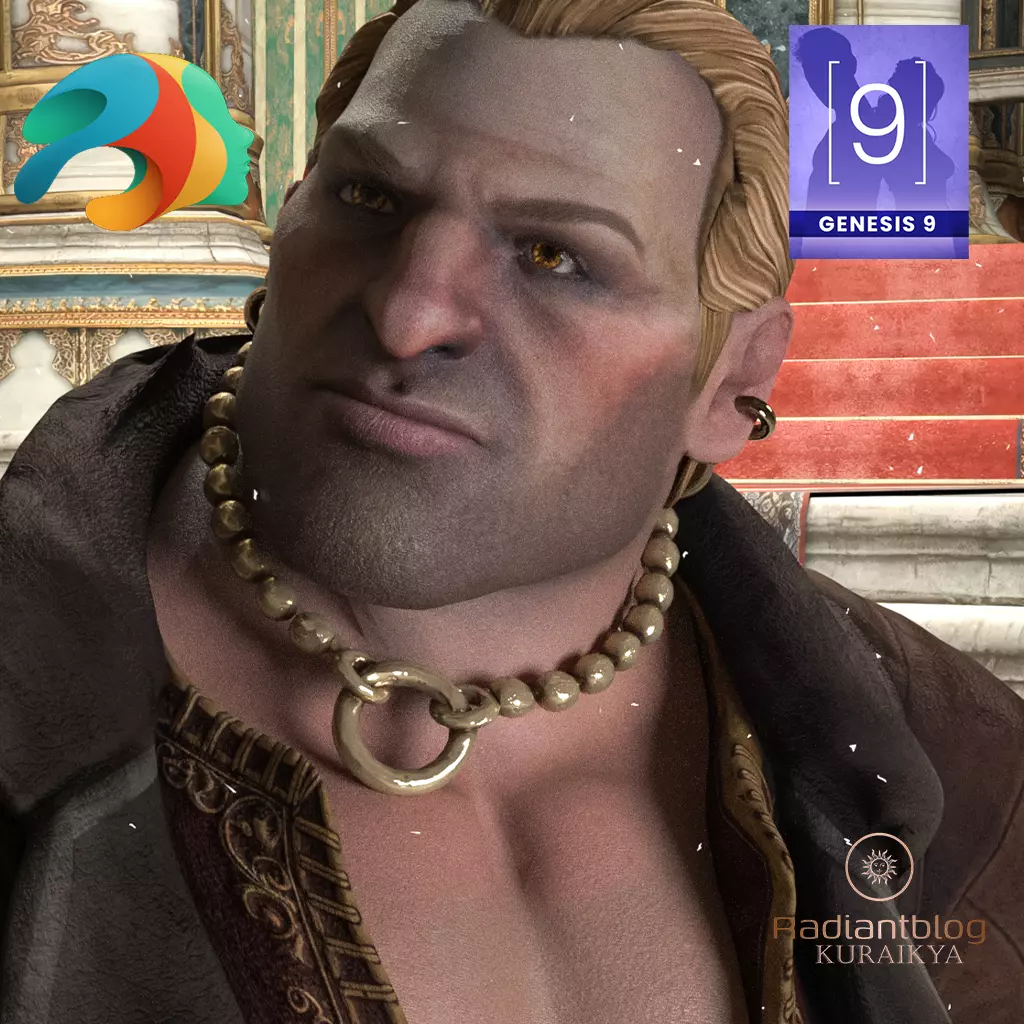
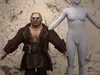
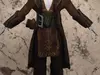
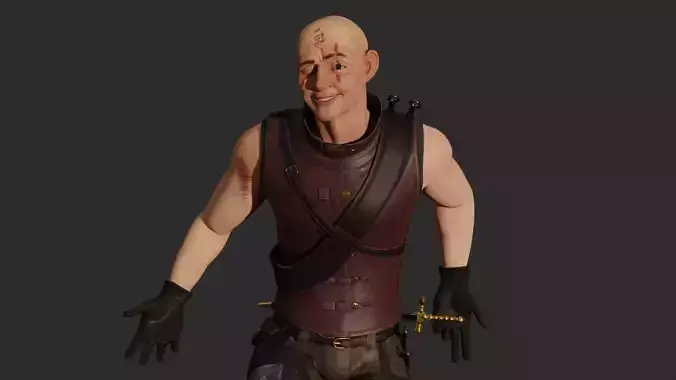
Bring a touch of roguish charm and stout resilience to your renders with Dwarf Warwick. This is a custom, full-body morph for Genesis 9, designed with a distinct silhouette that stands significantly shorter than the standard G9 Development base. Whether he is spinning tales in a tavern or aiming his crossbow in the heat of battle, Warwick brings a unique personality to your fantasy scenes.
What's Included:
Full Character Morph: A custom dwarf proportions preset for Genesis 9.
Outfit Items: Includes a detailed Robe, Boots, and Earrings. (Note: This outfit does not use dForce).
Accessories: * Necklace: Provided as both a Wearable (for quick fitting) and a Prop (for manual positioning and custom animations).
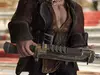
Crossbow & Holster: Included as static props to complete the iconic look.
Fiber Hair: Custom Hair, Eyebrows, and Eyelashes specifically fitted for the Warwick morph.
Presets: Includes Character, Material, Shaping, Eye, and Mouth presets for easy setup.
Technical Notes & Tips:
Pose Adjustments: Due to the unique dwarf proportions, some standard Genesis 9 poses may appear deformed or require manual tweaking. You may need to adjust limb rotations to achieve the best look.
Robe Smoothing Morph: The Robe features a dedicated Smoothing morph. This should be used specifically when the character's arms or legs are in wide, extreme stances. Do not use this morph in neutral or standard poses, as it may cause unwanted mesh distortion.
Clothing Compatibility: While the Dwarf Warwick outfit can be applied to the standard Genesis 9 Dev base, it is not recommended for aesthetic reasons. Conversely, standard G9 clothing may fit Warwick, but due to his non-proportional dwarf physique, results may vary and manual adjustment is often required.
How to Install (Unzip Instructions)
Download the ZIP file to your computer.
Right-click the file and select Extract All... (Windows) or double-click (Mac).
Navigate to your My DAZ 3D Library folder (usually found under Documents\DAZ 3D\Studio\My Library).
Copy the folders (Data, Runtime, People, etc.) from the unzipped file and paste them directly into your My Library folder.
Merge folders if prompted. Your new content will now appear in the DAZ Studio Content Library under Genesis 9 > Characters > KuraiKya.