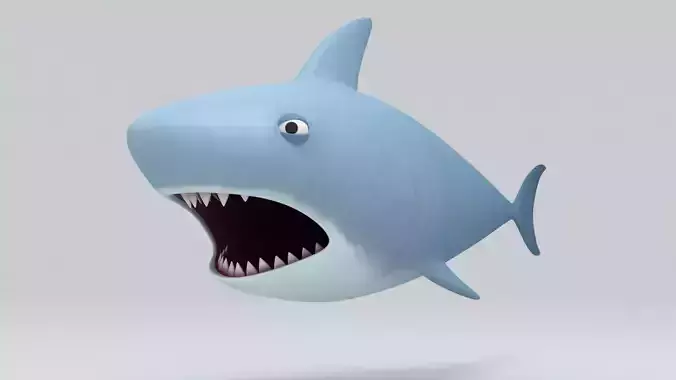
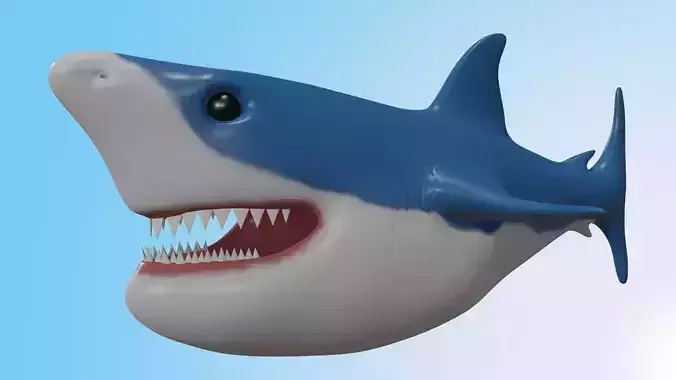
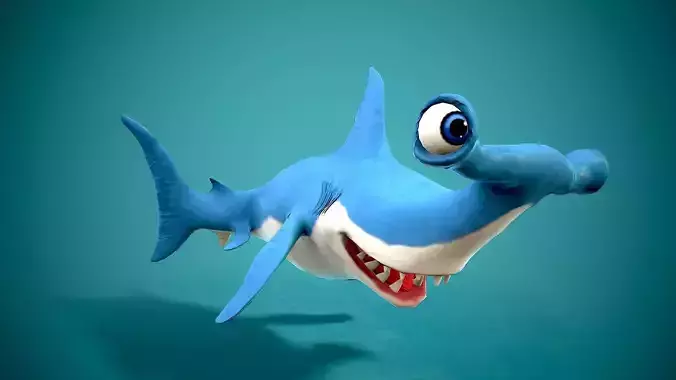
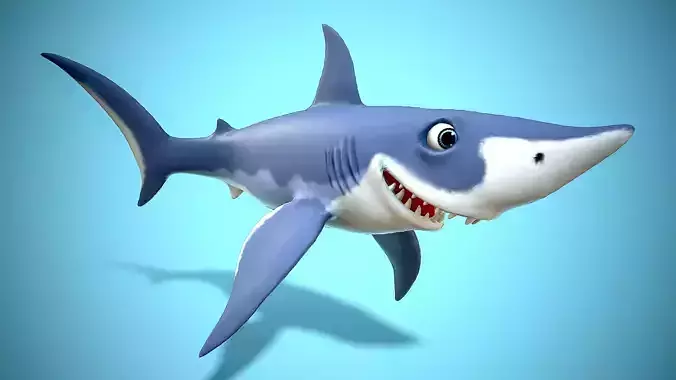
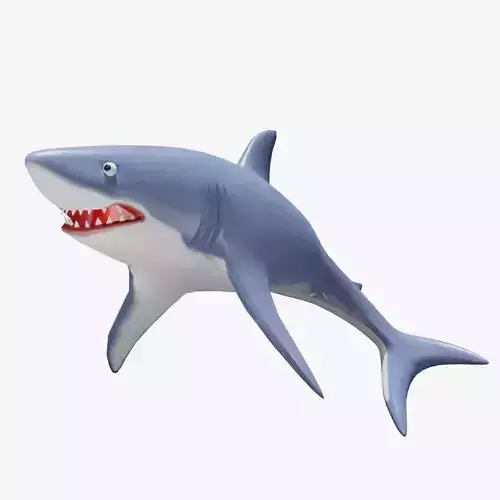
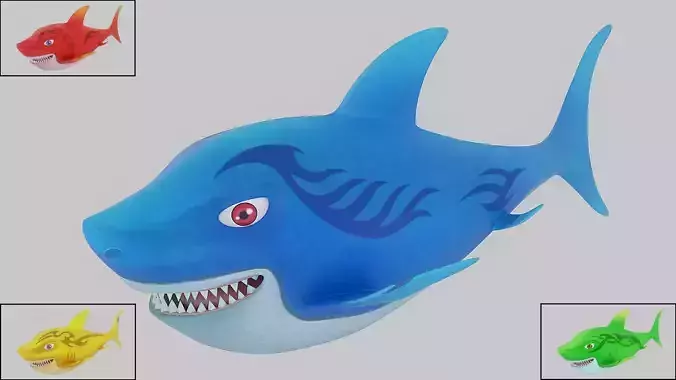
3D whale modeling refers to the process of creating a three-dimensional digital representation of a whale using specialized software. The goal is to replicate the whale's realistic features, proportions, and textures for use in animation, games, visual effects, or educational tools. Here’s a breakdown of the key stages involved in 3D whale modeling:
- Concept and Reference GatheringResearch: Gather reference images and videos of whales to understand their anatomy, skin texture, shape, and behavior. This could include different species of whales, such as blue whales, humpback whales, or orcas.Sketching: Some artists may start with sketches to establish the whale’s proportions and overall design before translating it into 3D.
- Base Mesh CreationModeling Software: Artists use software like Blender, Maya, or ZBrush to create the initial 3D model. The process typically begins with blocking out the general shape of the whale (its body, tail, fins, and head) using simple geometric shapes (cylinders, spheres, etc.).Topology: The base mesh must be structured with proper polygon flow for smooth deformation during animation (if applicable).
- Sculpting DetailRefining the Model: Using tools like ZBrush, the artist adds fine details such as skin wrinkles, muscles, and specific facial features (blowhole, eyes, etc.).Surface Detailing: Fine details like skin textures, scars, and other subtle characteristics are sculpted into the model to achieve realism.
- UV MappingUnwrapping: The 3D model is unwrapped into a 2D space to allow for the application of textures. This step ensures that textures can be correctly applied without distortion on the model.UV Layout: The 2D layout ensures that the whale’s textures (skin patterns, markings, etc.) fit properly on the 3D surface.
- TexturingSurface Textures: Textures are applied to give the whale its realistic skin appearance, including its color, details like barnacles or scars, and its distinctive pattern (e.g., the light and dark coloration of a killer whale).Shaders: Advanced materials and shaders (e.g., subsurface scattering for realistic skin) help achieve a lifelike appearance by simulating how light interacts with the whale’s skin.
- Rigging and SkinningRigging: If the whale is to be animated, a skeletal structure (rig) is created. This skeleton controls the movement of the whale's fins, tail, and body.Skinning: The 3D mesh is then skinned to the rig, meaning the model is bound to the rig so that its vertices deform properly during animation.
- Lighting and RenderingLighting: Proper lighting is essential to make the whale appear realistic. A combination of environment and scene lighting is used to simulate underwater lighting or open sea conditions.Rendering: Once the model is complete, it is rendered using rendering engines like Arnold, V-Ray, or Blender's Cycles. This is the final step where the 3D model is turned into a 2D image or animation.
- Animation (Optional)Motion: If needed, the whale can be animated using the rig to move fluidly in the ocean. This could include realistic motions of swimming, breaching, or interacting with other marine life.Simulation: For added realism, simulations might be used for water interaction, including the whale’s movement through water and how the water splashes or reacts to its body.
- Post-ProcessingAfter rendering, post-processing effects like color correction, compositing, and visual enhancements are added to achieve the desired final look.The end result is a fully modeled, textured, and possibly animated 3D whale ready for use in digital media, games, or simulations.