Summary
Convert a message recorded in Microsoft Wave format into a 3D printed bracelet / necklace / thing.
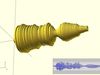
Given a wave file the python script included with this thing will digitize it into a series of concentric circles forming a bracelet like design, creating an OpenSCAD script.
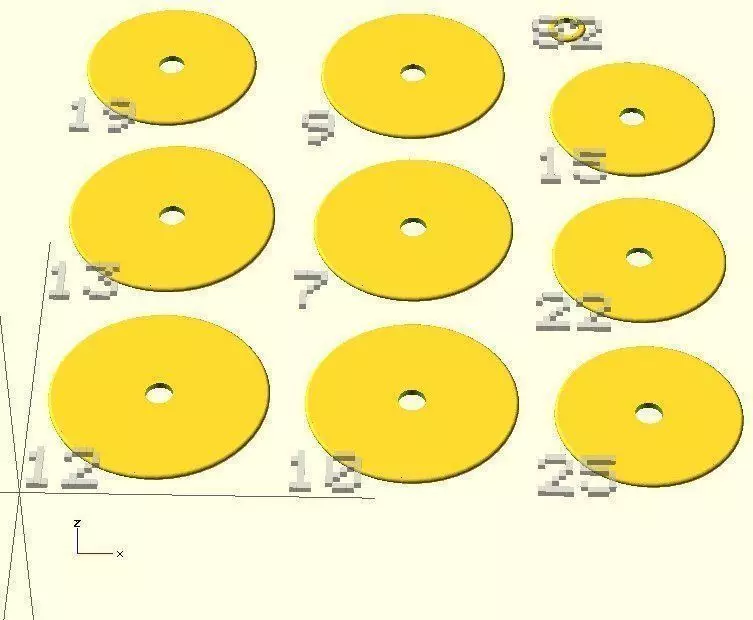
The OpenSCAD script may be used to view the waveform arranged as a bracelet design as well as preparing trays of circles ready for printing, all numbers to allow for assembly.
Inspired by: http://www.instructables.com/id/Waveform-Necklace-Bracelet/
Instructions
- Record a message using you favourite audio editor in Microsoft Wave 16-bit PCM format.
- Execute python script passing wave and scad file names.
python wave-to-openscad.py input.wav output.scad
Note: Many additional options are available to control aspects of the bracelet generated such as minimum / maximum sizes of circle, the size of the hole in the centre as well as printer bed dimensions for tray layout. Also given a stereo audio file only the left channel will be used.
- Load scad file in OpenSCAD, changing set_tray variable from -1 (view) from 0-n (trays) to export and print bracelet components.
- Print and assemble using OpenSCAD background numbers as a guide.