

DESCRIPTION

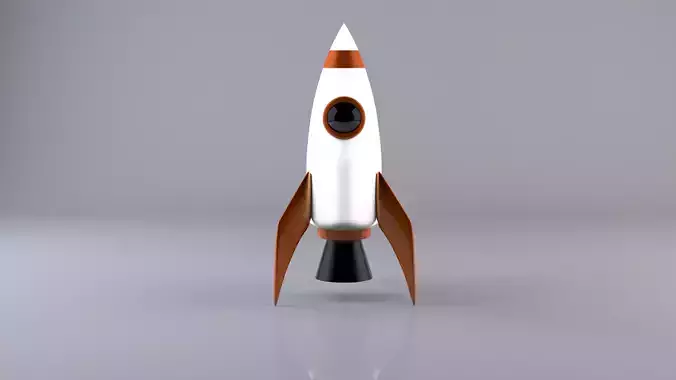
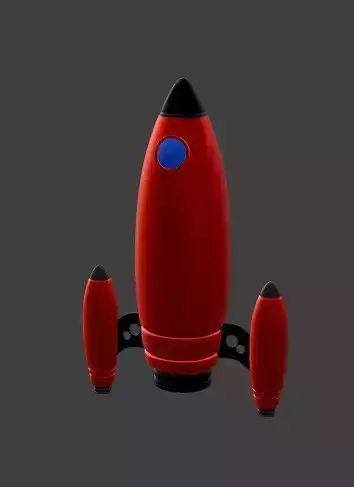
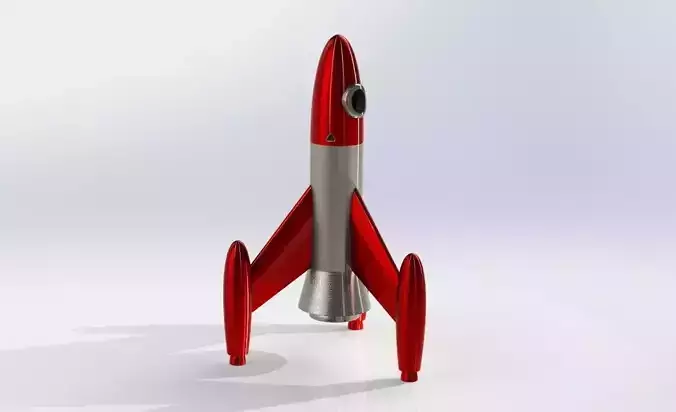
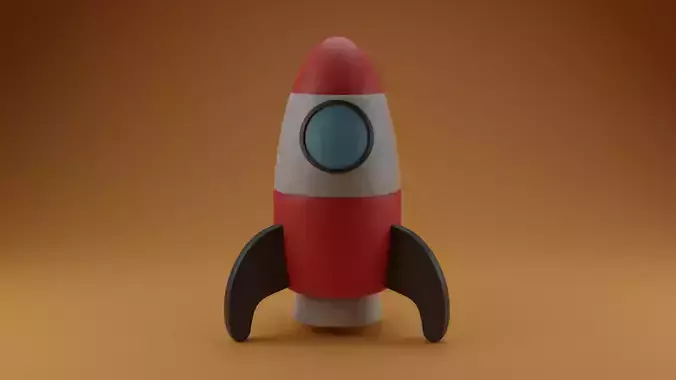
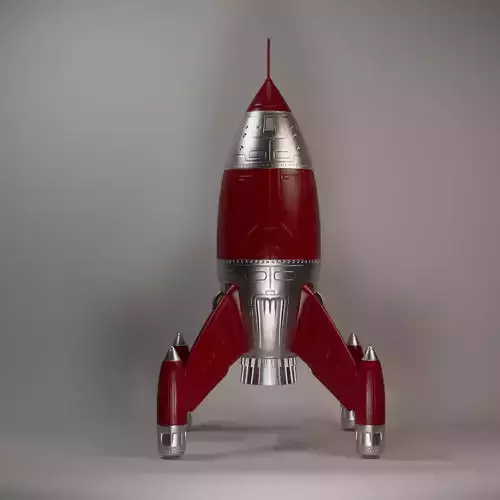
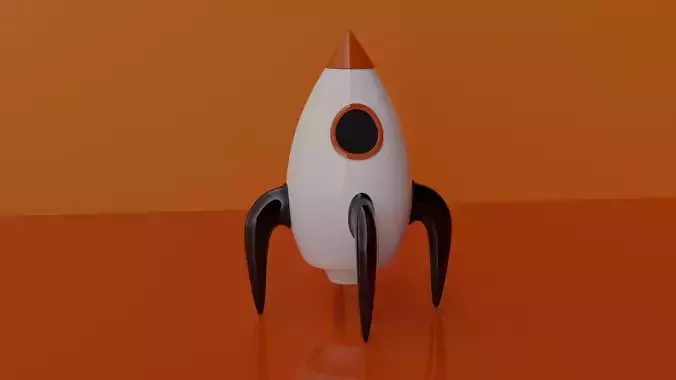
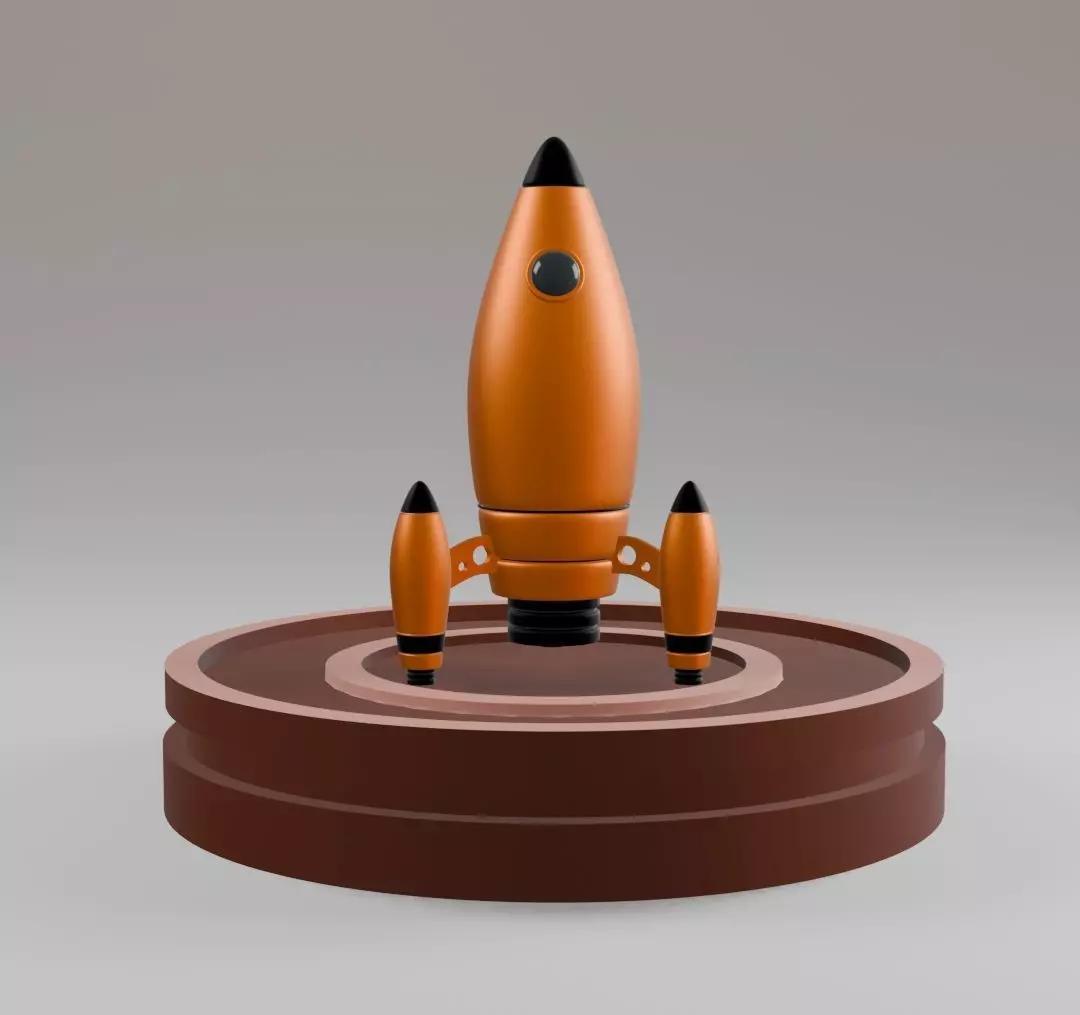
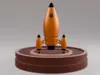
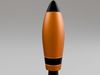
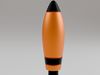
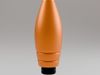
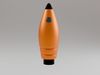
I am excited to share my latest 3D model: a meticulously crafted rocket! This project was created in Blender and showcases a variety of techniques to achieve a high level of detail and realism. Here’s a breakdown of the process and features:

Modeling Techniques:

Subdivision Modifier: Utilized to create smooth and refined surfaces, ensuring the rocket’s body and components have a sleek, aerodynamic appearance.Bevel Modifier: Applied to edges and corners to add realistic bevels, enhancing the overall geometry and making the model more visually appealing.Additional Detailing: Custom geometry was added to intricate parts of the rocket, such as the fins, engine, and nose cone, to enhance realism.Textures:

High-quality textures were meticulously applied to different parts of the rocket, including the metallic body, engine nozzles, and decals. The textures bring out the fine details, such as panel lines, rivets, and wear marks, giving the rocket a used and authentic look.Rendering:

The model was rendered using Blender’s Cycles render engine, which provided realistic lighting and shadows. The final renders highlight the rocket’s design from various angles, showcasing its intricate details and textures.Project Highlights:

Subdivision and Beveling: Achieved a smooth and detailed finish with advanced modeling techniques.Realistic Texturing: Applied high-quality textures for an authentic appearance.Professional Rendering: Rendered using Cycles for realistic lighting and shadows.I hope you enjoy this 3D rocket model as much as I enjoyed creating it! Feel free to leave feedback or ask any questions about the modeling and texturing process.

REVIEWS & COMMENTS

See what other buyers think about this model - real feedback on quality,
accuracy, and usability.
There are no reviews or comments yet. Please be the first one to write it.

The rocket Free low-poly 3D model

Royalty Free License (no AI)
Hire
Like this model to show appreciation to the designer.
See how many times this model was viewed.
Share this model to support the designer and boost their visibility.
Native file format
BLEND2 files
Size: 13.1 MB
Cycles 4.0 | 4.0
Cycles 4.0 | 4.0
Exchange formats
OBJ
OBJ | 2 files<br />Version: 4.0<br />File Size: 12.4 MB
FBX
Autodesk FBX<br />Version: 4.0<br />File Size: 4.32 MB
DAE
Collada<br />Version: 4.0<br />File Size: 22.7 MB
PLY
Ply<br />Version: 4.0<br />File Size: 3.26 MB
STL
Stereolithography<br />Version: 4.0<br />File Size: 8.72 MB
Verified by CGTrader
Verified models are of higher quality as they have
passed CGT Standard technical and visual checks,
making them more professional-grade 3D assets.
Learn more.
FBX
This FBX file has successfully passed the CGT Standard technical and visual checks. The verification results are detailed in the section below.
File & scene
Binary FBX
Binary FBX file is more compact and faster to load and process.
Learn more
No unsupported objects
Unsupported objects:
- Lights
- Cameras
Learn more
Geometry
No N-gons
N-gons are polygons with five or more sides which might cause issues in certain processes like rendering or animation. Learn more
No faceted geometry
Faceted geometry uses flat surfaces without smoothing, which can look unrealistic on curves.
Learn more
Manifold geometry
Manifold geometry ensures all surfaces are properly connected, avoiding issues like edges shared by more than two faces.
Learn more
Textures & material
PBR textures
PBR textures simulate how light interacts with materials, making the model look realistic under different lighting.
Required PBR textures:
- Base Color
- Roughness
- Metalness
- Normal
Learn more
No embed textures
Embedded textures are stored inside the model file, increasing its size and sometimes causing compatibility issues.
Learn more
Square textures
Texture aspect ratio is the width-to-height ratio of a texture. Expected texture aspect ratio: 1:1
Learn more
Power of 2 texture sizes
Textures with dimensions in power of two (e.g. 512x512px, 1024x1024px) are used to optimize performance and memory usage.
Learn more
Assigned materials
Materials are applied to the 3D model to allow visualize a model's surface properties and appearance.
Learn more
UVs & naming
No UV overlaps
UVs overlap when multiple points on the 3D model's surface are mapped to the same point on the UV island causing texture stretching.
Learn more
UV unwrapped model
A UV unwrapped model means its 3D surface is flattened into 2D space, allowing textures to be applied accurately.
Learn more
Allowed characters
Allowed ASCII characters: a-zA-Z0-9-_
Learn more
Provided by designer
Information and details shared directly by the model's designer.
3D Features
The model has a skeleton or bone structure, making it ready for posing or animation.
Textures
The model includes image files (textures) that add color, patterns, or detail to its surfaces.
Materials
The model has material settings that define how surfaces look (color, shine, transparency, etc.).
Plugins Used
Some external plugins were used to create the model. These may be required for full functionality.
3D printing
Indicates whether the designer marked this model as suitable for 3D printing.
Model is not 3D printable
The designer indicates this model is intended for digital use only (rendering, animation, or AR/VR) and not for 3D printing.
Geometry
Polygon mesh
A model built from polygons (triangles or quads) connected in a mesh.
91208 polygons
The total number of polygons (flat shapes) that make up the 3D model.
/
91458 vertices
The number of points (corners) that define the shape of the model's polygons.
Unwrapped UVs
Publish date
Model ID
Chat