


3D Features
Textures
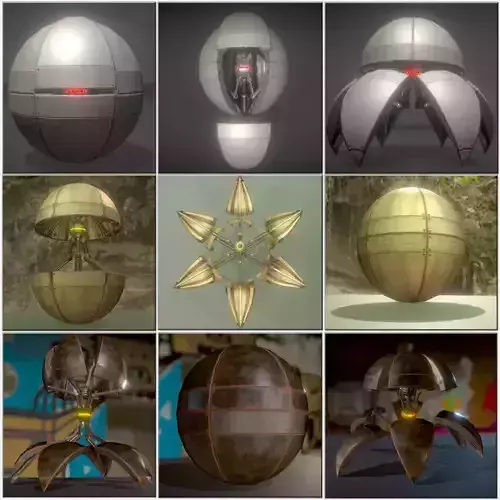
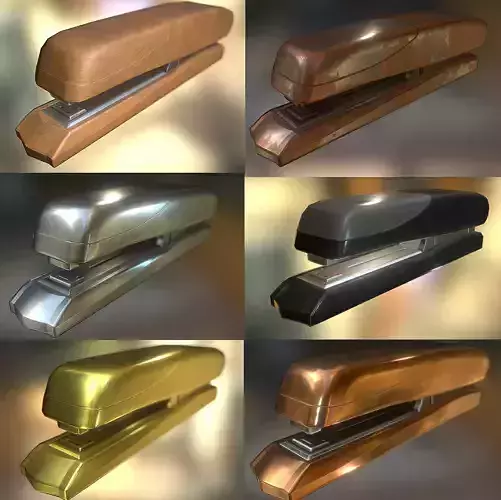
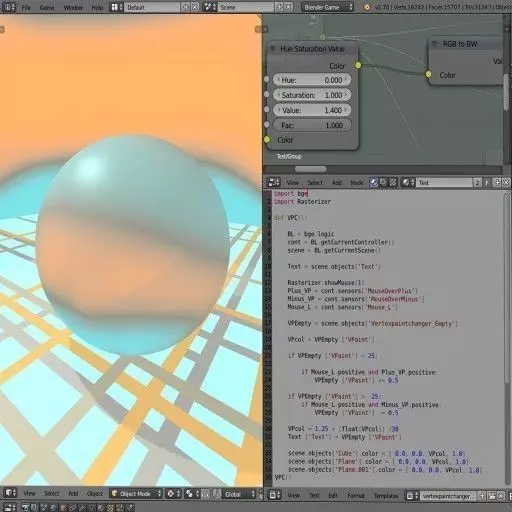
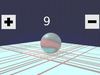
The model includes image files (textures) that add color, patterns, or detail to its surfaces.
Materials
The model has material settings that define how surfaces look (color, shine, transparency, etc.).
UV Mapping
The model's surfaces are mapped to a 2D image, allowing textures to display correctly.
3D printing
Indicates whether the designer marked this model as suitable for 3D printing.
Model is not 3D printable
The designer indicates this model is intended for digital use only (rendering, animation, or AR/VR) and not for 3D printing.
Geometry /
Polygon mesh
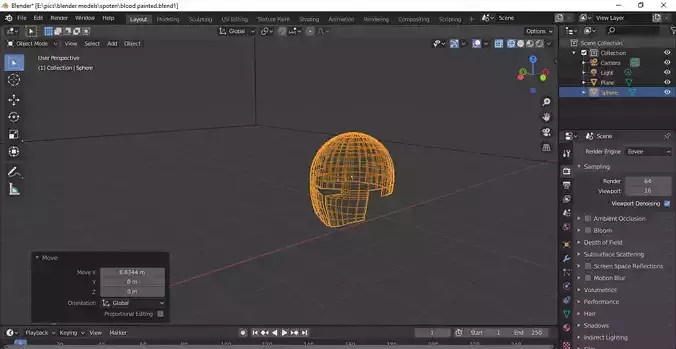
A model built from polygons (triangles or quads) connected in a mesh.
25115 polygons
The total number of polygons (flat shapes) that make up the 3D model.
25738 vertices
The number of points (corners) that define the shape of the model's polygons.
Unwrapped UVs
Mixed
Publish date
2015-06-22
Model ID
#136215