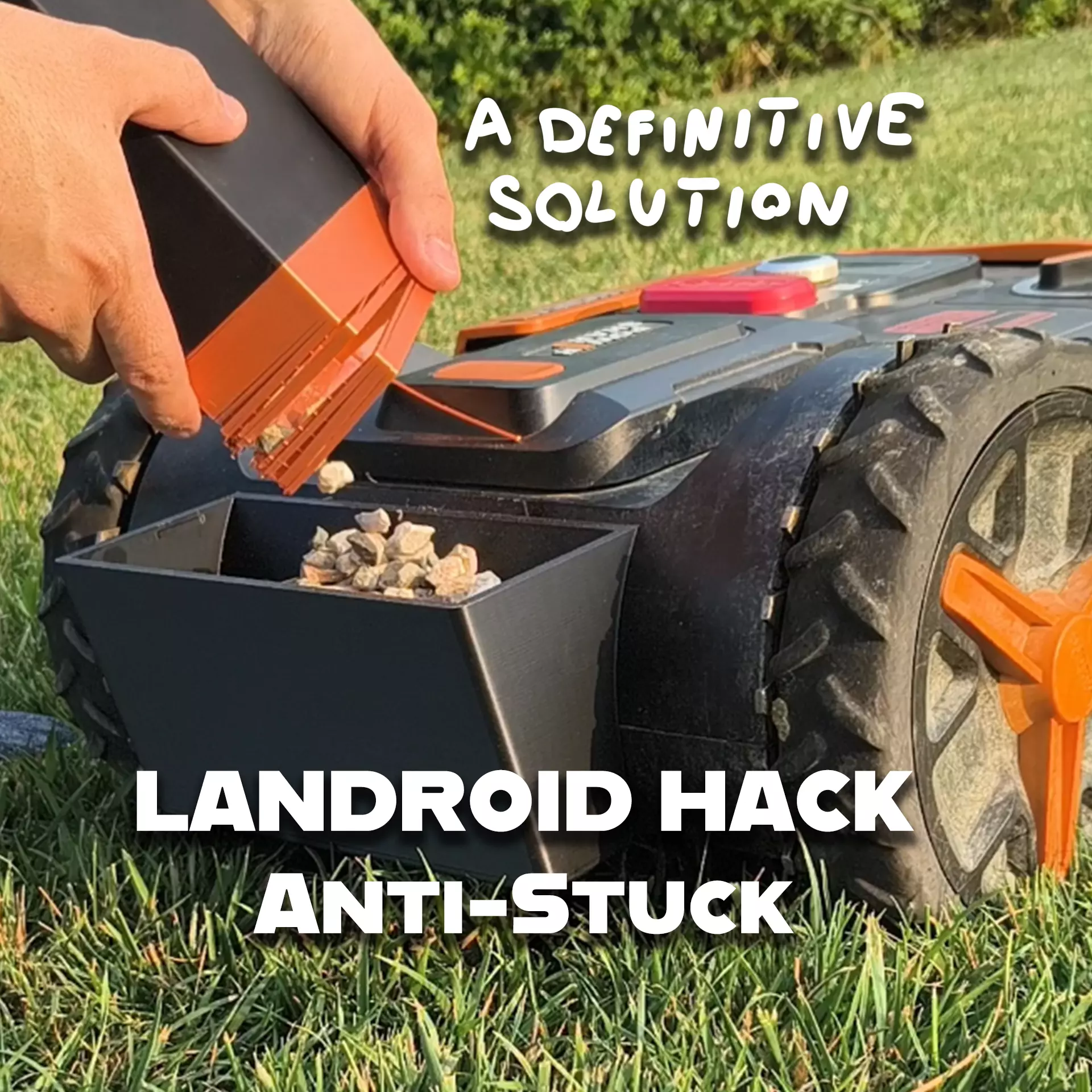
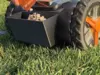
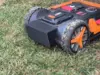
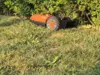
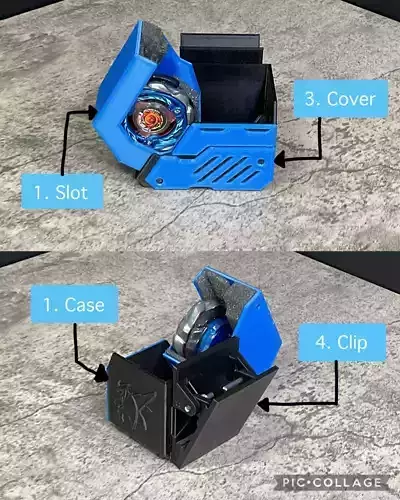
3D model descriptionWhy I created it:I have this Landroid at home, and it kept getting stuck every day.Since I installed this container full of gravel, it no longer gets stuck.
I tried printing containers I found online in the past, but they were too fragile and broke immediately (plus the lawnmower ran over them...).
With this model, I finally solved the problem!
VIDEO:https://youtube.com/shorts/UT1qAaR9Lro
3D printing settingsPRINTING:Printed using Creality K1 Max.I used ABS filament (fast printing).No brim, no supports.
ASSEMBLY:2 x M4 self-locking nuts4 x M4 washers2 x M4x25 screws
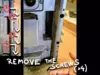
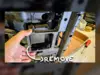
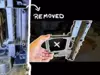
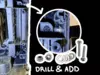
After removing the part shown in the photos (the four screws and therefore the bottom of the Landroid), you need to place the mower in its normal position (no longer resting on its side like before, but normally horizontal). Use the container as a template to mark the two holes (with a marker). Then use a drill and a 5mm bit to create the two holes. The two M4 screws will need to be inserted into these two holes to support the container.
When you're done adding the container, remember to put the cover back on the landroid (the one with the 4 screws).