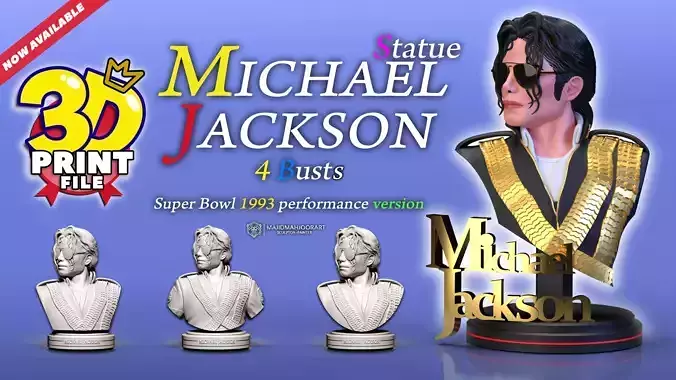
Easy print, Easy paint
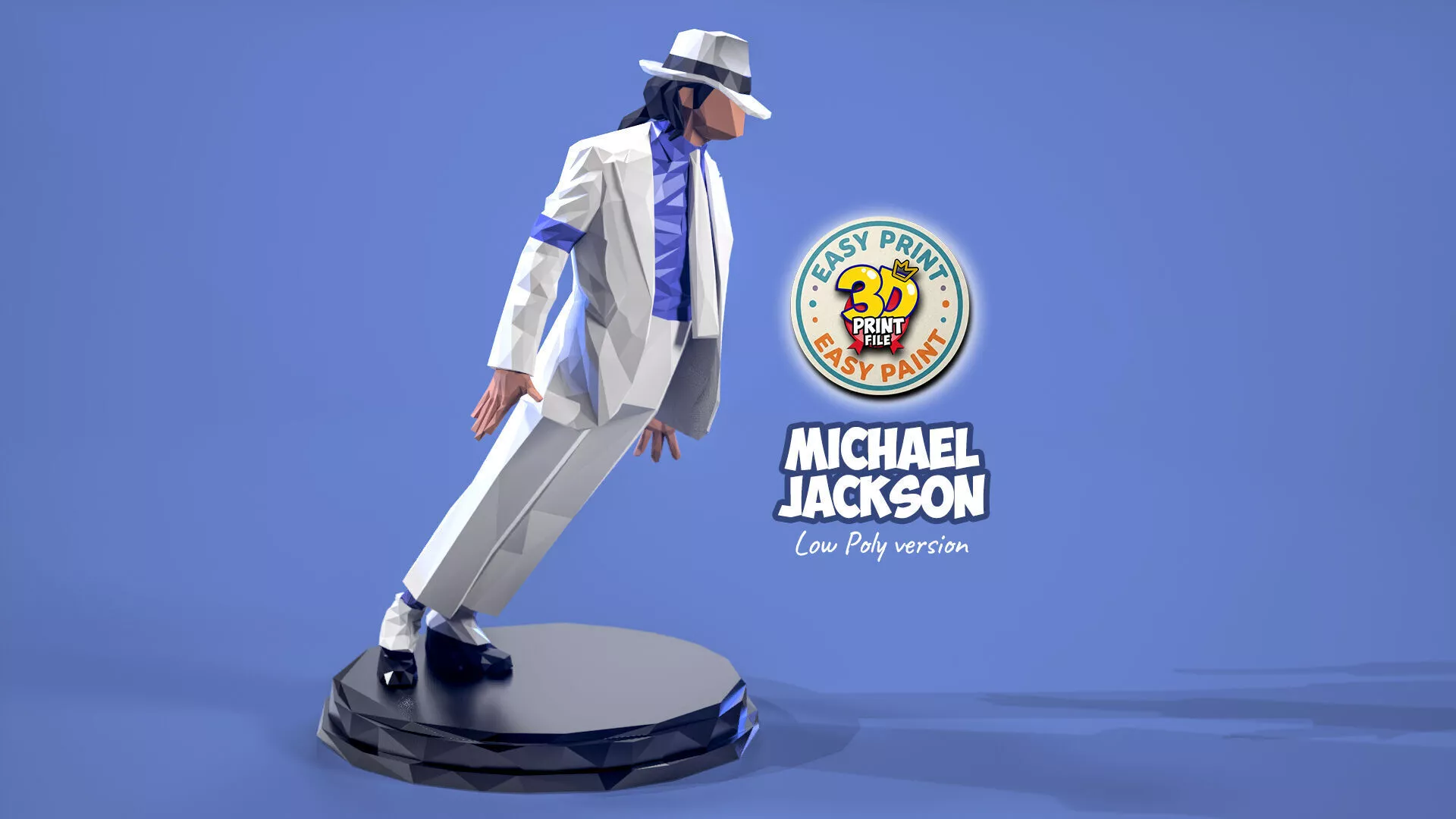
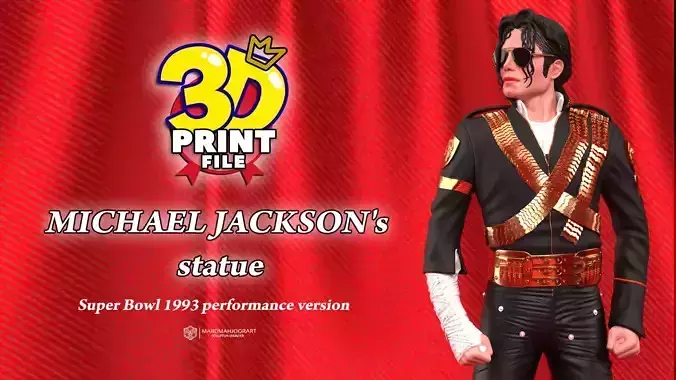
Hello my dear friends.This is a simplified low-poly version of the Michael Jackson model that I recently designed.Michael Jackson Smooth Criminal-high detailedhttps://www.cgtrader.com/3d-print-models/art/sculpture/michael-jackson-3d-model-smooth-criminal-leaning-pose
This model was created so that anyone, regardless of age or painting experience, can easily paint it after 3D printing and enjoy having a stylized sculpture of the King of Pop in their collection.
What do you get with this model?
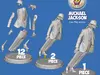
-A 170 mm bounding box, allowing you to resize the Michael Jackson model with the round base to any size you prefer.(More details can be found in the 3D Printing Settings section)-Michael Jackson figure (1-piece version) with attached round base (STL and OBJ)-Michael Jackson figure (2-piece version) with separate round base (STL and OBJ)-Michael Jackson figure (12-piece version) with separate round base for easier printing and assembly (STL and OBJ)
Please refer to the images on this page for detailed information about the model and included files
Available now with:-STL FILES for 3d printing - solid, hollowed and holed files-OBJ FILE for 3d printing-3D files are free of any errors-The character is cut into small parts and put together with pins and holes-For easy painting and to ensure the model fits perfectly on smaller resin printers, I have carefully split the statue into separate parts. Each part is keyed for a perfect fit and easy assembly. You can see the breakdown of the individual components in the preview images.-The total height of the statue:17cm -You can change the height of the model to your desired size!-The size of the files is small and the quality is high-Ability to print with RESIN and FDM printers
-This is a FAN ART just FOR YOU.-Free for personal use only,Commercial use is not allowed.-please credit me if you share or remix .-I will be happy if you print the model and share the photos with me.-Happy Printing-Happy Painting
3D printing settings
How Do I Resize the Files to My Desired Height?
A file called Bounding Box is included in the product package.
Open Chitubox and drag & drop all STL files, along with the Bounding Box file, into the workspace.
In the right-hand panel, make sure all files are selected.
In the viewport, click only on the Bounding Box. Then change its Y dimension from the default height of 170 mm to any height you prefer.
All other files will automatically scale up or down by the same proportion, ensuring that every part remains perfectly matched.
Once the desired size has been set, save each file individually as an STL file.
You can then print the files and assemble them. The final assembled model will match the height you specified by adjusting the Bounding Box.
If you have any questions, please feel free to contact me by email majidmahjoorart3d@gmail.com
-Please follow my page to know about new free models-Visit my Instagram to see a portfolio of my 3D work:https://www.instagram.com/majidmahjoorart