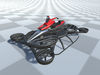
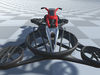
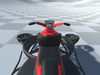
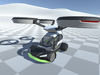


DESCRIPTION

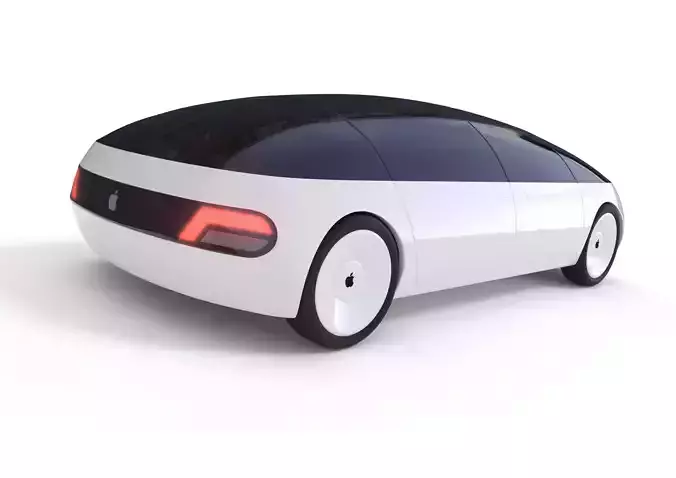
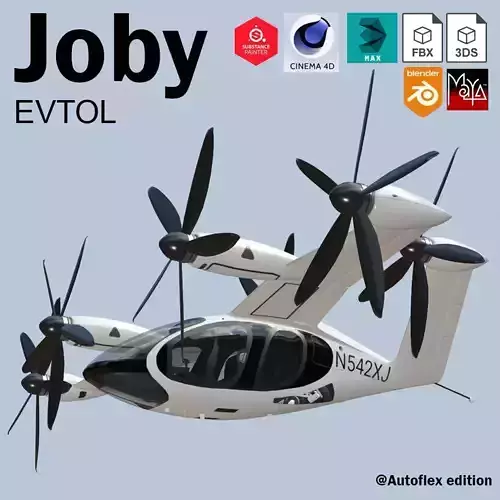
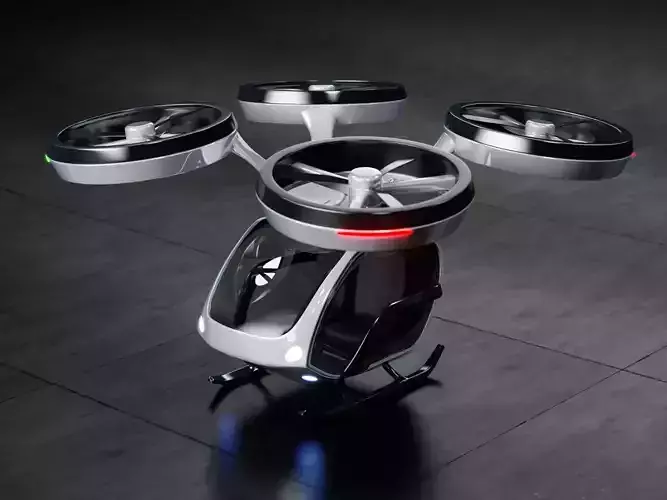
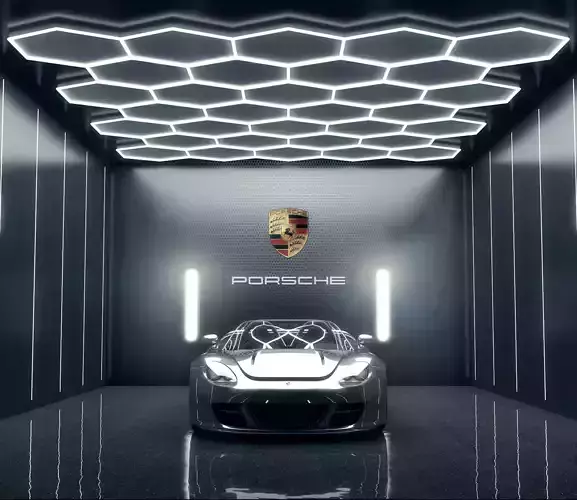
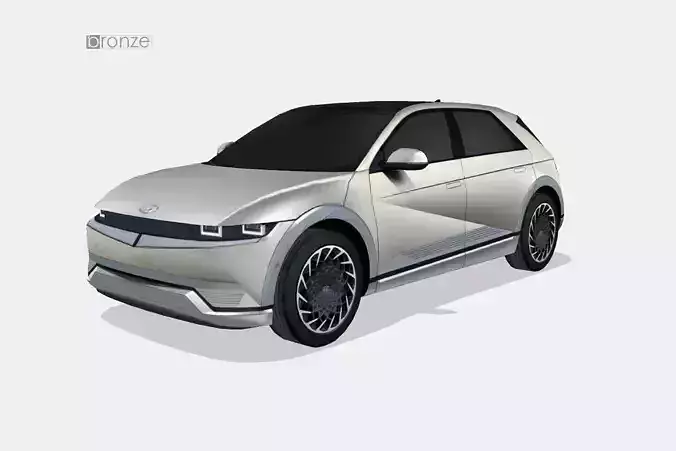
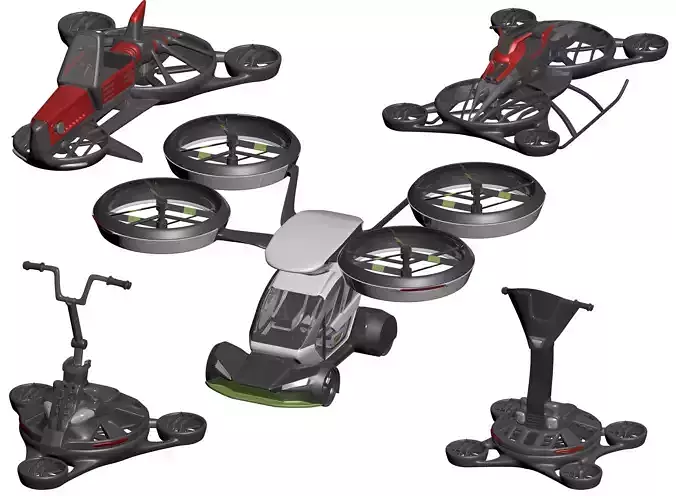
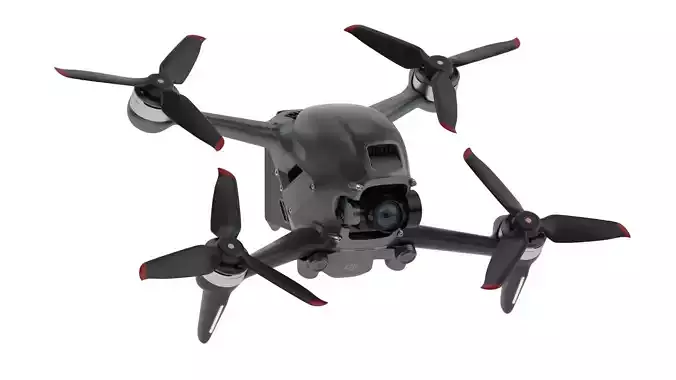
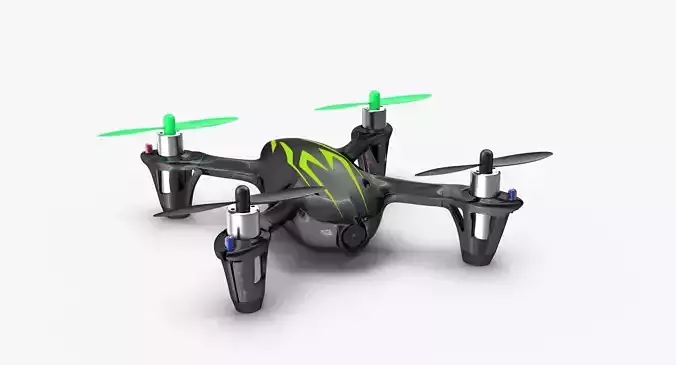
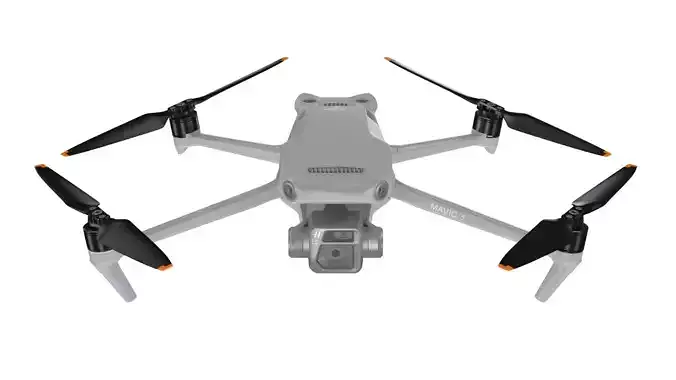
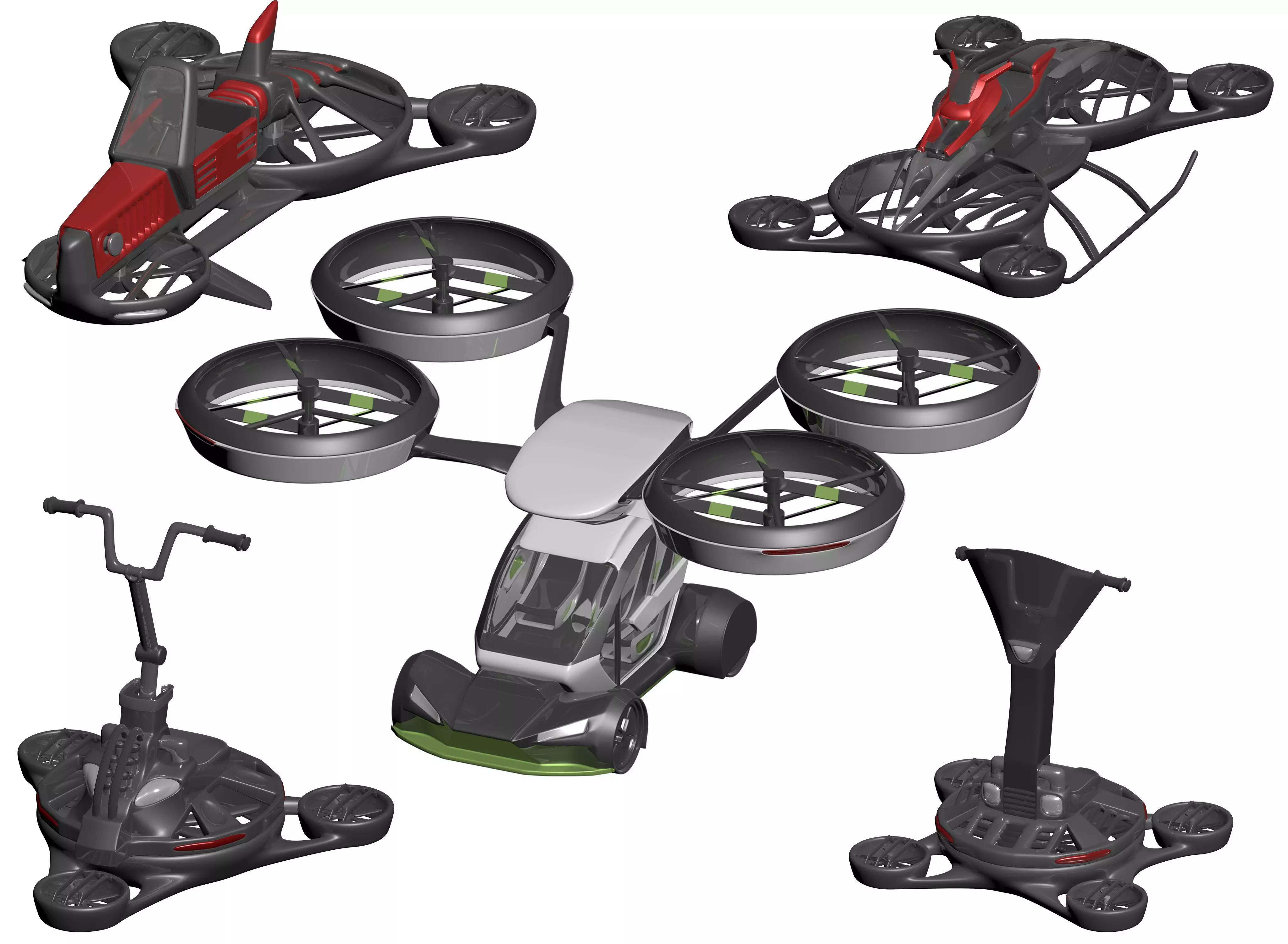
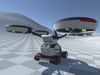
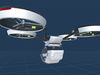
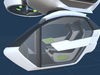
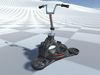
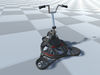
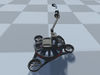
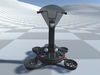
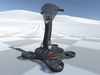
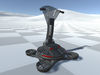
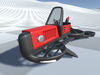
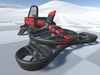
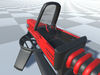
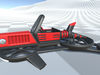
The package contains five 3D models of flying transport, including their low and high-poly versions, fully configured prefabs with scripts for controlling hovers, cars, and hybrid transport capable of switching between flight and driving modes. The set includes scripts for hover, car, hybrid transport, and camera control. Each one has options for fine-tuning, making the physical behavior of each individual hover unique. With the package, developers can create their own unique hover based on their own models in just a few minutes, following the laws of physics, and controlling the front and rear lights and signaling lights.

HoverController - allows you to turn any 3D model into a flying machine with its unique characteristics that stay in the air, following the laws of physics, in just a few minutes. The script contains customizable settings, which greatly simplifies working with it at the beginning. The script is divided into the following parts: motor controller, motion controller, constant height controller, height controller relative to the surface, leveling controller, surface adjustment controller, headlight, taillight, and signal block controllers. With its vast amount of options, the HoverController can adjust the speed of the hover blades' rotations, separately defining the speed for stationary, forward/backward, up/down, and sideways movement. To do this, add the objects that should rotate to the script's list of motors first. The motion controller allows defining the transport speed in the forward/backward, up/down, and sideways directions, adjusting the turning angles of the transport when turning or moving up/down, and defining the lifting force that helps keep the object in the air relative to the physical weight and air resistance in the Rigidbody settings. The constant height is changed in motion but may or may not have certain restrictions on the minimum and maximum height. Surface adjustment allows the hover to move at a proper angle relative to the surface at a certain distance, and the smoothing regulation allows making this process smooth. At the same time, outside the influence of the surface, the hover levels out, and the degree of leveling smoothing can also be adjusted. Regarding lighting settings, add a light to your object, define materials that should change when it is turned on and off (this is not mandatory), and add light, objects, and materials to the necessary categories in the script - front light, rear light, signal, constant. The headlights turn on and off with the R key, signals with T, and the taillights turn on when ascending, descending, or moving backward. Constant lighting usually turns off only when the transport is inactive. In CarController, the lighting is adjusted...

CarController - is a simple script for configuring a car using physics and WheelCollider with basic functionality. It allows for adjusting the forward and backward movement speed, braking force, wheel rotation speed, as well as the front and rear lights, signaling, and constant lighting.

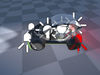
GibridController - allows for interaction between CarController and HoverController objects, switching between driving and flying modes in Unity, or between a separate hover and a car (F key). The script also allows for transferring a container between the car and hover (G key).

CameraController - responsible for real-time object tracking, can have an unlimited number of positions as desired by the developer, switching between which occurs in one click (by default the V key). It has rear and front view modes (switched by the C key). It has settings for the degree of camera movement smoothing, which ensures smooth rendering without shaking and sudden movements.

REVIEWS & COMMENTS

See what other buyers think about this model - real feedback on quality,
accuracy, and usability.
There are no reviews or comments yet. Please be the first one to write it.

Simple Hover Vehicle Physics Scripts with 3D models Kit 1 Low-poly 3D model

Royalty Free License
Hire
Like this model to show appreciation to the designer.
See how many times this model was viewed.
Share this model to support the designer and boost their visibility.
Native file format
UNITYPACKAGE
Size: 13.1 MB
Exchange formats
FBX
Autodesk FBX | 10 files<br />File Size: 15.1 MB
MAX
Autodesk 3ds Max | 7 files<br />File Size: 47.2 MB
Verified by CGTrader
Verified models are of higher quality as they have
passed CGT Standard technical and visual checks,
making them more professional-grade 3D assets.
Learn more.
FBX
This FBX file has successfully passed the CGT Standard technical and visual checks. The verification results are detailed in the section below.
File & scene
Binary FBX
Binary FBX file is more compact and faster to load and process.
Learn more
No unsupported objects
Unsupported objects:
- Lights
- Cameras
Learn more
Geometry
No N-gons
N-gons are polygons with five or more sides which might cause issues in certain processes like rendering or animation. Learn more
No faceted geometry
Faceted geometry uses flat surfaces without smoothing, which can look unrealistic on curves.
Learn more
Manifold geometry
Manifold geometry ensures all surfaces are properly connected, avoiding issues like edges shared by more than two faces.
Learn more
Textures & material
PBR textures
PBR textures simulate how light interacts with materials, making the model look realistic under different lighting.
Required PBR textures:
- Base Color
- Roughness
- Metalness
- Normal
Learn more
No embed textures
Embedded textures are stored inside the model file, increasing its size and sometimes causing compatibility issues.
Learn more
Square textures
Texture aspect ratio is the width-to-height ratio of a texture. Expected texture aspect ratio: 1:1
Learn more
Power of 2 texture sizes
Textures with dimensions in power of two (e.g. 512x512px, 1024x1024px) are used to optimize performance and memory usage.
Learn more
Assigned materials
Materials are applied to the 3D model to allow visualize a model's surface properties and appearance.
Learn more
UVs & naming
No UV overlaps
UVs overlap when multiple points on the 3D model's surface are mapped to the same point on the UV island causing texture stretching.
Learn more
UV unwrapped model
A UV unwrapped model means its 3D surface is flattened into 2D space, allowing textures to be applied accurately.
Learn more
Allowed characters
Allowed ASCII characters: a-zA-Z0-9-_
Learn more
Provided by designer
Information and details shared directly by the model's designer.
3D Features
The model includes animations (movement or actions) that can be played in supported software or engines.
The model has a skeleton or bone structure, making it ready for posing or animation.
PBR
Uses Physically Based Rendering materials, which give the model realistic lighting and surface properties.
Textures
The model includes image files (textures) that add color, patterns, or detail to its surfaces.
Materials
The model has material settings that define how surfaces look (color, shine, transparency, etc.).
UV Mapping
The model's surfaces are mapped to a 2D image, allowing textures to display correctly.
Plugins Used
Some external plugins were used to create the model. These may be required for full functionality.
3D printing
Indicates whether the designer marked this model as suitable for 3D printing.
Model is not 3D printable
The designer indicates this model is intended for digital use only (rendering, animation, or AR/VR) and not for 3D printing.
Geometry
Polygon mesh
A model built from polygons (triangles or quads) connected in a mesh.
Unwrapped UVs
Publish date
Model ID
Chat