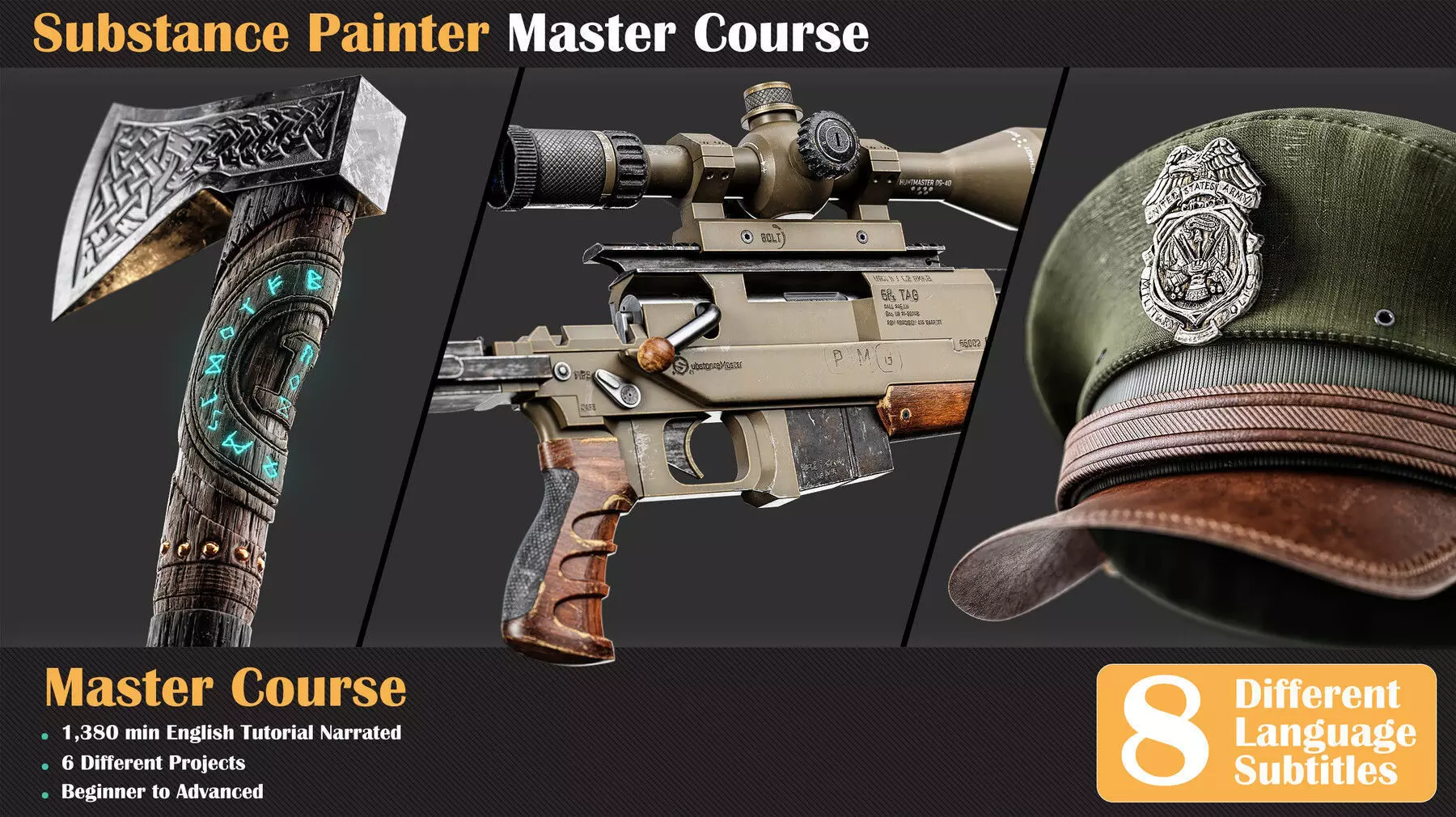
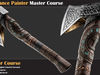
Welcome to the Substance Painter Master course!
23hours narrated Substance Painter Tutorial with 6 Project
Guided by instructor Mehdi Beheshti, a seasoned professional with over 4 years of experience teaching CG software to more than 2000 Students, this course is your ticket to Learning Substance Painter professionally. As a top seller on ArtStation Marketplace for 3 years, Mehdi brings his expertise to help those who want to learn Substance Painter with a thrilling journey.
Course Structure
- Introduction
At the beginning of the course, you'll learn the basics: what each tool does, how to use different windows, and the essentials of how Substance Painter works, giving you a solid start for the rest of the learning experience.
- Principle of Starting Projects
We start by learning how Substance Painter operates and how to get our models ready, making sure to avoid common mistakes. We'll also pick up some handy tips for working with UV mapping and unwrapping along the way.
- First Project: Steel Pot
Once we've got the basics down, we move on to a practical project. We'll texture a steel pot in Substance Painter, show off our work in Marmoset Toolbag, and along the way, pick up the basics of using Marmoset.
- Military Hat Project
Get ready to start the military hat project in Substance Painter! First, check your model's UV. Import it, bake the mesh maps, and tweak display settings. Then, dive into crafting materials like leather, metal, and fabric. Add cool seams and stitches for detail. Use Substance Sampler AI to turn images into materials. Finish up, export your textures, and see your creation shine in Marmoset Toolbag!
- Nordic Axe Project
Let's see some Substance Painter magic! First, set up your model and check its UV. Then, import it, bake mesh maps, and tweak display settings. Dive into the fun part by adding details to the handle and metal head. Create cool wood and metal materials, add finishing touches, and export your textures. See your creation shine in the Marmoset Toolbag. Take it further by transferring materials to a low-poly model and check it out in Unreal Engine for the final use stage!
- Scifi Blade Project
Gear up for Project Scifi Blade adventure! Begin by setting up your model and use the Overlap method for UV. Then, jump into the action - import your model, bake mesh maps, and fine-tune display settings. Get hands-on crafting details for both the blade and handle. Develop materials for the handle, including plastic and steel-painted textures. Dive into the blade with base and layered materials. Elevate your design with surface decals and text, export your textures, and witness your creation in all its glory with a Marmoset Toolbag render.
- Scifi Blade Project
Are you ready to texture an environment asset? Let's kick things off with an air conditioner. We'll begin by prepping the model for Substance Painter, setting up the scene, and diving into our creative process.
A highlight of this section is creating a custom mask using Photoshop, adding a touch of realism to our work. Once we've completed the texturing process in Substance Painter and achieved a fantastic air conditioner material, it's time to showcase our creation in Marmoset Toolbag.
- Sniper gun
We're going to make a cool sniper gun! Handling the textures can be tricky, but we'll manage the details in Substance Painter. We'll also learn about creating designs for the gun using new methods for materials like wood, metal, and plastic. After that, we'll use Marmoset to make our sniper gun look even cooler. And guess what? There's a bonus chapter on Unreal Engine. We'll show you how to set up textures in Unreal Engine for an extra touch. Ready to dive in?
Software Used
Substance PainterRizom UV Lab Substance SamplerMarmoset ToolbagPhotoshop (Basic knowledge required)
Level
Beginner To AdvancedRecommended For whom?Anyone who wants to learn Substance Painter from scratch and you can join this course at any level!You just need to have basic knowledge of Photoshop.Having Modeling skills and fundamentals of UV and Unwrapping is necessary.InstructorMehdi Beheshti with 4+ years of teaching experience and Top seller on ArtStation Marketplace for 3 years.
Subtitles :
ArabicChineseEnglishFrenchGermanPortugueseSpanishRussian