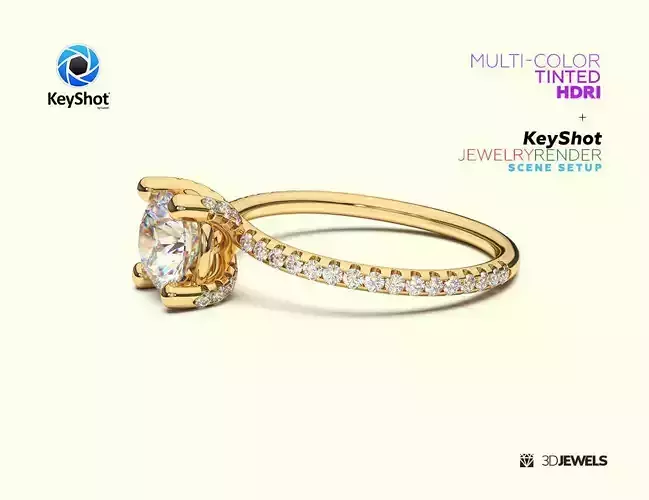
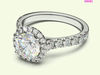
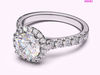
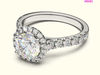
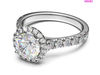
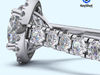
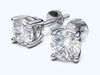
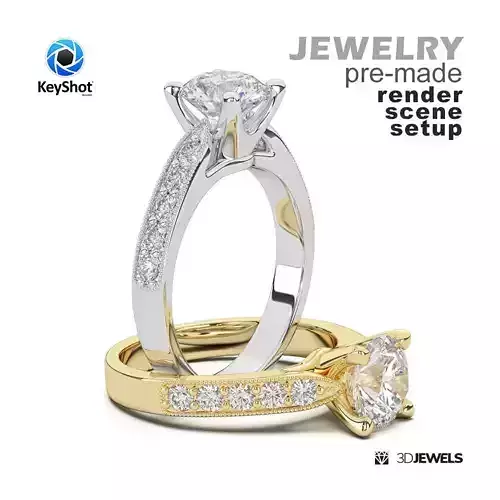
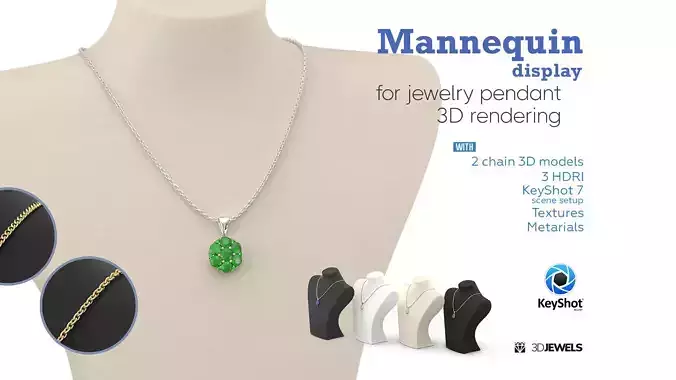
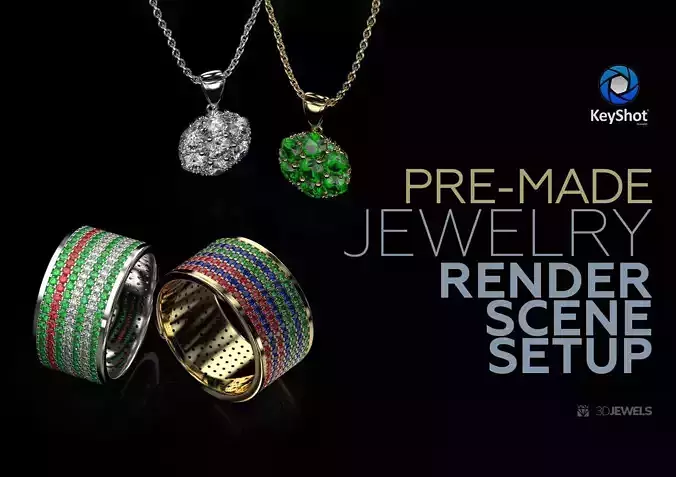
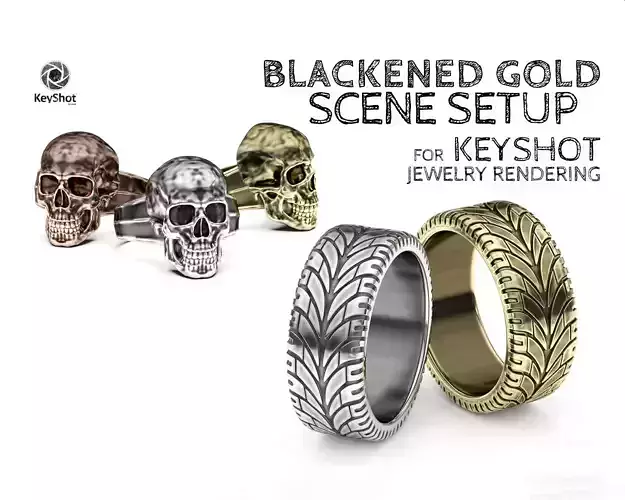
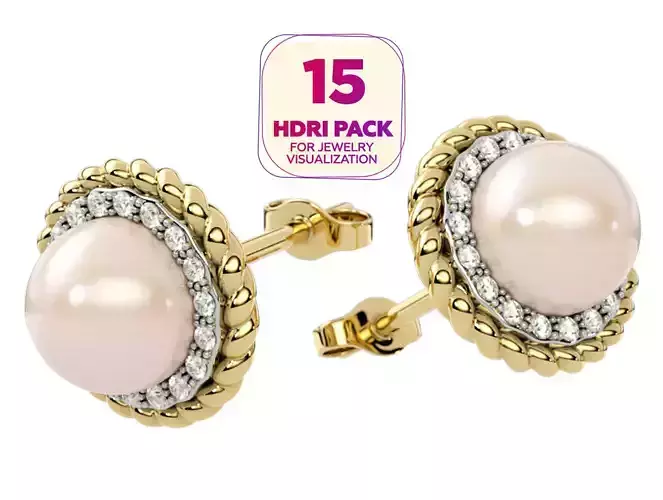
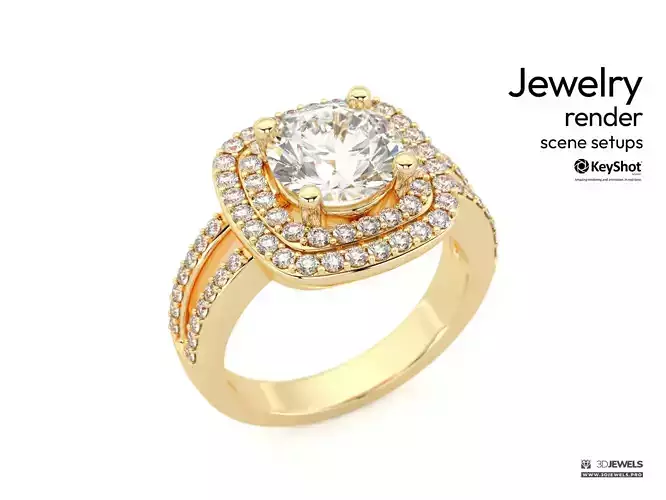
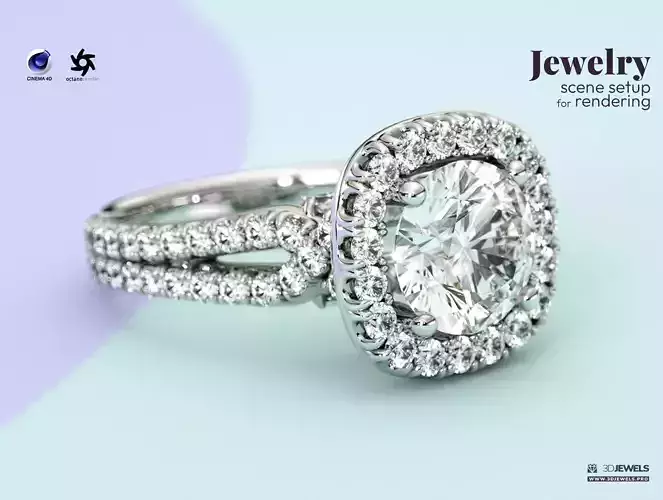
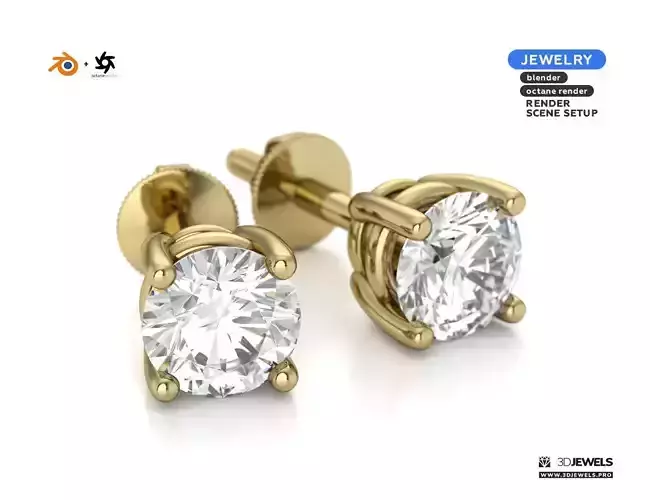
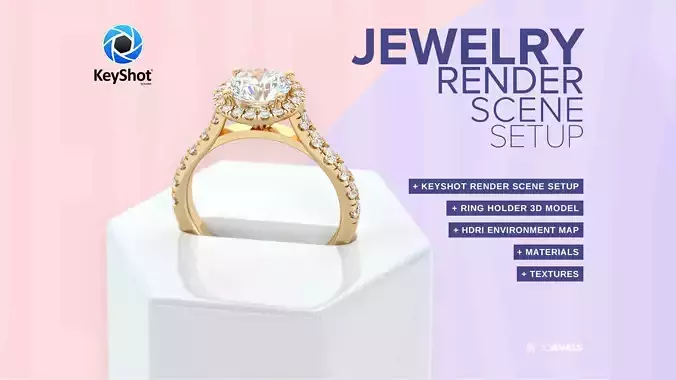
Fully ready-made scene settings for jewelry rendering in KeyShot (v.7 and above) with color toned HDRI maps.
Features:
- 6 pcs. of multicolored HDRI environment maps (5000×2500 pxs)
- gold KeyShot materials
- diamond KeyShot material
- 3 gemstone KeyShot materials (ruby, sapphire, emerald)
- jewelry ring 3D model from sample render (STL /print-ready, OBJ, FBX)
Details:
Fully ready-made and configured settings scene for jewelry rendering in KeyShot with color toned HDRIs included which will allow you to create a photorealistic render in multi-colored colors.
The scene uses lighting through HDRI maps (included). There is no other light.
Note! Sample render files (images) are not included in the download files.
What need:
- import model and apply materials
- choose HDRI map color and adjust BG color
- adjust lighting using the HDRI environment
- done!
Kit includes:
- scene KeyShot package (.ksp) with:
- – 3 color gold materials (white, yellow, rose)
- – 3 gemstone materials (ruby, sapphire, emerald)
- – white diamond material
- 6 pcs. HDRI environment maps (.hdr)
- 3D CAD ring model from sample rendering in the formats: OBJ, FBX, STL (print-ready)
- simple user guide (for start)
Requirements:
Luxion KeyShot Software version 7 and above.
More jewelry 3D assets: https://3djewels.pro/