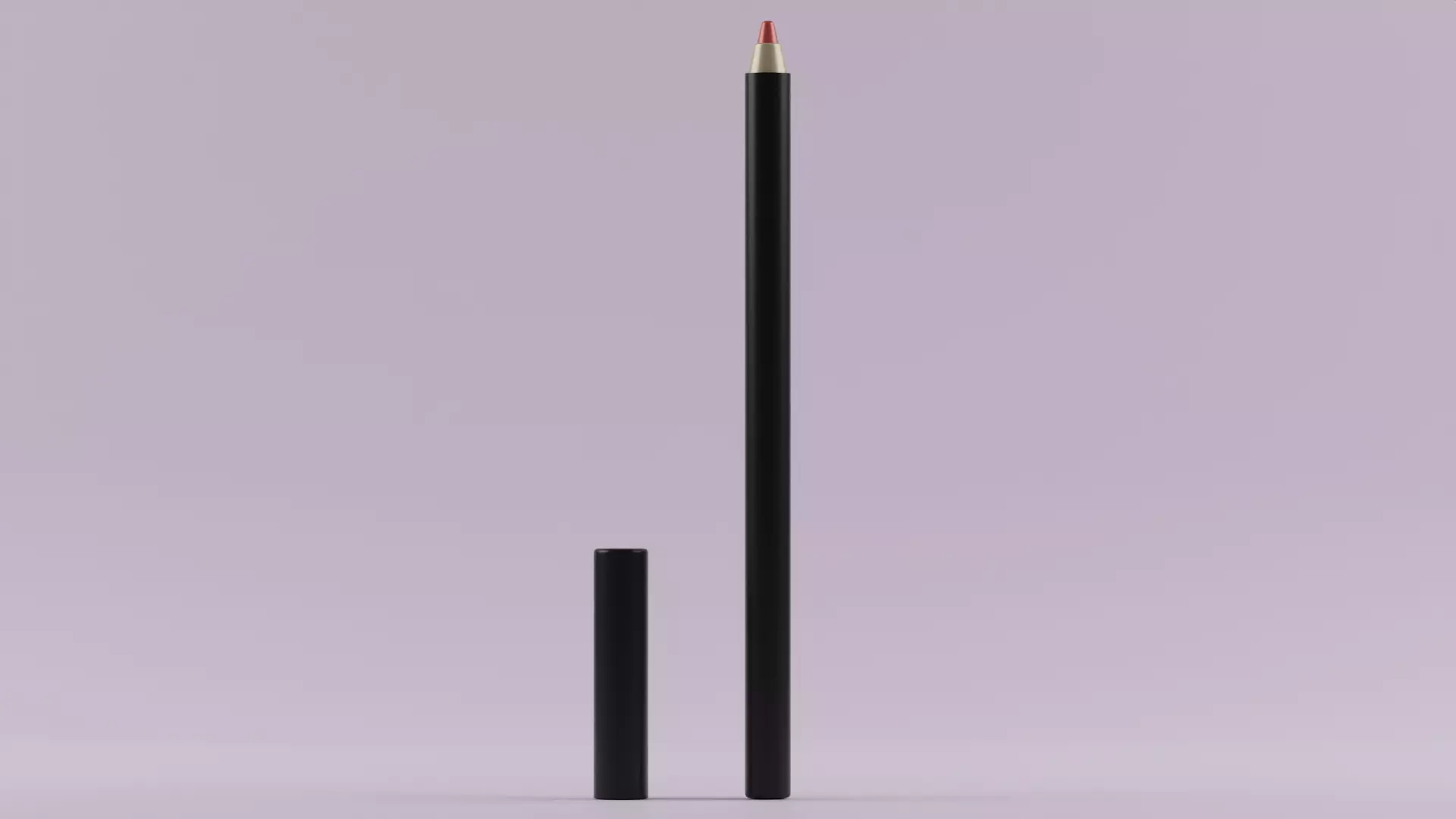
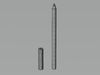
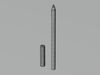
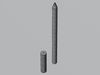
DESCRIPTION

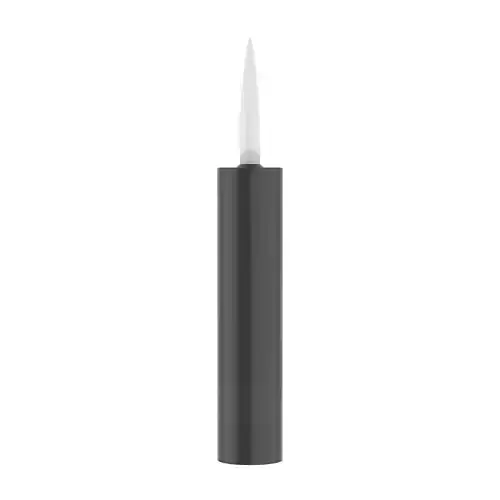
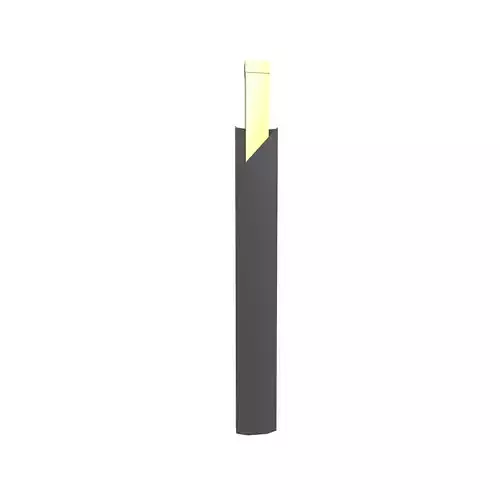
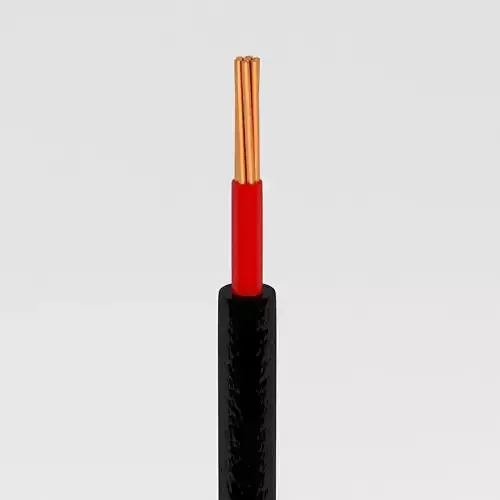
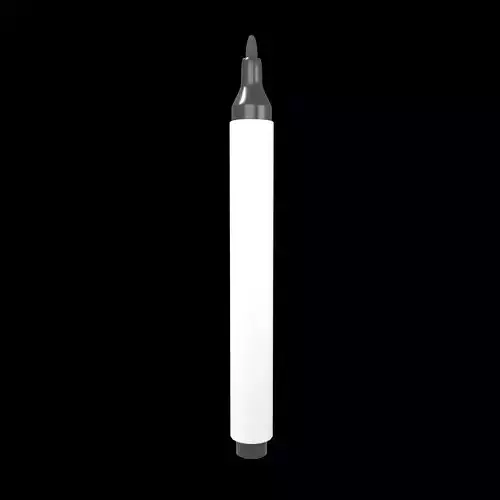
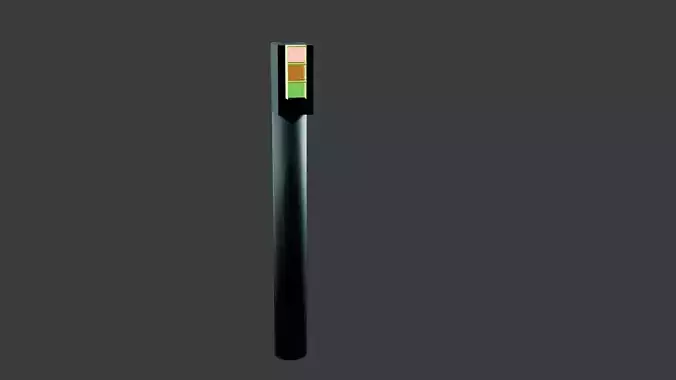
information or assistance related to lip liners. If you have specific questions about lip liners, applying them, or recommendations, please provide more details so I can better assist you.Outline Your Lips: Use the lip liner to outline the natural shape of your lips. This helps prevent your lipstick from feathering and gives your lips a defined look.Choose a Matching Shade: Select a lip liner color that closely matches your lipstick or natural lip color. This helps create a seamless transition between the liner and lipstick.Blend Inward: After outlining, gently blend the lip liner towards the center of your lips. This ensures a smoother transition between the liner and the lipstick, avoiding a harsh line.Prevent Feathering: To prevent lipstick from bleeding into fine lines around your mouth, apply a thin layer of lip liner just outside your natural lip line.Fill In Your Lips: For longer-lasting color, fill in your lips with the lip liner before applying lipstick. This acts as a base and helps the lipstick adhere better.Remember, lip liner is a versatile tool that can enhance your lip shape and make your lipstick last longer. Experiment with these tips to find the technique that works best for you!This model contains 4 separate objects. Vertices 736,260 Edges 1,471,488 Triangles 1,470,464 Blend Fbx ObjBlender 2.93.5

REVIEWS & COMMENTS

See what other buyers think about this model - real feedback on quality,
accuracy, and usability.
There are no reviews or comments yet. Please be the first one to write it.
BEST PRICE GUARANTEED
Found this model cheaper on another marketplace? Let our support team know - we’ll match it.

Lip liner 3D model

Royalty Free License
Hire
Like this model to show appreciation to the designer.
See how many times this model was viewed.
Share this model to support the designer and boost their visibility.
Native file format
BLEND
Size: 1.31 MB
Renderer: Cycles | 2.93.5. | 2.93.5.
Exchange format
OBJ
OBJ | 2 files<br />Version: 2.93.5.<br />File Size: 103 MB
Provided by designer
Information and details shared directly by the model's designer.
3D Features
Materials
The model has material settings that define how surfaces look (color, shine, transparency, etc.).
3D printing
Indicates whether the designer marked this model as suitable for 3D printing.
Model is not 3D printable
The designer indicates this model is intended for digital use only (rendering, animation, or AR/VR) and not for 3D printing.
Geometry
Subdivision ready
A polygon model designed to smooth cleanly when subdivision is applied.
736260 polygons
The total number of polygons (flat shapes) that make up the 3D model.
/ 736260 vertices
The number of points (corners) that define the shape of the model's polygons.
Unwrapped UVs
Publish date
Model ID
Chat