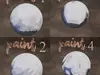
Paint Node Bridge – One Click Painterly Shader for BlenderTurn any material into a stylized, painterly look in seconds.
No complex node setups. No manual tweaking. Just select click done.
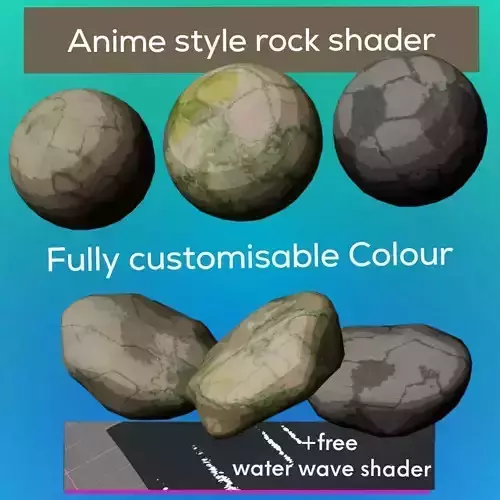
What it doesPaint Node Bridge instantly transforms your regular materials into a hand-painted style using a smart shader system.
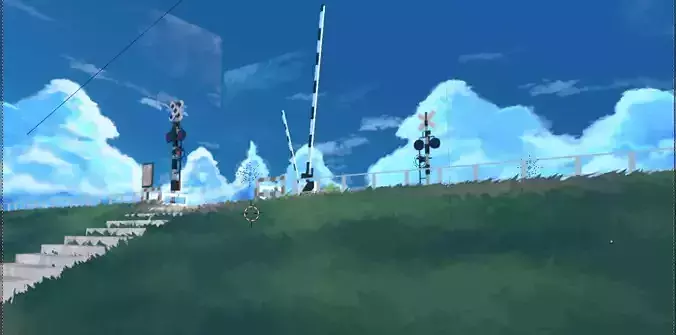
That plain, realistic surface? One click later… it looks like it belongs in a stylized game or illustration.
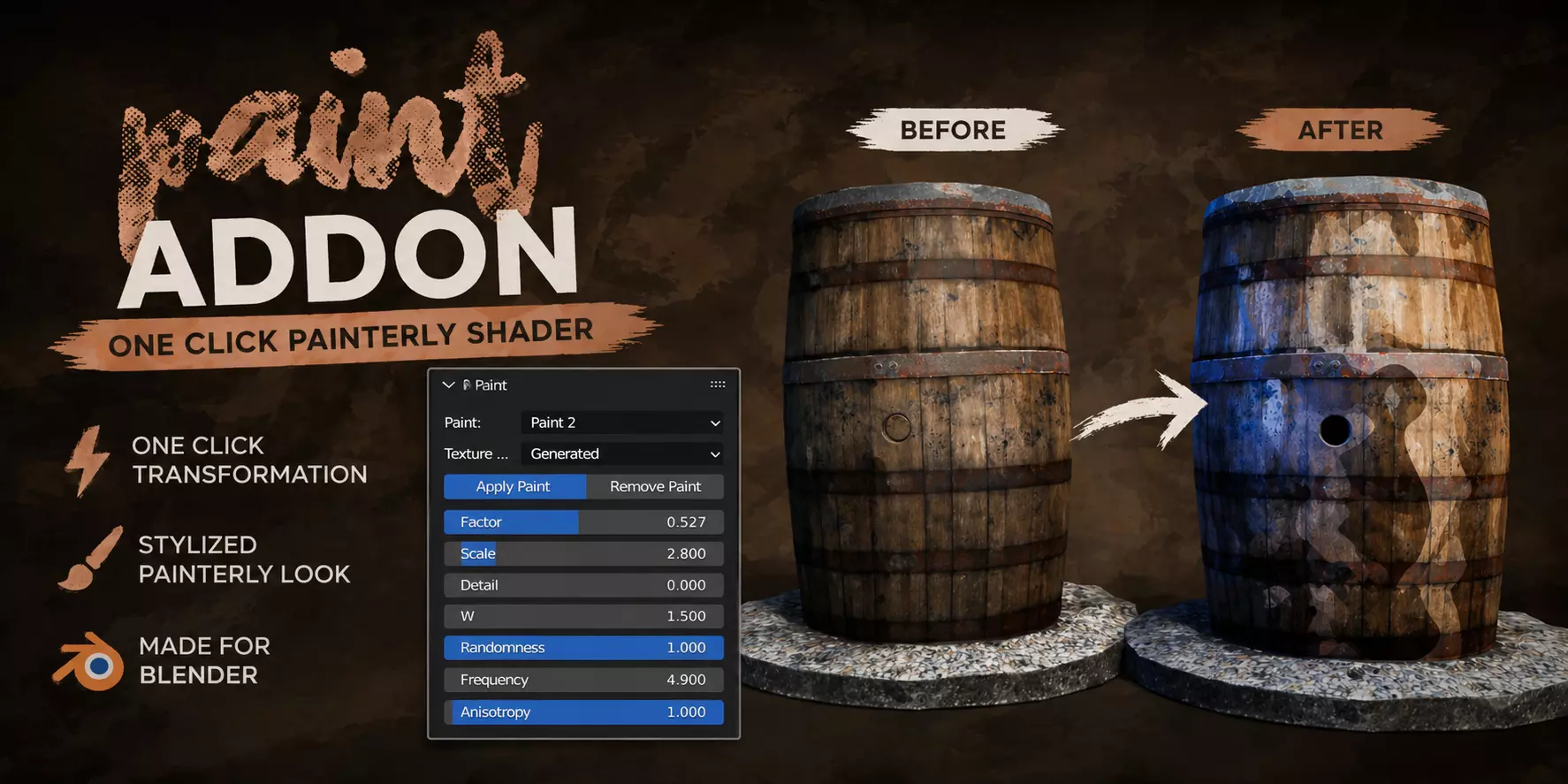
Key FeaturesOne-Click Apply – Instantly convert materials to painterly style
Fully Adjustable Controls – Fine-tune look with intuitive sliders
Non-Destructive Workflow – Remove or tweak anytime
Multiple Paint Variations – Choose different paint styles
Procedural System – No textures required
Lightweight & Fast – Works smoothly in real-time
Perfect ForStylized environments
Game assets
Concept art
NPR (Non-Photorealistic Rendering)
Quick look development
How It WorksSelect your object
Choose a paint style
Click Apply Paint
Adjust sliders if needed
That’s it. Your material is transformed.
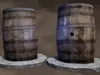
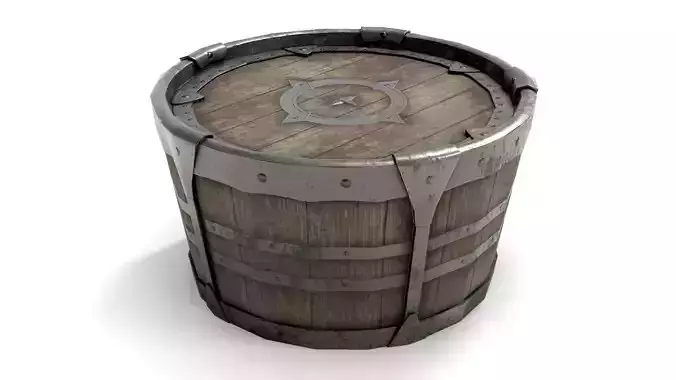
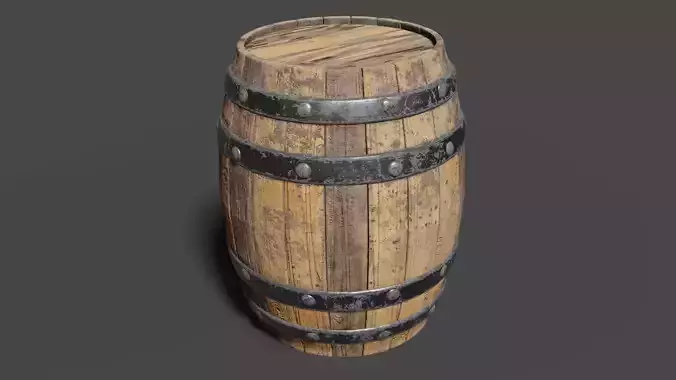
Example Use CaseA realistic wooden barrel becomes a stylized painted asset instantly — no node editing required.
What You GetBlender Addon (.zip)
Ready-to-use painterly shader system
NotesWorks best with materials already assigned
There should be a Principled BSDF in the material assigned to the mesh in order to apply it
Compatible with most Blender versions and both Cycles and Eevee
Support & ConnectLeave a review:
YouTube: https://www.youtube.com/