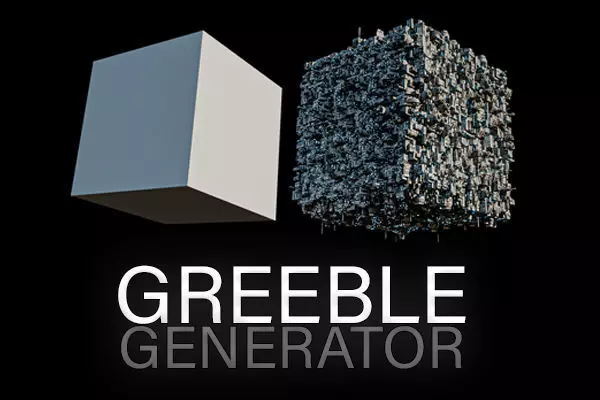
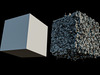
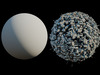
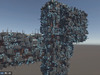
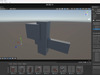
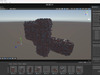
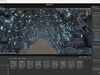
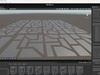
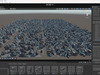
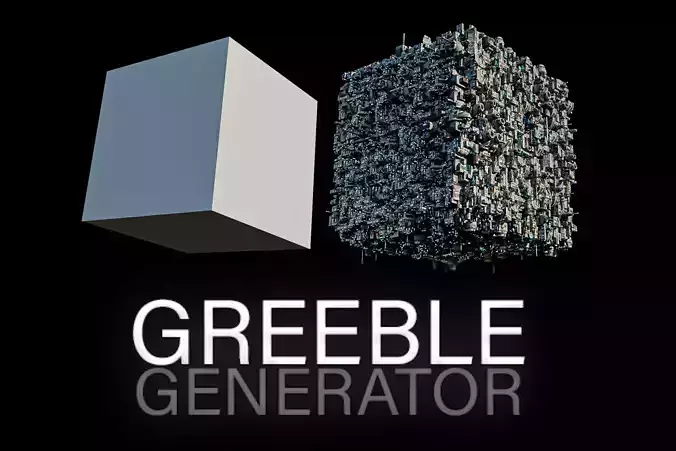
A powerful Unity plugin designed to effortlessly add intricate, scattered details to your 3D scenes! Whether you’re working on a sci-fi spaceship, futuristic architecture, or any project that needs that extra “wow” factor, this tool will help you populate your models with dynamic, high-quality greebles.
What It Does:
Two-Layer System:The tool generates details in two layers: the First Layer creates the base greebles directly on your target meshes, and the optional Second Layer adds additional elements on top based on a configurable spawn chance. This layered approach gives you fine control over the level of detail in your scene.
Custom Prefabs & Fallback Options:Use your own custom prefabs to achieve a unique style, or if you leave the prefab list empty, the tool will automatically fall back to basic primitives (Cube, Cylinder, Sphere, Capsule) so you never run out of options.
Collision Avoidance:Avoid overlapping greebles with built-in collision detection that uses approximate bounding spheres, ensuring your details are neatly placed without unwanted intersections.
Advanced Rotation & Scaling Options:Customize the scale and rotation of each greeble. Choose from fully random rotations within a set range or snap rotations to cardinal angles (0°, 90°, 180°, 360°) for a more uniform look.
Preset Pack Included:Plus, the Greeble Generator comes with a pack of 5 different style presets—each containing 9 greeble pieces—to give your project an instant stylistic boost!
How to Install & Use:
Installation:
Import the GreebleGenerator.cs (located in Assets/Scripts) and GreebleGeneratorEditor.cs (located in Assets/Editor) into your Unity project.Create an empty GameObject (e.g., “GreebleManager”) in your scene and attach the Greeble Generator component.Setup:
Assign your target MeshFilters in the “Target Meshes” list.Configure the First Layer Settings (number of greebles, scale ranges, normal offset, collision avoidance, rotation options) and add your custom prefabs. If you leave the prefab list empty, basic primitives will be used.If you want additional detail, enable Use Second Layer and configure its settings (spawn chance, relative scaling, additional height offset, rotation options) and add Second Layer prefabs.Generate:
Use the custom editor buttons to “Generate Greebles” and “Clear Greebles” as needed.Why Use Greeble Generator?This plugin streamlines the process of adding complex detail to your models, saving you time and effort while ensuring your scenes look rich and dynamic. Its flexibility in using both custom prefabs and fallback primitives, along with advanced placement and collision features, makes it a must-have tool for any Unity developer aiming to elevate the visual quality of their projects.