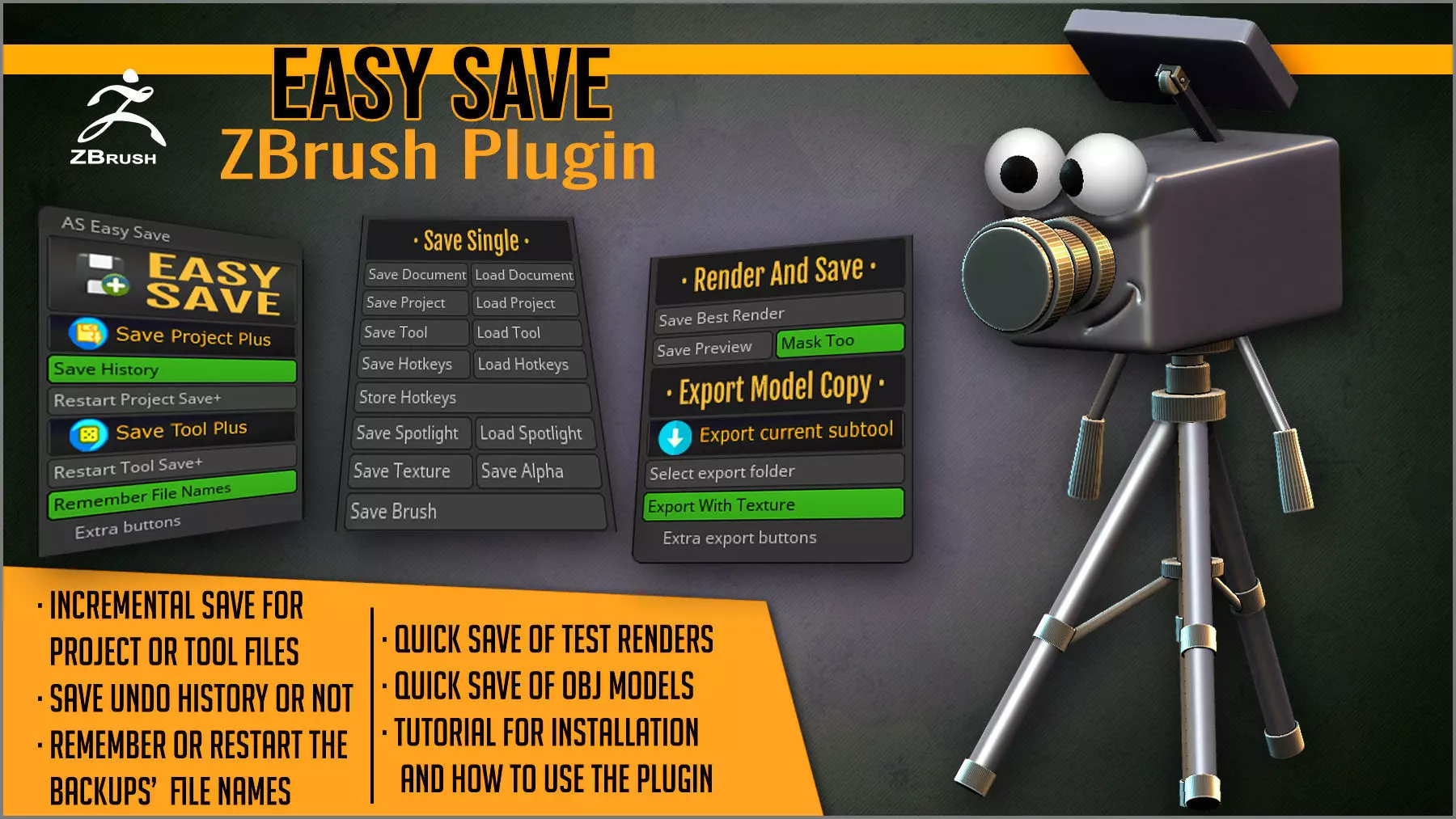
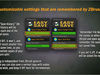
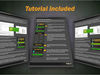
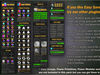
Easy Save is a ZBrush plugin that adds a feature to ZBrush that has been requested many times (incremental save), and also some extra bonus tools.With incremental save, every time you save, a copy of your project or tool is saved, without destroying the previous ones. Instead of saving in a huge project file, you can have saved files for each step. This means increased safety for your work!
INCREMENTAL SAVE FEATURES
- Be safer: keep unlimited number of backups in a same folder.
- Every time you press the button, it saves your file with a number of version at the end (project0001, project002, etc).
- Works with Projects and Tools.
- Save your undos or not with each copy, as you decide. Get smaller files that load and save faster.
- Save your project or tool to a chosen folder with a click on a button or a hotkey: without interrupting your work.
- Remember the last used filenames or not, next time that you open ZBrush.
- Restart the file names or select another folder anytime you want.
- Extra buttons available in case you want to put them in your custom UI.
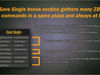
SAVE SINGLE BONUS SECTION
- Many default ZBrush buttons for saving parts of your work gathered together in a single place.
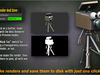
RENDER AND SAVE BONUS SECTION
- Buttons for saving a Best Render render, and a Best Preview render.
- Toggle to save the Mask too.
- When you press one of the buttons, it renders and automatically asks you where to save.
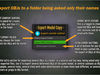
EXPORT MODEL COPY BONUS SECTION
- Fast export of OBJ copies of your subtool, asking only the name for the file.
- Toggle to choose if you save the texture/mtl file or not.
- Button to select the folder where the objs will be saved.
- Useful for saving fast versions of posed objs, several separated subtools, morph targets for other 3D applications that import them as OBJs, and more.
- Extra buttons for placing the Export function anywhere in your interface.
Easy Save is a must have for all ZBrush owners!COMPATIBLE WITH: ZBrush 2019, ZBrush 2021 and up.