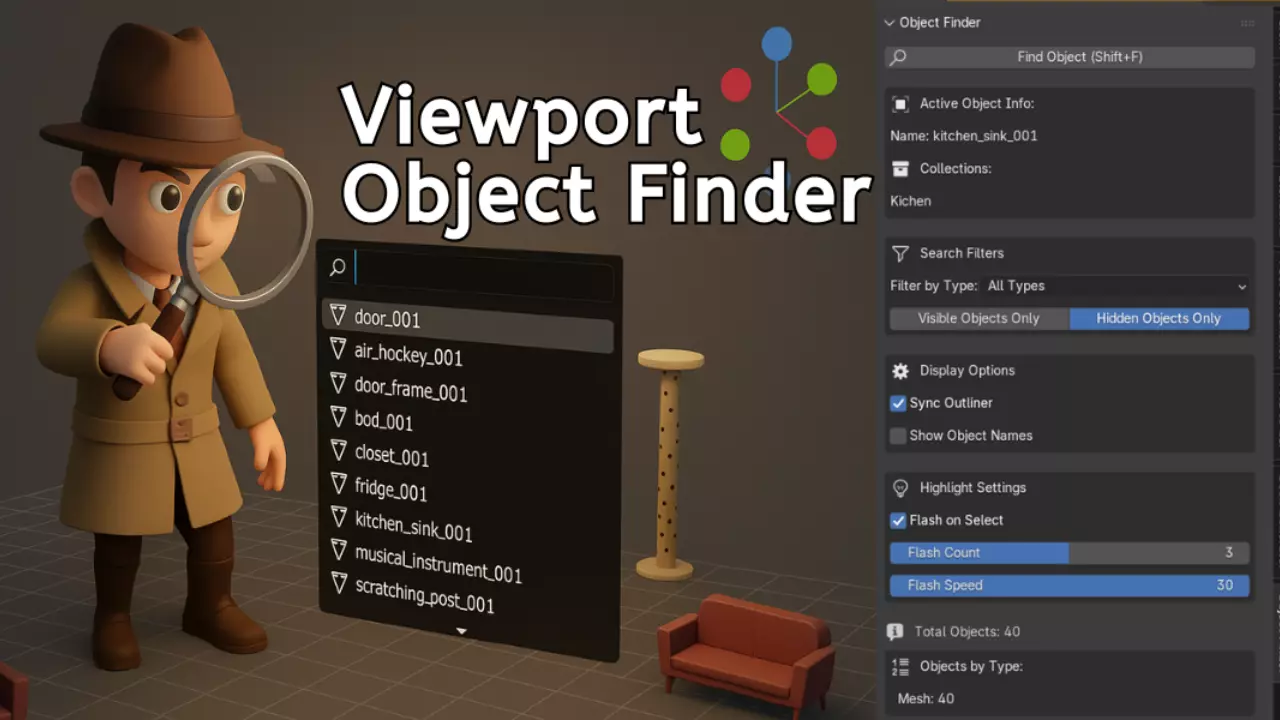
The Viewport Object Finder is the essential productivity addon for every Blender artist. If your scene has 10 objects or 10,000, finding the right one should take seconds, not minutes. This addon makes that possible.
Press Shift + F, start typing, and instantly see every matching object in your scene.It’s lightning-fast, intuitive, and goes far beyond a simple search, it’s a complete object management system built for professionals.
Core Features Instant Live SearchJust hit Shift + F. Type any part of an object name and watch results appear in real time — case-insensitive, partial-match friendly, and blazing fast.Type cam and instantly find Camera_001, Character_Camera, or main_cam_rig.
Smart Type FilteringQuickly isolate Meshes, Curves, Cameras, Lights, Empties, Armatures, Lattices, or Grease Pencil objects.Combine with live search for precision results.
Visibility FiltersChoose to search only visible or hidden objects — perfect for:
Finding forgotten hidden meshes
Cleaning up cluttered scenes
Debugging visibility issues
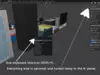
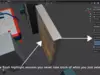
Visual Flash HighlightWhen you select an object, it flashes with a customizable wireframe effect.Never lose track again — even in dense scenes. Adjust flash count (1-5) and speed to fit your workflow.
Intelligent Outliner SyncAutomatically:
Reveals selected objects in the Outliner
Unhides parents and nested collections
Expands collection hierarchies recursivelyNo more manual expansion — it’s all handled seamlessly.
Active Object Info PanelInstantly view:
Complete parent hierarchy
Full collection path
A visual “map” of where the object lives in your scene
Perfect for understanding complex setups.
Perfect For Every WorkflowModelers: Instantly find meshes, modifiers, and instances.
Animators: Navigate rigs, IK controls, and constraints easily.
Lighters: Locate specific light types and debug visibility fast.
Scene Managers: Track hidden objects, clean duplicates, and maintain order.
Educators & Students: Visually explore Blender’s hierarchy system.
Technical Artists: Batch-select by type, analyze relationships, and optimize performance.
Performance That ScalesHandles 1000+ objects effortlessly
Minimal memory use
Zero lag, instant response
Fully compatible with Blender 3.0 – 4.x
Professional TouchesCustomizable flash effect (speed & count)
Toggle-able features — enable only what you need
Persistent smart filters
Seamless Outliner integration
Clean modular Python code
No external dependencies
GPL-3.0 licensed (commercial-use friendly)
Real Time SavingsIf you spend just 30 seconds per hour searching for objects, that’s 16 hours per year wasted.With Viewport Object Finder, that drops to nearly zero.Turn those hours into creative time instead of search time.
Easy to Learn, Powerful to MasterNew users: Press Shift + F — that’s all you need.
Power users: Combine filters, labels, and flash settings for full control.Fast to learn. Hard to live without.
Why Artists Love ItViewport Object Finder isn’t just a search bar it’s an object intelligence system for Blender.It helps you understand, navigate, and master your scene with total control.
Created by a production artist, for production artists every feature solves a real workflow pain point.No fluff. No bloat. Just pure productivity.
Get Started in SecondsInstall in 30 seconds
Master in 5 minutes
Benefit for a lifetime
One shortcut. Infinite speed.Never waste time searching again.
Perfect for: Freelancers, studios, educators, students, and every Blender artist who values efficiency.