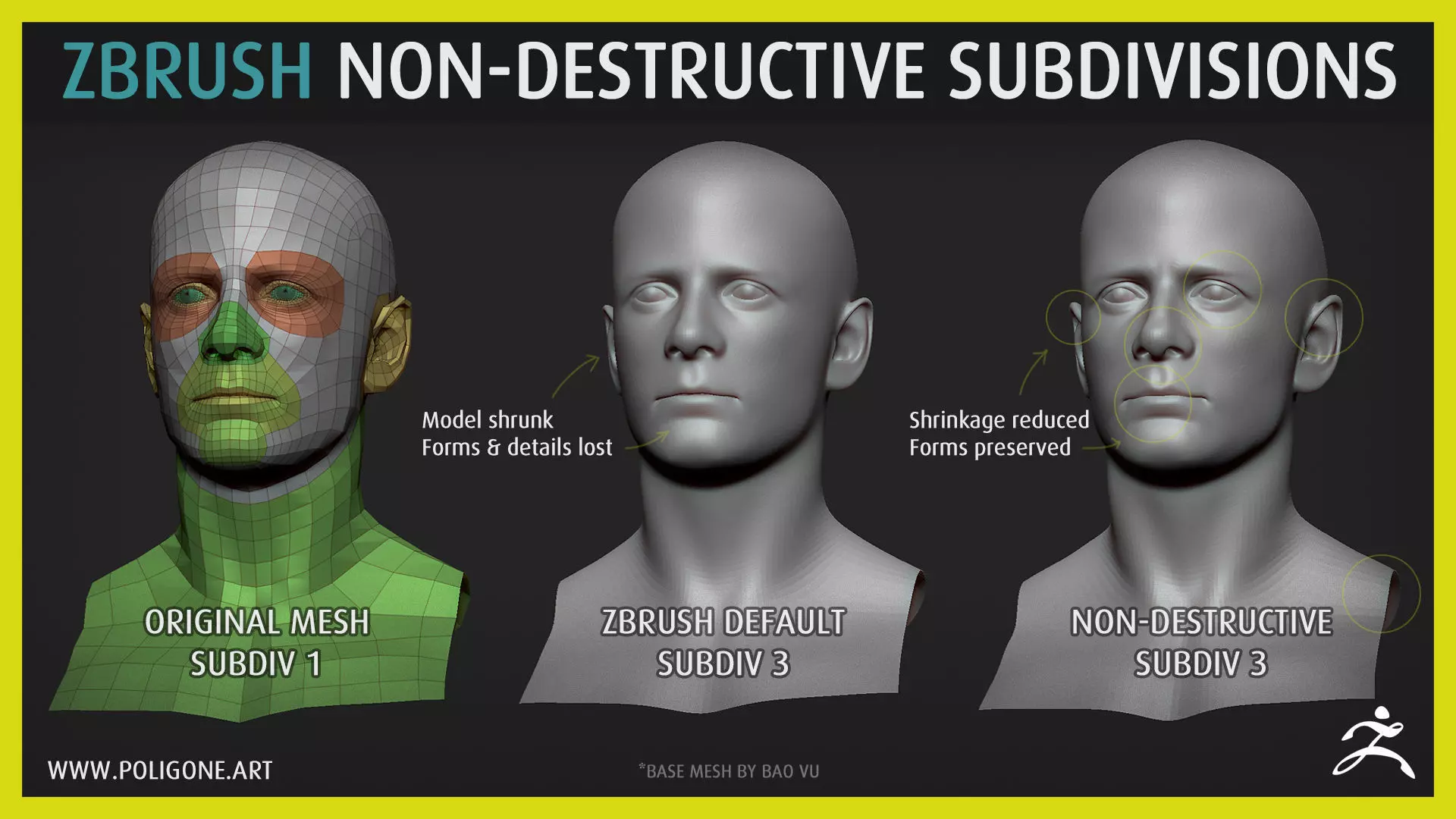
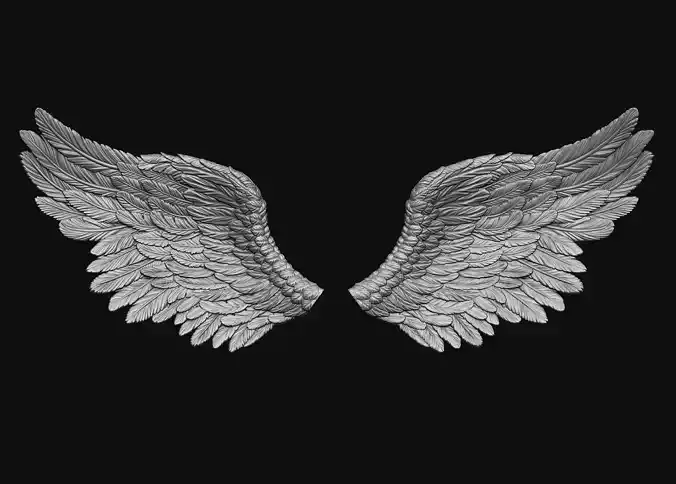
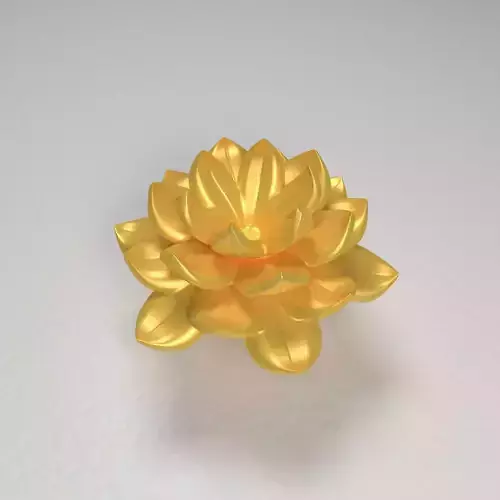
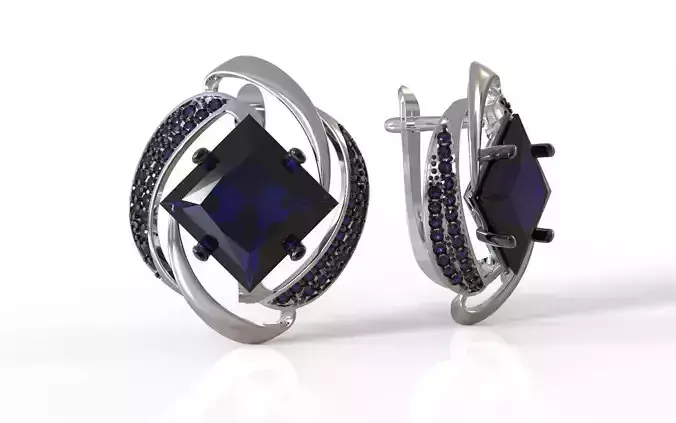
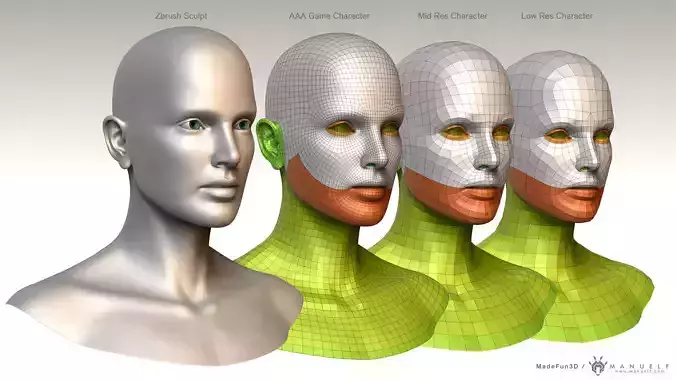
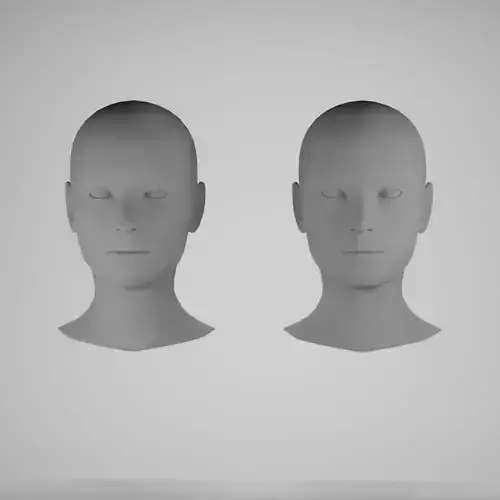
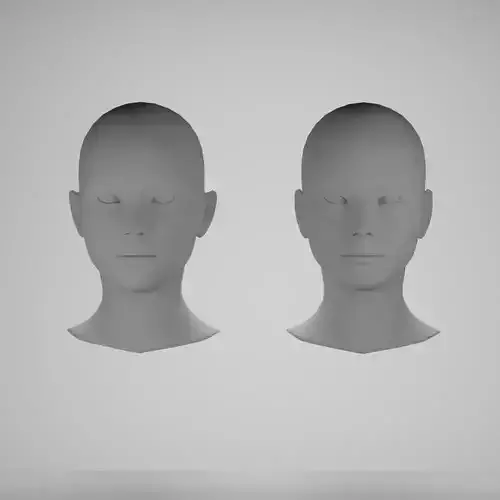
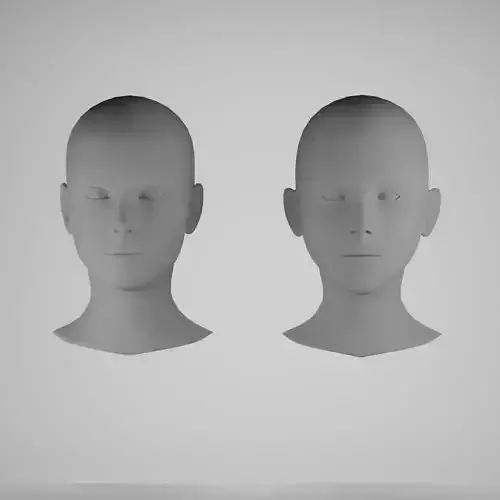
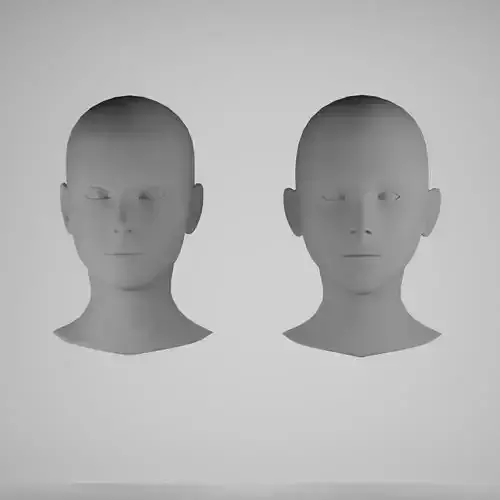
ZBrush default subdivisions will smooth out your mesh (which led to detail loss), and shrink your mesh (especialy at the edge) so your low-res and hi-res mesh won't match.This macro will let you subdivide your ZBrush mesh the alternative way which will reduce shrinkage and preserve details of your mesh.It is good for organic meshes such as humanoid and creatures (soft edges), and will produce artifacts if used on hard-surface meshes. Use with caution.
CHANGELOG:v1.1: Update to a faster script.v1.2: Got rid of unnecessary undo history. No more multiple undo steps.
CONTENTS:
This package contains one macro script for ZBrush.
INSTALLATION:
- Extract & copy Poligone folder inside .ZIP file to ZStartup\Macros folder inside ZBrush installation path (Default at C:\Program Files\Pixologic\ZBrush\ZStartup\Macros).
- Restart ZBrush.
USAGE:Under Macros menu (on top of ZBrush main interface) you will find NDSub buttons
COMPATIBLE:ZBrush 2018 and above (Tested working on 2021.1)
LICENSES:
Personal License: You can use this license for personal projects, not for commercial.Indie License: You can use this license for indie project with a team of less than 10 people.Commercial License: You can use this license for commercial project with a team of 10 people & more.
If you have any question, don't hesitate to email me at: artofpoligone@gmail.com
INFO:
Better preview images at:www.artstation.com/poligoneMy website:www.poligone.artFor any feedback, questions & updates:www.facebook.com/artofpoligoneVisit my store for other products:www.poligone.art/storeWIP or daily updates:www.instagram.com/artofpoligone