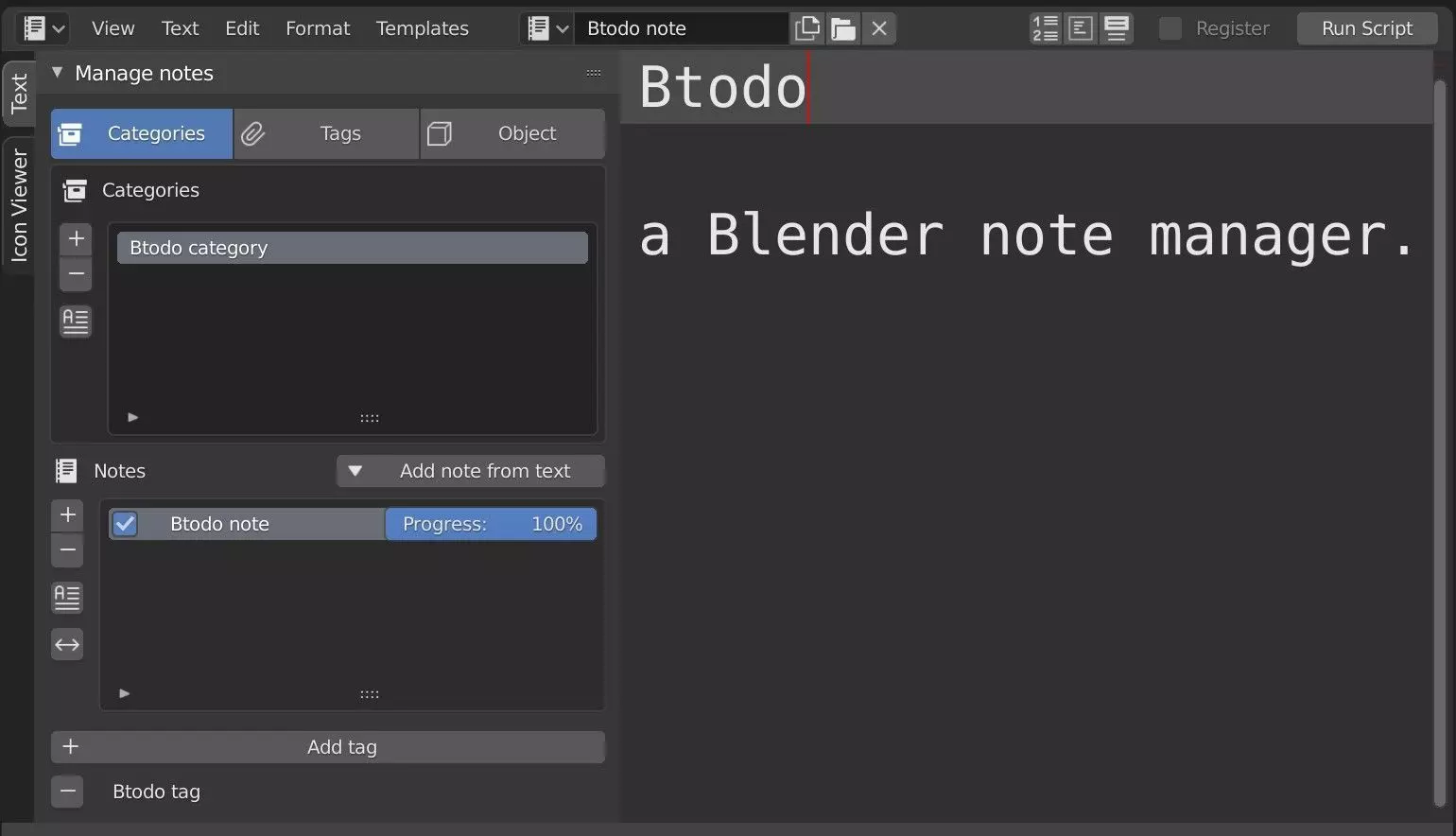
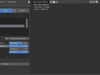
Btodo is a simple blender addon for writing down and manage notes, todos and texts into blender built-in text editor. It provides a simple UI integrated into text-editor’s properties panel to create, rename and tag text data-block. It allows to add custom notes as comments to every single object, too.
Perfect for:
- writing down your ideas;-planning your work;
- writing todo-lists;
- easily managing teamwork;
- not forgetting anything with object’s notes;
- not losing your ideas. Everything is packed into the project's .blend file;
Main features:
- create/remove categories;
- create/remove notes for each category;
- add custom notes and comments to every object into the scene;
- add existing text’s datablock as a new note;
- create/remove tags and assign/remove them to/from notes;
- move notes between categories;
- list notes by category or by tag;
- check-list usage with a 'complete' parameter for todo-like notes;
- set progress percentage: if 100% the note becomes complete;
- rename categories, notes and tags (do not change text’s datablock name directly from blender UI, instead use buttons on the side of the lists!!);
- rearrange items to match your preferences.
Categorize, tag, add, write, organize, complete, delete.
Three tabs:
- category view: add/remove categories and filter notes by category
- tag's view: add/remove tags and sort filter by tag
- object view: list all notes added to the active object
These tabs are also 'unpacked' in the scene and object properties to better fit your workflow. Show/hide panels based on your preferences.
Be careful:
- when you delete an object, you lose all notes attached to it;
- when you delete a category also you lose all its notes;
- when you delete a tag from tag’s list also it removes it from every note.
Links:
Docs:
- [Project page](https://gitlab.com/abciuppa/blender-btodo)
- [Documentation](https://gitlab.com/abciuppa/blender-btodo/wikis/Documentation)