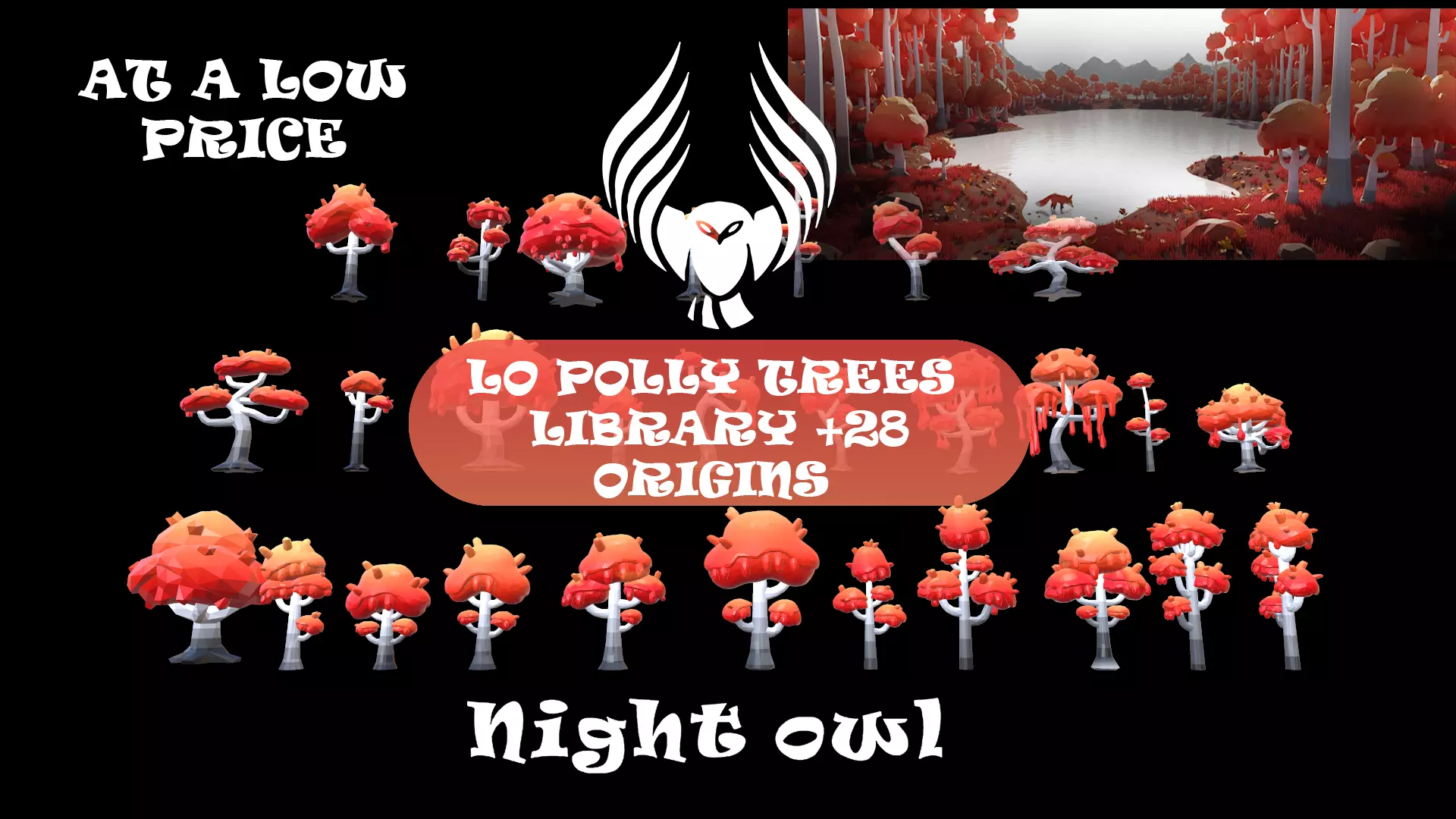
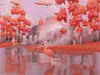
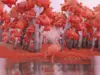
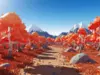
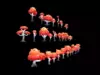
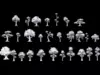
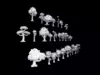
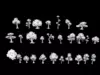
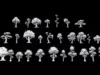
*Lo Poly Trees Library – Stylized Forest Pack (28 Origins) – Game-Ready Assets*
Limited-Time Offer – Exclusive Launch Price $20
Get this carefully crafted low-poly tree library for a special introductory price available for a short time only.
This collection is designed for game developers, environment artists, stylized creators, and anyone looking for lightweight, optimized, and beautifully crafted assets ready for mobile, PC, VR, and stylized worlds.
Every tree in this pack was crafted with artistic attention, balanced colors, and clean topology -- achieving the perfect blend between performance and visual charm.
Once you explore the assets, your feedback means a lot to us.Your rating and review help us grow, improve, and continue producing high-quality stylized asset packs for the creative community.
Don’t miss out - be among the first to own this complete, elegant, ultra-optimized tree library at a symbolic price.
*Description*
Step into a handcrafted world of stylized nature with the Lo Poly Trees Library – 28 Unique Origins, a complete and highly optimized tree collection built for mobile games, stylized PC games, Roblox, Unity, Unreal Engine, Godot, and lightweight simulations.
Each tree is designed to deliver:
Maximum performance
Beautiful stylized shapes
Ultra-clean topology
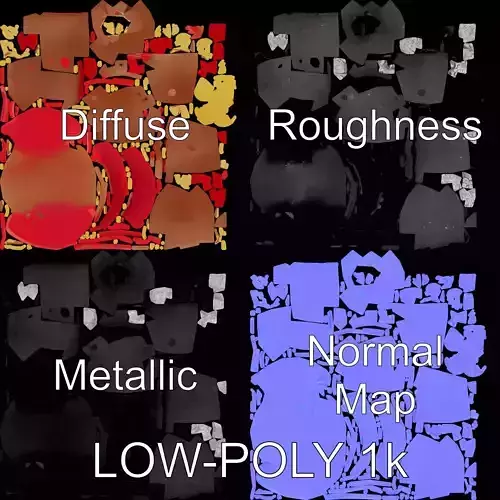
One unified texture for all assets (1.28 MB only!)
This ensures the entire library stays extremely fast, smooth, and compatible with any engine -- especially for mobile and low-spec gameplay.Despite the extremely small size of the pack (only 2.5 MB in FBX total), the visual result is rich, warm, and atmospheric -- perfect for fantasy forests, autumn worlds, magical landscapes, or any stylized low-poly environment.
*This package is ideal for:*
Game developers
Indie creators
Roblox builders
Environment designers
Students and stylized artists
Anyone wanting trees that are beautiful, lightweight, and production-ready
*Included Files*
You will receive a complete multi-platform asset library containing:
Blender (.blend)
3ds Max (.max)
Unity Package
Unreal Engine Project Assets
FBX (.fbx)
OBJ (.obj)
STL (.stl)
GLB (.glb)
Textures Folder (1 Unified Texture – 1.28 MB)
All assets share one optimized color palette texture making them perfect for mobile and stylized games.
*Features*
28 unique stylized tree designs
Ultra-lightweight: the entire FBX library is only 2.5 MB
One clean texture for all assets (1.28 MB)
Perfect for Roblox, Unity, Unreal Engine, Godot, Mobile Games, Stylized Worlds
Very low polycount -- excellent for large forests
Clean, consistent stylized art direction
Optimized UV layout for efficient performance
Ready to use in any engine (import and play)
Easily recolorable using the unified palette
Designed for massive open worlds with minimal performance cost
*Keywords*
low poly trees, stylized trees, fantasy forest, game ready assets, mobile game assets, unity assets, unreal engine trees, roblox trees, low poly nature, forest pack, autumn trees, stylized environment, optimized assets, color palette texture, low poly environment, lightweight 3d assets, godot nature pack, blender trees pack, fbx trees, 3d foliage pack, lowpoly game art
*Suggested Category on CGTrader*
3D Models -- Nature -- Trees / Low Poly Nature / Stylized Environment Assets
...................................................................................................................................
*Usage Instructions*
This asset pack is designed to be simple, clean, and engine-friendly.Follow the steps below to integrate the Lo Poly Trees Library – 28 Origins smoothly into any workflow:
- Importing Into Your Preferred Engine
The library includes FBX, OBJ, GLB, Blender, Unreal, Unity, and 3ds Max formats.Choose the format that best fits your workflow:
Unity: Drag the entire folder into your Assets panel. Unity will automatically assign materials and textures.
Unreal Engine: Import the FBX files or open the included Unreal project. Make sure that Import Materials and Import Textures are enabled.
Blender: Open the .blend file or import FBX/OBJ/GLB directly from File -> Import.
Roblox Studio: Import the FBX files. The single shared palette texture allows easy recoloring.
Godot: Import the GLB or FBX versions for best compatibility.
All trees share a single texture, so importing is fast and clean.
- Material Setup
Each tree uses one unified color-palette texture (1.28 MB).If your engine misassigns materials:
Locate the included color palette texture.
Connect it to the base color or albedo slot.
All models will update instantly.
This system ensures high performance even with thousands of trees.
- Recoloring and Stylization
To match your game’s artistic style:
Modify the color palette texture directly.
All trees will update automatically without re-UVing or editing meshes.
You can also duplicate the texture to create multiple variants (e.g., autumn, winter, fantasy).
This makes the pack extremely flexible for stylized environments.
- Performance Guidelines
Since the entire library is low poly and uses only one texture:
You can safely populate large forests without heavy GPU cost.
Ideal for mobile platforms, low-spec PCs, VR, stylized open worlds, and Roblox.
Works smoothly in procedural placement systems or foliage tools.
- Scaling and Transforming
All assets are scaled to real-world proportion for easy use.However, feel free to adjust scale inside your engine:
Unity: adjust Transform scale
Unreal: use the foliage brush or Actor scaling
Blender: apply new scale using Ctrl + A - Scale
No mesh distortion will occur.
- Folder Structure Recommendation
To maintain a clean project:
Place Models, Materials, and Textures in one folder
Keep the palette texture outside subfolders so all trees reference it
Keep the original filenames for maximum compatibility
This ensures future updates and added tree variations remain easy to manage.
- Licensing and Usage Terms
The assets can be used in:
Games (commercial or non-commercial)
Animations
Cinematics
VR experiences
Concept art
School or personal projects
The assets cannot be resold or redistributed as standalone 3D models.They are allowed only as part of a larger project or game.
- Support and Feedback
If you encounter any issues:
Missing textures
Material assignment problems
Engine import bugs
Scaling issues
File format compatibility
Please feel free to contact me. I am always happy to help ensure a smooth workflow.https://www.cgtrader.com/profile/payment_agreements
Your feedback and rating help improve future updates and expansions of the library.