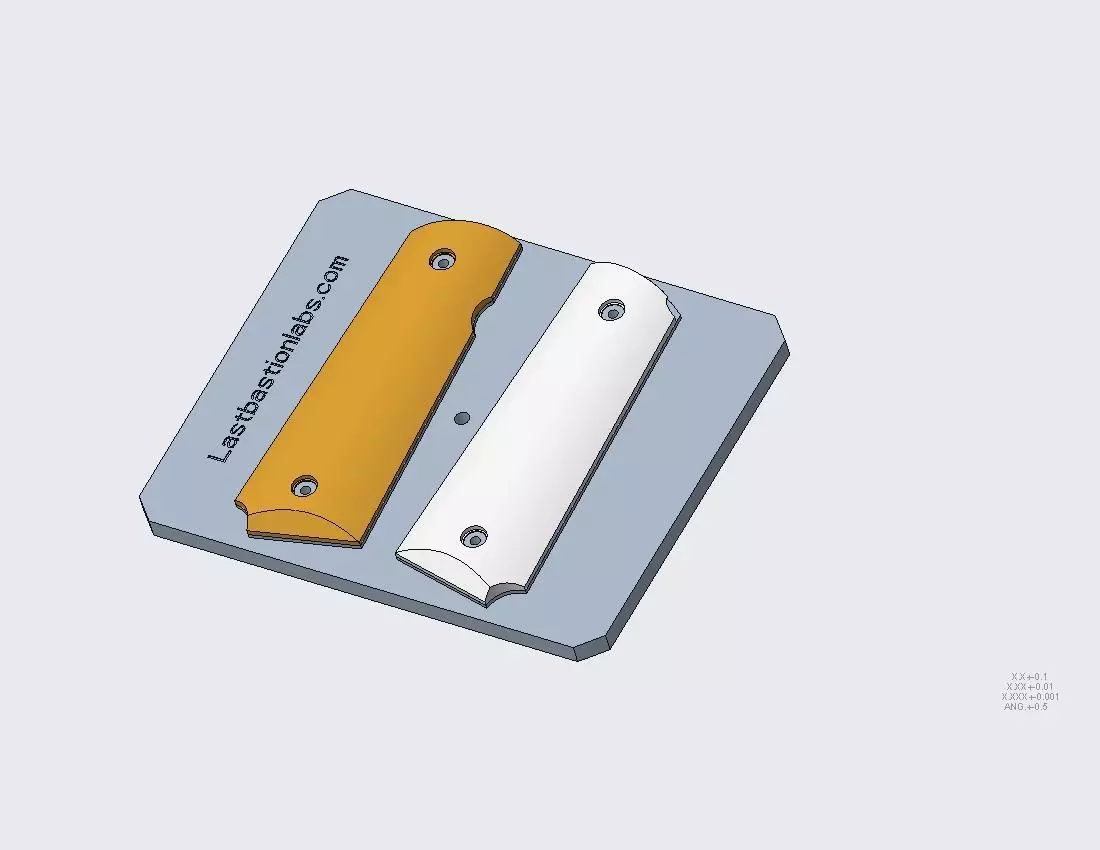
Product is exactly what I was looking for, right down to the model of pistol. Seller was great to work with, and I'll definitely look at some of his other items. Five stars across the board!
THIS WAS A SCAM A TOTAL RIP OFF WENT THROUGH THE PRINTED IT MADE A SOLID MODEL. THERE WAS NO REMOVING THE ALLEGED GRIPS. IT WAS JUST ONE SOLID PIECE PRINTED UP LOOKING LIKE I GUESS YOU SAID TWO HEADSTONES AT THE CEMETERY PICTURES AVAILABLE UPON REQUEST DO NOT ORDER THIS. THIS IS A WASTE OF MONEY I DON'T EVEN KNOW WHO TO TALK TO ABOUT GIVING MY MONEY BACK. I HAVE PICTURES OF IT SO WELCOME TO SEE IT, BUT THIS IS A FREAKING RIP OFF.
First, I’m very sorry to hear about your frustration. That’s definitely not the experience we want anyone to have, and I appreciate you taking the time to explain what happened.
It sounds like the issue may be related to how the files were imported into your slicer. The download from CGT is provided as a STEP (.STP) assembly file, which contains three separate components. Some slicer programs will automatically treat a STEP assembly as a single solid body when it’s imported directly, which can make it appear as one fused piece rather than three separate parts.
The model itself is not designed as a single solid unit, and the components should be separable within CAD software before exporting to STL for slicing.
Since you only need two of the three components, here are a couple quick solutions:
1. Open the STEP file in CAD software (Fusion, SolidWorks, FreeCAD, etc.).
2. Expand the assembly tree and suppress or delete the component you don’t need.
3. Export the remaining parts individual