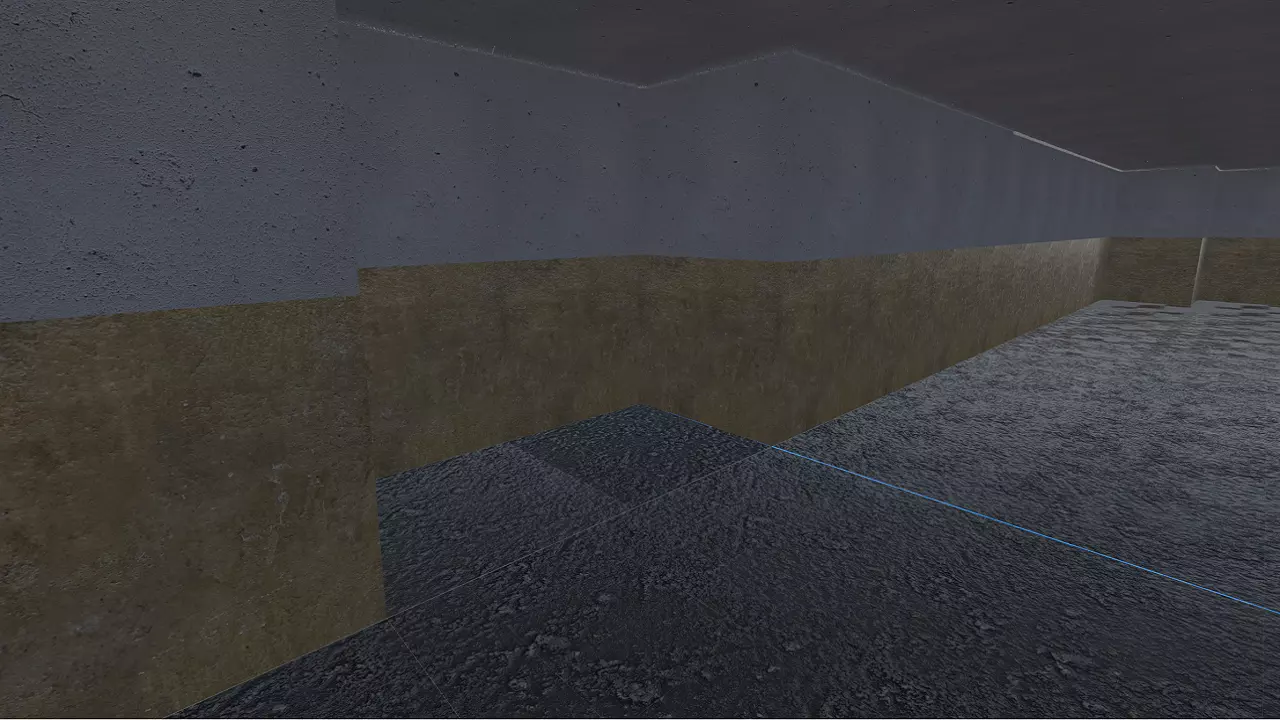
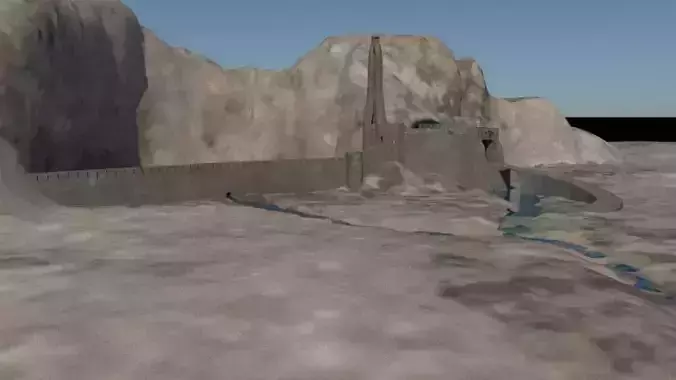
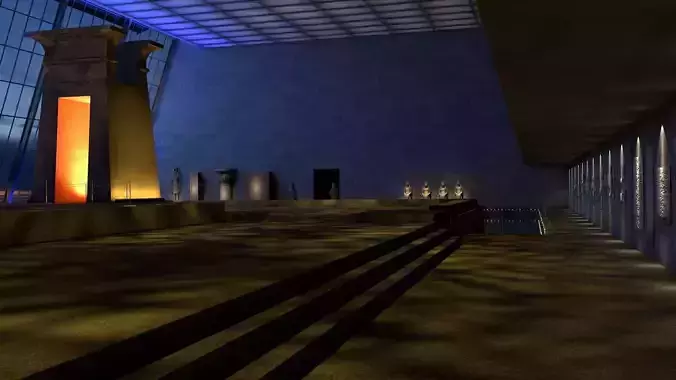
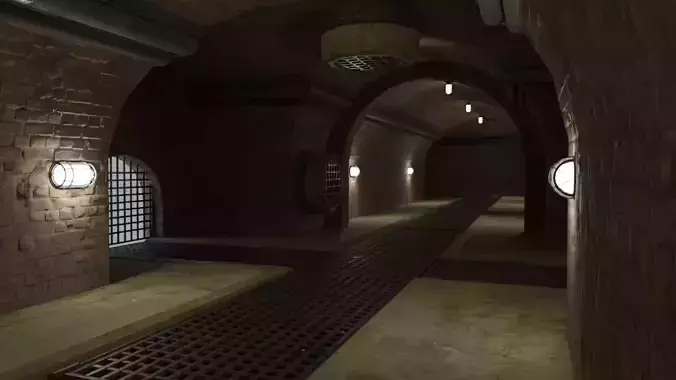
Enhance your Godot 3D projects with this versatile Eastern Europe tile setKey Features:
- Multiple Modular Tiles: Includes several different platform shapes and sizes to create endless level variations.
- Custom Textures: Each tile features unique textures to add depth and variety to your environments.
- Optimized for Godot: The assets are designed specifically for Godot 3D, ensuring compatibility and ease of use.
- Low Poly, High Detail: Strikes the perfect balance between performance and visual appeal, ideal for both mobile and PC games.
- Flexible Usage: Suitable for a wide range of genres, from horror to puzzle games and even abstract architectural visualizations.
Included in the Pack:
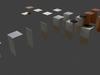
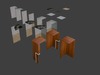
- 15+ Unique Platform Tiles: Including various shapes like wall, wall corner, ceiling, etc.
- 5 Different Texture Variants: Textures such as wood, chalk, stone, and more, each in high resolution.
- Ready-to-Use Scenes: Example scenes are included to demonstrate how to set up levels using the tiles.
- Source Files: Access to all original files, allowing for easy customization.
Compatibility:
Godot Engine 3.0+All major platforms: Windows, macOS, Linux, Android, iOSUsage:
This asset pack is perfect for game developers who are looking to:
- Create 3D games on Godot 3.0+
- Develop abstract puzzle environments
- Create realistic Eastern Europe inspired maps
- Design modular level layouts
Download & install instructions
- Download the asset pack
- Open your Godot Engine project
- Import the files into your project’s assets folder
- Right-click the .glb file
- Select New Inherited Scene
- Save scene with the same name
- Press Scene/Export as.../MeshLibrary...
- Uncheck Merge With Existing for the 1st time
- Press Save
- Add GridMap node to your main game scene
- Make sure to use correct GridMap settings:1) Cell/Size = (4, 4, 4)2) Cell/Center X = On3) Cell/Center Y = Off4) Cell/Center Z = On5) Cell/Scale = 2
- Start creating your levels!
Video tutorial further explaining how to use tile sets:
https://youtu.be/VjuyfBaryu8&t=1321