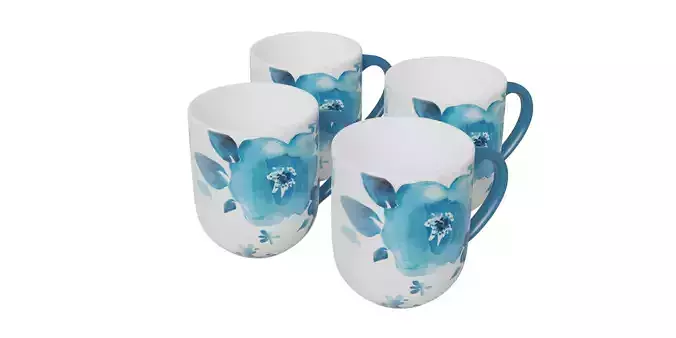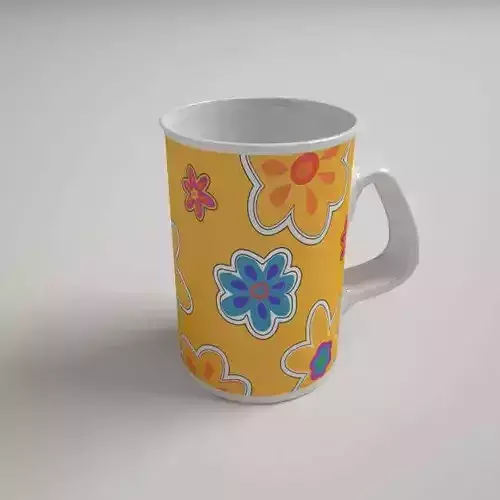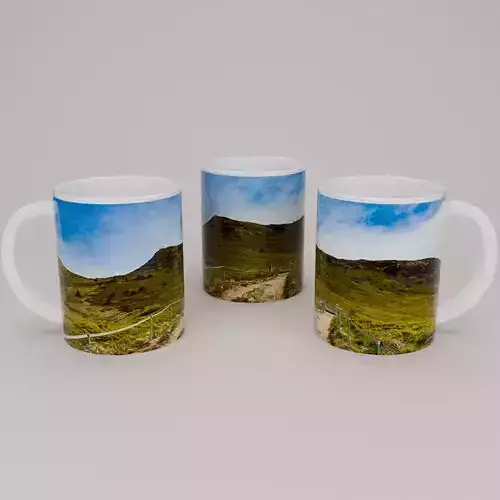
DESCRIPTION

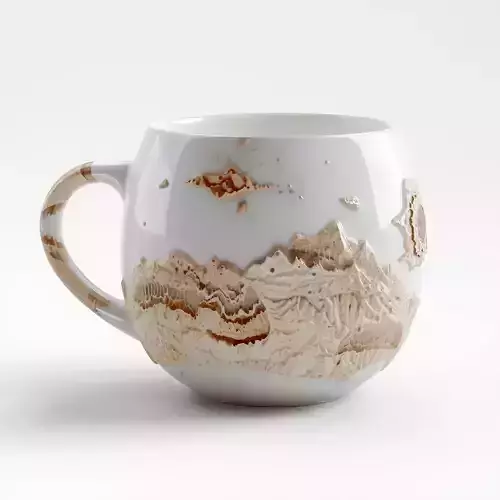
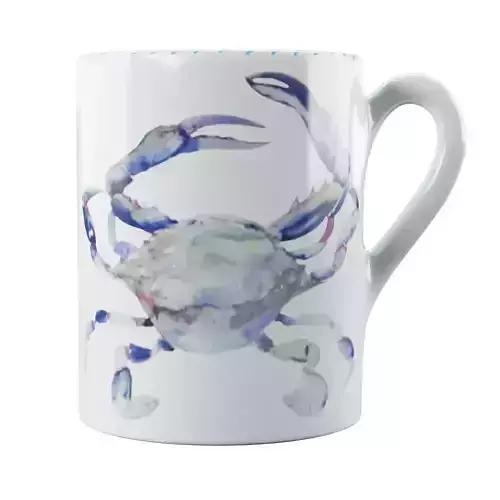
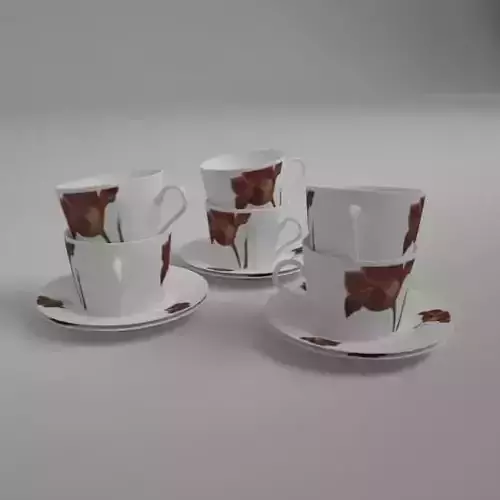
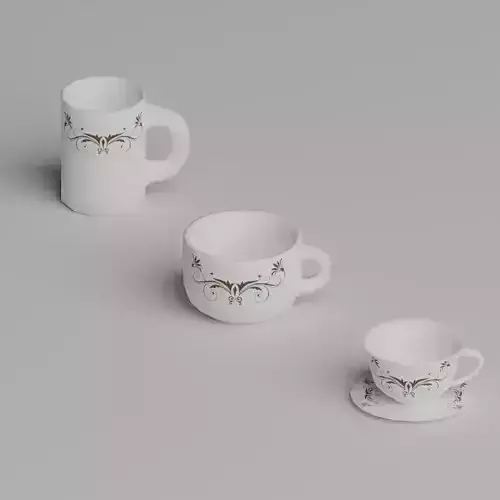
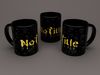
The 3D mockup model of the cup has been designed with easy customization in mind using Blender. It offers a one-click solution to change both the artwork on the cup and the color of the cup. Here is a detailed description of the model:

Features:

Easy Artwork Customization:

  • The artwork on the cup can be changed effortlessly by importing a new JPG file.
  • Recommended artwork dimensions: 210 mm x 95 mm.
  • The JPG file can be easily applied to the cup's surface, ensuring a realistic and accurate representation of the final design.

Cup Color Change:

  • The color of the cup can be easily changed by selecting the appropriate option in the materials panel in Blender.
  • Users can choose any color, allowing for full customization of the project to meet specific needs and preferences.

Instructions:

Changing the Artwork:

  • Open the cup mockup file in Blender.
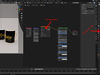
  • Go to the Shading tab in the top menu.
  • Click on the surface of the cup to select the object.
  • In the Shader Editor tab, find the PRINT node.
  • Click on the folder icon next to the file name and select a new JPG file with dimensions 210 mm x 95 mm.
  • The artwork will be automatically applied to the cup.

Changing the Cup Color:

  • Open the Material Properties panel (sphere icon in the right menu).
  • Select the cup object if it's not already selected.
  • Find the MUG COLOR property and click on the colored rectangle next to it.
  • Choose a new color from the palette or input exact RGB values.
  • The cup will instantly change to the selected color.

Recommendations:

  • Ensure that the artwork fits the specified dimensions to avoid distortion.
  • Before exporting the final render, verify that all changes have been applied correctly and appear as expected.

SummaryThis 3D mockup cup model in Blender is designed for maximum simplicity and user convenience. With the ability to quickly change both the artwork and the color of the cup, it is an ideal tool for creating realistic visualizations of cup designs.

REVIEWS & COMMENTS

See what other buyers think about this model - real feedback on quality,
accuracy, and usability.
There are no reviews or comments yet. Please be the first one to write it.
BEST PRICE GUARANTEED
Found this model cheaper on another marketplace? Let our support team know - we’ll match it.

Mug mockup 3D model

Royalty Free License
Hire
Like this model to show appreciation to the designer.
See how many times this model was viewed.
Share this model to support the designer and boost their visibility.
File format
BLEND
Blender<br />Version: 4.1.1 - Renderer: Cycles<br />File Size: 22.9 MB
Provided by designer
Information and details shared directly by the model's designer.
3D Features
The model includes animations (movement or actions) that can be played in supported software or engines.
The model has a skeleton or bone structure, making it ready for posing or animation.
PBR
Uses Physically Based Rendering materials, which give the model realistic lighting and surface properties.
Textures
The model includes image files (textures) that add color, patterns, or detail to its surfaces.
Materials
The model has material settings that define how surfaces look (color, shine, transparency, etc.).
UV Mapping
The model's surfaces are mapped to a 2D image, allowing textures to display correctly.
Plugins Used
Some external plugins were used to create the model. These may be required for full functionality.
3D printing
Indicates whether the designer marked this model as suitable for 3D printing.
Model is not 3D printable
The designer indicates this model is intended for digital use only (rendering, animation, or AR/VR) and not for 3D printing.
Geometry
Subdivision ready
A polygon model designed to smooth cleanly when subdivision is applied.
195866 vertices
The number of points (corners) that define the shape of the model's polygons.
Unwrapped UVs
Publish date
Model ID
Chat