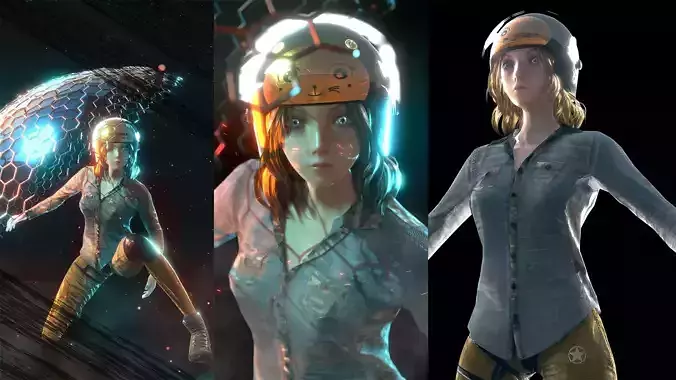
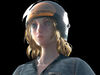
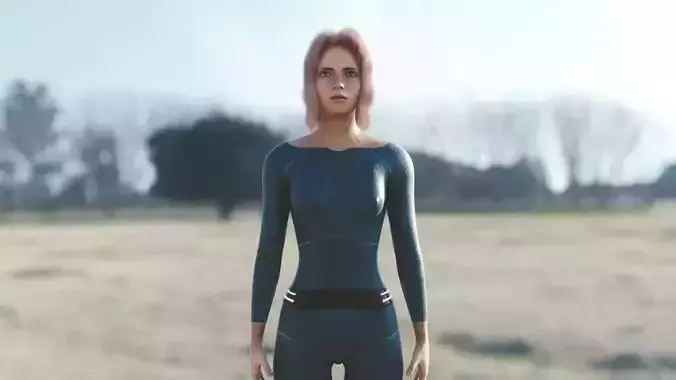
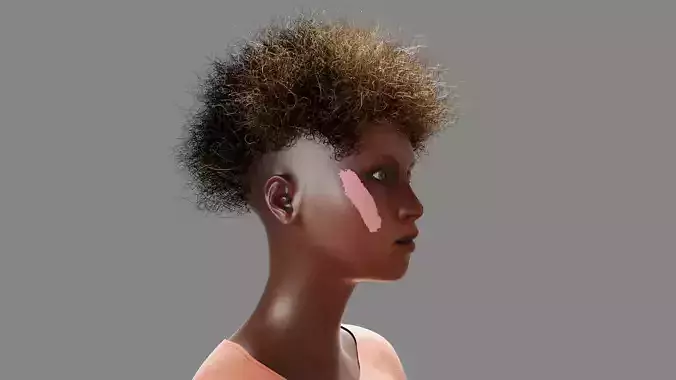
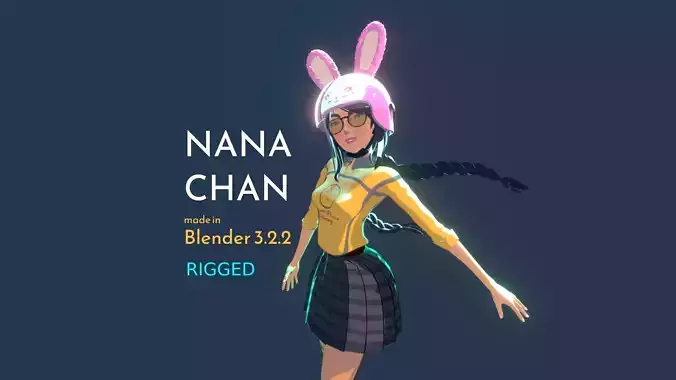
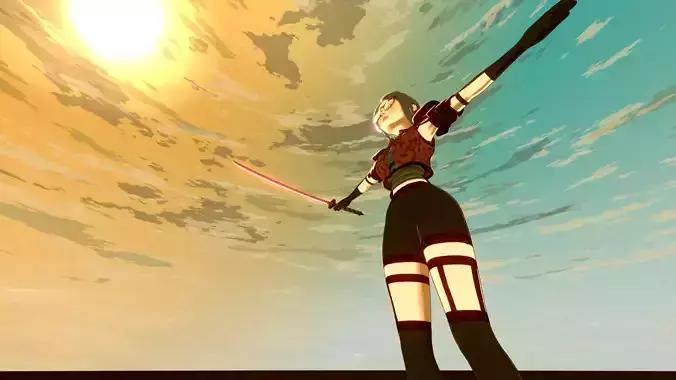
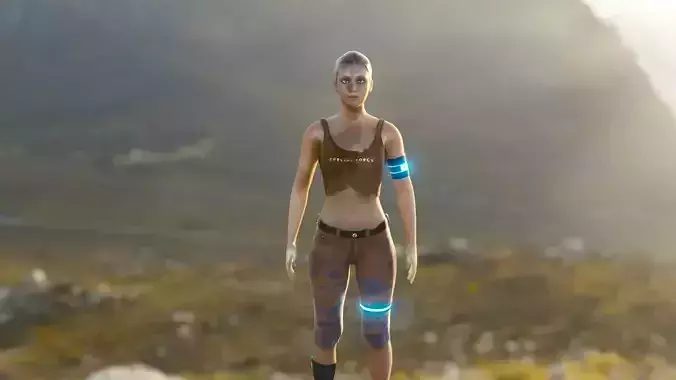
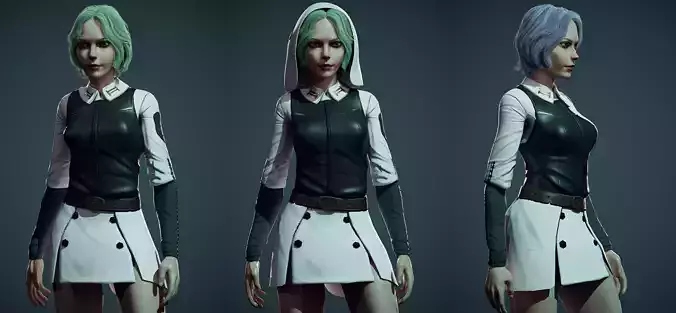
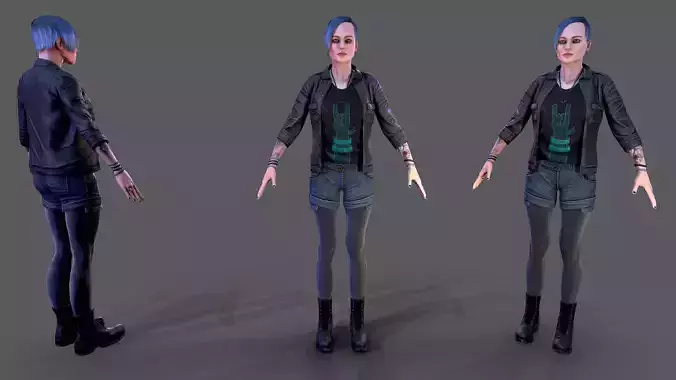
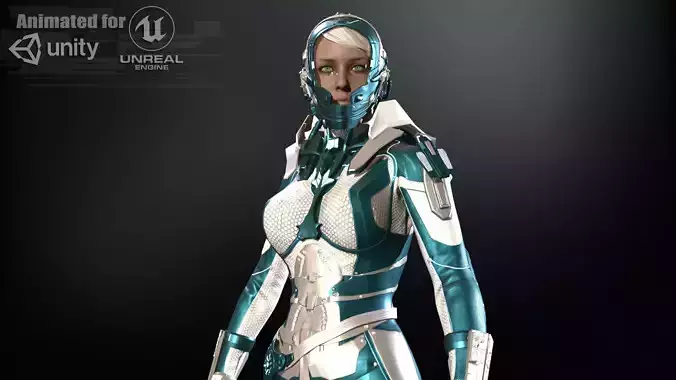
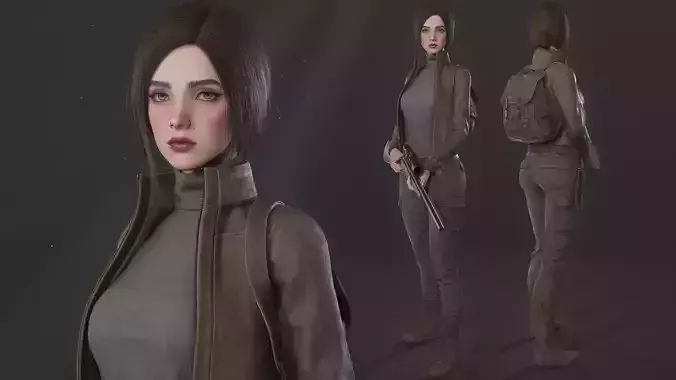
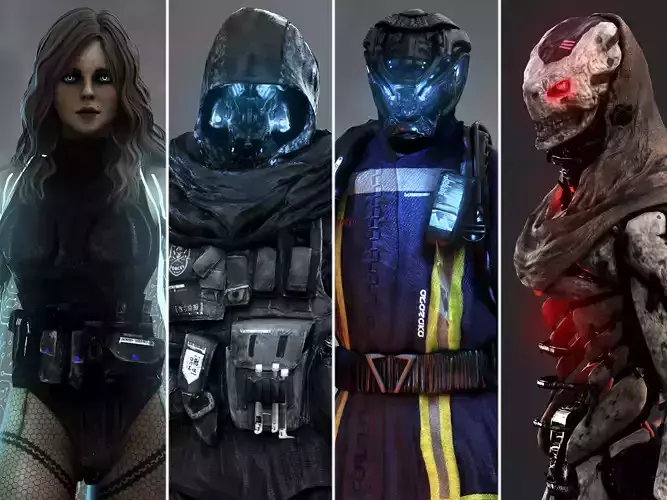
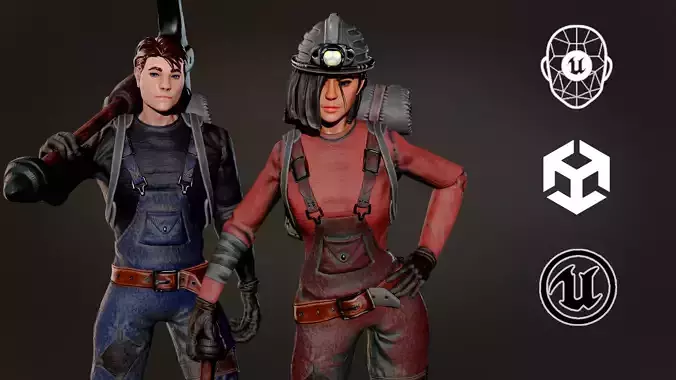
This is a project that I have been working on for quite some time now and put much effort into it but had to move to other stuffs. I don't know when I will get back to it or if even I will be able to have time to get back to it. So thought that it might definitely be useful to someone else. That is why I am putting it here if anyone would like to continue the project or use the character in any way you would like.The projects are given as they are, where I left off and may have a lot of work in progress stuffs in the files, especially in the Blender files. I left them there thinking that you might want to use those as well.You will be getting whatever you see in the preview videos.
You will find multiple blender files containing the main character along with some animations. You might have to relink the textures. All the textures are in the textures.rar file.
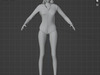
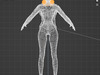
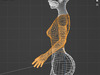
The character is rigged. Face shapes available but no face rig. So if you want to have facial animations, you will need to make your own face rig in blender. The base of the character started in Makehuman, then was modified in Blender because I did not have time to model a base from scratch. As such, the face shapes can be controlled from the Makehuman MHX2 runtime free Blender addon that you can find in the downloads. I put the addon here so that you will not need to go looking for it. The addon worked in Blender version 3.2.2. Don't know if it will work in later versions of Blender. I hope it works in the later versions.To install, you just go to blender preferences and then addons and install. Then just choose the rar file where you saved it and finally enable it. Now you will have another tab called MHX2 runtime where you will have sliders for face shapes when you select the armature. But the thing to do is a face rig of course. I did not do it because I was more interested in the Unreal project. However, I have included a fully rigged character without clothes.
You will also have the complete Unreal Engine project that you can see in the video.I have used the rig that I exported from blender. So I am not sure how the rig will behave with the rig of the base character of Unreal Engine if ever you choose to go that way.
Watch the video previews to have an idea of what you will be getting if you buy.
Not all the sound effects that I have used in the unreal project are mine and they are freely available sound effects for the public to download and use. You can find such sounds for free at freesound.org. You can replace the sounds in the unreal project with your own.
As for the animations, I have used mixamo animations here -> www.mixamo.com and then imported them in Unreal Engine.
THE GAME:Concerning the genre of the game that I wanted to go for was a slight horror but with some stylish actions and lots of technology as well. When night time comes, there are giant creatures that appear from the dark and you cannot really travel at that time. If you do, it will be at your own risk. But most of the time you will have to travel at night to do some missions. For now, I have used an alien creature from mixamo for the creatures but my idea of the creatures was to make some shadow like giant creatures that cannot be defeated with guns. However, there would not only be these creatures. I was planning to design a variety of creatures and even wild beasts and in some cases, humans also who are also looking for resources because of scarcity.
I wanted to design several vehicles for transportation as well but moved to other stuffs before doing that.I wanted to make an electric scooter for the girl or an electric unicycle. I might do it in the future if time allows.
The night day cycle is a little fast in the project because I was testing it. You can make it to the speed you feel like.
You will notice in the project that there are dome like barriers. Level 2 (blue) and 3 (red) barriers prevent specific from getting in. These will be like your safety areas. The domes are divided into 3 levels. The first level is very large and it is a notification that signals you with a loud alarm that creatures have entered your area. It is yellow in color. The second level (blue) prevents any creatures from getting in but will allow any human to get inside. The third level (red) is only accessible to you and anyone you allow to enter. No other human can enter without you unlocking it. It is like a force field.
You will find in one of the Blender files, there is Reyna with a shield that appears out of nowhere. This is the same kind of shield for the dome. The idea is that this shield can be used when in danger.
Well, I guess I covered most things. Thank you for buying this project and thank you for even taking a glance at it.
If you continue with this project, do send me a video link to show what you made at v3darts@gmail.com
And yeah, I am flexible with the pricing. If the price is too high (which is not, for the amount of work put into this), you can send me the price you offer. Just be reasonable taking into consideration how much you are getting.You can do whatever you want with the project. Just don't claim whatever has been done till now by me was your work. And please do not resell this content as your own without having made major changes because I might get back to this project again. Of course, a lot of things will change if I get back to it.
All the best,Hatsharmaveth