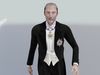
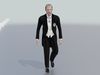
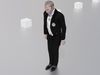
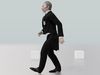
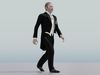
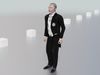
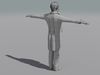
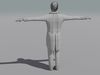
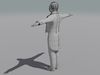
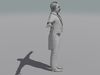
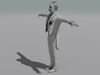
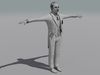
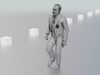
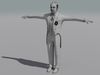
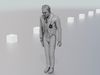
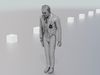
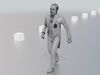
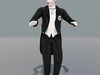
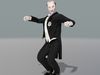
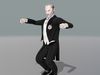
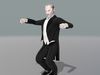
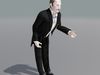
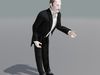
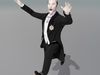
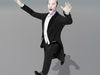
All Quad - Rigged and Mocap
This model comes with several pre-animated scenes to get you started:The “-B” version of the scenes are the Tuxedoed Gent without the medals.VictDip_SIG-01e.blendVictDip_Test Positions.blendVictDip_ZERO.blendVictDip-B_Test Positions.blendVictDip-B_ZERO.blendVictDip-B-Walk-BowAnim.blend
VictDip-Walk-BowAnim.blend
-----------------------
The walk animation is not keyframed manually - it was applied as a MOCAP file. As such it cannot be edited in the basic key frame way.
BUT it can be altered easily with a very nice addon called ANIMATION LAYERS - I am in no way associated with them but if you have ever used MOTION BUILDER, it works in a similar way by allowing you to add layers above the MOCAP animation and make you changes on those additional layers which Over ride the Base MOCAP animation.
-----------------------
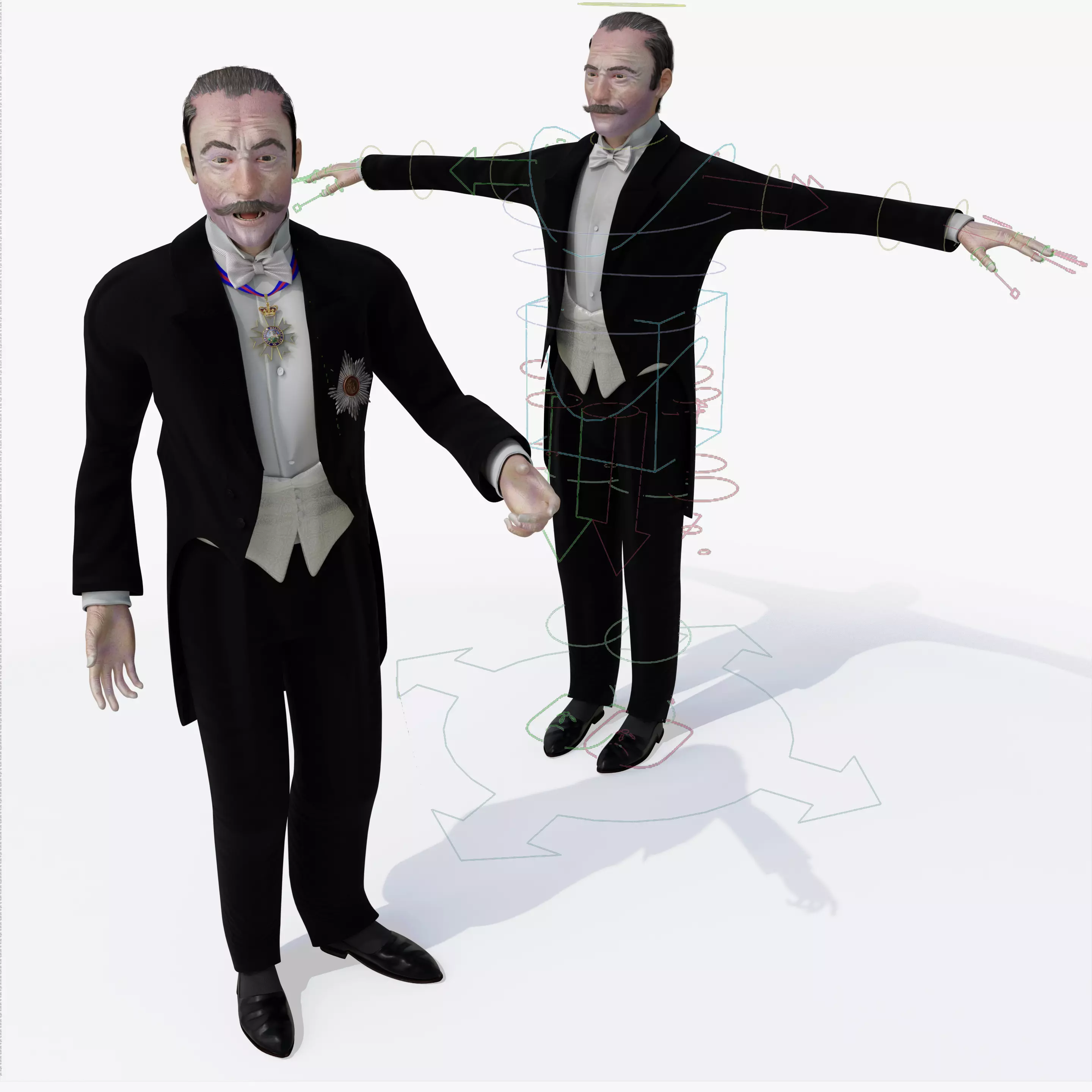
It is built with Blender's Rigify.
- First go to the N Panel (press N on the keyboard)
- Select the ITEM tab
- Be sure that the RIG LAYERS section is showing your rig controllers (in Blue)
- To move the hands select the shape over the hand and drag or rotate - dragging toward the body will cause the arm to bend at the elbow.
- In the same way grab the similar shape at the foot to move the foot and bend the knee.
- To move fingers - select one of the stright lines comming off of the fingers and hit “S” for “Scale” it will rotate the 3 finger joints at once - you can also select ant knuckle and rotate a single finger joint.
- The large circle with arrows at the base of the model moves the entire object
- Grab the Gear shape (or arrows) at the shoulder torotate the elbow
- The arrows at the thighs rotate the knee
-THe big box at the waist will lift the model or make it bend at the knees and twist at the waist
- The 3 purple discs in the torso can twist the torso
- The bent disc at the shoulder will rotate the shoulders and upper body
- small arrows and disc at the heel will raise just the heel off of the ground
- The disc at the toes will raise the toe
- The disc at the neck will rotate the neck area
- The disc above the head will rotate the head
- The coat has it's own set of controlling discs.
That should get you started.
-----------------------
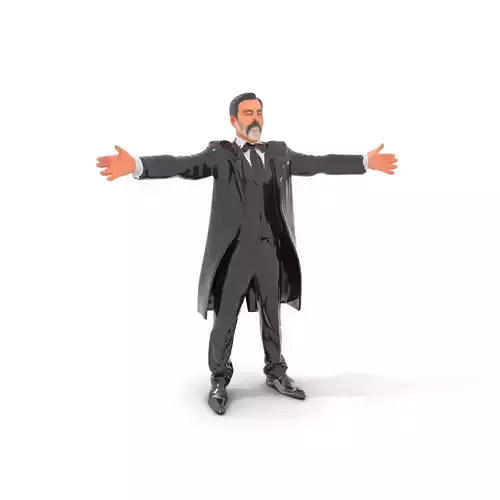
The OBE (Order of the British Empire and Order of St. Michael and St. George can be removed from the model by editing them out from the Shape Keys.
There are 55 Shape Keys (morph maps):
Basis, O-A, 0-CDGIKNSTYZ, O-Closed, O-E, O-EV, 0-T, O-MBP, O-U, O-WQ, CheeksPuffed, Collar-LT-DN, Collar-RT-DN, Collar _LT_UP, Collar RT UP, Eyebrow-Arch-LT, Eyebrow-Arch-RT, Eyebrow-DN-LT, Eyebrow-DN-RT, Eyebrows-DN-Both,Eyes-DN,Eyes-LT,Eyes-Open, Eyes-Open-WideEyes-RT, Eves-Up ,FatSuit1 ,Fingers-Thicker ,HandsSmaller ,Jaw-Back ,Jaw-DN ,Jaw-Forward ,Jaw-LT ,Jaw-RotateZ-LT ,Jaw-RT ,Lip-Lower-In ,MidMouth-LT ,MidMouth-RT ,Mouth-DN ,Mouth-Frown ,Mouth-Open ,Mouth-Open-Wide ,Mouth-RotateZ-RT ,Mouth-Up ,Mouth-Whistle ,Nose-Scrunch ,Smile ,Snarl-LT ,Snarl-RT ,Squint ,Thinner-Suit ,UpperLin-INUpperLin-OUT, Thinner ,ShoulderFix clean
If you have positioned the model by moving the bones, AND you try to use some morph targets, you may have some pretty weird distortions that will freak you out.
Don't panic, the solution is to 'zero' out your bone positions, as or just before you apply the 'Morph' targets.
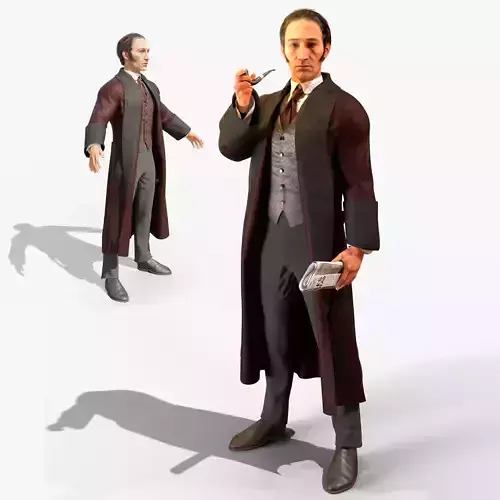
Victorian Diplomat
16064 polygons
20924 vertices
Ground Plane
1 polygon
4 verices
Image maps are 4k
Youtube Samples are here:
Victorian DiplomatTurn Table WIRE: https://youtu.be/Vv_WIK5NBS0
Victorian Diplomat Turn Table Color: https://youtu.be/Ho9JnmGzahY
Victorian Diplomat Walk Bow WIRE: https://youtu.be/fcZdx5fa4Fo
Victorian Diplomat Walk Bow: https://youtu.be/3FAvXcHjml4