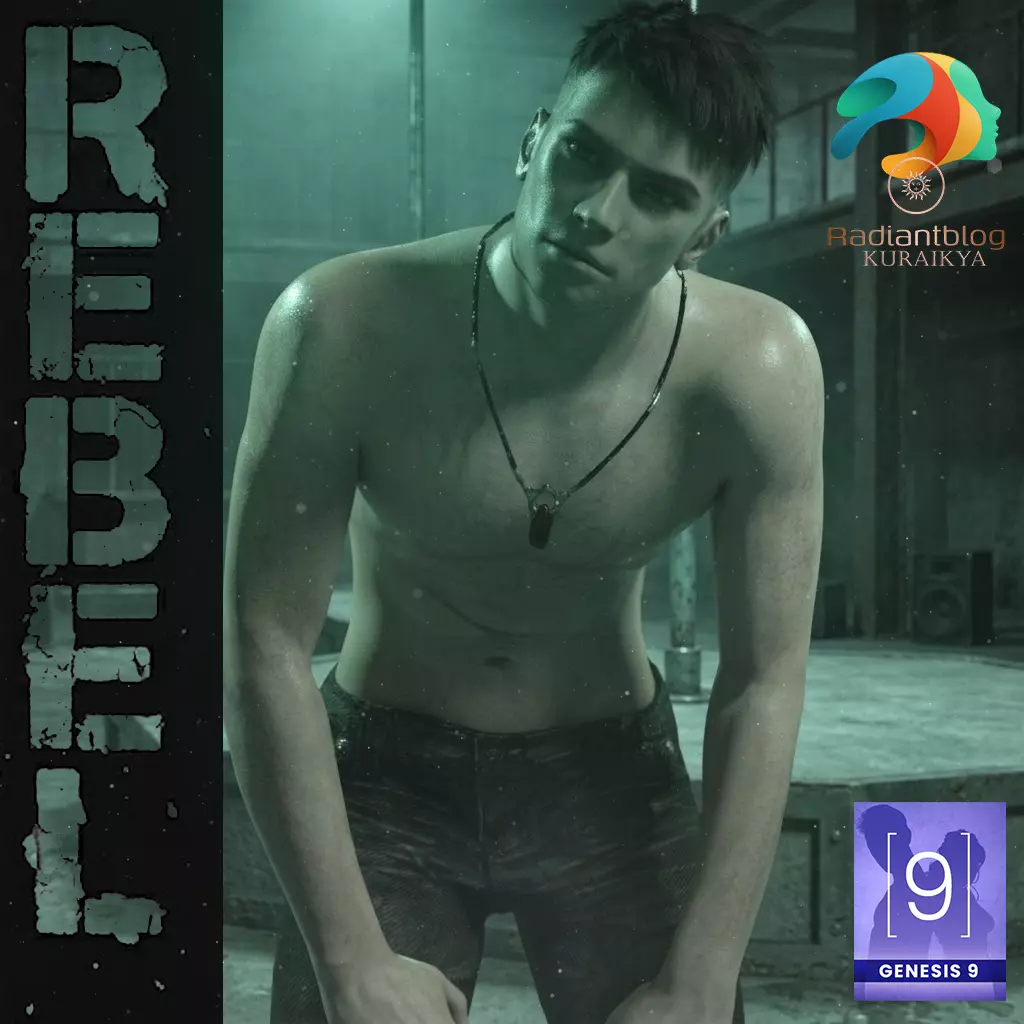
Rebel for Genesis 9
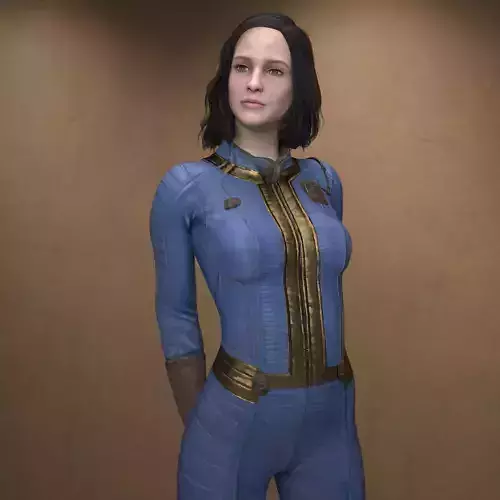
This character set is built on the Genesis 9 platform and features a Full Morph design. In accordance with the latest technical standards for this generation, there is no separation between the head and body morphs, providing a singular, cohesive shape across the entire figure.
Included Files and Presets
Based on the provided library structure, the following assets are included in the KuraiKya > Rebell directory:
Main Folder Assets:
Rebel with Clothes.duf: Loads the full character outfitted with all clothing items.
Rebel without Clothes.duf: Loads the base character morph and materials.
KuraiKya_Store.dsa: Store shortcut script.
README Important Information.txt: Technical documentation.
Character Preset Folder:
Character Preset.duf: Applies the full character identity.
Material Preset.duf: Applies the high-resolution skin textures.
Rebel Eyes.duf: Specialized settings for the eyes.
Rebel Mouth.duf: Detailed mouth and teeth materials.
Shaping Preset.duf: Applies the specific anatomical morphs.
Clothing Folder:
!!!Load All Outfit!!!.duf: A shortcut to load the complete wardrobe.
Rebel Pants.duf: Included with dForce capabilities for realistic cloth simulation.
Rebel Boots.duf: Custom footwear for the character.
Rebel Necklace.duf: A standalone prop that can be manually moved and posed within the scene.
Hair Folder:
Rebel Hair.duf: The primary hairstyle.
Rebel Eyebrows.duf: Matching fiber-mesh eyebrows.
Rebel Eyelashes.duf: Specialized eyelash presets.
Technical Details
dForce Pants: The pants are set up for dForce physics. For the best results, use a Timeline simulation to allow the fabric to settle naturally around the character's legs and the boots.
Movable Necklace: The necklace is a separate prop rather than a rigid follower. This allows you to translate and rotate the item to account for gravity or movement in dynamic poses.
Installation: How to Unzip and Install
To use these files in Daz Studio, follow these steps:
Download the ZIP file to your local drive.
Right-click the ZIP file and select Extract All... or Extract Files....
Set the destination path to your Daz 3D Content Library. This is usually found at: C:\Users\Public\Documents\My DAZ 3D Library
Confirm the merge: When asked if you want to merge folders, select Yes. The files will automatically sort themselves into the correct People/Genesis 9/Characters/... structure.
Access in Daz Studio: Open the Content Library tab and navigate to Genesis 9 > Characters > KuraiKya > Rebell.