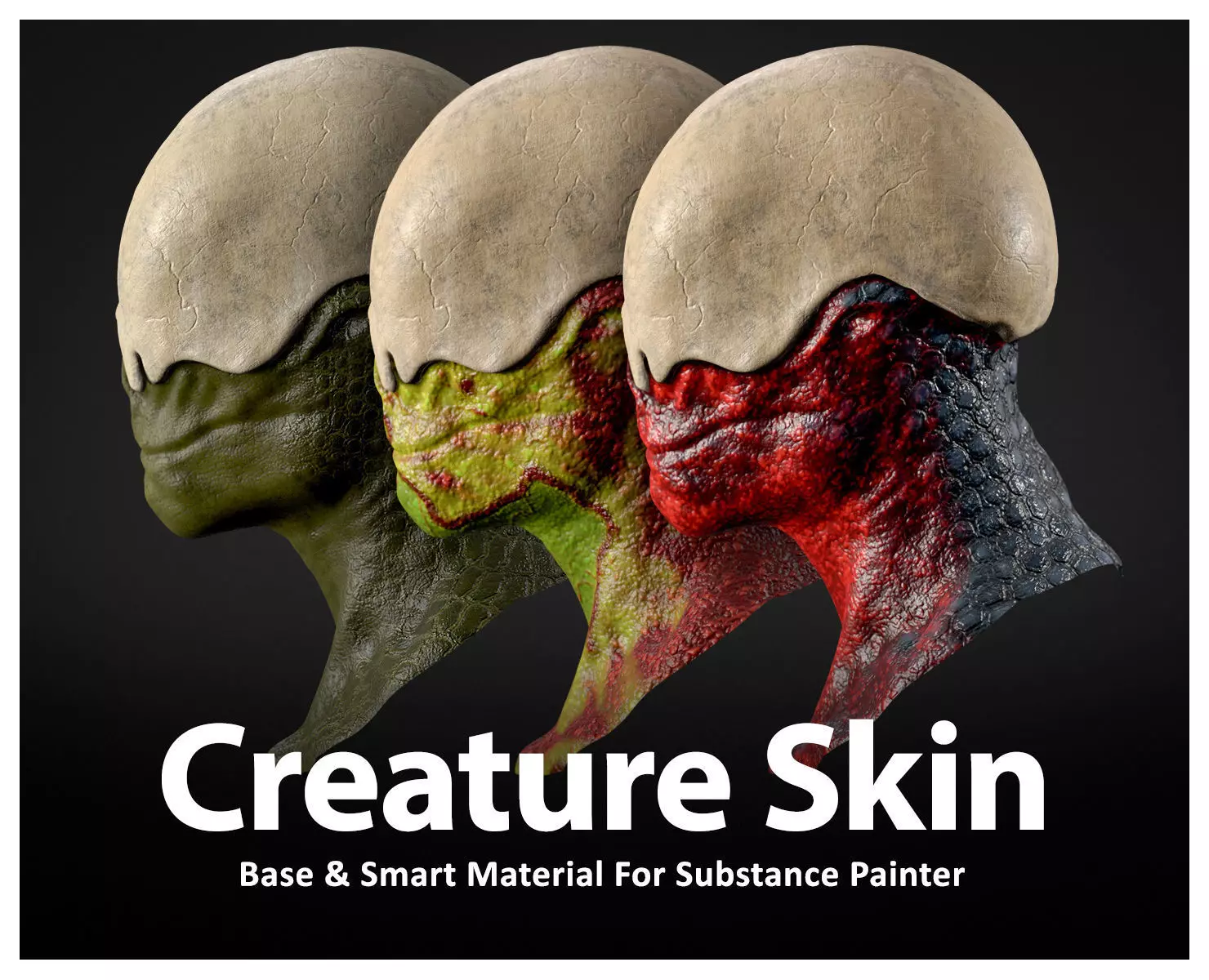
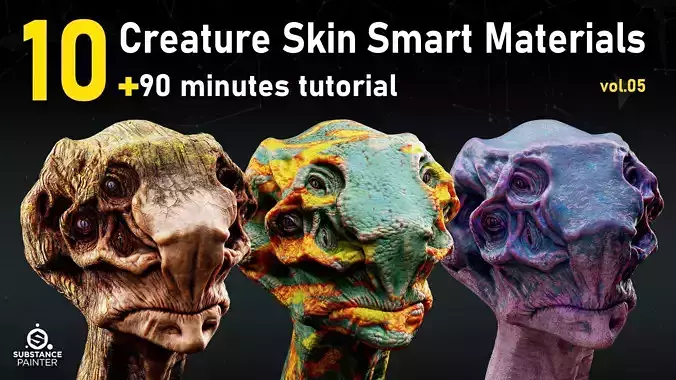
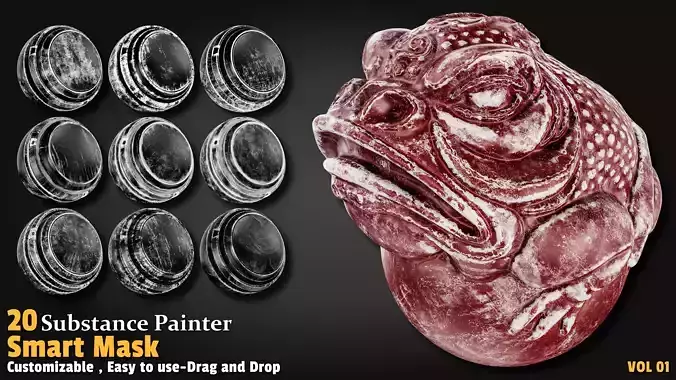
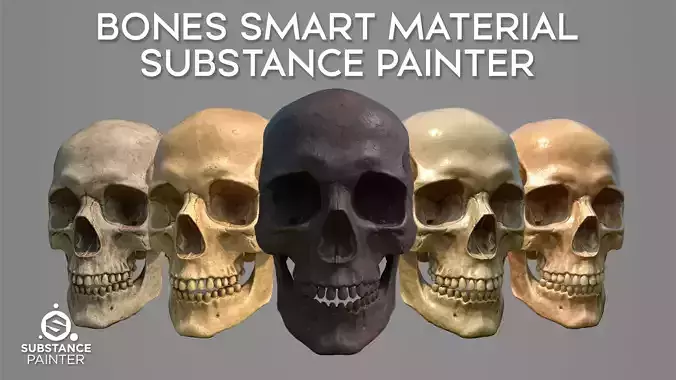
Creature Skin Materials and 2K tiling textures for use with Substance Painter or any other 3D software or engine that supports textures.
These procedural materials offer complete control with customizable parameters for details, allowing artists to create a wide range of variations.
Easily pick the right Skin with high-quality previews
No worries about tiling or quality – just drag and drop for detailed results. Accompanied by Free 2k texture set, including metallic/roughness and spec/gloss workflows.
Content
10 Customizable Base Materials for Substance Painter.11 Smart Materials for Substance Painter.Lightweight and beginner-friendlyExported textures for use with other software.Procedurally generated patterns with Substance Designer2k, PNG textures included. (Metallic/Roughness | specular/glossiness)Height, Normal, Color, Roughness, Glossiness, Metallic, Specular, Height.High-quality preview for easy selectiondrag and dropRealistic look3D Model is not included.
A few tips about how to get the best of the materials using SSS inside Substance Painter.
Start by creating a new Substance Painter project. In the ‘texture set’ settings tab, add a new scattering channel from the list.
Then add a fill layer in your stack and make sure the scattering channel is set to 1. If you keep it set to 0, the SSS will not be activated, and thus won’t be visible.
Now access the display settings panel and activate the shadows. At maximum value (100) the shadows may seem too dark, so we suggest keeping the value around 80 to get a good result. In the same tab, scroll down and activate the subsurface scattering.
Once this is set, let’s switch to the Shader Setting Panel. Here, you’ll be able to adjust the Scale parameter. This parameter allows you to manage the range of the SSS.
The next parameter is the color of the SSS. This will define the color of the scattering so you can adjust the color to the type of material you will be working with.